
Product Overview
The Fibocom FG621-EA is an advanced LTE Cat6 wireless communication module designed for high-speed data transmission across Asia, Europe, and Australia. Utilizing the SL8563 chipset, this module supports LTE-FDD, LTE-TDD, and WCDMA networks, offering robust connectivity for various industrial and consumer applications.

Figure 1: Fibocom FG621-EA LTE Cat6 module with dimensions (37mm x 39.5mm).
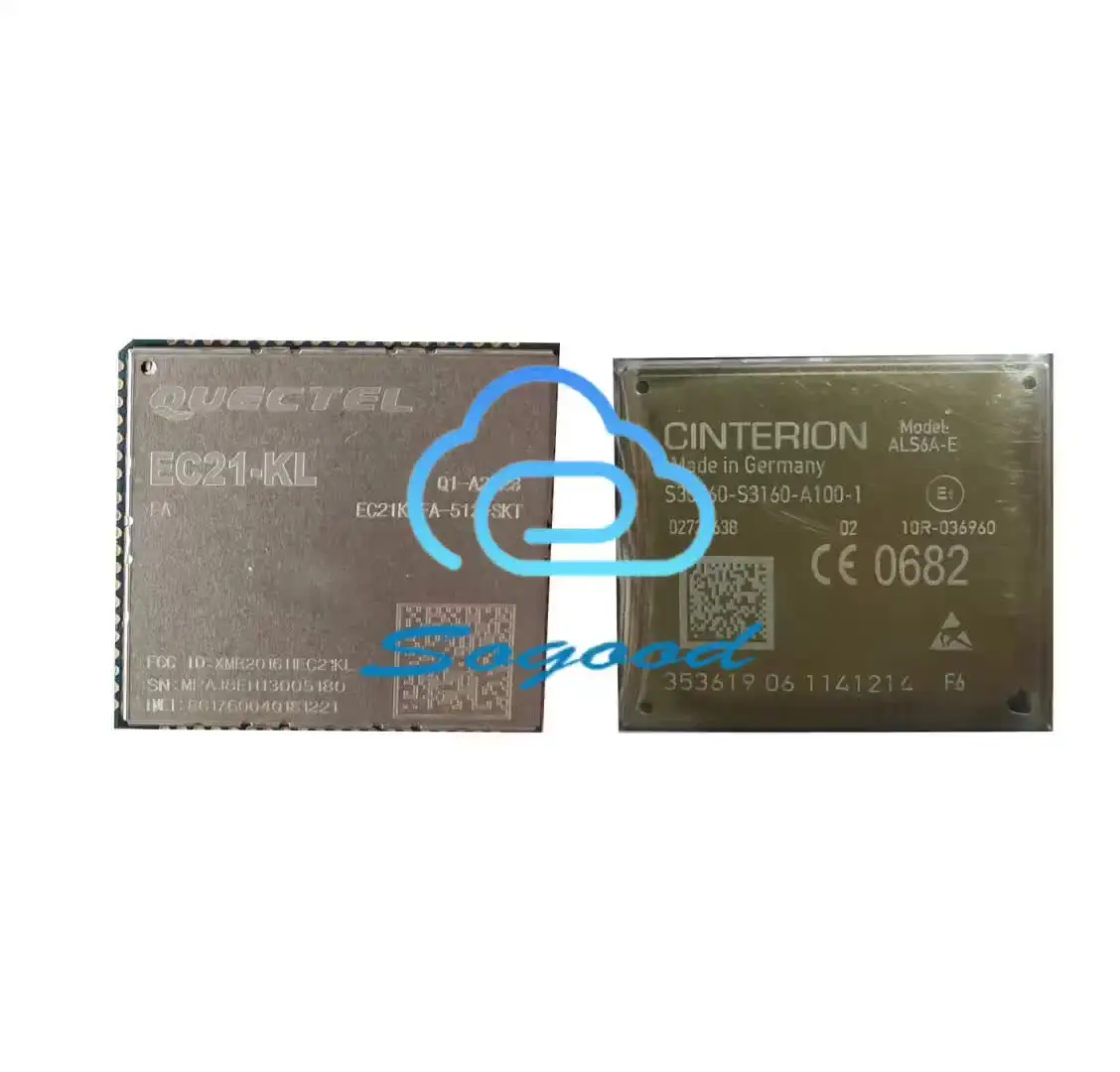
Video 1: Overview of various communication modules, including the Fibocom FG621-EA.
Setup and Installation
Module Placement
- The FG621-EA module features an LGA (Land Grid Array) form factor, requiring professional soldering for integration onto a host PCB.
- Ensure proper alignment and secure attachment to prevent damage during operation.
SIM Card Installation
- The module supports 3.0V SIM cards. Insert the SIM card into the designated SIM card slot on the host board, ensuring correct orientation.
Antenna Connection
- Connect appropriate Main and Diversity antennas to the module's antenna ports. Ensure the antennas are suitable for the operating frequency bands.
- For optimal performance, use high-quality antennas and ensure secure connections.
Power Supply
- The module operates within a voltage range of 3.4V to 4.3V, with a typical operating voltage of 3.8V. Ensure the host system provides stable power within this range.
Driver Installation
- Install the necessary drivers for your operating system (Linux, Android, Windows) to enable communication with the module. Refer to the Fibocom support website for the latest drivers.
Operating Instructions
Network Connectivity
- The FG621-EA supports 4G (LTE-FDD, LTE-TDD) and 3G (WCDMA) air interfaces.
- It is designed for use in Asia, Europe, and Australia, covering a wide range of mobile network bands.
Data Transmission
- Achieves Cat 6 speeds: up to 300Mbps Downlink (DL) and 50Mbps Uplink (UL) for LTE FDD Carrier Aggregation (CA).
- For LTE TDD CA, speeds can reach 260Mbps DL and 30Mbps UL.
- WCDMA offers 384kbps DL/UL, and UMTS/HSPA+ provides 42Mbps DL/11Mbps UL.
AT Command Interface
- Control and configure the module using standard 3GPP TS27.007 and 27.005 AT commands, as well as proprietary Fibocom AT commands.
Supported Functions
- SMS: Supports MO/MT Text and PDU modes.
- Network Protocols: DHCP, TCP*, UDP*, HTTP(S)*, FTP(S)*, SSL*.
- Interface Modes: PPP*, ECM, NCM, RNDIS.
- Voice & Location: VoLTE, PCM/Digital Audio, BIP, FFS*, LBS*, Cell ID.
*Features marked with an asterisk may require specific firmware or host system support.
Maintenance
- Environmental Conditions: Operate the module within the normal temperature range of -30°C to +75°C. Extended operation is possible from -40°C to +85°C. Store the module between -40°C and +85°C.
- Handling: Handle the module with care to avoid physical damage. Use anti-static precautions when handling.
- Cleaning: Keep the module free from dust and moisture. Do not use liquid cleaners directly on the module.
- Firmware Updates: Periodically check the Fibocom support website for firmware updates to ensure optimal performance and security.
Troubleshooting
- No Network Connection: Verify SIM card installation and activation. Check antenna connections and ensure they are suitable for your region's network bands. Confirm driver installation and proper module initialization via AT commands.
- Low Data Speeds: Ensure strong signal reception. Check for network congestion or limitations from your service provider. Verify antenna quality and placement.
- Module Not Detected: Check power supply voltage and stability. Reinstall drivers. Ensure the module is correctly soldered and connected to the host board.
- Module Overheating: Ensure adequate ventilation for the module and host system. Verify operating temperature is within specified limits.
Specifications
Basic Features
| Feature | Description |
|---|---|
| Air Interface | 4G, 3G |
| Region | Asia, Europe, Australia |
| Chipset | SL8563 |
| LTE FDD Bands | B1, B3, B5, B7, B8, B20, B28 |
| LTE TDD Bands | B38, B40, B41 (100MHz) |
| WCDMA Bands | B1, B3, B5, B8 |
Basic Parameters
| Parameter | Value |
|---|---|
| Form Factor | LGA |
| Size | 37.0 x 39.5 x 2.55 mm |
| Operating Voltage | 3.4V ~ 4.3V (Typical 3.8V) |
| Normal Operation Temperature | -30°C ~ +75°C |
| Extended Operation Temperature | -40°C ~ +85°C |
| Storage Temperature | -40°C ~ +85°C |
| AT Command Set | 3GPP TS27.007 and 27.005, proprietary FIBOCOM AT commands |
| TX Power (WCDMA) | 23.5dBm ± 1dB |
| TX Power (LTE FDD) | 23.0dBm ± 1dB |
| TX Power (LTE TDD) | 23.0dBm ± 1dB |
Data Speeds
| Network Type | Downlink Speed | Uplink Speed |
|---|---|---|
| LTE FDD CA | 300Mbps | 50Mbps |
| LTE TDD CA | 260Mbps | 30Mbps |
| UMTS | 384kbps | 384kbps |
| UMTS/HSPA+ | 42Mbps | 11Mbps |
Interfaces
- SIM Card (3.0V)
- USB 2.0
- I2C
- PCM/Digital Audio
- GPIO
- SPI
- Antenna (Main/Div)
Approvals
- RoHS
- HF
- CE*
- GCF*
- RCM*
- JATE*
- TELEC*
- KC*
*Approvals marked with an asterisk may vary by region or specific product variant.
Warranty and Support
Seller Information
This product is provided by Sogood Wireless Solution Store. For direct support, please refer to their official store page.
Shipping Terms
- Items are typically shipped within 1-3 business days after payment verification.
- Standard Air Mail usually takes 7-30 business days for arrival.
- Express shipping (DHL, UPS, FEDEX, EMS, TNT) typically takes 3-10 business days.
- Tracking information is available for all shipments.
Return Policy
- Free returns are available within 90 days of purchase.
Delivery Guarantee
- Fast delivery is guaranteed.
- A $1.00 coupon code will be provided if delivery is delayed.
- Refunds are issued if the package is lost or items are damaged during transit.
- Full refund if no delivery within 30 days.
Security & Privacy
- Personal details are not shared with third parties without consent.
- Privacy is protected, and personal details are kept safe and secure.
Related Products and Accessories
The following accessories may be useful for integrating and operating your Fibocom FG621-EA module:
| Accessory | Availability |
|---|---|
| External LTE Antenna | Available |
| External GSM Antenna | Available |
| Internal 4G 3G 2G Antenna | Available |
| GPS Antenna | Available |
| 2.4G 5.8G Antenna | Available |
| LTE GPS Combo Antenna | Available |
| Lora Antenna | Available |
| Extension Cable | Available |
| USB Transfer Adapter | Available |
| SIM Card Slot | Available |
| U.FL SMA Connector | Available |
| NGFF M.2 Module Accessories | Available |