
1. Introduction
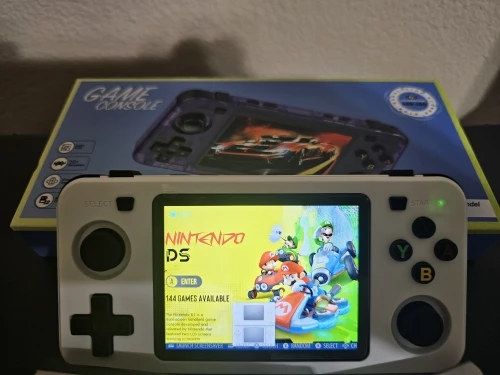
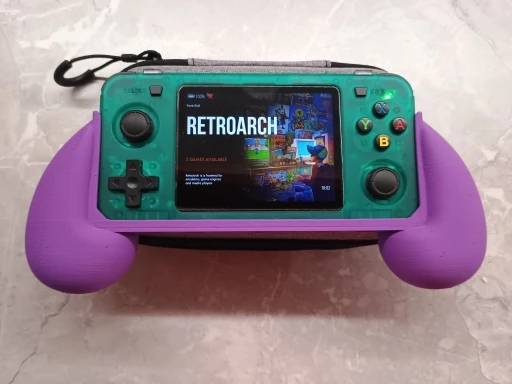
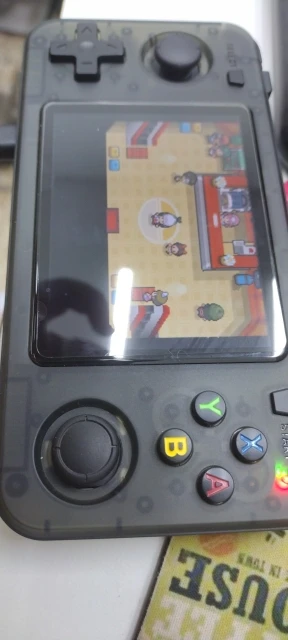
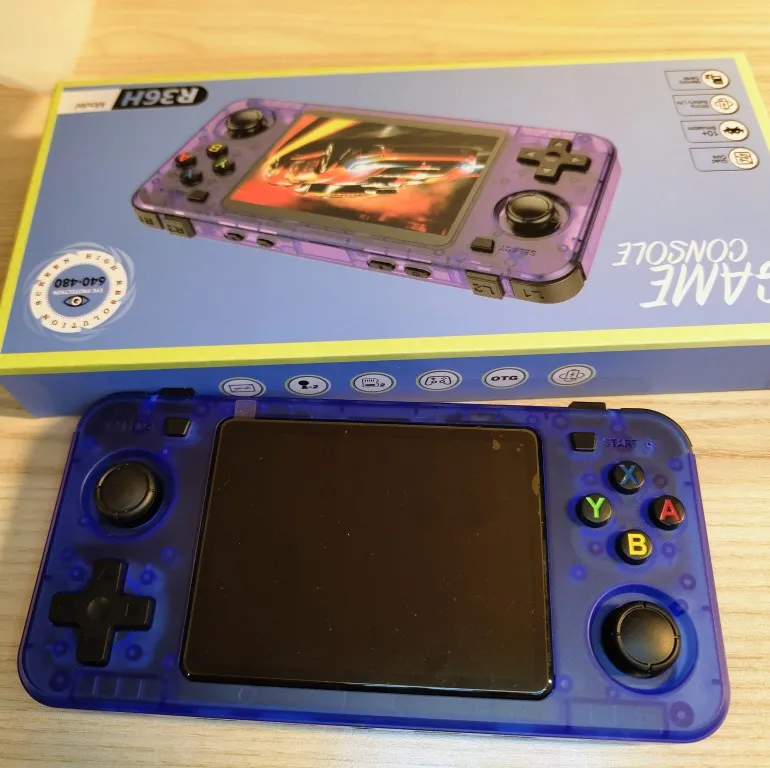
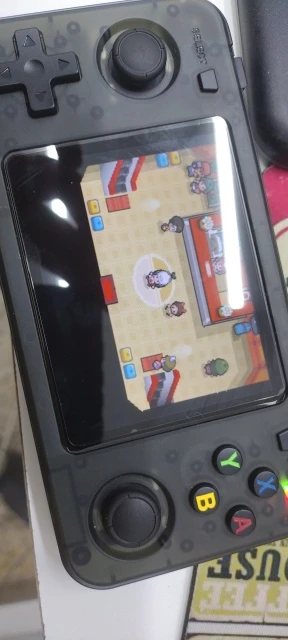
The BOYHOM R-36H is a high-quality retro handheld game console designed for an immersive gaming experience. It features a vibrant 3.5-inch high-definition color screen and is powered by a quad-core high-performance gaming chip running an Open-Source Linux System. This manual provides essential information for setting up, operating, and maintaining your R-36H console.

2. Package Contents
Please check that all items are present in your package:
- Video game handheld (1 unit)
- Type-C data line (1 unit)
- Certificate (1 unit)
- Product description (1 unit)
3. Product Overview and Controls
Familiarize yourself with the console's layout and controls for optimal gameplay.
Control Layout:
- Silicone pad
- Type-C OTG Port
- 3.5mm Audio hole
- Charging input (DC)
- Volume button
- Power button
- Top L1/L2 buttons
- D-Pad
- START button
- Joystick (R)
- Horn hole
- TF2-GAME (Game card slot)
- TF1-OS (System card slot)
- RESET button
- SELECT button
- Joystick (L)
- Charging level light
- Game function keys (A, B, X, Y)
- 3.5-inch color screen
The console features a Double Joystick design for enhanced control and pixel-level precision. The Top combination buttons (L/R keys) are upgraded with four buttons, offering improved button curvature and appropriate spacing, and are treated with silicone anti-slip pads for a secure grip during gameplay.
4. Specifications
| Feature | Description |
|---|---|
| Brand Name | BOYHOM |
| Model | R36H |
| Category | Handheld Game Players |
| Games Type | Retro Game |
| Games Included | Puzzle Game, thousands of retro/classic games |
| Display Size | 3.5 inches |
| Screen Resolution | 640x480 pixels (IPS OCA Full Fit HD MIPI Screen) |
| Operating System | Linux (supports Jelos, ARKOS, Rocknix for arbitrary upgrades) |
| Supporting Language | French, Spanish, Portuguese, English, Latin American Spanish, Brazilian Portuguese, Simplified Chinese |
| CPU | RK3326 quad-core ARM 64bit cortex-A35 CPU, up to 1.5GHz |
| Battery | Built-in 3000mAh polymer battery (Yes, included) |
| Battery Life | Up to 5 hours on a single full charge |
| Memory Card Support | Dual TF card slots (TF1-OS for system, TF2-GAME for games), supports up to 256GB |
| Origin | Mainland China |
| Regional Version | Global Version |
| High-concerned chemical | None |
| Product Dimensions (L x W x H) | 22cm x 11cm x 4cm (approximate package size) |
| Product Weight | 0.319 kg (approximate package weight) |
5. Setup Instructions
5.1. Memory Card Insertion
- System Card: Before powering on, you must insert the system card into the TF1-OS slot. After insertion, press the power key to turn on the console and enter the system.
- Game Data Card: To add more games, insert your copied game data card into the TF2-GAME slot. After booting into the system, navigate to OPTIONS > ADVANCED > SWITCH TO SD2 FOR ROMS to display the content of your game card.
5.2. Initial Power On
After inserting the system card, press and hold the Power button (labeled '11' in the diagram) until the console powers on.
5.3. Important Warning
Without a system card, the device will only display a yellow light without a picture. If this occurs, ensure the system card is correctly inserted into the TF1-OS slot and then press the RESET button (labeled '10' in the diagram) to enter the system.
6. Operating Instructions
6.1. Charging the Console
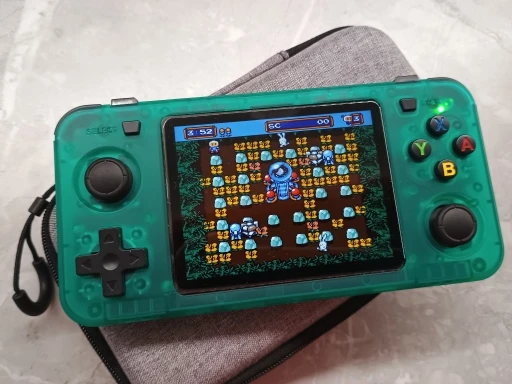
- When the console's red light flashes, it indicates that the battery is low and needs charging.
- Connect the Type-C data line to the charging input (DC port, labeled '7' in the diagram). The charging indicator (labeled '17') will show a static red light.
- If the red light starts flashing and the console does not charge in time, it will automatically power off after approximately one hour. In this case, press the power key for 12 seconds until the green light turns off, then recharge. The console should turn on normally after about an hour of charging.
6.2. Key Combinations for Gameplay
The R36H console supports various key combinations for in-game functions:
- Brightness Adjustment: Press
R3 + UP/DOWNon the D-Pad. - Exit Game: Press
SELECT + STARTsimultaneously. - Save/Load Game: Press
SELECT + L1/R1to enter the ESTROARCH menu for saving or loading game states. - Restart the Game: Press
SELECT + X/L3 + R3simultaneously. - Pause the Game: Press
SELECT + Bsimultaneously. - Save Location: Press
SELECT + UP/DOWNon the D-Pad.
7. User Tips
- The system is generally easy and intuitive for playing games, and the ability to save your game at any time is a great feature.
- It is highly recommended to create a backup of the micro SD card that comes with the console. Some users also suggest replacing the pre-installed SD card with a higher-quality one for improved reliability and performance.
- While the console is powerful, N64 emulation can sometimes be choppy. Tinkering with emulator settings or exploring alternative firmwares like Batocera might enhance the experience.
- For extended play sessions, consider using external grips or accessories to improve ergonomics and prevent wrist discomfort.
- The open-source nature of the Linux system (Jelos, ARKOS, Rocknix) allows for custom themes and arbitrary upgrades, offering a personalized experience for those willing to explore.
8. Troubleshooting
8.1. Console Shows Yellow Light, No Picture
This indicates that the system card is either missing or not properly inserted. Ensure the system card is securely placed in the TF1-OS slot and then press the RESET button.
8.2. Games Not Launching or Appearing
Verify that your game data card is correctly inserted into the TF2-GAME slot. After booting, navigate through the system menu to OPTIONS > ADVANCED > SWITCH TO SD2 FOR ROMS to ensure the system is reading from the game card.
8.3. Choppy Performance in Certain Games (e.g., N64)
While the console is powerful, emulation performance can vary for more demanding systems like N64. You may try adjusting the emulator settings within the system or consider installing alternative firmwares (like Batocera) which might offer different emulator versions or optimizations.
8.4. No HDMI Output
The BOYHOM R-36H console is designed primarily for handheld use and does not support HDMI output. It does not have video-out capabilities.
9. Maintenance
9.1. General Care
- Keep the console clean by wiping it with a soft, dry cloth. Avoid using harsh chemicals or abrasive materials.
- Protect the screen from scratches by using a screen protector or storing the console in a protective case when not in use.
- Avoid exposing the console to extreme temperatures, direct sunlight, or high humidity.
- Do not drop or subject the console to strong impacts.
9.2. Battery Replacement
The console features an external battery compartment, allowing for convenient battery replacement if needed. Ensure to use a compatible 3000mAh polymer battery for replacement.
10. Frequently Asked Questions (FAQ)
- Q: Does the BOYHOM R-36H have HDMI output?
- A: No, this console does not include HDMI output and is designed for handheld use only.
- Q: Are games pre-installed on the console?
- A: Yes, the console typically comes with thousands of retro games pre-installed on a microSD card.
- Q: Can I play games like GTA Vice City, San Andreas, or The Sims?
- A: Some users report successfully playing GTA Vice City and San Andreas via Portmaster or custom setups, though performance may vary. The Sims is not commonly mentioned in positive feedback for this device.
- Q: Is the included memory card reliable?
- A: While the console comes with a pre-installed microSD card, some users recommend replacing it with a higher-quality card for better long-term reliability and performance.
- Q: Are the included games classic retro games?
- A: Yes, the console includes thousands of retro or classic games from various systems such as NES, SNES, PS1, and N64.
11. Warranty and Support
For any warranty claims, technical support, or service inquiries, please contact the seller or retailer from whom you purchased the BOYHOM R-36H console. Please retain your proof of purchase for warranty validation.