
1. Getting Started
This section guides you through the initial setup of your OUKITEL WP210 5G Rugged Phone.
1.1 Package Contents
- 1x OUKITEL WP210 Smartphone
- 1x Type-C Cable
- 1x Power Adapter (45W Fast Charger)
- 1x Warranty Card
- 1x Quick Start Guide
1.2 SIM Card and Storage Installation
The OUKITEL WP210 supports dual Nano SIM cards or one Nano SIM card and one TF (microSD) card for expanded storage.
- Locate the SIM card tray on the side of the device.
- Use the provided SIM ejector tool to open the tray.
- Carefully place your Nano SIM card(s) and/or TF card into the designated slots, ensuring correct orientation.
- Gently push the tray back into the device until it is flush.

Text description: This image illustrates the dual SIM card tray, allowing for two Nano SIM cards or one Nano SIM and one TF card. It also highlights the NFC feature for contactless payments and data transfer.
1.3 Initial Power On and Setup
- Press and hold the Power button (usually on the right side) until the OUKITEL logo appears.
- Follow the on-screen prompts to select your language, connect to Wi-Fi, and set up your Google account.
- You will be guided to set up security features, including the under-screen fingerprint sensor.

Text description: A hand is shown interacting with the phone's display, demonstrating the use of the under-screen fingerprint sensor for quick and secure access.
2. Operating Your Device
Familiarize yourself with the key features and functionalities of your OUKITEL WP210.
2.1 Display and Navigation
Your device features a vibrant 6.7-inch FHD+ AMOLED display with a 120Hz refresh rate for smooth visuals. The resolution is 2412x1080 pixels, and it offers 500 nits brightness for clear viewing even in bright sunlight. Navigation is intuitive with the Android 15 operating system.

Text description: This image showcases the phone's 6.7-inch FHD+ AMOLED display, emphasizing its razor-sharp clarity and silky smooth 120Hz motion. Key specifications like size, resolution, refresh rate, and brightness are listed.

Text description: Multiple phone screens are displayed, illustrating the intuitive interface and advanced features of the Android 15 operating system.
2.2 Camera Features
Capture stunning photos and videos with the versatile camera system:
- Rear Camera: 108MP Main Camera (Samsung S5KHM6SX sensor), 2MP Macro Camera, 0.3MP Depth Sensor.
- Front Camera: 32MP (Sony IMX615 sensor).

Text description: A detailed diagram illustrates the internal components of the 108MP main camera, including the sensor and lens stack, emphasizing its capability to capture crisp, true-to-life photos.

Text description: A close-up photograph of a flower bud, demonstrating the detail captured by the 2MP Macro Camera.

Text description: A photo of a bird on rocks with a blurred background, illustrating the effect achieved by the 0.3MP Depth Sensor to spotlight the subject.

Text description: A person is shown taking a selfie, highlighting the clarity and detail provided by the 32MP Front Camera.
2.3 Connectivity
Stay connected with advanced wireless technologies:
- 5G: Lightning-fast and reliable mobile network connectivity.
- Wi-Fi 6: Experience faster speeds, stable connections, and enhanced security.
- Bluetooth: For connecting wireless accessories.
- NFC: For contactless payments and quick pairing.
- GPS: Supports GPS, GLONASS, Beidou, and Galileo for precise navigation.

Text description: The image shows the phone with a prominent '5G' graphic, symbolizing seamless and fast connectivity.

Text description: The phone's screen displays 'Wi-Fi 6', indicating support for the latest Wi-Fi standard for faster and more stable connections.

Text description: A person is shown using the phone for navigation in a rugged outdoor environment, highlighting the multi-system GPS capabilities (GPS+GLONASS+Beidou+Galileo).
2.4 Battery and Charging
The OUKITEL WP210 is equipped with an 8800mAh battery, supporting 45W fast charging and 10W reverse charging. This allows for extended usage and the ability to charge other devices.
- Standby time: 1142 hours
- Video time: 20 hours
- Talk time: 52 hours
- Game time: 26 hours

Text description: The image displays the phone being fast-charged at 45W, and another scenario where the phone is reverse-charging a pair of earbuds, demonstrating its power capabilities.
3. Maintenance and Durability
Your OUKITEL WP210 is built to withstand harsh environments.
3.1 Rugged Design
The device is IP68, IP69K, and MIL-STD-810H rated, meaning it is resistant to water, dust, shocks, and drops up to 1.5 meters. The display is protected by Corning Gorilla Glass 5.

Text description: A collage of images showing the OUKITEL WP210 being exposed to water splashes, dust, and a drop, illustrating its IP68, IP69K, and MIL-STD-810H certifications for durability.

Text description: This image highlights the Corning Gorilla Glass 5 for screen protection, along with mentions of OTA updates and a built-in Gyroscope.
3.2 Cleaning Your Device
To clean your OUKITEL WP210, wipe it with a soft, damp cloth. Avoid using harsh chemicals or abrasive materials that could damage the device's rugged exterior or screen.
4. Troubleshooting
If you encounter issues with your device, refer to the following common solutions.
4.1 Device Not Powering On
- Ensure the battery is charged. Connect the phone to the 45W power adapter and allow it to charge for at least 10 minutes before attempting to power on again.
- Press and hold the Power button for 10-15 seconds to perform a forced restart.
4.2 Connectivity Issues (Wi-Fi/5G)
- Wi-Fi: Try restarting your Wi-Fi router. On your phone, toggle Wi-Fi off and on. Forget the network and reconnect.
- 5G/Cellular: Ensure your SIM card is correctly inserted and activated. Check your network settings to confirm mobile data is enabled. Restart the phone.
4.3 Fingerprint Sensor Not Responding
- Ensure your finger and the screen area over the sensor are clean and dry.
- Re-register your fingerprints in the device settings.
4.4 Performance Lag
- Close unnecessary background applications.
- Clear cache for apps that are frequently used or causing issues.
- Ensure your device has sufficient free storage space.
- Consider performing a factory reset if problems persist (back up your data first).
5. Specifications
Detailed technical specifications for the OUKITEL WP210.
| Feature | Specification |
|---|---|
| Dimensions | 163.6 x 77.85 x 13.7 mm |
| Weight | 311g |
| Display Size | 6.7 inches |
| Display Type | FHD+ AMOLED, Normal Screen |
| Display Resolution | 2412x1080 |
| Screen Refresh Rate | 120 Hz |
| Processor (CPU) | MediaTek Dimensity 8200 |
| RAM | 12GB (expandable up to 36GB) |
| ROM (Storage) | 512GB |
| Operating System | Android 15 |
| Rear Camera Quantity | 3 |
| Rear Camera Pixel | 108MP (Main), 2MP (Macro), 0.3MP (Depth) |
| Front Camera Quantity | 1 |
| Front Camera Pixel | 32MP |
| Battery Capacity | 8800mAh |
| Charging Power | 45W (Fast Charging) |
| Wireless Charging | No |
| Reverse Charging | 10W |
| Charging Interface Type | Type-C |
| 3.5mm Headphone Port | No |
| Cellular Networks | 2G, 3G, 4G, 5G (GSM, CDMA, WCDMA, LTE-TDD, LTE-FDD, NR) |
| Wi-Fi | Yes (Wi-Fi 6) |
| Bluetooth | Yes |
| NFC | Yes |
| GPS | Yes (GPS+GLONASS+Beidou+Galileo) |
| Biometrics Technology | In-Screen Fingerprint Recognition |
| Sensors | G-sensor, Compass, Gyroscope, Proximity Sensor, Ambient Light Sensor |
| Ruggedness | IP68/IP69K, MIL-STD-810H |
| Languages Supported | Arabic, Polish, German, Russian, French, Korean, Norwegian, Portuguese, Japanese, Turkish, Spanish, Italian, English |
| Certification | CE |
6. Warranty and Support
Your OUKITEL WP210 comes with a standard manufacturer's warranty. Please refer to the included Warranty Card for specific terms and conditions.
For technical support or further assistance, please visit the official OUKITEL website or contact their customer service.
7. User Tips
- Language Support: The OUKITEL WP210 supports a wide range of languages, including Arabic, English, Russian, German, French, Spanish, and more. You can change the device language in the settings menu.
- Battery Life: To maximize the 8800mAh battery life, consider enabling battery saver mode or optimizing app usage in the settings.
- Ruggedness: While highly durable, avoid intentionally exposing the phone to extreme conditions beyond its rated specifications (IP68/IP69K, MIL-STD-810H) to ensure longevity.
8. Product Video Overview
Watch this video for a quick overview of the OUKITEL WP210's features and durability demonstrations.
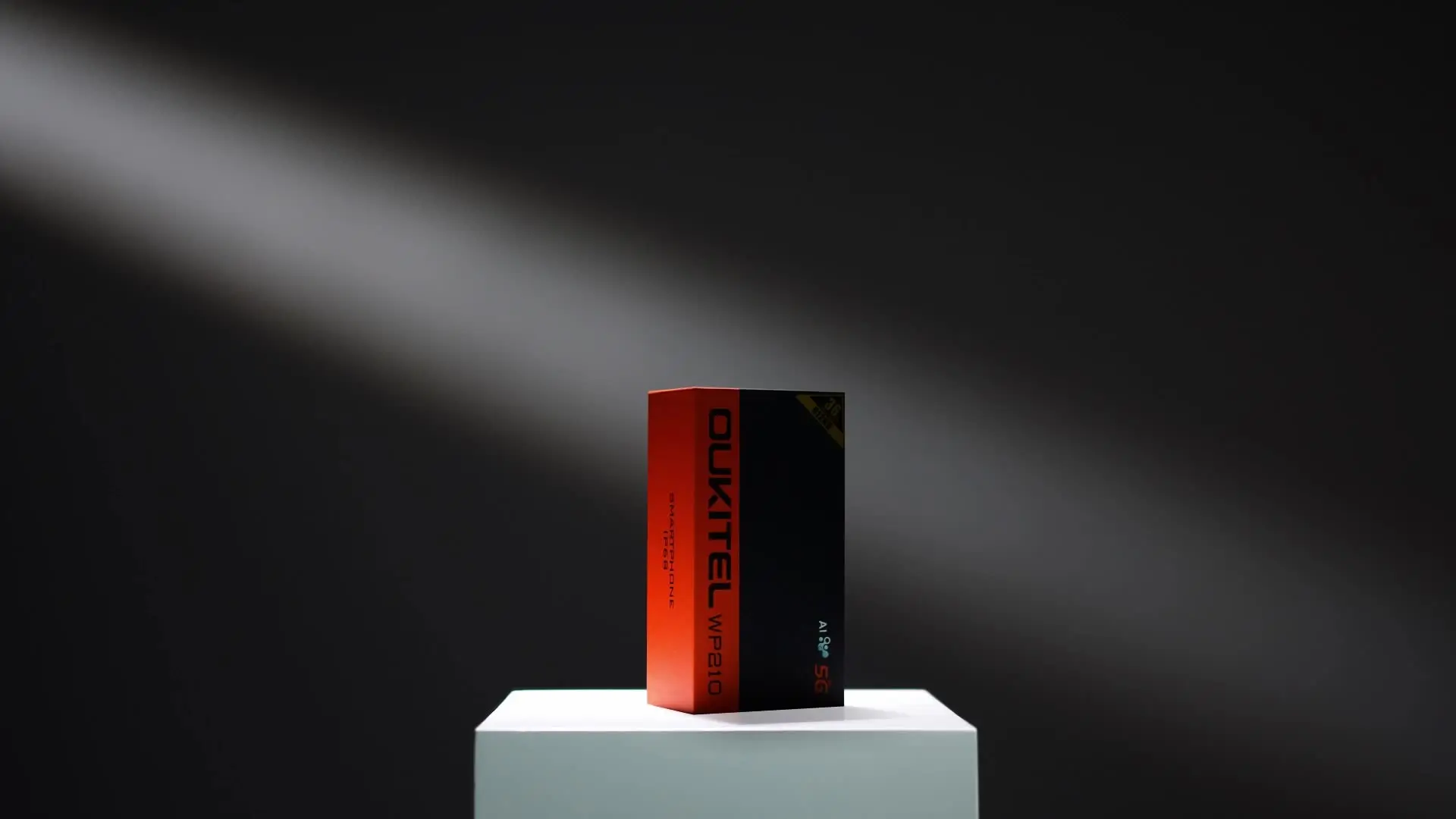
Text description: An official product video showcasing the OUKITEL WP210, including its unboxing, key features like the camera and display, and demonstrations of its ruggedness against water, dust, and drops.