
1. Introduction
The Eweadn Gx810 is a high-performance wired gaming keyboard designed for an enhanced user experience. It features vibrant RGB backlighting, a convenient multi-function knob, a dedicated mobile phone position, and a durable metal panel. This manual provides detailed instructions for setting up, operating, and maintaining your keyboard.
2. Key Features
- RGB Backlighting: Customizable lighting effects to enhance your gaming or typing environment.
- Multi-function Knob: For quick and easy volume adjustment and other functions.
- Mobile Phone Position: Integrated slot for convenient placement of your smartphone.
- Thickened Metal Panel: Provides durability, scratch resistance, and a premium feel.
- 26-Key Rollover (Anti-ghosting): Ensures all key presses are registered accurately during intense gaming sessions.
- Two-color Injection Keycaps: Characters are not easy to fade, ensuring long-lasting legibility.
- Ergonomic Design: Comfortable for extended typing and gaming, reducing hand fatigue.
- Wired Connection: Reliable USB connection for plug-and-play functionality. (Note: Some versions may support dual-mode wireless connection, but this manual focuses on the wired model based on product specifications.)
3. Package Contents
Upon opening the package, please ensure all items are present and in good condition:
- Eweadn Gx810 Wired Computer Keyboard
- User Manual (this document)
4. Setup Instructions
- Unpack the Keyboard: Carefully remove the Eweadn Gx810 keyboard from its packaging.
- Connect to Computer: Plug the USB cable of the keyboard into an available USB port on your computer.
- Driver Installation: The keyboard is plug-and-play and typically does not require additional drivers. Your operating system should automatically detect and install the necessary drivers.
- Placement: Position the keyboard comfortably on your desk. You can use the integrated mobile phone slot to hold your device.
 Image: Eweadn Gx810 keyboard in use, highlighting its design and phone slot.
 Image: Detail of the keyboard's two-color injection keycaps and blue backlighting.
 Image: Silver-Blue variant of the Eweadn Gx810 keyboard.
 Image: Black-Rainbow variant of the Eweadn Gx810 keyboard.
5. Operating Instructions
5.1 RGB Backlight Control
The keyboard features dynamic RGB backlighting. Use the following key combinations to adjust the lighting effects:
- FN + SCR: Toggle Light Mode (Cycle through various lighting effects).
- FN + ↑ (Up Arrow): Increase Light Brightness.
- FN + ↓ (Down Arrow): Decrease Light Brightness.
- FN + PRT: Lamp Effect Quick Switch (Change between different lamp effects).
- FN + ← (Left Arrow): Decrease Light Effect Speed.
- FN + → (Right Arrow): Increase Light Effect Speed.
 Image: FN key combinations for adjusting backlight mode, brightness, and speed.
5.2 Multimedia Functions
Access various multimedia controls using the FN key in combination with the F1-F12 keys:
| Key Combination | Function |
|---|---|
| FN + F1 | Multimedia |
| FN + F2 | Volume reduction |
| FN + F3 | Volume plus |
| FN + F4 | Mute |
| FN + F5 | Last song |
| FN + F6 | Next song |
| FN + F7 | Play/Pause |
| FN + F8 | Stop play |
| FN + F9 | Home page |
| FN + F10 | |
| FN + F11 | Computer |
| FN + F12 | Web collection |
 Image: Multimedia function key combinations.
5.3 Multi-function Knob
The multi-function knob located on the keyboard provides quick access to volume control. Simply twist the knob to adjust the volume.
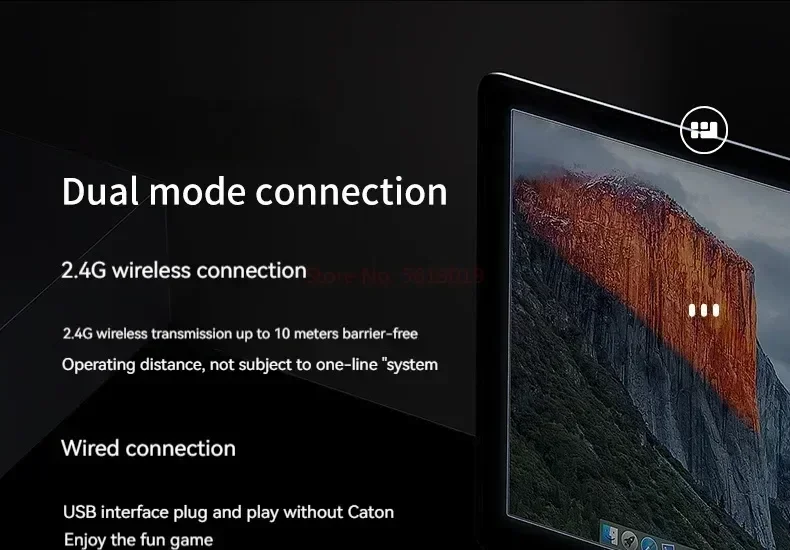 Image: Detail of the multi-function knob.
5.4 Dual-Mode Connection (If applicable)
While the primary model is wired, some versions of the Eweadn Gx810 may support dual-mode connection (wired and 2.4G wireless). If you have a wireless version, you can connect via the 2.4G USB receiver for up to 10 meters of barrier-free operation. For wired connection, simply use the USB cable.
 Image: Illustration of dual-mode connection (wireless and wired).
6. Maintenance
- Cleaning: Use a soft, dry cloth to wipe the keyboard surface. For deeper cleaning, use a can of compressed air to remove dust and debris from between the keys. Avoid using harsh chemicals or abrasive materials.
- Spill Prevention: Keep liquids away from the keyboard to prevent damage. In case of a spill, immediately unplug the keyboard and allow it to dry completely before reconnecting.
- Storage: Store the keyboard in a cool, dry place away from direct sunlight and extreme temperatures.
7. Troubleshooting
- Keyboard not responding:
- Ensure the USB cable is securely plugged into both the keyboard and the computer.
- Try plugging the keyboard into a different USB port.
- Restart your computer.
- Backlight not working or stuck:
- Check if the backlight is turned off using the FN + SCR combination.
- Adjust brightness using FN + ↑/↓.
- Ensure the keyboard is receiving sufficient power (try a different USB port if necessary).
- Keys not registering (ghosting):
- The Gx810 supports 26-key rollover. If you experience issues, ensure no debris is under the keycap.
- Test the keyboard on another computer to rule out software issues.
- Multi-function knob not working:
- Ensure the keyboard is properly connected.
- Check if any software conflicts are present (e.g., other volume control applications).
8. Specifications
| Feature | Detail |
|---|---|
| Model | GX810 |
| Keyboard Type | Electronic Competition Game Keyboard |
| Number of Keys | 104 Keys |
| Keyboard Weight | 844g |
| Product Size | 450 x 164 x 41mm |
| Light Type | Color light / Blue light (RGB Backlight) |
| Brightness Adjustment | 3 segments |
| Wire Length | 1.5M |
| Connection | Wired (USB) |
| Wireless Support | No (for this specific model, dual-mode versions may exist) |
| Ergonomics Support | Yes |
| Mechanical Keyboard | Non mechanical keyboard (simulated mechanical feel) |
| Operation Style | Capacitive |
| Language | English |
| Application | Desktop, Number |
| Compatible Platforms | Windows, macOS |
| Material Quality | Metal |
| Wrist Support | No |
| Battery Included | No |
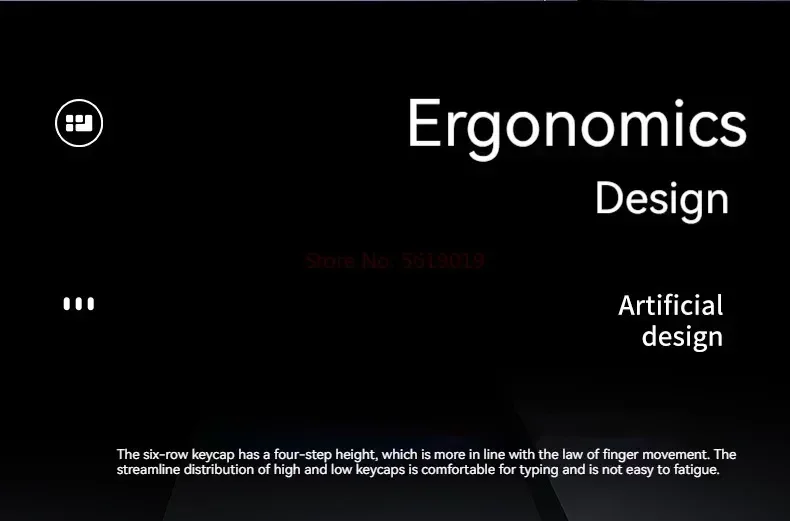 Image: Detailed specifications of the Eweadn Gx810 keyboard.
9. Warranty and Support
For warranty information and technical support, please refer to the seller's policies on the product purchase page or contact the seller directly. Keep your purchase receipt as proof of purchase.
This product is designed for durability and performance. Should you encounter any issues not covered in this manual, please reach out to customer service for assistance.