
1. Introduction
Thank you for choosing the SUNNIGOO N7PRO Electric Scooter. This manual provides essential information for the safe operation, maintenance, and troubleshooting of your 36V 350W electric scooter. Please read it thoroughly before use to ensure optimal performance and safety.

The SUNNIGOO N7PRO Electric Scooter, designed for efficient urban travel.
2. Important Safety Warnings
⚠️ Please mind potential fire risk and strictly follow the instruction manual for charging and storage. While using the product, please wear protective equipment and fully comply with the applicable law and regulations.
- Always wear a helmet and other protective gear (knee pads, elbow pads) when riding.
- Do not ride in heavy rain or through deep puddles.
- Ensure all components are securely fastened before each ride.
- Familiarize yourself with local laws and regulations regarding electric scooter use.
- Avoid riding on uneven or slippery surfaces.
3. Package Contents
Your SUNNIGOO N7PRO Electric Scooter package should include the following items:
- 1 x SUNNIGOO N7PRO Electric Scooter
- 1 x Power Charger
- 1 x User Manual (this document)
- 1 x Basic Tool Kit (for assembly/maintenance)
Please inspect all items upon receipt. If any parts are missing or damaged, please contact customer support.
4. Setup and Initial Use
4.1 Unfolding the Scooter
The SUNNIGOO N7PRO features a portable folding design for easy transport and storage. Unfolding is a quick 3-step process:
- Release the latch mechanism on the stem.
- Lift the handlebar stem until it locks into place.
- Ensure all locking mechanisms are securely engaged before riding.
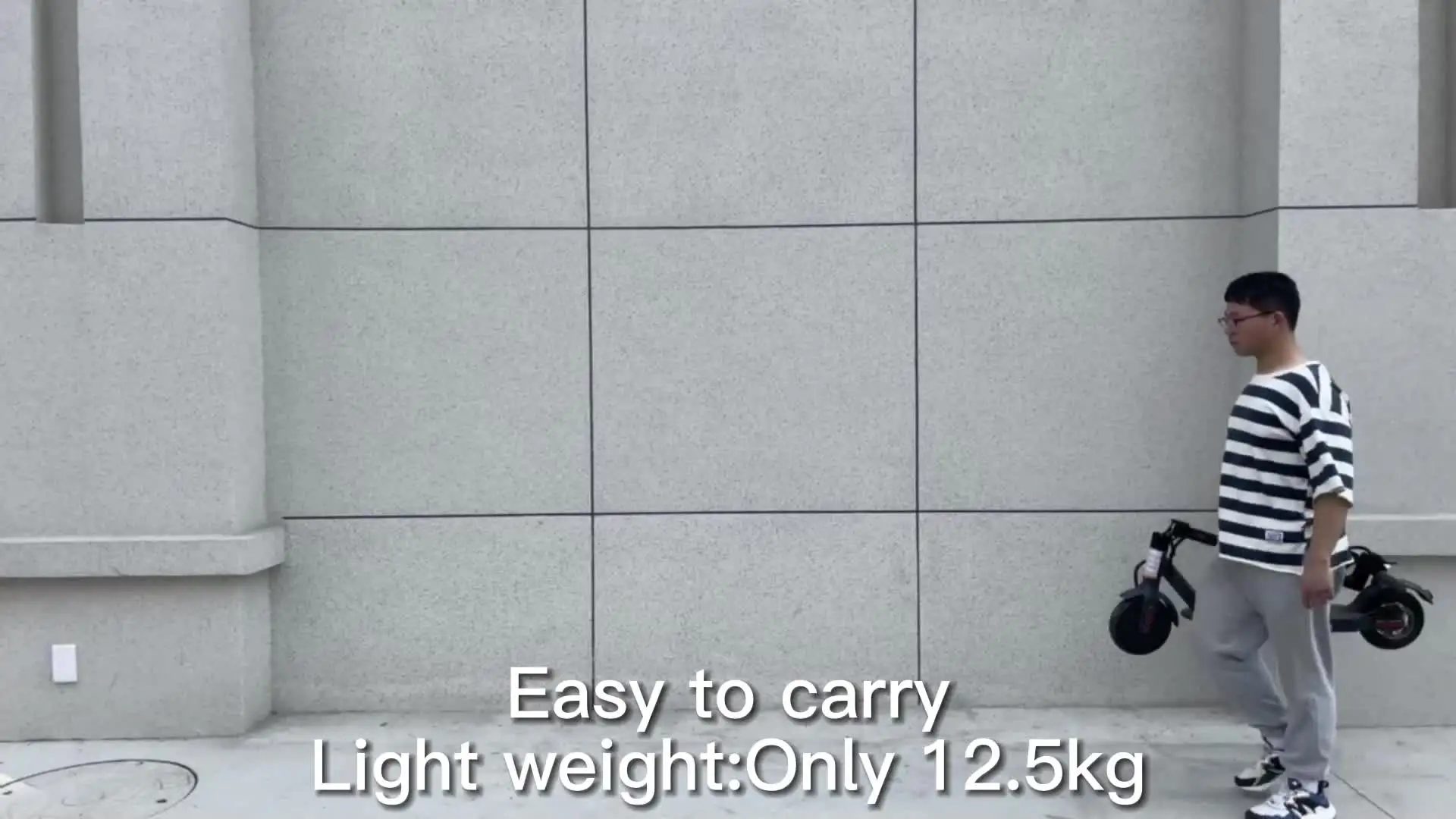
Video demonstrating the easy 3-step folding and unfolding process of the scooter.

The scooter's portable folding design makes it easy to carry and store.
4.2 Charging the Battery
Before your first ride, fully charge the scooter's battery. The charging time is approximately 4-8 hours.
- Locate the charging port on the scooter.
- Connect the charger to the scooter and then plug it into a standard wall outlet (Input: 100-240V).
- The charger indicator light will typically change from red to green when fully charged.
4.3 App Connection
Your scooter can be connected to a smart app for enhanced control and information.
- Ensure your electric scooter is turned on.
- Scan the QR code located on the front of the electric scooter to download the official app.
- Open the app on your smartphone, search for your scooter, and connect via Bluetooth.
- Once successfully connected, the electric scooter will emit a buzzing sound.

The smart app provides a big display for various scooter functions and information.
5. Operating Instructions
5.1 Power On/Off
Press and hold the power button on the handlebar to turn the scooter on or off.
5.2 Non-Zero Start
For safety reasons, the electric scooter is programmed with a 'Non-Zero Start' feature. This means you need to push the scooter forward slightly (kick-start) before engaging the throttle. If you wish to disable this feature, it can be adjusted within the smartphone app settings.
5.3 Speed Modes
The scooter offers 3-level speed settings: 15 KM/H, 25 KM/H, and 30 KM/H. You can switch between these modes using the controls on the handlebar or via the smartphone app.
5.4 Cruise Control
Activate or deactivate the cruise control function through the smartphone app for a more relaxed ride on long, straight paths.
5.5 Braking System
The SUNNIGOO N7PRO is equipped with a dual braking system for sensitive and safe stopping:
- Front Brake: Drum brake
- Rear Brake: Electric brake
Always apply brakes smoothly to avoid sudden stops, especially at higher speeds.

The scooter features a reliable dual braking system.
5.6 Lighting System
The scooter includes a headlamp and a rear lamp for visibility. A stoplight is also integrated into the rear fender, illuminating when brakes are applied. Lights can be controlled via the app.

Visibility features including headlamp, rear lamp, and stoplight.
5.7 Waterproof Rating
The scooter has a full body waterproof design with an IP54 rating, and is shown to handle water with an IP65 rating in demonstrations. This provides protection against splashes and dust, but it is not designed for submersion. Avoid riding in heavy rain or through deep water.

The scooter's waterproof design allows for riding in light wet conditions.
6. Maintenance
- Cleaning: Wipe the scooter with a damp cloth. Do not use high-pressure water jets or immerse the scooter in water.
- Tires: The scooter is equipped with 8.5-inch honeycomb solid tires, which are anti-skid and off-road capable, eliminating concerns about tire bursts. Regularly check for wear and tear.
- Brakes: Periodically check the brake cables and pads for proper function and wear. Adjust or replace as needed.
- Battery Care: To prolong battery life, avoid completely draining the battery and store the scooter in a cool, dry place when not in use. Charge it regularly, even if not used for extended periods.
- General Inspection: Regularly check all screws and fasteners to ensure they are tight.
7. Troubleshooting
- Scooter not running after starting: Remember the 'Non-Zero Start' feature. You must push the scooter forward slightly before applying the throttle. This setting can be changed in the smartphone app.
- App connection issues: Ensure the scooter is powered on and your phone's Bluetooth is enabled. Try restarting both the scooter and the app.
- Lack of parts: If you find any parts missing upon delivery, please contact customer support for assistance.
8. Specifications
| Feature | Specification |
|---|---|
| Model Number | N7PRO (ES-N7) |
| Brand Name | SUNNIGOO |
| Motor Rated Power | 350W |
| Voltage | 36V |
| Battery Type | 36V 7.8Ah |
| Tire Size | 8.5 inch Honeycomb tire |
| Max Speed | 30 km/h (19 MPH) |
| Range Per Charge | 15-18 miles (20-25 km) |
| Charging Time | 4-8 hours |
| Maximum Load | 120 kg (270 lbs) |
| Climbing Angle | 15-20° |
| Folded | Yes |
| Waterproof Rating | IP54 (demonstrated IP65) |
| Brake System | Electric brake (rear) and drum-brake (front) |
| Category | Two-wheel Scooter |
| Applicable People | Unisex |
| Certification | CE |
| Origin | Mainland China |
| Product Weight | 12.5 kg (31 lbs) |
| Package Dimensions (L*W*H) | 1120*150*520 mm |

Visual summary of scooter specifications.
9. User Tips
- Kick-Start for Safety: Remember to give a slight push-off before engaging the throttle, especially if the 'Non-Zero Start' feature is active. This is a safety measure to prevent accidental acceleration.
- App Features: Utilize the smartphone app to monitor speed, battery level, mileage, and to customize settings like cruise control and light switches. You can also lock the scooter via the app.
- Data Accuracy: Please note that performance data (like range and speed) can vary based on factors such as rider weight, road conditions, and weather.
10. Warranty and Support
10.1 Warranty Information
The SUNNIGOO N7PRO Electric Scooter comes with the following warranty periods for its components:
| Part Name | Warranty Period | Exceptions | Note |
|---|---|---|---|
| Li-ion battery | Three months | 1. Damage due to long-term power lack. 2. Water log | Replacement out of the warranty period will be charged at cost price. |
| Charger | One month | 1. Water log | |
| Controller | One month | 1. Water log 2. Damage by strong deliberate impact | |
| Motor | One year | 1. Water log 2. Damage by strong deliberate impact | |
| Frame, brake cables, brake pads, paints | Quick-wear parts are not covered by warranty | Replacement of parts that are not covered by warranty will be charged at cost price. | |
| LED lights, Grips, Rubber footrest, electronic brake plastic part, tyres, inner tubes, and other quick-wear parts | Quick-wear parts are not covered by warranty | ||

Detailed warranty information for scooter components.
10.2 Customer Support
For any questions, technical assistance, or warranty claims, please contact SUNNIGOO customer support through the platform where you purchased the product.