
Introduction
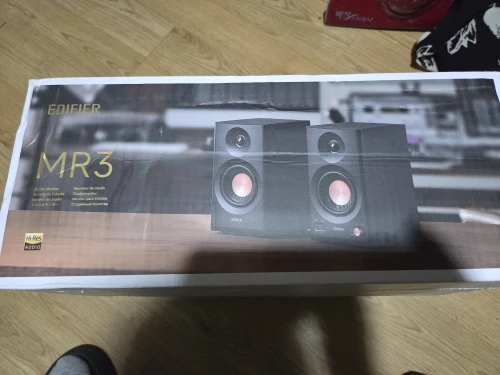
The Edifier MR3 is a 2.0 monitor speaker system designed for audio production, video editing, and daily listening. It features Hi-Res Audio certification, Bluetooth V5.4 connectivity, and various input options including Balanced TRS, RCA, and AUX. This manual provides detailed instructions for setting up, operating, and maintaining your MR3 speaker system.
What's in the Box
Please check the contents of your package to ensure all items are present:
- Active Speaker (1 unit)
- Passive Speaker (1 unit)
- Speaker Connecting Cable (1 unit)
- 3.5mm to RCA Audio Cable (1 unit)
- 3.5mm to 3.5mm Audio Cable (1 unit)
- Power Cable (1 unit)
- Quick Start Guide (1 unit)
- Important Safety Instructions (1 unit)

Setup
Cable Connection
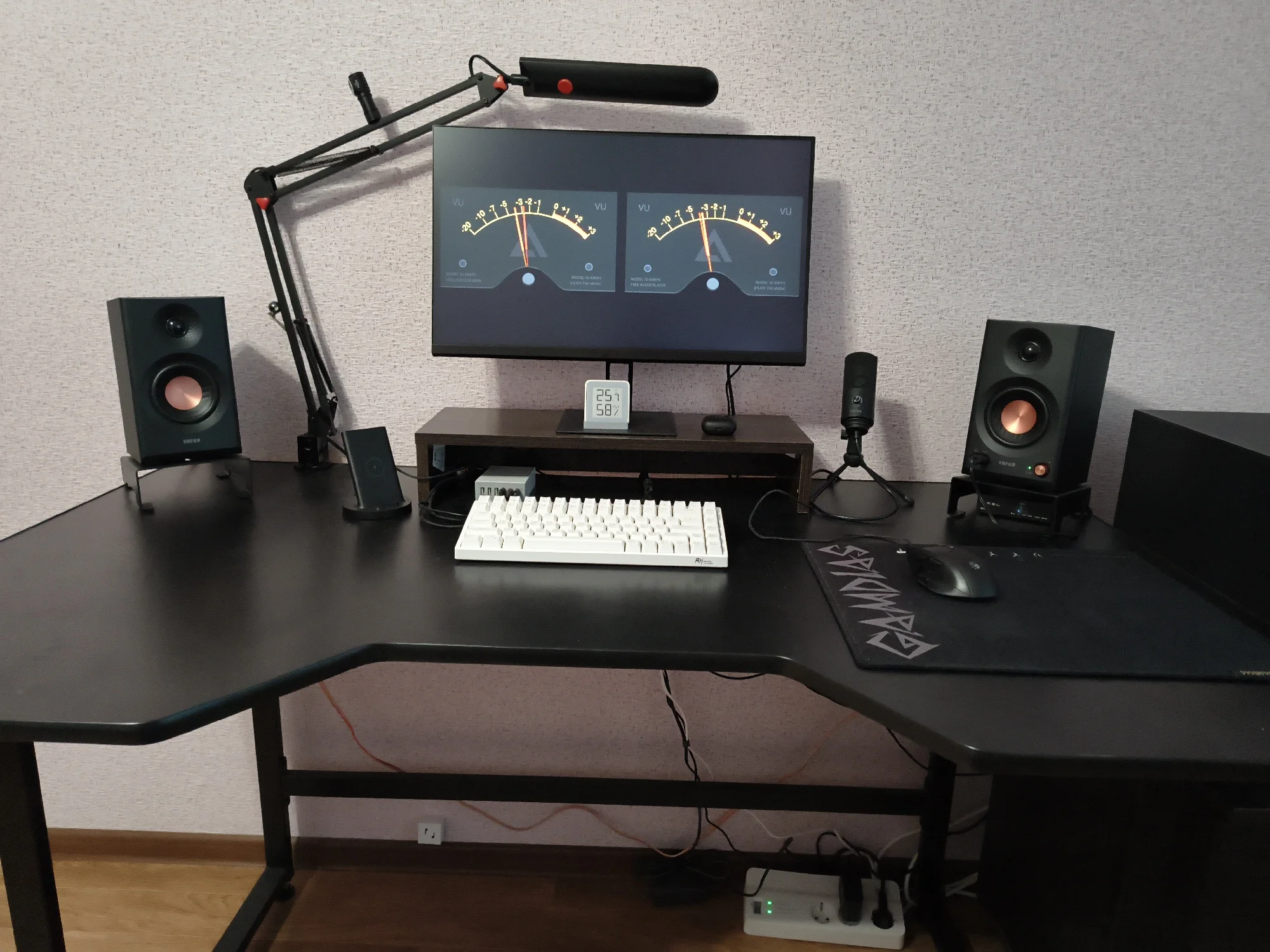
The Edifier MR3 offers multiple input options for versatile connectivity. All audio inputs, including Bluetooth, can be used in parallel.
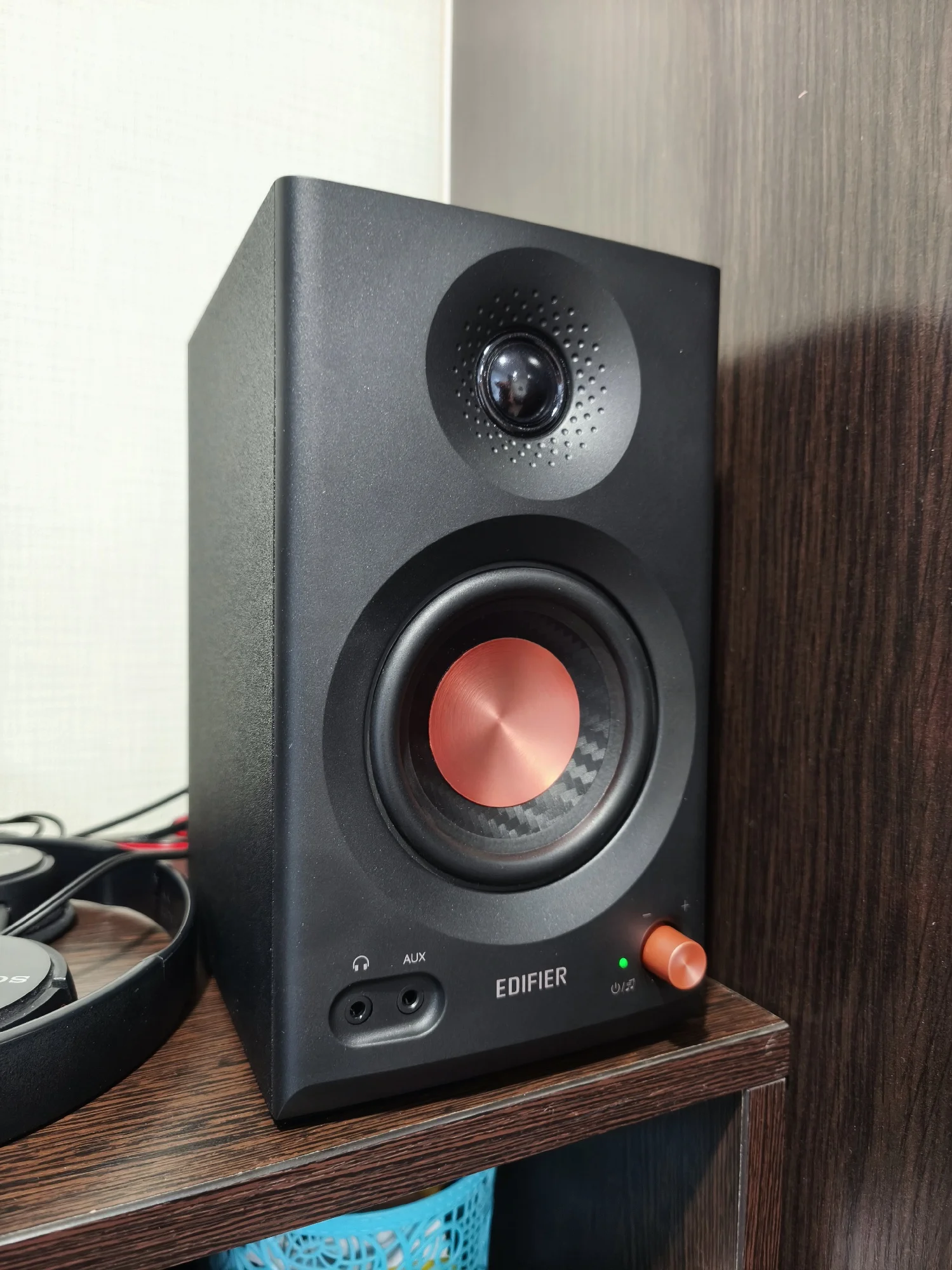
- Balanced TRS Input: For connecting to professional audio interfaces or mixers.
- RCA Input: For connecting to devices with RCA outputs.
- AUX Input (3.5mm stereo): For connecting to devices with a 3.5mm audio jack.
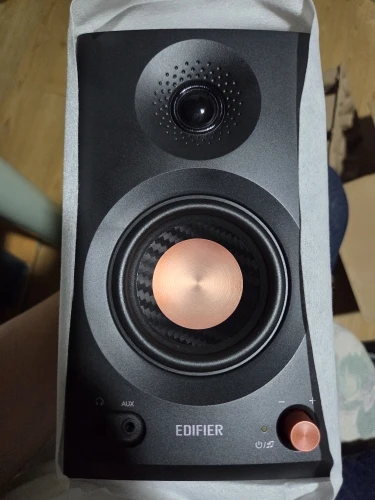
- Headphone Output (3.5mm stereo): Connect your headphones here. The speaker will be muted when headphones are connected. You can control the headphone volume using the volume knob on the speaker.
- Speaker Out: Connect the active speaker to the passive speaker using the provided speaker connecting cable.
Power Connection
Connect the power cable to the active speaker and then to a power outlet. The power input is 100-240V~50/60Hz 300mA.
Operating Instructions
Mode Switch
Press and hold the power/mode knob (labeled with a power symbol and music note) for 1.5 seconds to switch the speaker between work mode and standby mode.
Controls
| Button/Knob | Mode | Action |
|---|---|---|
| Power/Mode Knob (short press) | Work mode | Press to switch sound effects (Monitor, Music, Custom). |
| Power/Mode Knob (rotate) | Work mode | Rotate clockwise to increase volume. Rotate counterclockwise to decrease volume. |
| Power/Mode Knob (long press) | Bluetooth device connected | Press and hold for 1.5 seconds to disconnect the current Bluetooth device and switch the speaker to Bluetooth pairing mode. |
| Power/Mode Knob (short press) | Bluetooth hidden mode | Press to exit Bluetooth hidden mode and enter Bluetooth pairing mode. |
Note: Volume sync is not supported. To adjust the volume, adjust on the speaker and your device separately.
Indicator Status
| Indicator Status | Speaker Status |
|---|---|
| Solid red | Monitor sound effect |
| Solid green | Music sound effect |
| Solid white | Customized sound effect |
| Blinking | Bluetooth pairing mode |
| Blinking and then solid | Bluetooth device connected |
| Blinking in red and green | Upgrading the firmware |
Bluetooth Connection
To connect your device via Bluetooth:
- Press the power/mode knob on the speaker. The indicator will blink, indicating pairing mode.
- On your device (smartphone, tablet, computer), select "EDIFIER MR3" from its Bluetooth device list to connect.
- The indicator will be steadily lit once the connection is established.
Notes:
- The speaker will automatically reconnect to the last-connected Bluetooth device after it is switched to work mode. If not, press the power/mode knob on the speaker to activate the re-connection.
- To disconnect from the current Bluetooth device, press and hold the power/mode knob on the speaker for 1.5 seconds.
- The PIN code for connection is "0000" if needed.
- To enjoy all Bluetooth functions, ensure your audio source device supports A2DP and AVRCP profiles.
- If no device is connected in 3 minutes, the speaker will switch to Bluetooth hidden mode. In this mode, new devices cannot find the speaker, but a device already in the pairing record can reconnect by selecting "EDIFIER MR3" from its Bluetooth device list. To exit Bluetooth hidden mode, press the power/mode knob on the speaker.
Multipoint Connection
The MR3 speaker supports simultaneous connection of two Bluetooth devices.
- Connect the first Bluetooth device to the speaker.
- Press and hold the power/mode knob on the speaker for 1.5 seconds.
- On the second Bluetooth device, select "EDIFIER MR3" in its Bluetooth device list to connect.
- On the first Bluetooth device, select "EDIFIER MR3" in its Bluetooth device list to reconnect.
Note: Pause or stop playback on the current Bluetooth device before streaming audio from the second one.
Acoustic Tuning
You can fine-tune the sound using the physical knobs on the speaker or through the EDIFIER ConneX App.
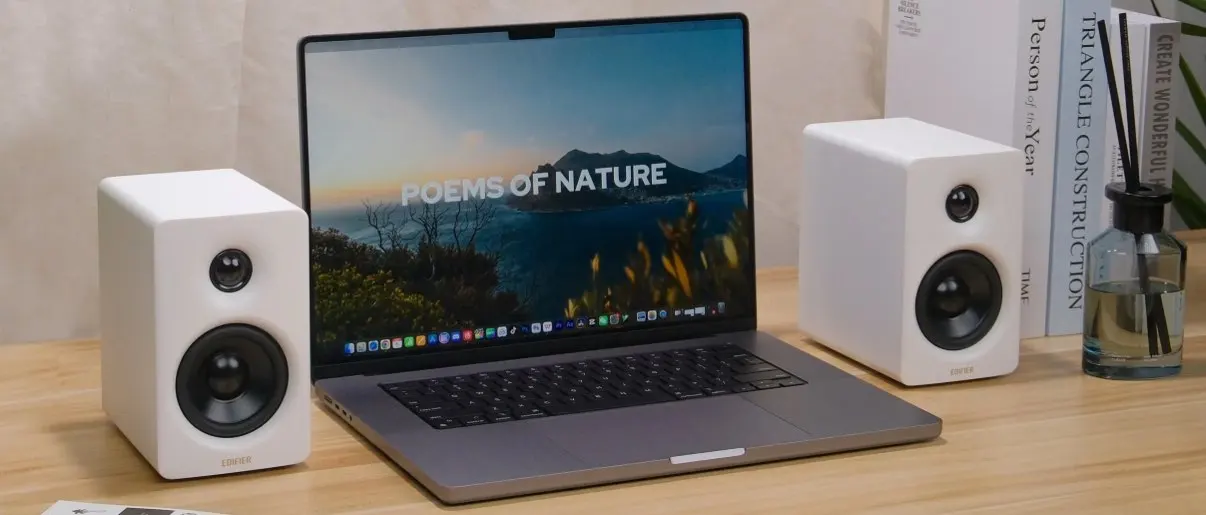
Using Speaker Knobs:
- "High" Knob: Turn the knob to boost or cut high frequencies above 10kHz by ±6dB.
- "Low" Knob: Turn the knob to boost or cut low frequencies around 125Hz by ±6dB.
Using the EDIFIER ConneX App:
The app provides advanced acoustic tuning options:
- Low Cutoff: Attenuate frequencies lower than the specified frequency (20-100Hz) at a selected slope (6, 12, 18, or 24dB/octave).
- Acoustic Space: Select a gain level to compensate for bass boost, which varies with speaker placement. 0dB for being in the middle of the room and -4dB for being in the corner. The closer the speaker is to a wall or corner, the smaller the value should be set.
- Desktop Control: When the speaker is placed on a desktop or an object is placed in front of it, there may be an apparent increase in the decibel level at certain frequencies. Enable this feature to mitigate this effect.
EDIFIER ConneX App
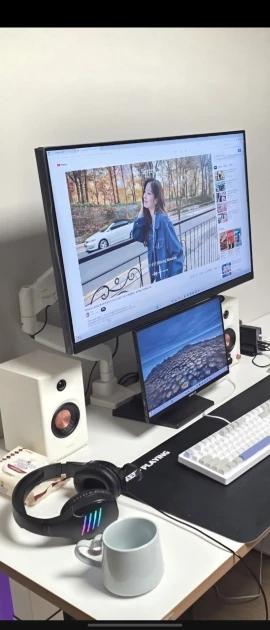
The EDIFIER ConneX app enhances your experience with the MR3 speakers, offering additional control and features:
- Control playback from the Bluetooth source device.
- Control the master volume.
- Select sound effects or customize EQs.
- Perform acoustic tuning.
- Upgrade the speaker firmware.
To download the app, scan the QR code on the quick start guide or packaging, or search for "EDIFIER ConneX" in your device's app store.
Maintenance
To ensure the longevity and optimal performance of your Edifier MR3 speakers, follow these maintenance guidelines:
- Cleaning: Use a soft, dry cloth to clean the speaker surfaces. Do not use liquid cleaners, aerosols, or abrasive chemicals, as these may damage the finish.
- Placement: Place the speakers on a stable, flat surface to prevent accidental falls. Avoid placing them in direct sunlight, near heat sources, or in areas with high humidity.
- Ventilation: Ensure adequate airflow around the speakers. Do not block the rear ports or place them in enclosed spaces without proper ventilation.
- Power Off: When not in use for extended periods, switch the speakers to standby mode or disconnect them from the power outlet.
- Cable Management: Ensure all cables are securely connected and not under strain. Avoid bending or pinching cables, which can lead to damage.
Troubleshooting
If you encounter any issues with your Edifier MR3 speakers, please refer to the following troubleshooting guide:
Cannot connect to your Bluetooth device
- Make sure that the distance between the speakers and your Bluetooth device is less than 10 meters and there are no obstacles between them.
- Ensure no other device is currently connected to the speakers via Bluetooth.
- Verify that the speakers are in Bluetooth pairing mode (indicator blinking). If not, manually switch them to this mode.
- Restart the speakers, enable Bluetooth function on your Bluetooth device, and then try again.
- Reset the speakers to factory settings and try again.
No power
- Make sure that the power cable is properly connected to both the speaker and the power outlet.
- Ensure that the power supply is not interrupted.
No sound
- Make sure that the speakers and your device are properly connected.
- Ensure that the correct audio input source is selected on the speaker.
- Make sure that playback is not paused on your source device.
- Increase the volume of both the speakers and your device.
Noise coming from speakers
Edifier speakers are designed to generate minimal noise. If you hear noise, it might be due to high background noise from your audio source device. Try the following:
- Unplug audio cables and turn the volume up. If no sound can be heard at 1 meter away from the speaker, there is no problem with the product itself.
- Try a different audio source or cable to isolate the issue.
Specifications
| Feature | Specification |
|---|---|
| Model | MR3 |
| Total Output Power (RMS) | 18W + 18W (DRC on) |
| Frequency Response | 52Hz - 40kHz |
| Signal to Noise Ratio | ≥ 85dB(A) |
| Audio Crossover | Two-Way |
| Drivers | 3.5" Mid-low drivers, 1" Silk dome tweeters |
| Communication | AUX, Bluetooth, RCA |
| Bluetooth Version | V5.4 |
| Bluetooth Codecs | SBC |
| Input Sensitivity (TRS) | 1228 ± 100 mV (+4dBu) |
| Input Sensitivity (RCA) | 775 ± 50 mV |
| Input Sensitivity (AUX) | 775 ± 50 mV |
| Input Sensitivity (Bluetooth) | 800 ± 50 mFFS |
| Dimensions (W x H x D) - Active Speaker | 125.5 mm x 220 mm x 185 mm |
| Dimensions (W x H x D) - Passive Speaker | 125.5 mm x 220 mm x 176 mm |
| Weight | 3.85 kg (Net) / 5.3 kg (Package) |
| Cabinet Material | Wood (MDF) |
| Power Source | AC, DC |
| Certification | CE, RoHS |
Declaration for EU
- Frequency Band: 2.402GHz ~ 2.480GHz
- RF Power Output: ≤13 dBm (EIRP)
- There is no restriction of use.
User Tips
- For optimal sound, experiment with the "Acoustic Space" and "Desktop Control" settings in the EDIFIER ConneX app to compensate for your room's acoustics and speaker placement.
- While the speakers offer good bass for their size, do not expect "professional" subwoofer-level bass. They provide a balanced and clear sound profile.
- The inter-speaker connecting cable is noted to be thin; ensure it is handled carefully during setup to avoid damage.
- The EDIFIER ConneX app is highly recommended for unlocking the full potential of the speakers, including advanced EQ and acoustic adjustments.
- The Bluetooth connection is generally stable and quick to pair, with a pleasant connection sound.
Warranty and Support
For more information about Edifier products, please visit the official website:
- Official Website: www.edifier.com
For warranty-related queries, please visit the relevant country page on www.edifier.com and review the section titled "Warranty Terms."
Contact Information:
- USA and Canada: service@edifier.ca
- South America: Please visit www.edifier.com (English) or www.edifierla.com (Spanish/Portuguese) for local contact information.
A PDF version of this user manual is also available for download. Please refer to the product page or Edifier's support section for the link.