
1. Introduction
The INKBIRD C216T Plug-in Timer Thermostat is a versatile device designed for precise temperature control and timing functions. It supports three distinct operating modes: Temperature mode, Cycle Time mode, and Countdown mode. This thermostat is ideal for various applications requiring intelligent temperature management, such as heating systems, cultivation, seedling growing, wooden sheds, and general home use.

2. Package Contents
- 1x INKBIRD C216T Timer Thermostat
- 1x User Manual
3. Product Overview
Familiarize yourself with the components of your INKBIRD C216T thermostat:

- LCD with White Backlight
- Operational Buttons (MODE, UP, SET, DOWN)
- Output (max 10A 1200W(120Vac), 2200W(220 Vac))
- Temperature Probe 2m/79in
- Input (100~240Vac 50/60Hz max 10A)
- Heating Icon
- Cooling Icon
- Timing Icon
- Child Lock Icon
- START: Start Temperature/Time
- STOP: Stop Temperature/Time
4. Setup
The INKBIRD C216T is designed for easy plug-and-play operation.
- Connect the Temperature Probe: Insert the temperature probe into the designated port on the side of the thermostat. Ensure it is securely connected.
- Plug in the Thermostat: Plug the thermostat into a standard electrical outlet (100~240Vac 50/60Hz).
- Connect Your Device: Plug your heating or cooling appliance into the output socket of the thermostat.

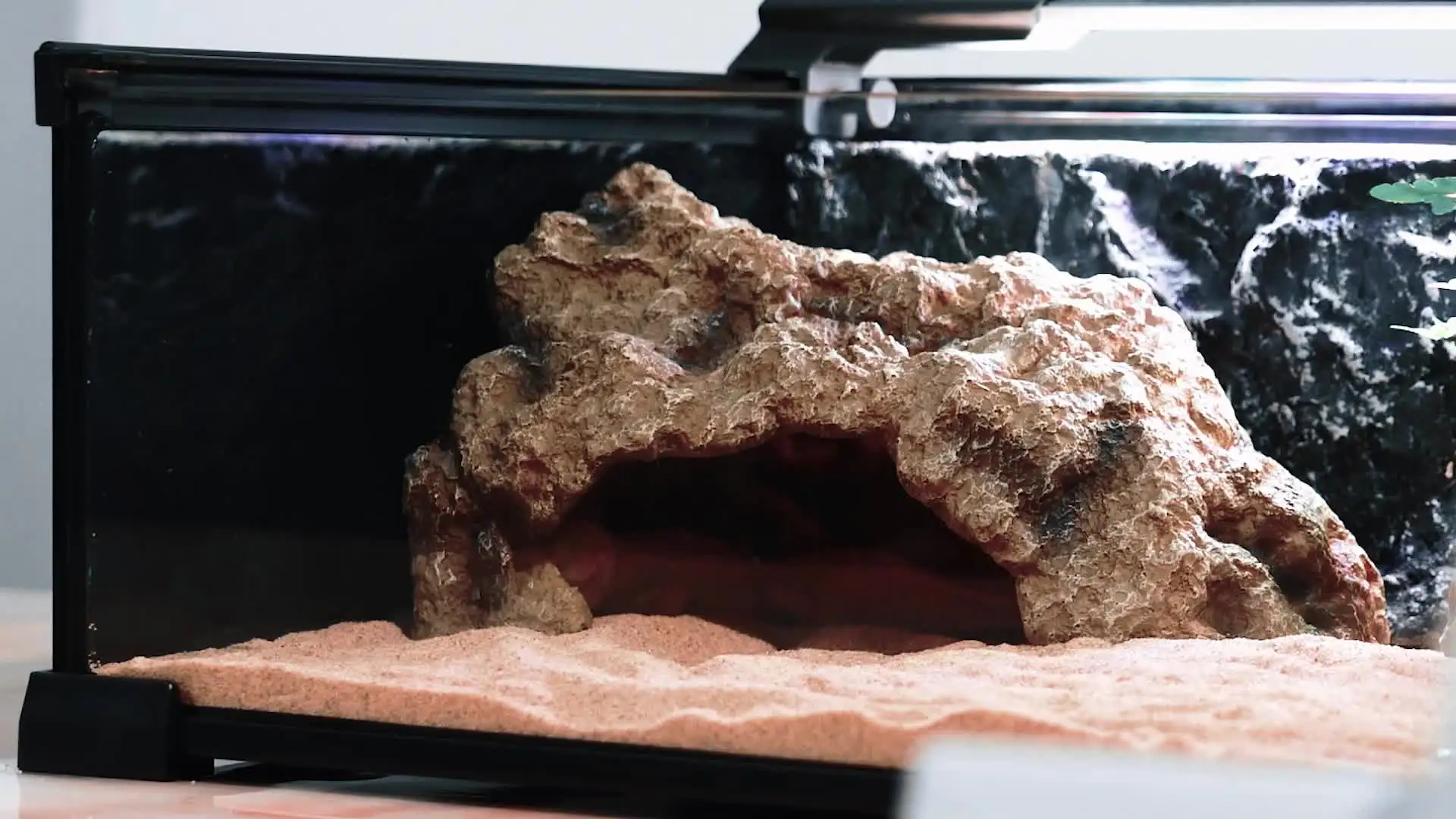
Watch this video for a quick setup guide:
5. Operating Modes
The C216T offers three primary control modes to suit different needs:
5.1 Temperature Mode
In Temperature Mode, the device controls heating or cooling based on your set temperature range. It features high/low temperature alarms, temperature calibration, and refrigeration delay functions.

5.2 Cycle Time Mode
This mode allows for cyclic operation of your connected device, turning it ON and OFF at set intervals. This is useful for applications requiring periodic activation.
5.3 Countdown Mode
The Countdown Mode provides flexible timing options, including Countdown ON, Countdown OFF, and Countdown ON & OFF. This allows for precise control over when your device activates or deactivates.


6. Key Features
- Wide Temperature Control Range: -40℉~212℉ (-40℃~100℃) with accurate measurement.
- High/Low Temperature Alarms: Alerts you when the detected temperature exceeds preset alarm values, ensuring safety and optimal conditions. The buzzer can be muted.
- Backlit LCD Display: Provides clear visibility of temperature and settings, even in low-light conditions.
- Child Lock: Prevents accidental changes to settings, ensuring continuous and safe operation.
- Memory Function: Retains all settings even after a power failure, eliminating the need for re-configuration.


7. Applications
The INKBIRD C216T is versatile and can be used in a wide range of environments:

- Reptile Terrariums
- Fish Tanks
- Home Appliances
- Refrigeration
- Home Brewing
- Incubation
8. Specifications
| Attribute | Value |
|---|---|
| Model | C216T Plug-in Timer Thermostat |
| Brand Name | INKBIRD |
| Theory | Temperature Controller |
| Display Type | DIGITAL |
| Certification | CE, FCC |
| Origin | Mainland China |
| Max Measuring Temperature | 49°C & Under |
| Is Smart Device | No |
| Use | Household |
| Display Size | 1.9 Inches & Under |
| Input | 100~240Vac 50/60Hz max 10A |
| Output | 100~240Vac 50/60Hz max 10A 1200W(120Vac), 2200W(220 Vac) |
| Temperature Control Range | -40℉~212℉/-40℃~100℃ |
| Temperature Display Accuracy | 0.1℉/℃ |
| Temperature Measurement Error | ±2.0℉/±1.0℃ |
| Refrigeration Delay Time | 0~10 minutes |
| Temperature Calibration Range | -8.8℉~8.8℉/-4.9℃~4.9℃ |
| Maximum Timing Range | 99 hour and 59 minutes |
| Time Error | ±2 seconds per day |
| Operating Temperature | Room temperature |
| Storage Temperature | 32℉~140℉/0℃~60℃ |
| Storage Humidity | 20%RH~80%RH (non-condensing) |
9. Troubleshooting
- Display Not Turning On: Ensure the thermostat is securely plugged into a live power outlet. Check the power outlet with another device.
- Incorrect Temperature Readings: Verify the temperature probe is fully inserted and not damaged. Ensure the probe is placed correctly in the environment you wish to measure. Consider performing a temperature calibration if readings are consistently off.
- Device Not Activating/Deactivating: Check that the connected appliance is properly plugged into the thermostat's output. Confirm that the operating mode and temperature/time settings are correctly configured. Ensure the child lock is not activated if you are unable to change settings.
- Alarm Not Sounding: Check if the buzzer has been muted in the settings.
10. Maintenance
- Cleaning: Wipe the thermostat and probe with a soft, dry cloth. Do not use abrasive cleaners or immerse the unit in water.
- Storage: When not in use for extended periods, store the thermostat in a cool, dry place away from direct sunlight and extreme temperatures.
- Probe Care: Handle the temperature probe carefully to avoid bending or damaging it.
11. User Tips
- Memory Function: The device has a memory function, so you don't need to set it up again after a power outage.
- Probe Placement: For accurate temperature control, ensure the temperature probe is positioned correctly within the environment you are monitoring, away from direct heat sources or drafts that could skew readings.
- Child Lock: Utilize the child lock feature to prevent accidental changes to your carefully configured settings, especially in environments where the device might be accessible to children or pets.
12. Warranty and Support
For warranty information, technical support, or service inquiries, please refer to the contact information provided by your retailer or visit the official INKBIRD website. Keep your purchase receipt as proof of purchase.