
1. Introduction
Thank you for choosing the VYOPBC T2 Wireless Bluetooth Earphones. These True Wireless Stereo (TWS) earphones feature Bluetooth 5.3 connectivity, HiFi sound quality, and a convenient LED digital power display. This manual will guide you through the setup, operation, and maintenance of your new earphones.

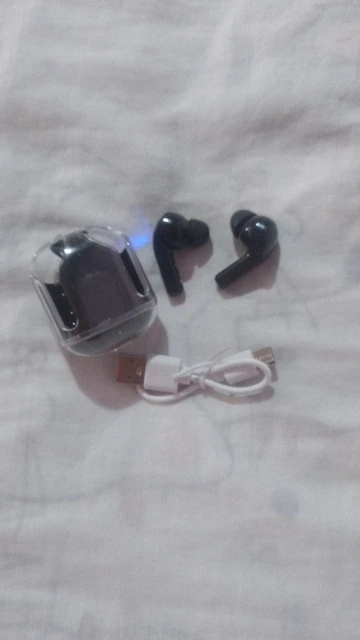
2. Package Contents
Please check the box for the following items:
- Left Earbud (L)
- Right Earbud (R)
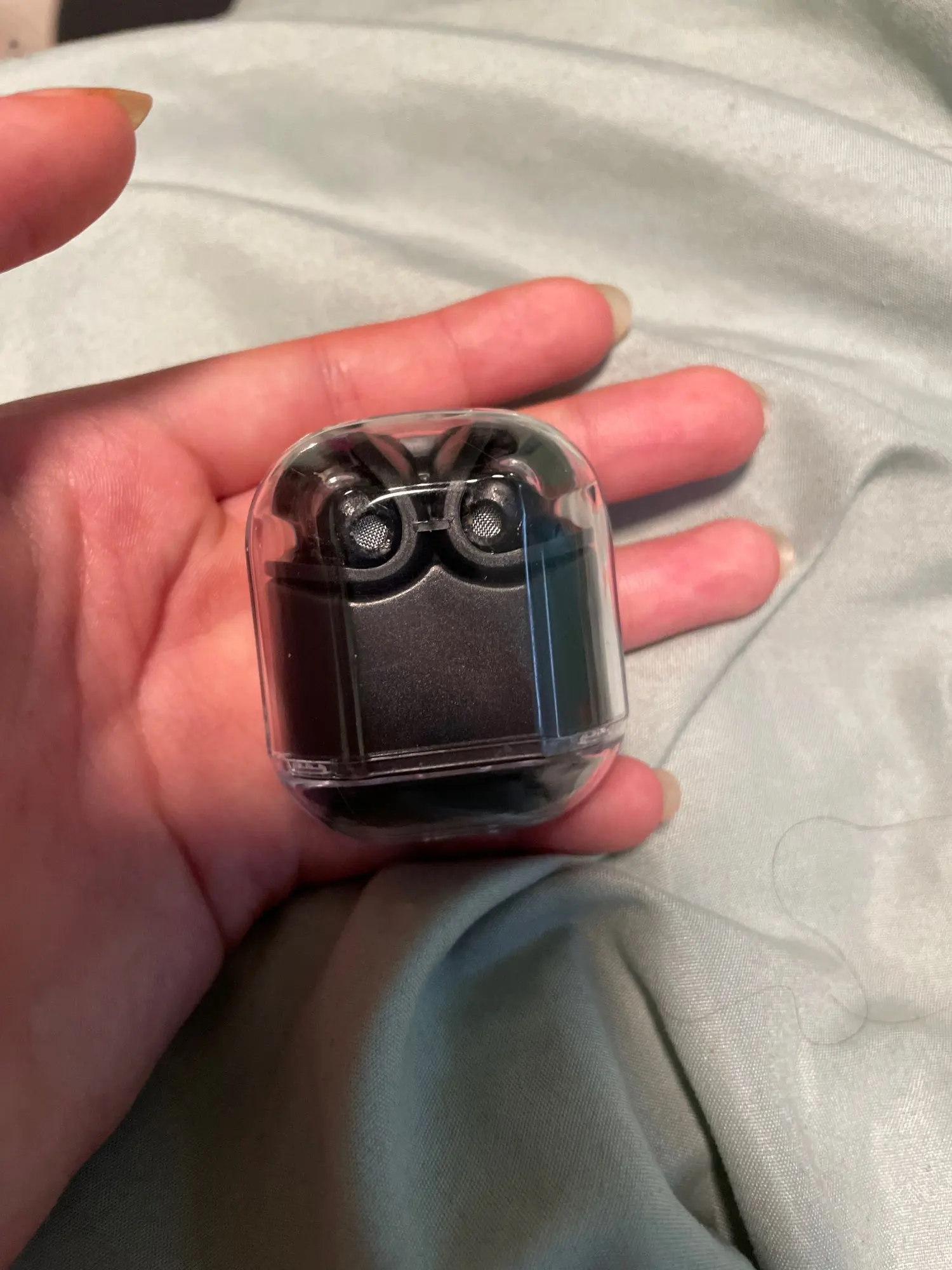
- Charging Case
- Charging Cable (Type-C)
- User Manual
3. Setup
3.1 Initial Charging
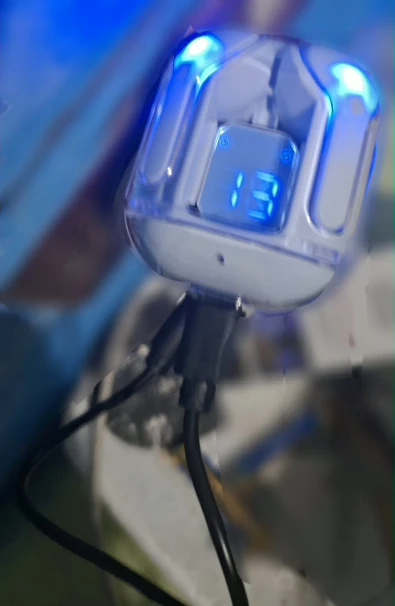
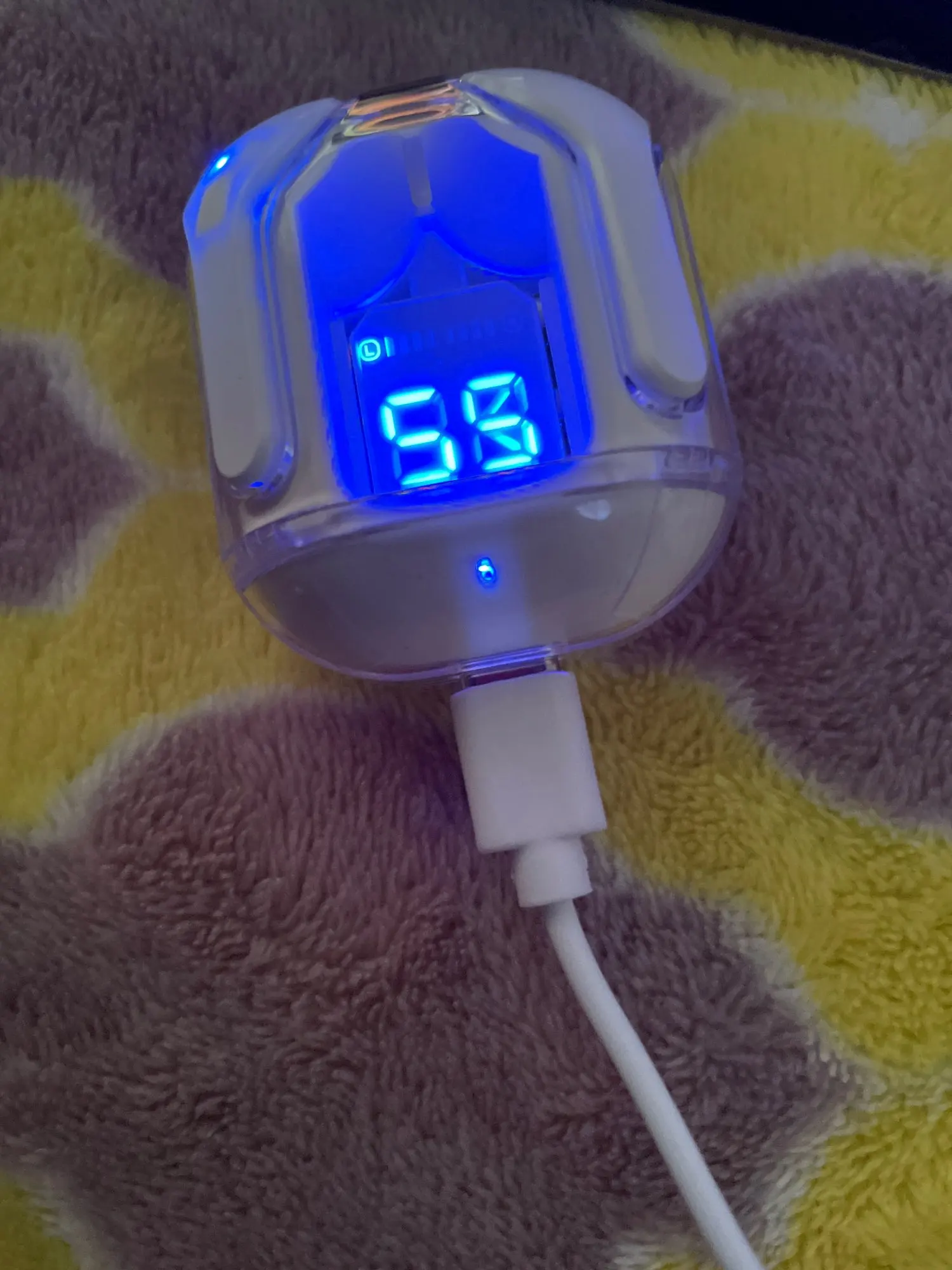
Before first use, fully charge your earphones and charging case. Connect the provided Type-C charging cable to the charging port on the case and plug the other end into a USB power source (DV 5V/1A recommended). The LED display on the case will indicate the charging status.
3.2 Powering On/Off
- Power On: Take the earbuds out of the charging case. They will automatically power on.
- Power Off: Place the earbuds back into the charging case. They will automatically power off and begin charging.
3.3 Pairing with Your Device
- Ensure the earbuds are charged and taken out of the charging case. They will automatically power on and attempt to pair with each other.
- Once paired with each other, one earbud's light will turn off, and the other will flash slowly, indicating they are ready to pair with your device.
- On your smartphone or Bluetooth-enabled device, go to Bluetooth settings and search for available devices.
- Select the device ID (e.g., "T2" or similar) from the list to connect.
- Once successfully paired, you will hear a confirmation tone, and the flashing light on the earbud will turn off.
The T2 earphones support seamless switching between single and dual earbud use, offering stable transmission.
3.4 Wearing the Earbuds
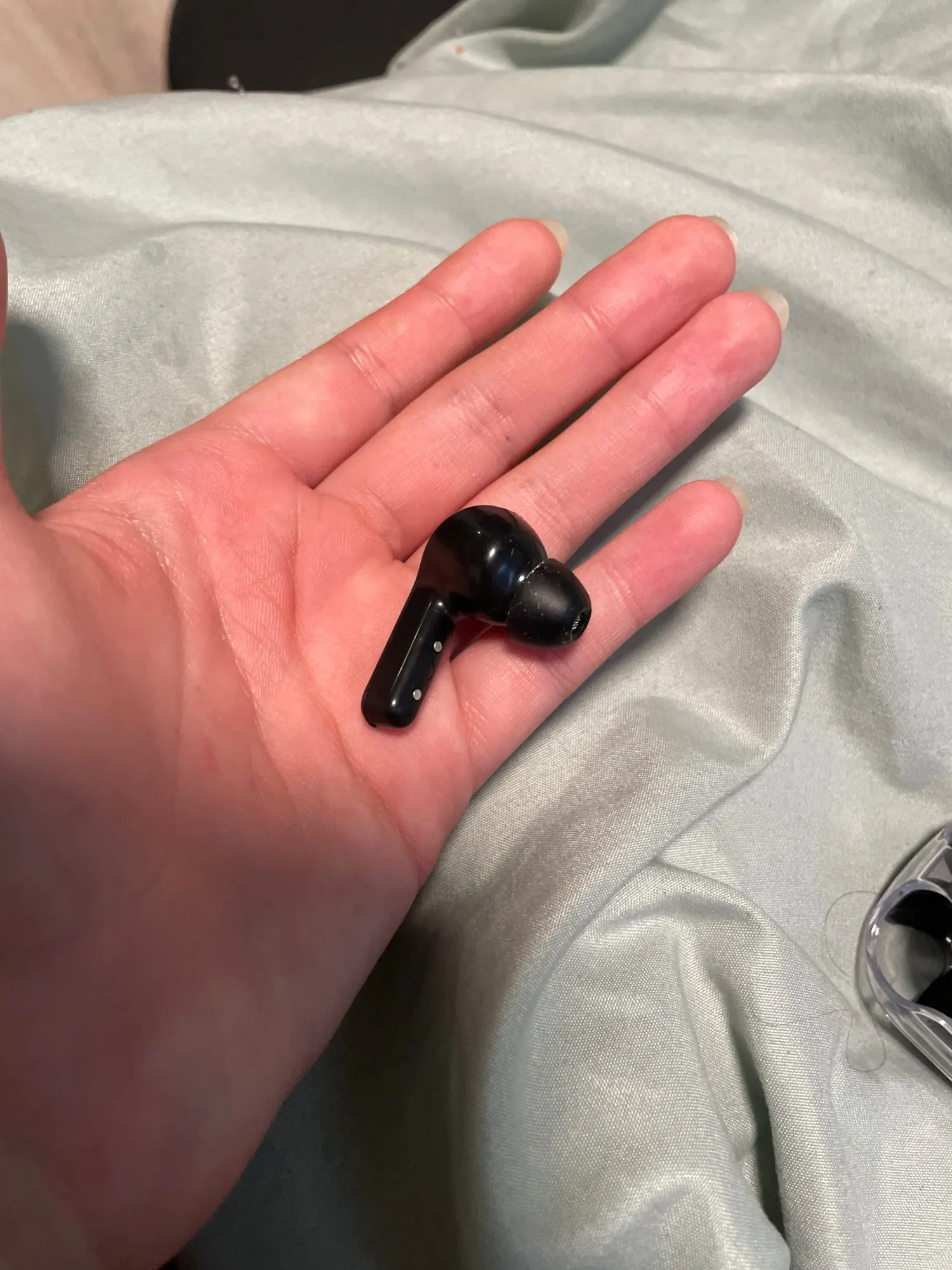
The earbuds are ergonomically designed for a comfortable and secure fit. Gently insert each earbud into your ear canal and rotate slightly until it feels snug. This ensures optimal sound quality and comfort.
4. Operating Instructions
4.1 Music Playback
- Play/Pause: After successful pairing, touch the function button (M/F button) on either earbud once.
- Next Track: Press the M/F button on the right earbud twice.
- Previous Track: Press the M/F button on the left earbud twice.
- Volume Up: Press the M/F button on the right earbud three times.
- Volume Down: Press the M/F button on the left earbud three times.
4.2 Call Management
- Answer/End Call: Touch the function button (M/F button) on either earbud once.
- Reject Call: Press and hold the function button (M/F button) on either earbud for 2 seconds.
4.3 LED Digital Power Display
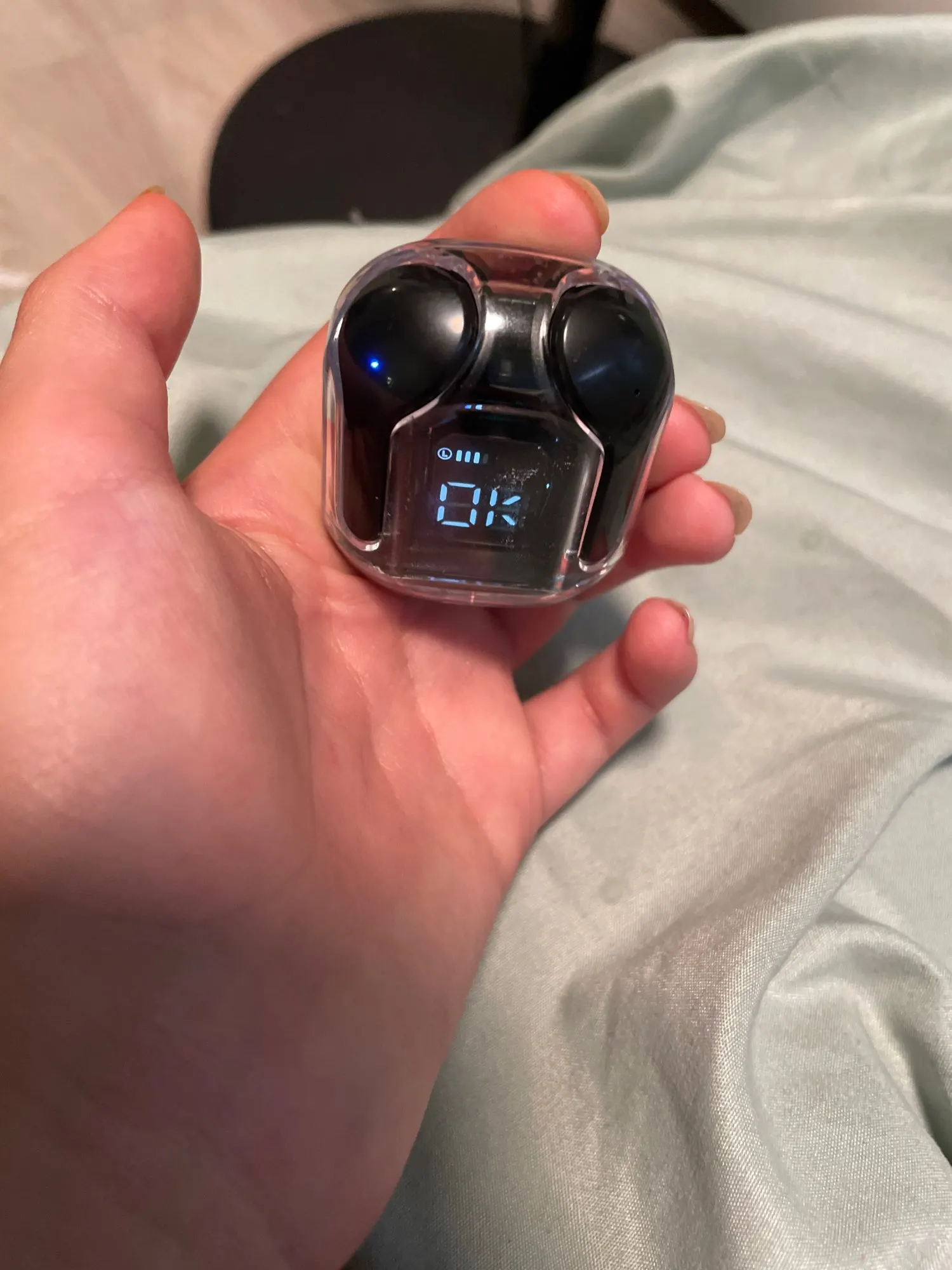
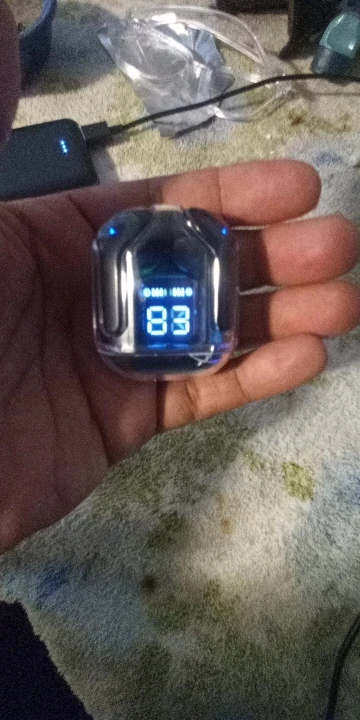
The charging case features an LED digital display that accurately shows the battery level of the charging compartment and each individual earbud (Left and Right). This allows you to monitor power levels at a glance.
5. Maintenance
5.1 Cleaning
Gently wipe the earbuds and charging case with a dry, soft, lint-free cloth. Do not use harsh chemicals, cleaning solvents, or strong detergents.
5.2 Storage
Always store your earphones in the charging case when not in use to protect them from dust, damage, and to keep them charged.
5.3 Battery Care
To prolong battery life, avoid exposing the earphones to extreme temperatures (hot or cold). Charge them regularly, even if not used frequently.
5.4 Durability
The earphones feature a high-hardness shell with a scratch-resistant coating, designed to resist daily wear and tear.
6. Troubleshooting
- Earbuds not pairing/connecting: Ensure both earbuds are fully charged. Take them out of the case, turn off Bluetooth on your device, then turn it back on and try re-pairing.
- Only one earbud working: Check if both earbuds are charged. Place both back in the case, then take them out simultaneously to allow them to pair with each other first. If the issue persists, try resetting your device's Bluetooth connection.
- Earbuds not charging or stuck at a percentage: Ensure the charging cable is securely connected to both the case and the power source. Try using a different USB port or a charger with the recommended output (DV 5V/1A).
- Short battery life: Ensure the earbuds and case are fully charged before use. Note that the expected work time for earbuds is about 2-3 hours, with the case providing multiple recharges for up to 28 hours total.
- Sound issues (no bass, low quality): Ensure the earbuds are properly seated in your ears for optimal sound delivery. Check your device's volume settings.
7. Specifications
| Feature | Specification |
|---|---|
| Bluetooth Version | V5.3 |
| Support Modes | A2DP/AVCTP/AVDTP/AVRCP/HFP |
| Earbud Work Time | Approx. 2-3 hours |
| Total Battery Life (with case) | Up to 28 hours |
| Transmission Distance | 10 meters (in empty space) |
| Earbud Charging Time | Approx. 1-2 hours |
| Driver Diameter | 13mm (Copper ring moving coil horn) |
| Vocalism Principle | Balanced Armature |
| Single Earbud Weight | Approx. 3.5g |
| Material | Plastic |
| Features | Built-in Microphone, Sound Isolating, Control Button, Volume Control, ENC Call Noise Reduction, AAC+SBC Decoding, LED Power Display |


8. User Tips
- For optimal sound quality and bass response, ensure the earbuds are properly seated and sealed in your ear canals.
- Always store your earbuds in the charging case when not in use. This prevents them from getting lost, protects them from damage, and ensures they are always charged.
- If you experience any pairing or connection issues, try fully charging both earbuds and the charging case before attempting to re-pair them with your device.
- For consistent and efficient charging, use a stable 5V/1A USB power adapter.
- Be mindful of the charging case's security; some users have noted that earbuds can fall out if the case is shaken vigorously.
9. Warranty and Support
For any warranty claims, technical support, or inquiries regarding your VYOPBC T2 Wireless Bluetooth Earphones, please contact your original seller or the manufacturer's customer service. Keep your purchase receipt as proof of purchase.