
1. Introduction
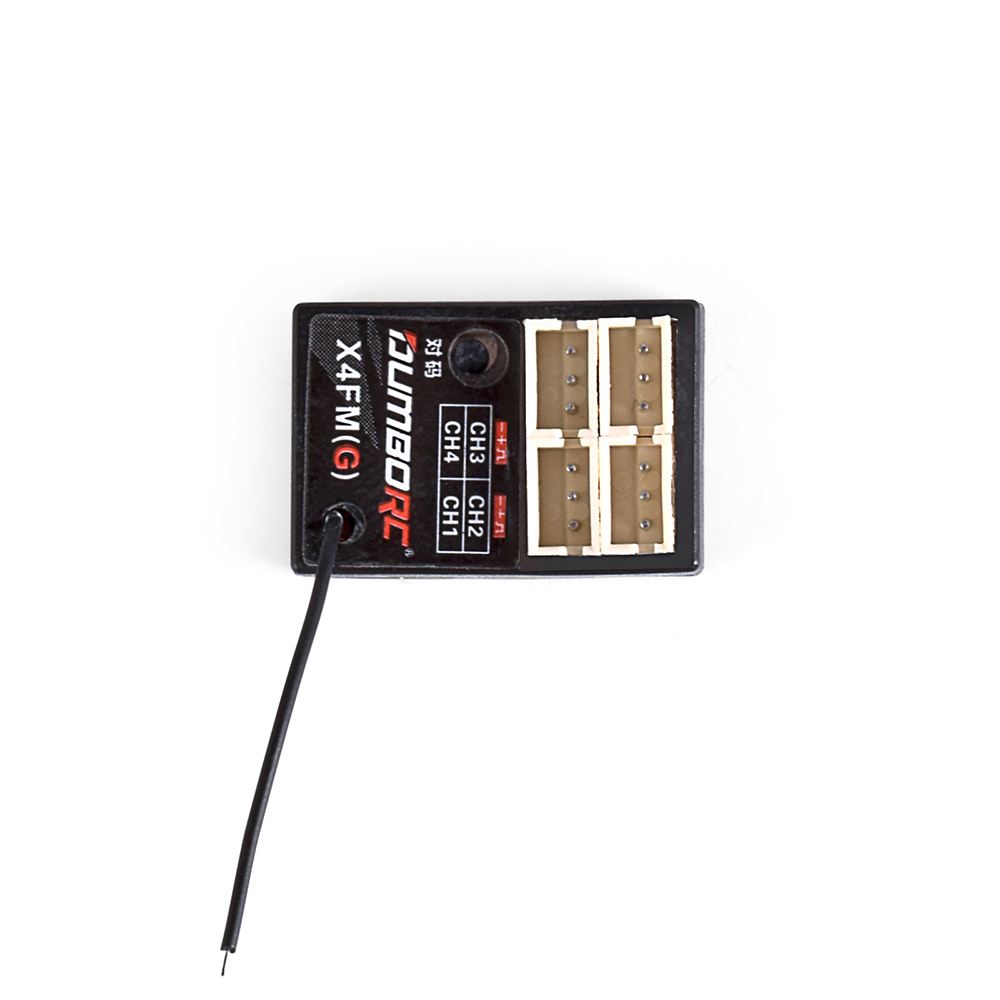
This manual provides detailed instructions for the DumboRC X4FM and X4FMG 4-channel mini receivers. These receivers are designed for use with DumboRC X4, X5P, X6, and X6PM series remote controls, utilizing FHSS (Frequency Hopping Spread Spectrum) anti-interference technology for stable signal transmission. The X4FM is a standard 4-channel receiver, while the X4FMG includes a built-in gyroscope for enhanced stability in RC drift cars and other vehicles.


2. Safety Information
⚠ WARNING: This product can expose you to chemicals including phthalates (DEHP), which is known to the State of California to cause cancer and birth defects or other reproductive harm. For more information go to www.P65Warnings.ca.gov.
Always operate RC equipment responsibly. Ensure all connections are secure before operation. Keep the receiver away from water and extreme temperatures.
3. Package Contents
- 1x DumboRC X4FM or X4FMG Mini Receiver
4. Specifications
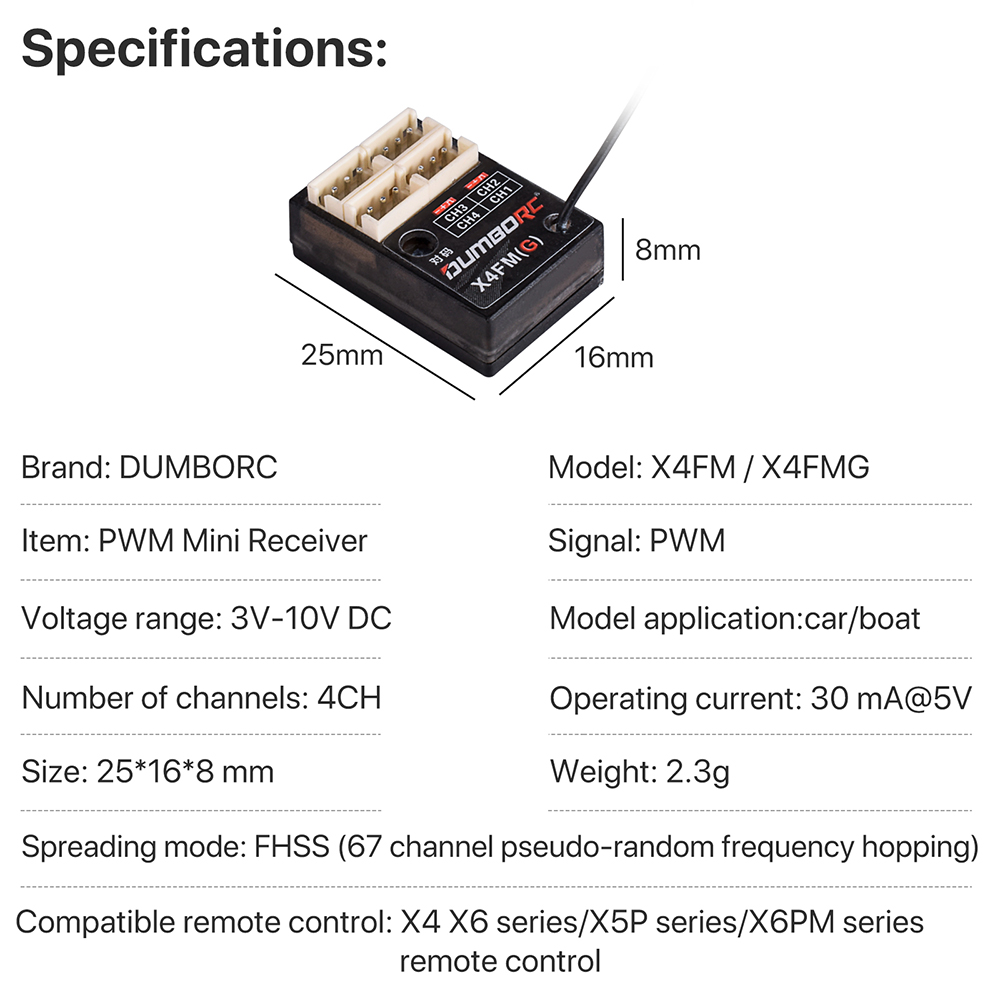
| Feature | Detail |
|---|---|
| Brand | DumboRC |
| Model | X4FM / X4FMG |
| Item Type | PWM Mini Receiver |
| Signal Type | PWM |
| Voltage Range | 3V-10V DC |
| Application | RC Car / RC Boat |
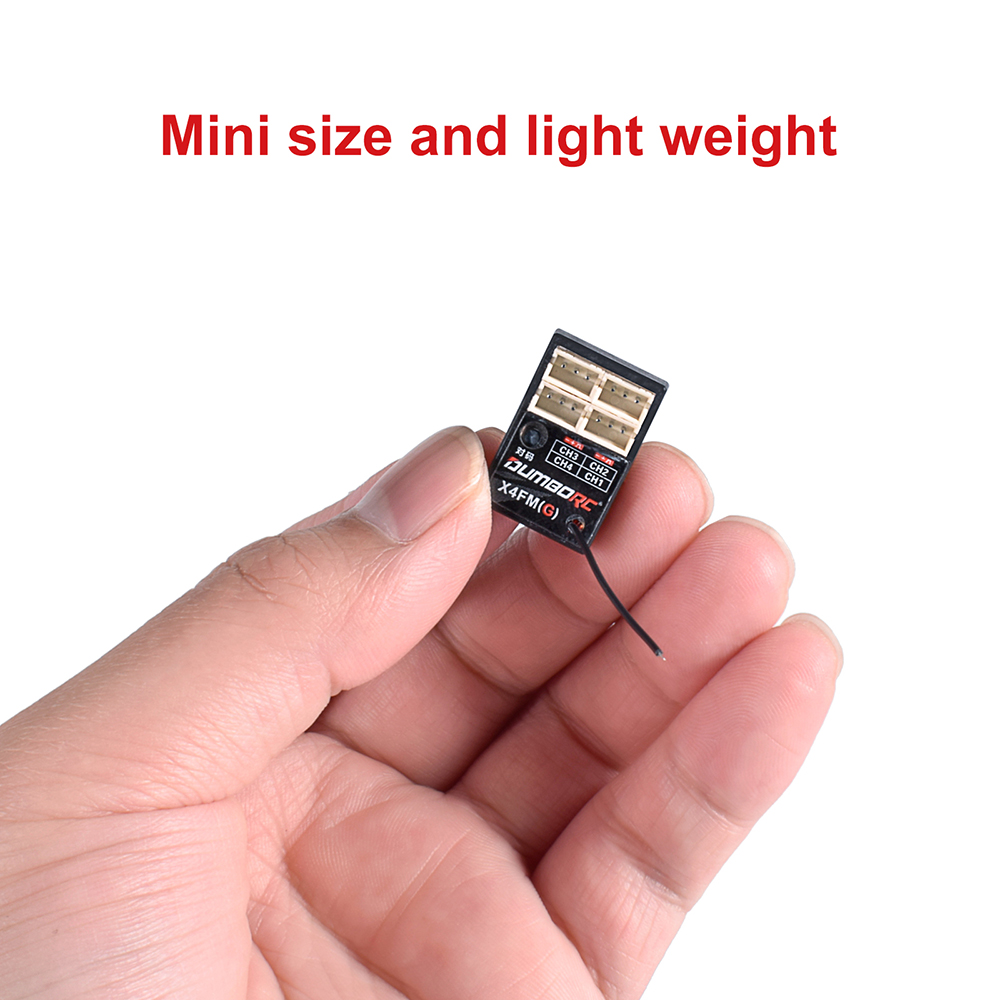
| Dimensions (L*W*H) | 25 * 13 * 8 mm |
| Number of Channels | 4CH |
| Operating Current | 30 mA@5V |
| Spreading Mode | FHSS (67 channel pseudo-random frequency hopping) |
| Compatible Remote Control | DumboRC X4, X5P, X6, X6PM series |
| Weight | 2.3g |
| Material | Plastic |
| RC Parts & Accs | RECEIVERS |
5. Setup and Binding
Before using your DumboRC receiver, it must be bound to a compatible DumboRC transmitter (X4, X5P, X6, or X6PM series). Follow these steps to bind your receiver:
- Ensure your DumboRC transmitter is turned OFF.
- Connect the receiver to a power source (3V-10V DC) via one of the channel ports (e.g., CH3 or CH4 if not used for other functions, or the dedicated battery port if available).
- Press and hold the "Check code" (BIND) button on the receiver.
- While holding the BIND button, turn ON the receiver's power. The receiver's LED indicator should start flashing rapidly, indicating it is in binding mode.
- Release the BIND button.
- Turn ON your DumboRC transmitter and put it into binding mode (refer to your transmitter's manual for specific instructions on entering binding mode).
- Once the binding process is successful, the receiver's LED indicator will turn solid, indicating a successful connection.
- Turn OFF both the receiver and the transmitter.
- Turn ON the transmitter first, then the receiver, to confirm the binding is saved and working correctly.
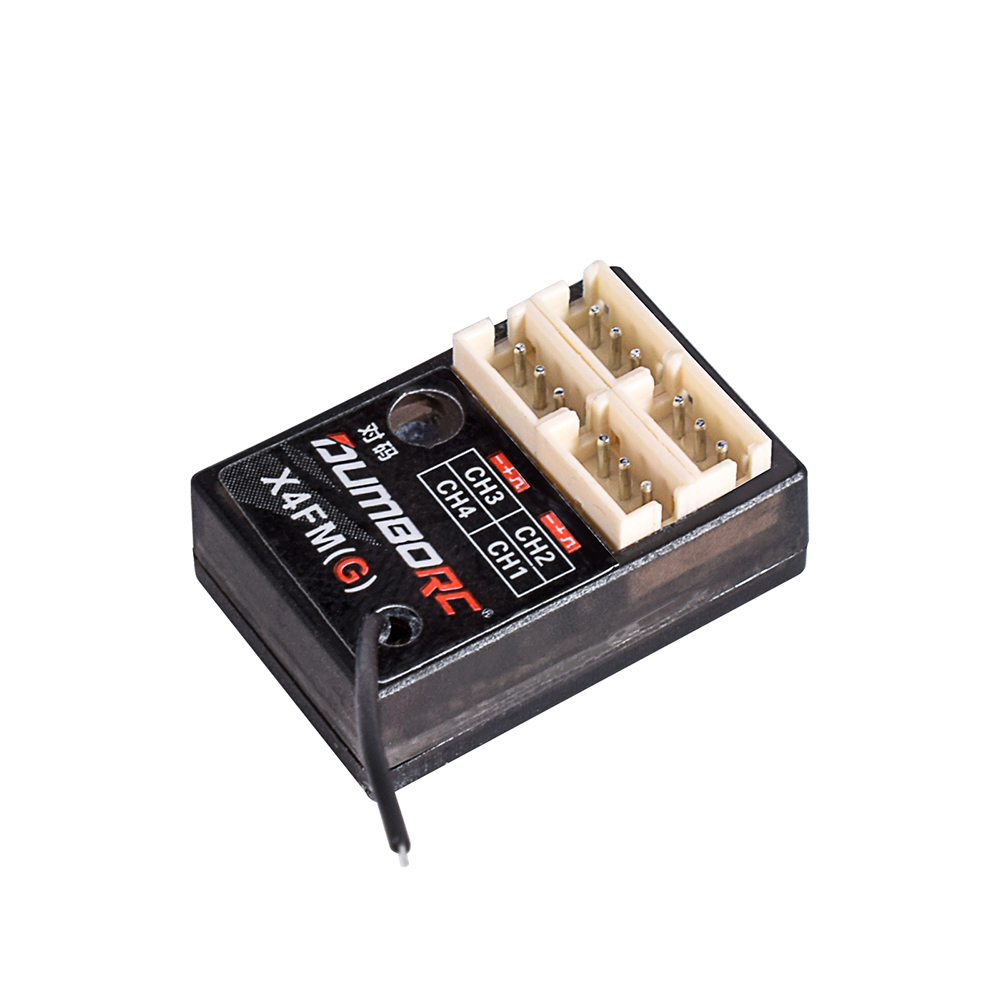
Receiver Port Legend:
- CH1: Channel 1 (e.g., Steering)
- CH2: Channel 2 (e.g., Throttle)
- CH3: Channel 3 (Auxiliary)
- CH4: Channel 4 (Auxiliary)
- Check code: Binding button
- Antenna: Signal reception
- Signal (S): Signal pin for each channel
- + (+): Positive power pin for each channel
- - (-): Negative power (Ground) pin for each channel
6. Operation
6.1 General Operation
The DumboRC X4FM and X4FMG receivers provide 4 PWM channels for controlling various functions of your RC model. Connect your servos, ESCs, and other components to the corresponding channel ports (CH1-CH4) on the receiver. Ensure correct polarity (+, -, Signal) when making connections.
6.2 X4FMG Gyro Function (for X4FMG model only)
The X4FMG model features a built-in gyroscope, specifically designed to assist with stability, particularly beneficial for RC drift cars. The gyro helps to automatically correct steering input, making the vehicle easier to control and maintain a straight line or a consistent drift angle.
The sensitivity of the gyroscope is typically adjusted via a dedicated channel on your DumboRC transmitter (e.g., CH3 or CH4, depending on your transmitter's configuration). Refer to your transmitter's manual for instructions on how to adjust gyro sensitivity.
7. Maintenance
- Keep Clean: Regularly clean the receiver and its connections to prevent dust and debris buildup. Use a soft, dry brush or compressed air.
- Protect from Elements: Avoid exposing the receiver to moisture, extreme temperatures, or direct sunlight. If operating in damp conditions, ensure the receiver is adequately protected (e.g., in a waterproof receiver box).
- Antenna Placement: Ensure the receiver antenna is positioned correctly and not damaged. A damaged or improperly placed antenna can significantly reduce signal range and reliability.
- Connection Check: Periodically check all wire connections to ensure they are secure and free from corrosion or damage.
8. Troubleshooting
- No Signal / Loss of Control:
- Ensure the receiver is correctly bound to the transmitter. Repeat the binding process if necessary.
- Check all power connections to the receiver and the RC model.
- Verify the transmitter batteries are charged.
- Inspect the receiver antenna for damage or improper placement.
- Ensure there are no strong interference sources nearby.
- Receiver LED Not Lighting Up:
- Check the power supply to the receiver. Ensure the voltage is within the specified 3V-10V DC range.
- Verify all power connections are secure and correctly polarized.
- Gyro Not Functioning (X4FMG only):
- Ensure the X4FMG receiver is correctly connected and powered.
- Check your transmitter settings to ensure the gyro function is enabled and its sensitivity is adjusted.
- Verify that the receiver is indeed the X4FMG model and not the X4FM.
9. User Tips
- Transmitter Compatibility: These receivers are designed to work specifically with DumboRC X4, X5P, X6, and X6PM series transmitters. While they use FHSS technology, compatibility with other brands' FHSS transmitters is not guaranteed. Always use a DumboRC transmitter for optimal performance and reliable binding.
- Antenna Management: For best range and signal stability, ensure the receiver antenna is extended and positioned away from large metal objects or carbon fiber components in your RC model. Avoid bending or cutting the antenna wire.
- Power Supply: Always ensure your power source (e.g., ESC's BEC or separate battery) provides stable voltage within the receiver's specified 3V-10V DC range. Over-voltage can damage the receiver.
10. Warranty and Support
For any issues not covered in this manual, or for warranty claims, please contact your retailer or DumboRC customer support. Keep your proof of purchase for warranty purposes.