
Welcome
Thank you for choosing the FreedConn Helmet Bluetooth® Intercom system. By doing so, you now have the assurance and peace of mind that comes with purchasing a product made by one of the leading manufacturers. All products brought to you are manufactured to the highest standard of performance and safety and, as part of our philosophy of customer service and satisfaction, are backed by our comprehensive 1 Year Warranty. We hope you will enjoy using your purchase for many years to come.
Safety Warning
Keep in mind that using FreedConn can limit the audibility of ambient sounds. Listening to music at maximum volume in addition to temporarily adapting to make it impossible to hear soft sounds can lead to permanent hearing damage.
Warm Tips
In order to get the best sound quality experience, please make sure Speakers are within 2mm of ears.
1. Product Features
- Built-in FM radio.
- Three riders connecting, two riders intercom by switching.
- Maximum intercom range 800 meters (up to 1000M duplex intercom).
- Music Sharing between rider to pillion or rider to rider.
- Supports connection to most other Bluetooth intercom systems.
- Supports staying connected to smartphone, MP3 player, and GPS navigation system.
- Wireless headset for Bluetooth-enabled cell phones at a range of up to 10 meters.
- Up to 10 hours talk time when connected to cell phone.
- Up to 6 hours talk time when using the intercom feature.
- Up to 300 hours standby.
- Call out, call answer, call reject, call hang up functions.
- Automatically answers incoming calls.
- Redials the last number.
- Supports audio transfer.
- Enjoy cell phone music through A2DP or connect GPS.
- Control cell phone music through AVRCP: forward, backward, play, pause.
- Automatic switching among Bluetooth cell phone, intercom, stereo music.
- With DSP echo cancellation and noise suppression technology, crystal clear voice quality is guaranteed at high speeds.
- Button panel is waterproof and sun-proof, with a durable design.
- Bluetooth 5.0 (or 5.1 for updated versions).
- Upgraded to FreedConn V3 HiFi Speaker.
- USB charging port upgraded from 8-pin to 5-pin for convenience.
2. Parts List
One Set Package List (Quantity is optional):
- FreedConn T-Com VB Bluetooth Device X 1
- Ear Speaker & Microphone X 1
- Headphone Velcro X 1
- Vecro Clip X 1
- Hook Clip X 1
- Screw driver X 1
- USB Charge Cable X 1
- User Manual X 1
- Packing Box X 1
Two Sets Package List (Quantity is optional):
- FreedConn T-Com VB Bluetooth Device X 2
- Ear Speaker & Microphone X 2
- Headphone Velcro X 2
- Vecro Clip X 2
- Hook Clip X 2
- Screw driver X 2
- USB Charge Cable X 2
- User Manual X 2
- Packing Box X 2
Tips: The package does not include a charger, but it includes a USB charging cable. Please use your phone charger.

3. Installation Method for Helmet Application
Loosen the Screws: Counter-clockwise turn the screws on the back of the clamp with the provided screwdriver to loosen the clip.
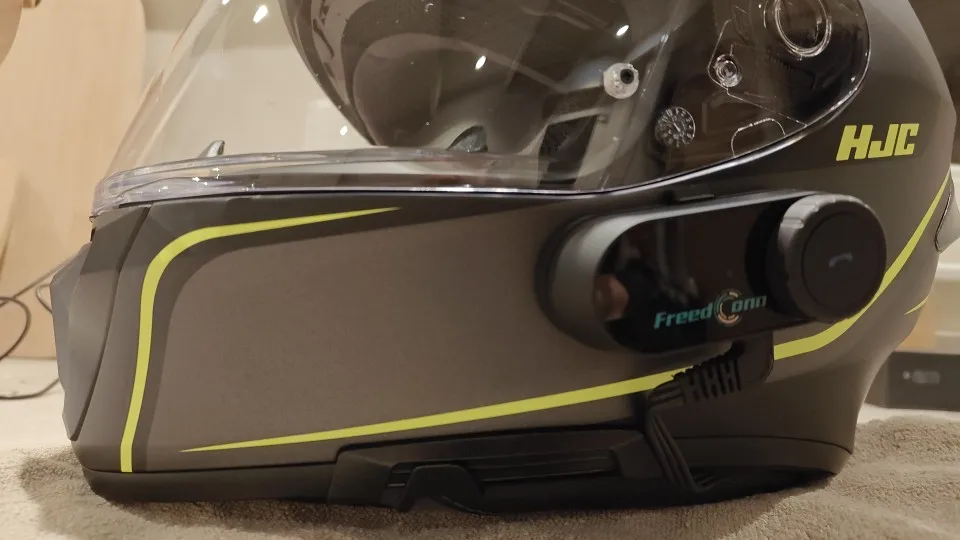
Diagram showing how to loosen the screws on the headset clamp. Insert the Clamp: Open the lining of the helmet. Insert the clamp at the proper position on the left of the helmet and fasten the screw. (Caution: overly fastened screws can damage the clamp).
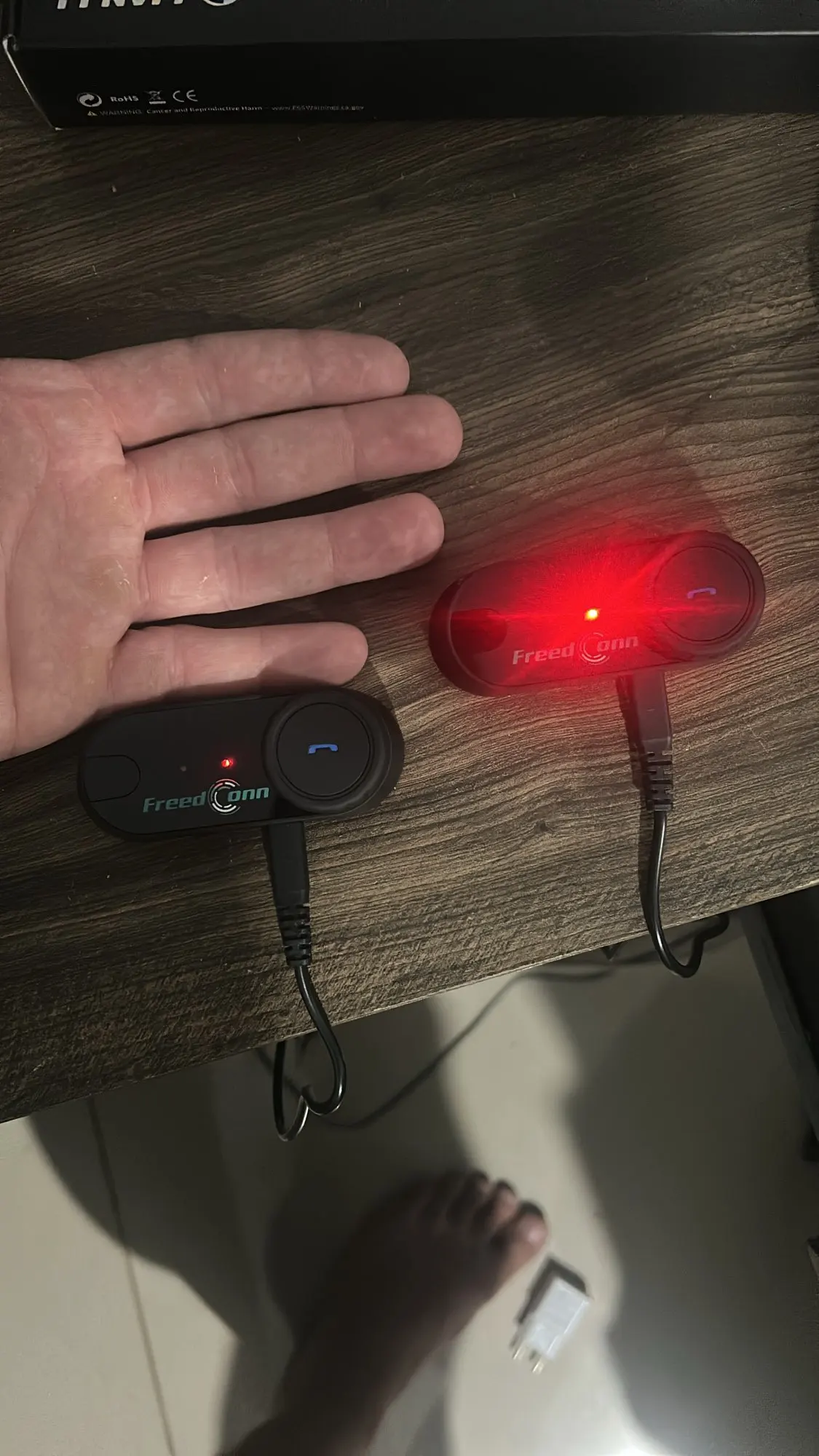
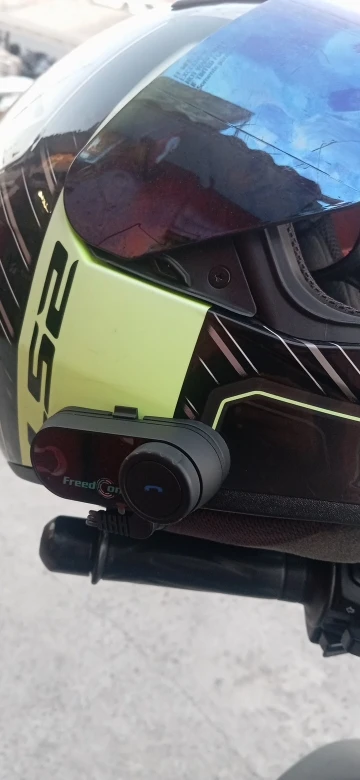
Diagram illustrating the correct placement and fastening of the clamp on the helmet. Slide in the Receiver: Slide the BT receiver down into the slot on the headset clamp mount. Make sure that it is locked in securely.
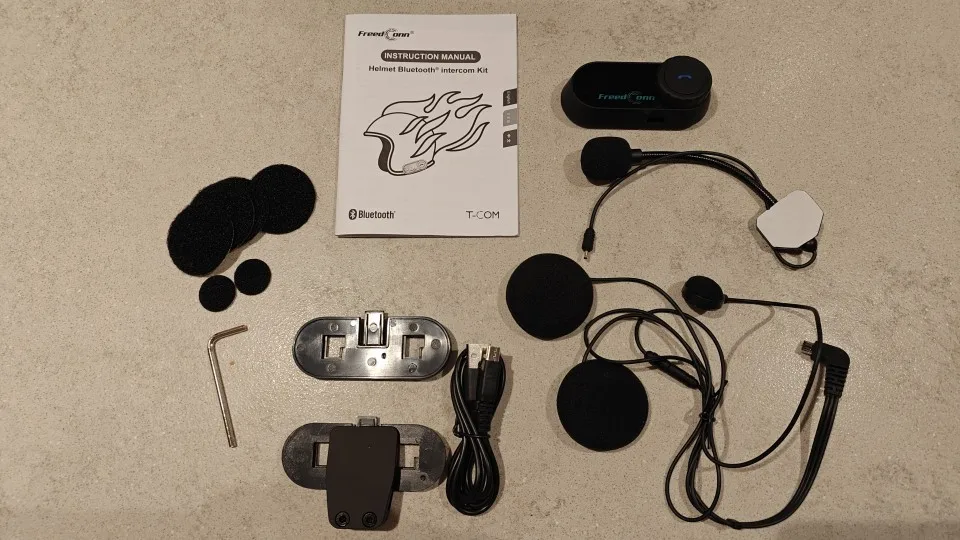
Diagram showing the Bluetooth receiver being slid into the mounted clamp. Attach Headphone Velcro: Open the lining of the helmet (position of the ear), stick the Headphone VELCRO tapes on the EPS surface.
Diagram showing the placement of Velcro tapes for headphones inside the helmet lining. Affix Speakers: Affix the speakers to the VELCRO tapes.
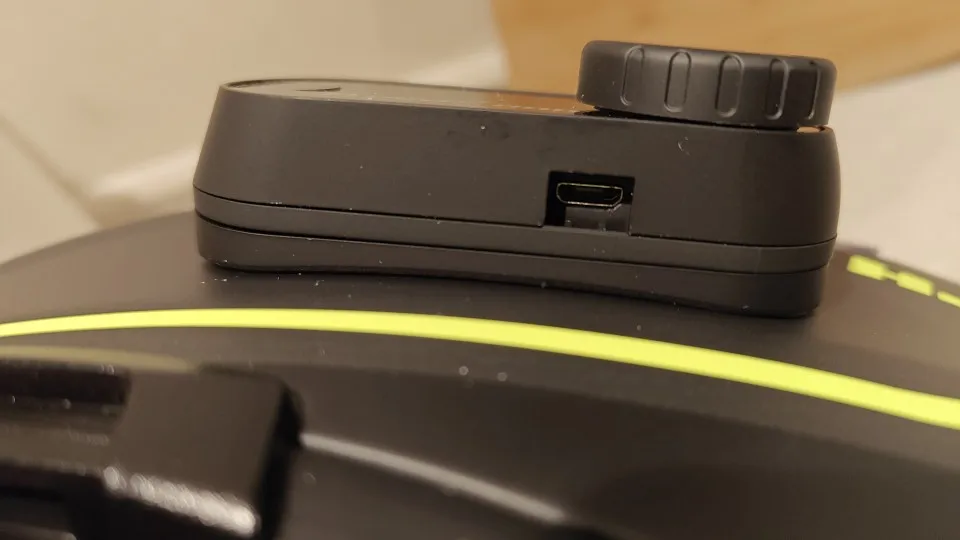
Diagram showing speakers being attached to the Velcro tapes inside the helmet. Insert Headphone Plug: Insert the headphone plug into the headphone jack on the Main unit to finish the installation.
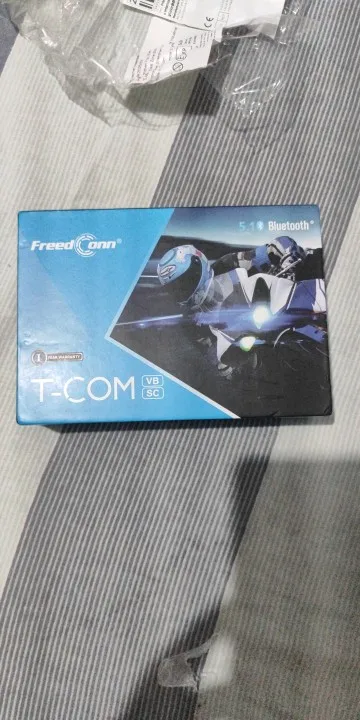
Diagram showing the headphone plug being inserted into the main unit's jack.
Wiring Diagram
4. Operating Instructions
Product Control Panels
Pairing with Phone
- Press and hold the power on button for about 3 to 4 seconds until the indicator flashes between red and blue. The device is now in pairing mode.
- On your phone, find the Bluetooth list and select "T-Com" to connect.
Music Control
- Play/Pause: When the phone is playing music, press the multi-function key to pause. Press again to continue playing.
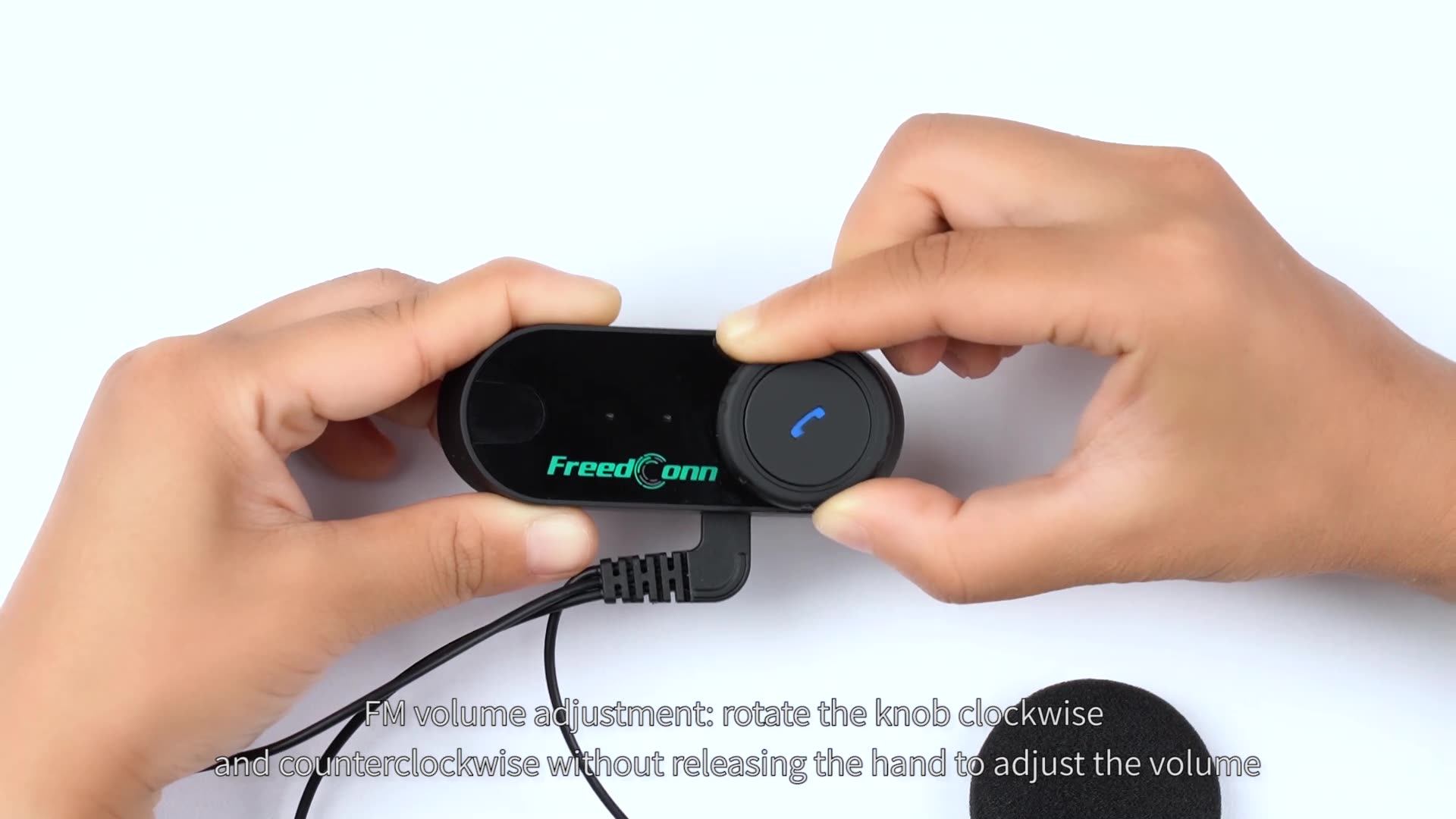
- Volume Adjustment: Rotate the jog wheel clockwise to increase volume and counter-clockwise to decrease volume. The volume can be adjusted without releasing the hand.
- Previous/Next Song: Rotate the jog wheel clockwise to play the next song and counter-clockwise to play the previous song.
Phone Call Operation
- Automatic Answer: Incoming calls will be automatically answered if ringing for 15 seconds without any operation.
- Answer Call: Press the multi-function button to answer an incoming call.
- Hang Up: Press the multi-function key to hang up the phone call.
- Reject Call: Long press the multi-function button for 3 seconds to reject an incoming call.
- Redial Last Number: Long press the multi-function key for 2 seconds to activate the last number redial.
FM Radio Operation
- Turn On/Off FM: Double-press the multi-function button to turn on the radio function. Double-press again to turn off.
- FM Volume Adjustment: Rotate the jog wheel clockwise to increase volume and counter-clockwise to decrease volume without releasing the hand.
- Radio Channel Modulation: Rotate the jog wheel clockwise and counter-clockwise to adjust the radio channel.
5. Technical Specifications
| Feature | Specification |
|---|---|
| Brand Name | FreedConn |
| Model Name | T Com VB |
| Item Type | Helmet Headset |
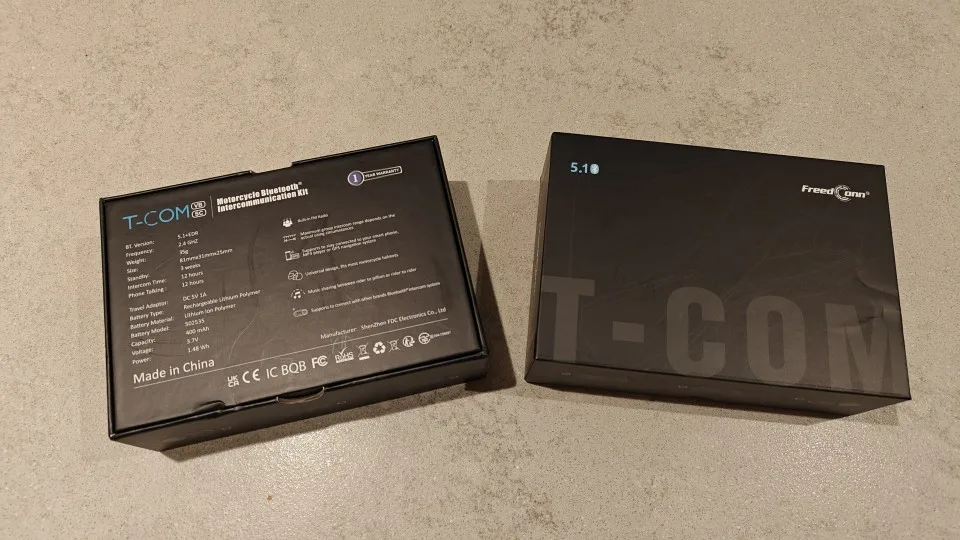
| Bluetooth Version | 5.0 (Updated Version 5.1) |
| Frequency | 2.4GHz |
| Maximum Intercom Distance | 500-1000m (up to 800-1200m) |
| Maximum Number of Speakers | >6 (Supports 6 riders connection, 2 talking simultaneously) |
| Talking Time (Phone) | Up to 12 hours |
| Talking Time (Intercom) | Up to 8-10 hours |
| Standby Time | Up to 300 hours |
| Charging Time | About 2.5 hours |
| Battery Type | Rechargeable Lithium polymer Battery |
| Battery Model | 502533 |
| Battery Capacity | 400mAh |
| Voltage | 3.7V |
| Power | 1.48WH |
| Weight (excluding accessories) | 35 grams |
| Dimensions (L x W x H) | 8.2 cm x 3.2 cm x 2.5 cm |
| External Testing Certification | CE |
| Power Supply Mode | Built-in Battery |
| Connection Mode | Wire, Bluetooth |
| Applicable Helmet Type | Half Helmet, Modular, Motocross, Open face, Full Face, Flip Up Helmet, Universal |
| Special Features | FM, Noise Reduction, Long Range Bluetooth Intercom |

6. Maintenance
- Cleaning: Use a soft, damp cloth to clean the device. Do not use harsh chemicals or abrasive cleaners.
- Water Resistance: The device is designed to be waterproof, sunproof, and dustproof. However, avoid prolonged submersion in water. Ensure the USB port cover is securely closed when not charging.
- Storage: Store the device in a cool, dry place away from direct sunlight and extreme temperatures.
- Battery Care: To prolong battery life, avoid fully discharging the battery frequently. Charge the device regularly, even if not in use for extended periods.

7. Troubleshooting
- Device not turning on: Ensure the battery is charged. Connect to a power source using the USB cable.
- Cannot pair with phone: Make sure the device is in pairing mode (indicator flashing red and blue). Check your phone's Bluetooth settings and ensure "T-Com" is selected.
- Intercom not connecting: Ensure both devices are within range (up to 800-1200m in open space) and in intercom mode.
- Poor audio quality/wind noise: Ensure speakers are positioned correctly within 2mm of your ears. For microphone, wind noise can affect transmission at high speeds; try adjusting microphone position or using a helmet with better wind protection.
- Music sharing issues: Ensure both intercoms are paired and within range. The feature supports rider-to-pillion or rider-to-rider sharing.
- FM radio reception issues: Try adjusting the radio channel using the jog wheel. Ensure you are in an area with good signal strength.
8. User Tips
- "The intercom works flawless and the volume is loud enough. The quality is good for music and the battery has lasted the entire day of riding." - Ensure proper speaker placement for optimal volume.
- "I like the way it can be operated with gloves on. the sound is good enough and loud enough. I like that there's a fm radio. sometimes that's nice to listen to." - Familiarize yourself with button functions for easy operation while wearing gloves.
- "Installed on my HJC F71, it fits perfectly, the sound is very good, the bass is not excellent but I think that on a motorcycle a little noise is not a problem, calls are very good, voice commands are usable." - Speaker placement is key for sound quality; some helmets may require minor adjustments for a perfect fit.
- "Tested it on my sunday riding with my gf and i have to say it exceeded my expectations. It played music non stop for more than 7-8 hours and it’s still on full charge. It connects instantly with my phone and also pairs with the second intercom automatically. Then all you have to do is press one button to talk with passenger and again to close call and continue listening to music." - For seamless music and intercom use, practice switching between modes.
- "The audio quality is good up to highway speeds, while according to the interlocutor, the audio transmitted by the microphone is greatly affected by wind noise, therefore dialogue is easy at moderate speeds (around 60km/h)." - For clear communication, especially at higher speeds, consider your helmet's wind noise reduction and microphone placement.
9. Warranty and Support
All FreedConn products are manufactured to the highest standards of performance and safety and are backed by a comprehensive 1 Year Warranty.
For technical support or warranty claims, please refer to the contact information provided at the point of purchase or visit the official FreedConn website.