
1. Introduction
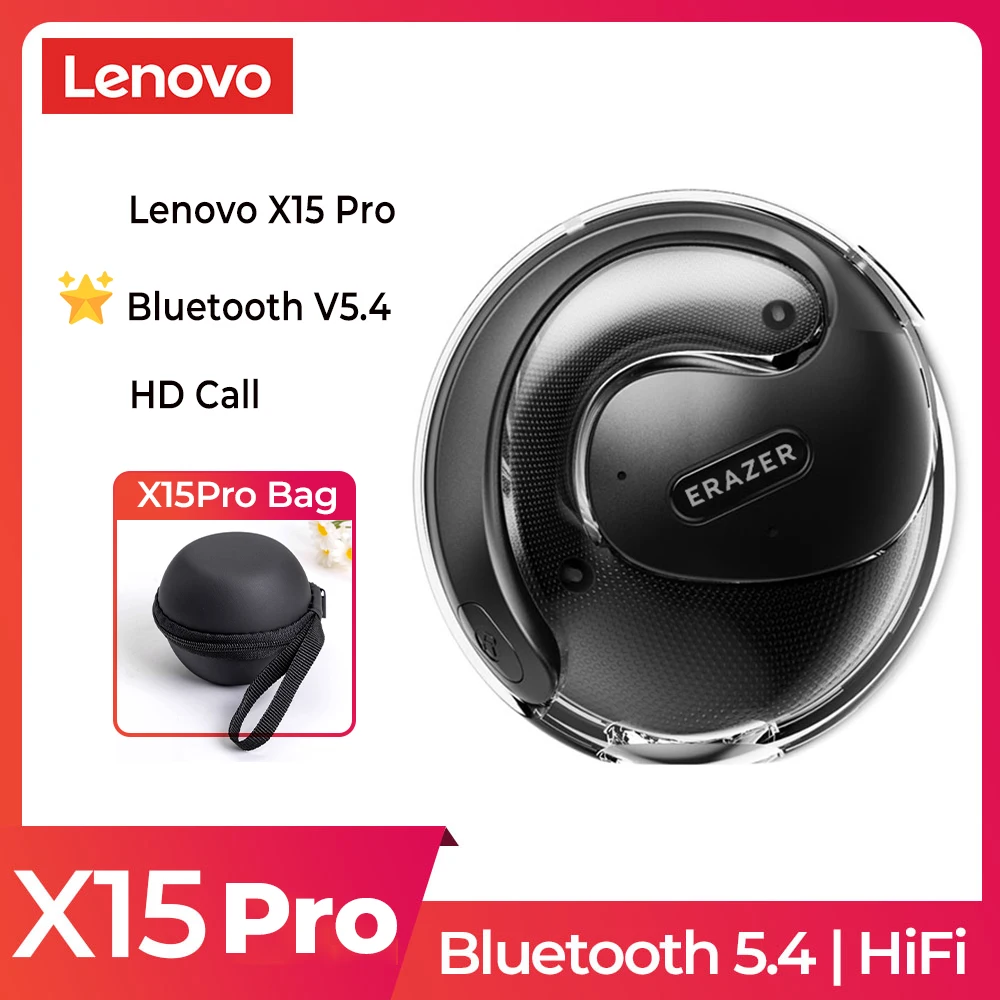
Thank you for choosing the MINISO X15 Pro Bluetooth 5.4 Earphones. These Open Wireless Stereo (OWS) headphones are designed for comfort and high-quality audio, featuring an open ear-hook design, Bluetooth 5.4 connectivity, and intelligent touch controls. This manual provides detailed instructions on how to set up, operate, and maintain your earphones to ensure optimal performance.
2. Package Contents
Please check the box for the following items:
- 1 x Pair of MINISO X15 Pro Wireless Earphones
- 1 x Charging Case
- 1 x Lanyard
- 1 x USB Type-C Charging Cable
- 1 x User Manual
3. Product Overview
The MINISO X15 Pro earphones feature an open ear-hook design for comfortable wear without entering the ear canal, ensuring both sound quality and awareness of your surroundings. The charging case is compact and portable, offering extended battery life.


4. Setup Instructions
4.1. Charging the Earphones and Case
Before first use, fully charge the earphones and charging case.
- Place the earphones into the charging case.
- Connect the charging case to a power source using the provided USB Type-C charging cable.
- The indicator lights on the case will show the charging status. Once fully charged, the lights will indicate completion or turn off.
The earphones have a 40mAh battery capacity each, and the charging case has a 300mAh capacity. A full charge for the earphones takes approximately 1 hour. The charging case can provide up to 20 hours of additional power for the earphones.
4.2. Wearing the Earphones
The MINISO X15 Pro features an open ear-hook design. Gently place the ear-hook over your ear, ensuring the speaker is positioned comfortably near your ear canal without entering it.

4.3. Initial Pairing
- Ensure the earphones are charged.
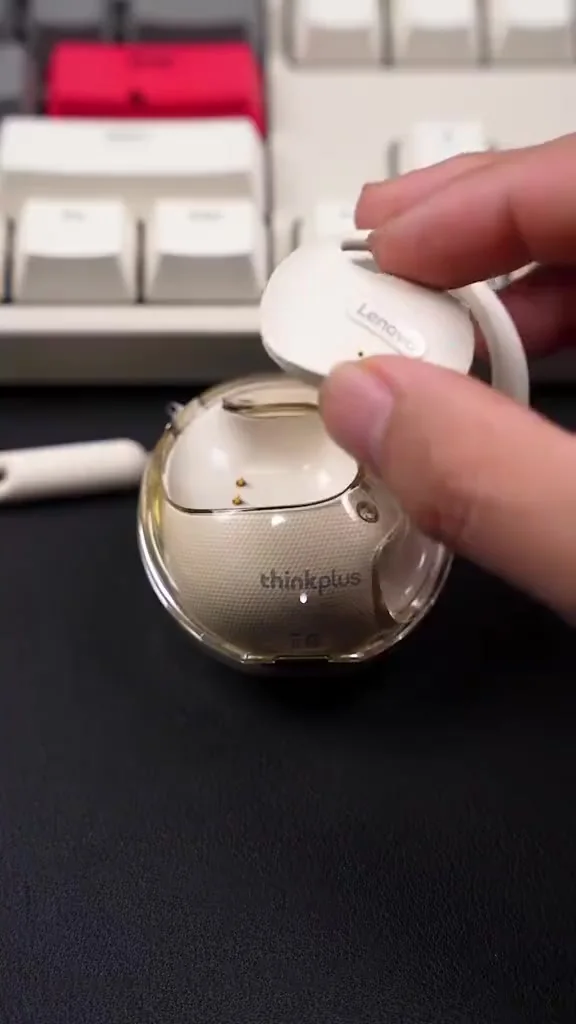
- Open the charging case. The earphones will automatically enter pairing mode (indicator lights may flash).
- On your device (smartphone, tablet, etc.), enable Bluetooth and search for available devices.
- Select "MINISO X15 Pro" from the list of devices.
- Once connected, you will hear a confirmation tone, and the earphone indicator lights will stop flashing.
The earphones support multi-point connection and multi-device compatibility, allowing for flexible use with various operating systems (iOS, Android, Windows).

5. Operating Instructions
The MINISO X15 Pro earphones feature intelligent touch controls on each earbud.
5.1. Basic Controls
- Play/Pause: Click the multi-function button on either earbud.
- Volume Up: Double-click the multi-function button on the right earbud.
- Volume Down: Double-click the multi-function button on the left earbud.
- Next Song: Triple-click the multi-function button on the right earbud.
- Previous Song: Triple-click the multi-function button on the left earbud.
5.2. Call Management
- Answer Call: Click the multi-function button on either earbud.
- Reject Call: Press and hold the multi-function button on either earbud for 2 seconds.
- End Call: Click the multi-function button on either earbud during a call.
5.3. Mode Switching (Game/Music)
- Enter Game Mode: Press and hold the multi-function button on the right earbud for 2 seconds. The voice prompt will