
1. Introduction
This manual provides essential information for the safe and effective use of the TWO TREES 500W High Speed Air Cooled Spindle Motor. This spindle motor is designed for woodworking engraving machines and CNC routers, offering high-speed operation and efficient air cooling. It is compatible with all TWO TREES-branded machines.

Figure 1: Spindle Motor Kit Components
2. Warnings & Safety Information
2.1 Fire and Burn Hazard
- High temperatures generated during processing may ignite the workpiece, smoke, or surrounding materials.
- The processing area must be kept clear of flammable substances and equipped with fire extinguishing equipment.
- After processing, the workpiece and machine components (e.g., spindle) may remain hot for an extended period; verify full cooling before handling.
2.2 Mechanical Injury Hazard
- High-speed rotating spindles, moving gantries, belts, and lead screws pose serious risks of crushing, cutting, or entanglement injuries.
- Before performing any installation, commissioning, cleaning, or maintenance operation, disconnect the machine from the main power supply.
2.3 Electrical Hazard
- High-voltage circuits are present internally. Unauthorized personnel must not open the electrical control cabinet.
- All electrical connections must comply with local regulations and be performed by qualified electricians.
2.4 Hazardous Substances and Fumes
- Processing certain materials (e.g., plastics, composites, coated metals) may generate toxic, carcinogenic, or irritating fumes and dust.
- Use only in environments equipped with an effective Local Exhaust Ventilation (LEV) system.
3. Setup and Installation
3.1 Product Identification and Compatibility
This accessory is designed for use with Engraving Machine Accessories and is compatible with all TWO TREES-branded machines.
3.2 Installation Method
This accessory must be replaced exclusively by personnel trained by the equipment manufacturer or otherwise qualified professionals, strictly following the original manufacturer's "User Manual / Maintenance Manual". Incorrect installation may result in equipment damage, performance degradation, or safety hazards.
Installation Steps:
- Preparation: Confirm compatibility of the accessory model. Ensure the workspace is clean and well-ventilated.
- Power Disconnection: Shut down the host machine and unplug it from the main power source. Wait until all components, especially the spindle motor, are fully cooled.
- Removal of Old Component (if applicable): Refer to the original manufacturer's manual; record wiring connections and mechanical positioning, then carefully remove the component to be replaced.
- Installation of New Component: Install the new accessory in reverse order. Ensure all mechanical connections are securely tightened and all electrical connections are correct, properly polarized, and firmly secured.

Figure 2: Easy Installation Steps
The spindle motor comes with an ER11 collet as standard. Refer to the diagram below for component identification.

Figure 3: Spindle Motor Components
4. Operating Instructions
4.1 Calibration and Testing
- Calibration: After installation, recalibrate the relevant systems (e.g., laser power, tool length, engraving area) as specified in the original manufacturer's manual.
- Testing: Conduct a low-power/low-speed no-load test under safe conditions to verify smooth operation, absence of abnormal noise, and absence of alarms before resuming normal use.
4.2 Material Compatibility
This spindle motor can be used to engrave both metal and non-metal materials. The spindle comes with forced air cooling and can work for a long time.
4.3 Intelligent Termination Function
The spindle features an intelligent termination function. When the work is finished, the spindle will automatically stop working.
4.4 Engraving Demonstration
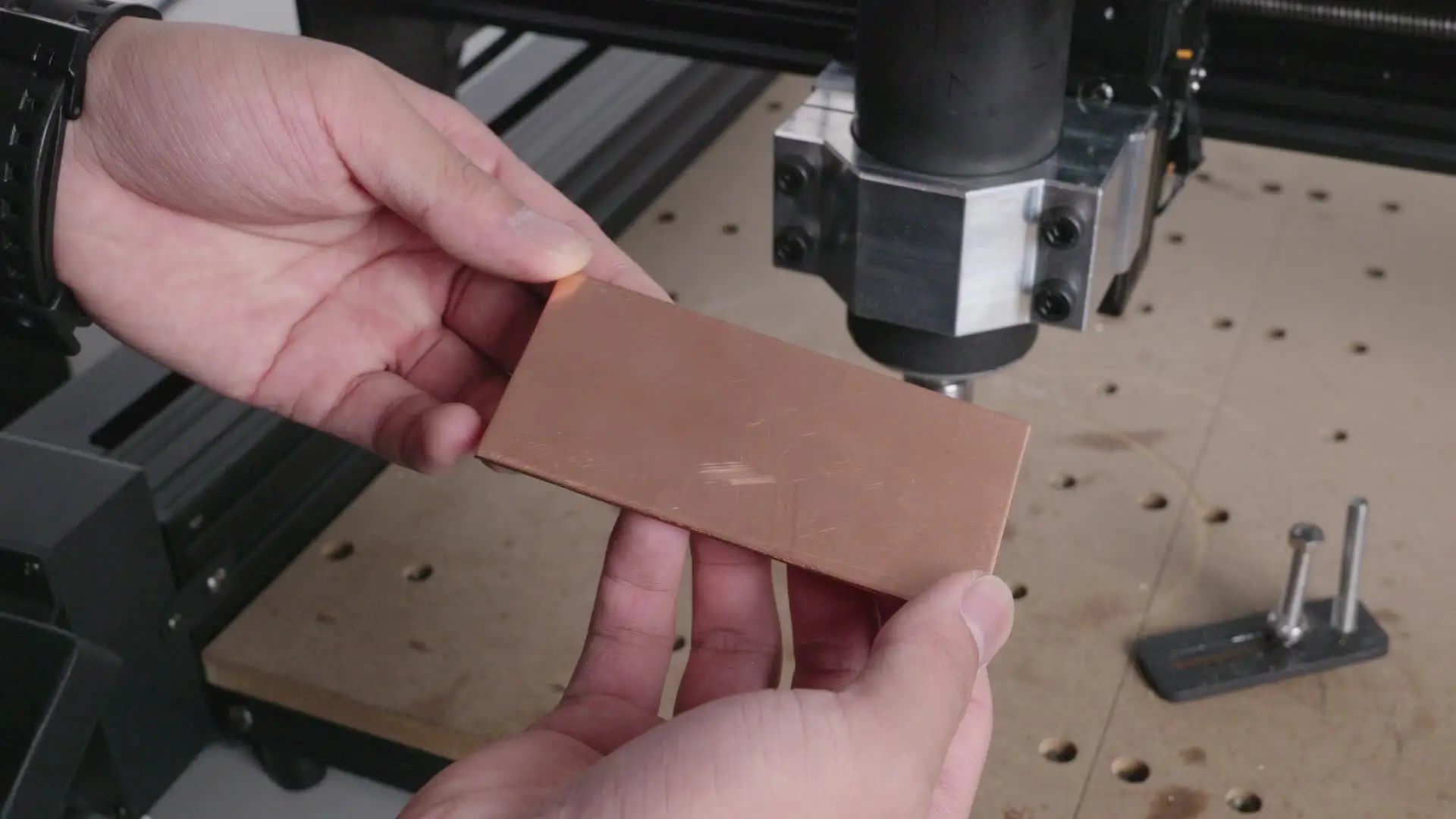
Video 1: Demonstration of the spindle motor engraving various materials including brass, aluminum, carbon fiber, and bakelite.
5. Maintenance
Regular maintenance is crucial for the longevity and optimal performance of your spindle motor. Always disconnect the machine from the main power supply before performing any maintenance.
- Keep the processing area clean and free of debris.
- Regularly inspect the spindle and collet for wear and tear.
- Ensure proper ventilation and air cooling for the spindle motor.
- The spindle motor is designed for low maintenance.
6. Troubleshooting
If you encounter issues with your spindle motor, consider the following:
- Operational Issues: Ensure the device is operated, maintained, and stored in accordance with this manual and all accompanying safety guidelines.
- Performance Degradation: Verify that no unauthorized modifications have been made to the device and that only compatible accessories or software are used.
- Power Problems: Check all electrical connections for proper polarization and secure fastening. Ensure the power supply is functioning correctly.
- Unusual Noise/Vibration: Stop operation immediately and inspect the spindle for any obstructions or damage. Recalibrate if necessary.
7. Specifications
7.1 General Parameters
| Parameter | Value |
|---|---|
| Peak Power | 500W |
| Idling Speed | 12000 r/min |
| Peak Torque | 0.6 (N.m) |
| Insulation Resistance | >2 megohms |
| Dielectric Strength | 400V |
| Net Weight of Spindle | 1.4KG |
| Package Weight | 3kg |
| Total Motor Length | 199mm (including fan clamping area and motor) |
| Radial Runout of Spindle | Around 0.01-0.03 |
| Cooling Method | Forced Air Cooling |

Figure 4: Power Supply Dimensions and Spindle Parameters
7.2 Dimensional Drawing

Figure 5: Spindle Motor Dimensional Drawing
Note: Product dimensions are measured by hand and may be a bit off.
7.3 Environmental Conditions
- Indoor use only.
- Operating Temperature: 0°C to 40°C.
- Storage Temperature: -10°C to 50°C.
- Ingress Protection Rating: IP20 (dust-protected, no water protection).
- Do not use in damp, dusty, corrosive-gas, or explosive environments.
8. User Tips
- Wiring: Always refer to the detailed wiring diagrams provided with your specific CNC machine model for correct connection of the spindle motor and its power supply. Incorrect wiring can lead to malfunction or damage.
- Material Testing: When working with new materials, always perform small test cuts to determine optimal speed and feed rates before starting a larger project.
- Dust Collection: Utilize an effective local exhaust ventilation (LEV) system to manage dust and fumes, especially when engraving materials like plastics, composites, or coated metals.
9. Manufacturer Information & Support
9.1 Manufacturer Details
- Brand: TWO TREES
- Manufacturer Name: Shenzhen Two Trees Technology Co., Ltd.
- Address: 402, Building 11, No. 9, Qilin Road, Nankeng Community, Sakata Street, Longgang District, Shenzhen City, Guangdong Province, Mainland China
9.2 EU Responsible Person Information
- Name: AMZ ECREP SL
- Address: Calle Gran Via 49, 7 Deb. Spain
9.3 Usage Restrictions
This accessory is not designed for industrial continuous-duty operation. Observe the maximum duty cycle specified in the equipment manual. Do not use this accessory for any purpose other than its intended design application.
9.4 Disclaimer
By using this product, the user acknowledges and agrees to the following terms:
- The manufacturer and seller shall not be liable for any direct or indirect damages resulting from:
- Failure to operate, maintain, or store the device in accordance with this manual and all accompanying safety guidelines.
- Unauthorized modification of the device, or use of non-OEM or incompatible accessories or software.
- Use of the device outside its intended purpose, or processing of prohibited or unknown materials.
- Installation, commissioning, or repair performed by personnel not authorized or trained by the manufacturer.
- Damage caused by force majeure or unforeseen events such as fire, flood, lightning strike, or abnormal voltage.
- Normal wear and tear (e.g., natural power decay of the laser module over time).
9.5 Additional Resources
A detailed user manual in PDF format is available for download. You can view it here: User Manual (PDF)