1. Introduction
The FiiO BTR15 is a versatile Bluetooth lossless HiFi decoding headphone amplifier designed to elevate your audio experience across various devices, including Apple and Android smartphones, as well as computers. Featuring advanced decoding capabilities, multiple connectivity options, and a powerful amplifier, the BTR15 delivers high-fidelity sound in a compact and portable form factor.
2. Product Overview
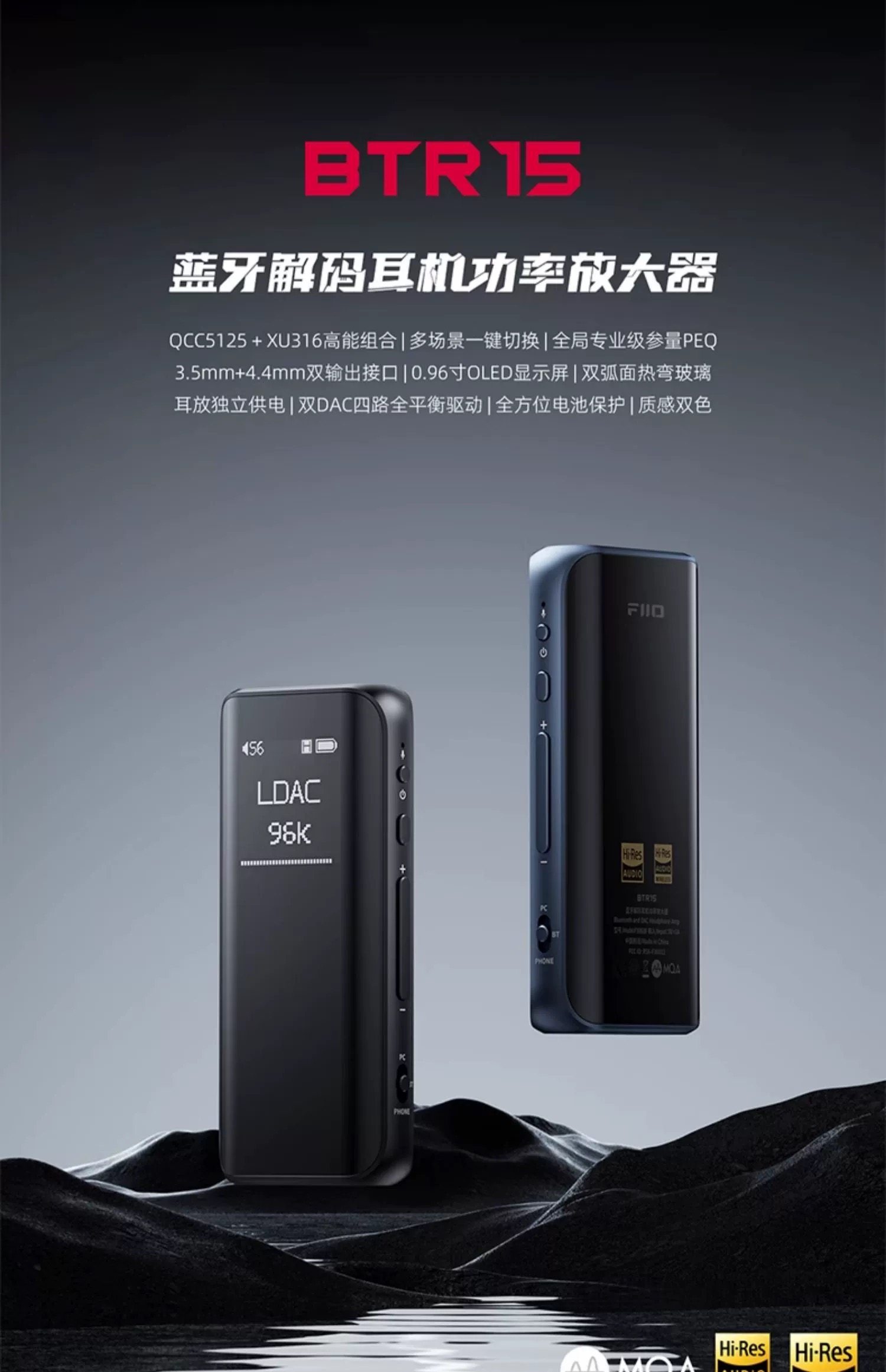
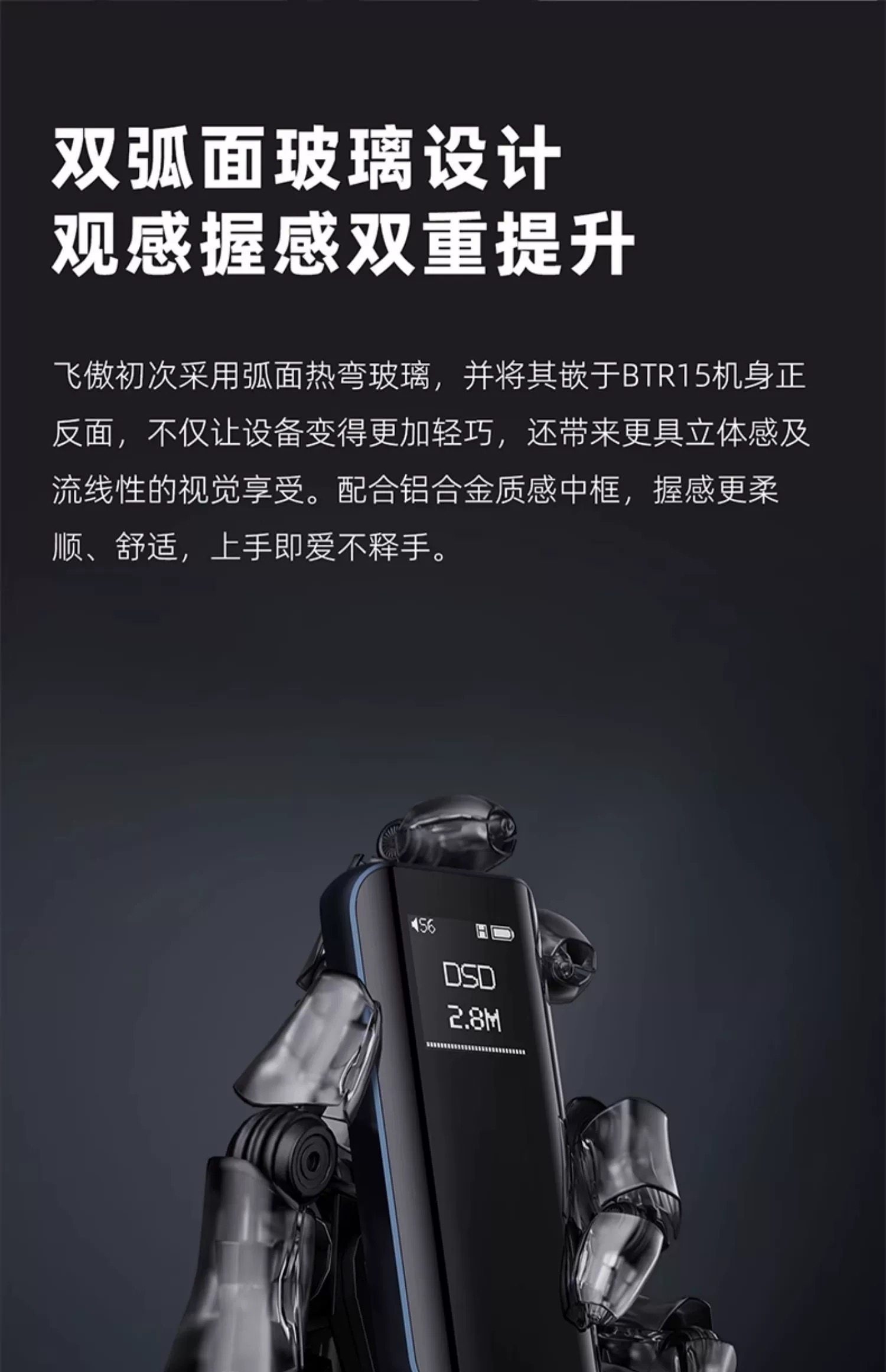
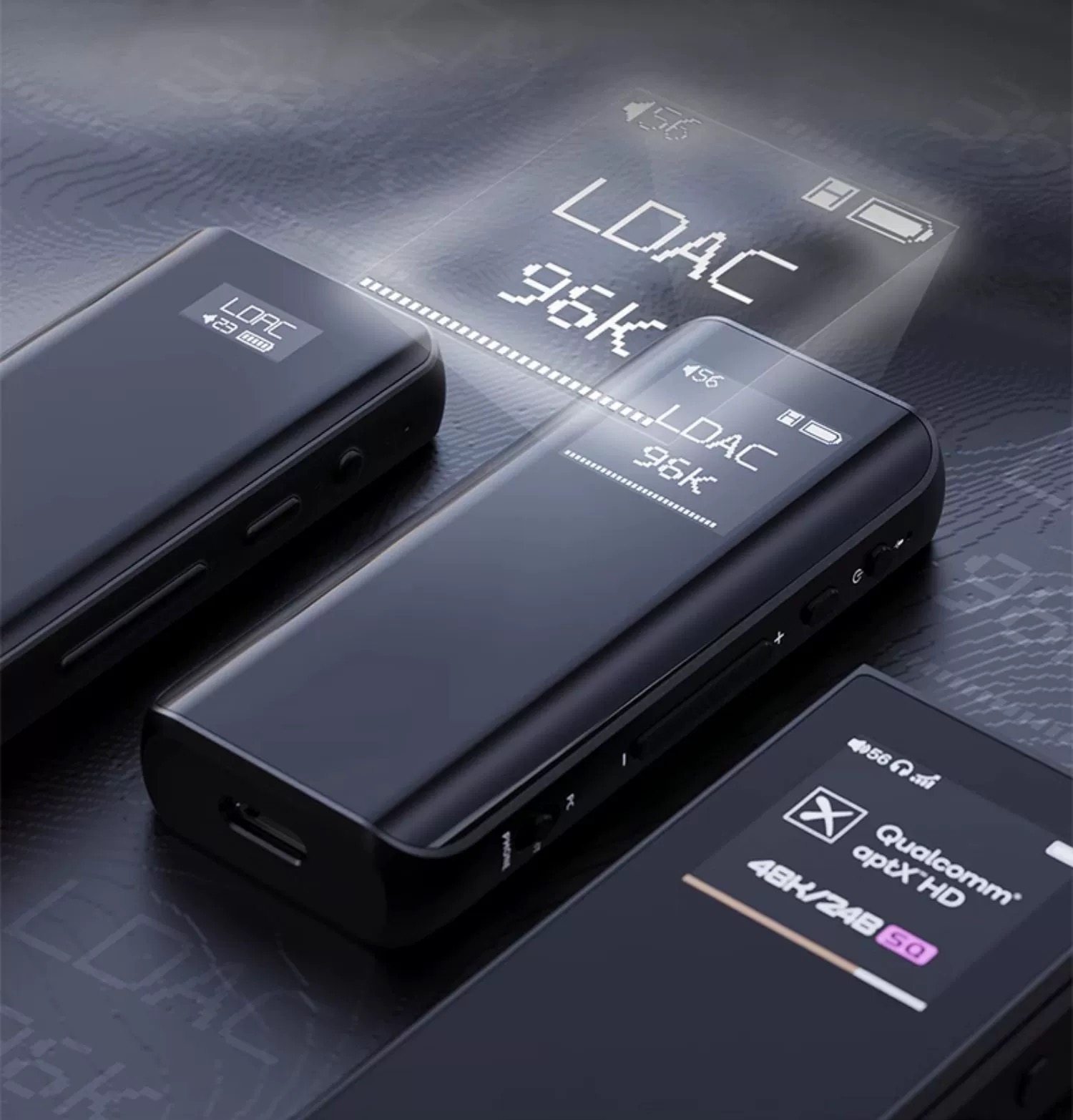
The FiiO BTR15 combines a sleek design with intuitive controls and robust connectivity. Its dual-curved glass body offers both aesthetic appeal and a comfortable grip. The device features a clear OLED display for easy navigation and status monitoring.
Physical Features and Controls
- OLED Display: A 0.96-inch 96x96 resolution OLED screen displays current mode, audio format, battery status, and menu options.
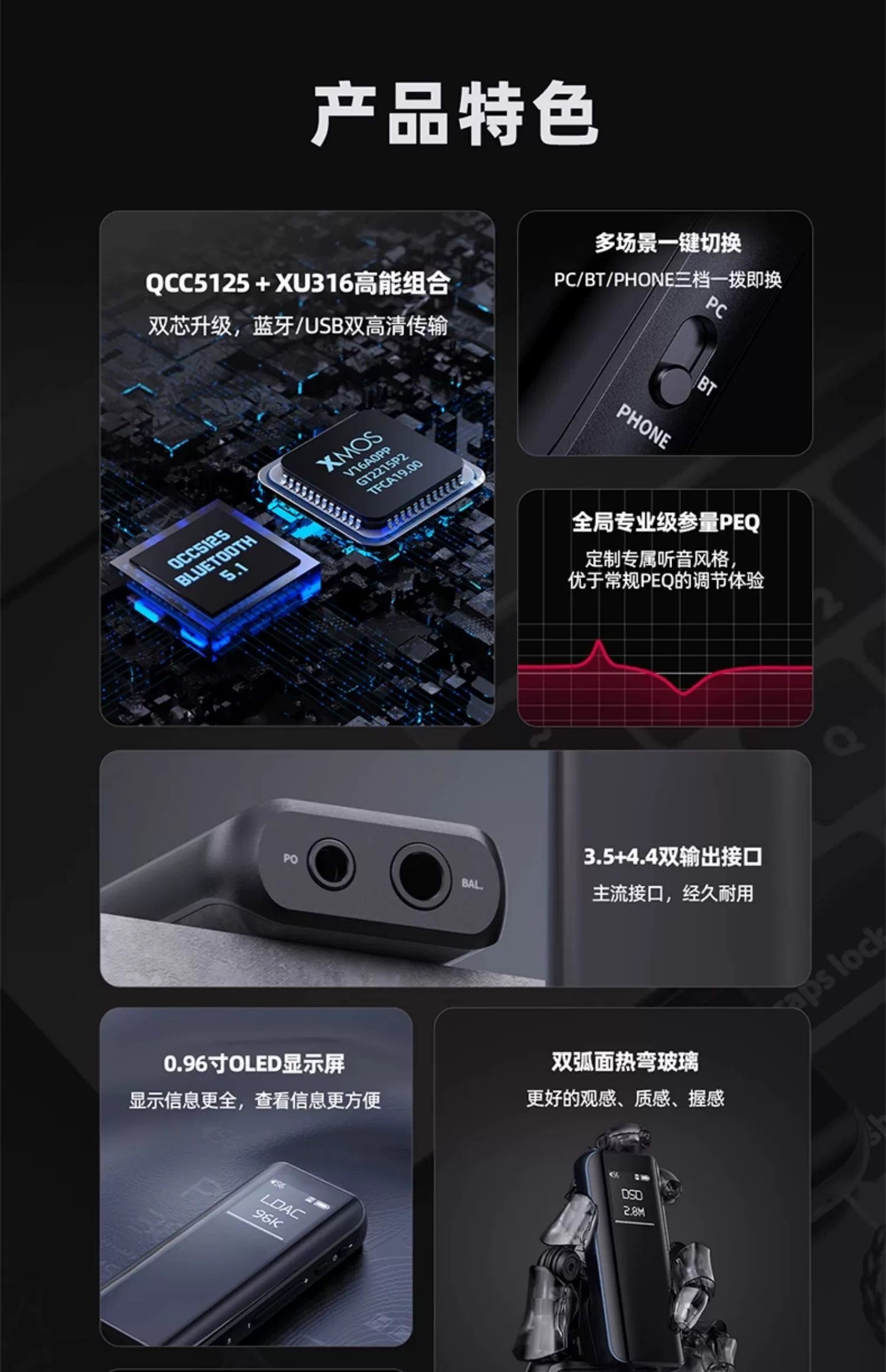
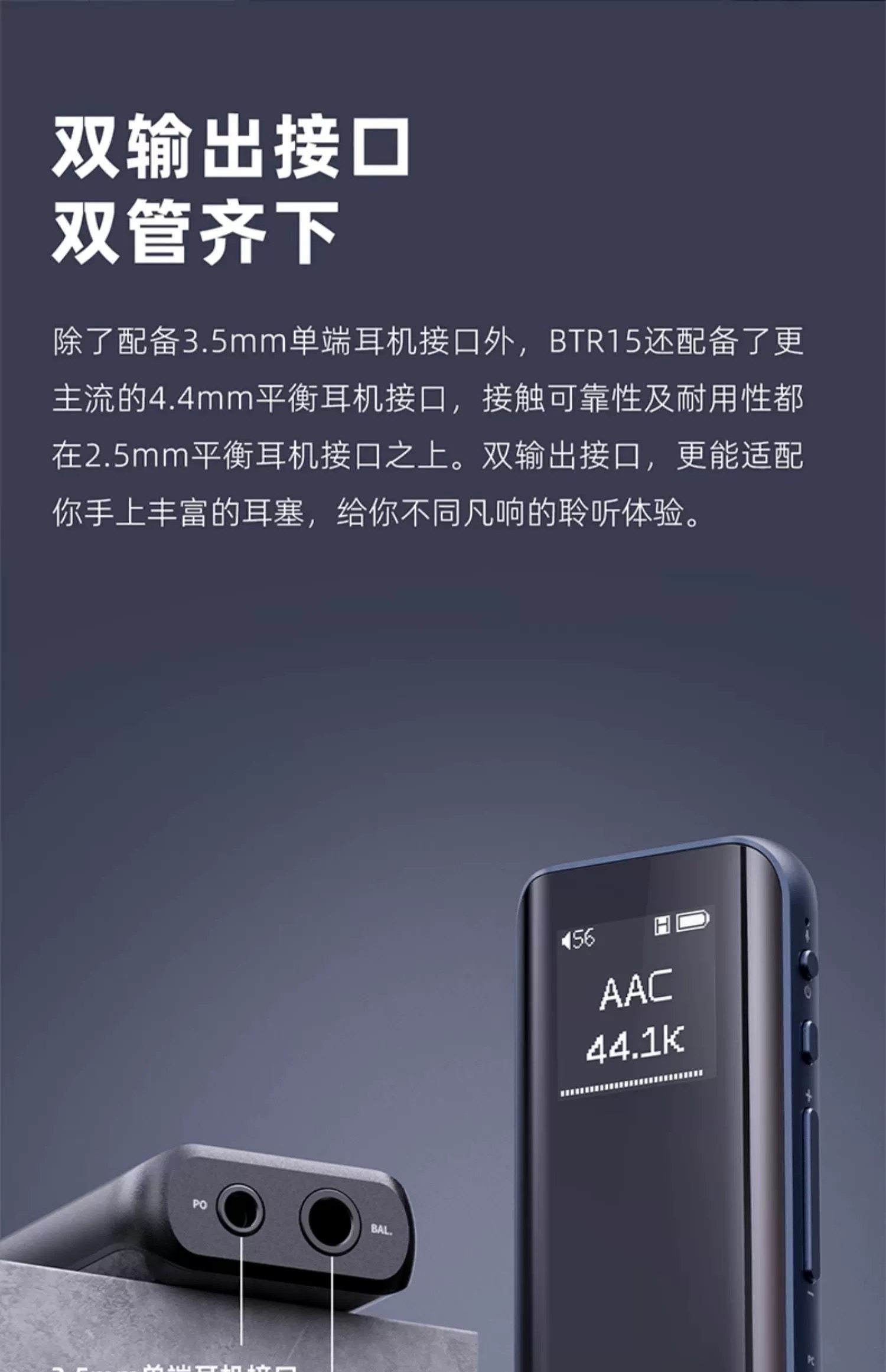
- Headphone Outputs: Equipped with both a 3.5mm single-ended headphone jack and a 4.4mm balanced headphone jack for broad compatibility and enhanced audio performance.
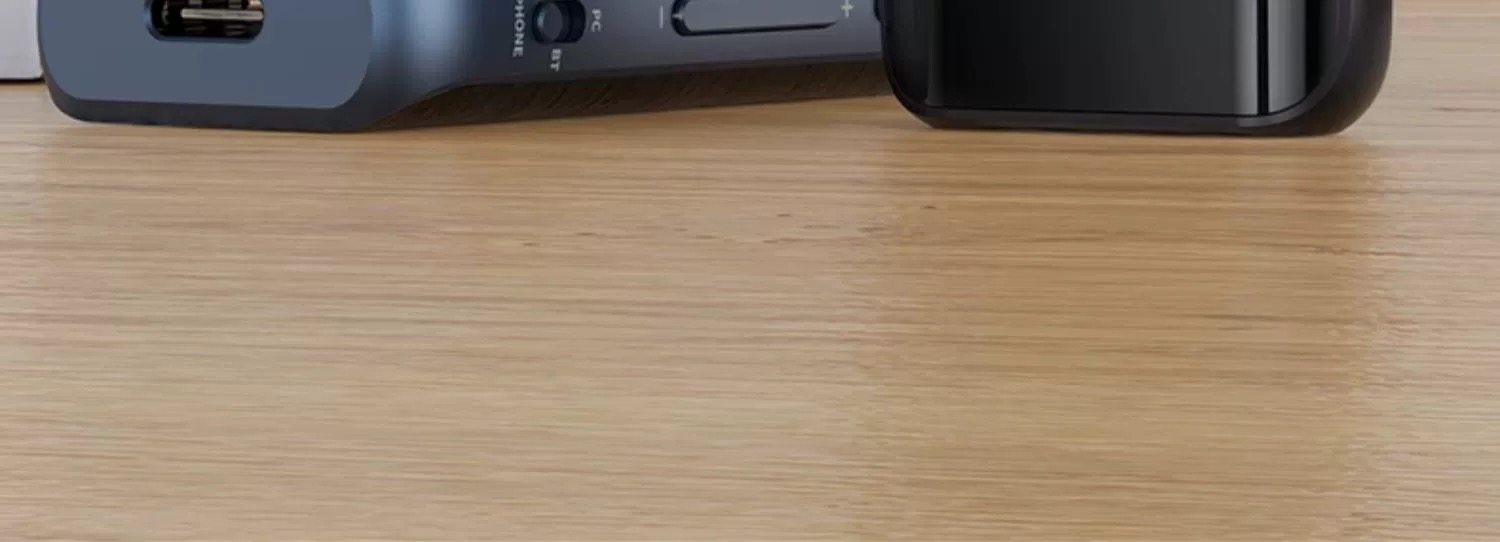
- Mode Switch: A three-position switch allows quick selection between PC, BT (Bluetooth), and PHONE modes.
- Volume/Navigation Buttons: Dedicated buttons for volume control and menu navigation.
- Power Button: For turning the device on/off and screen control.
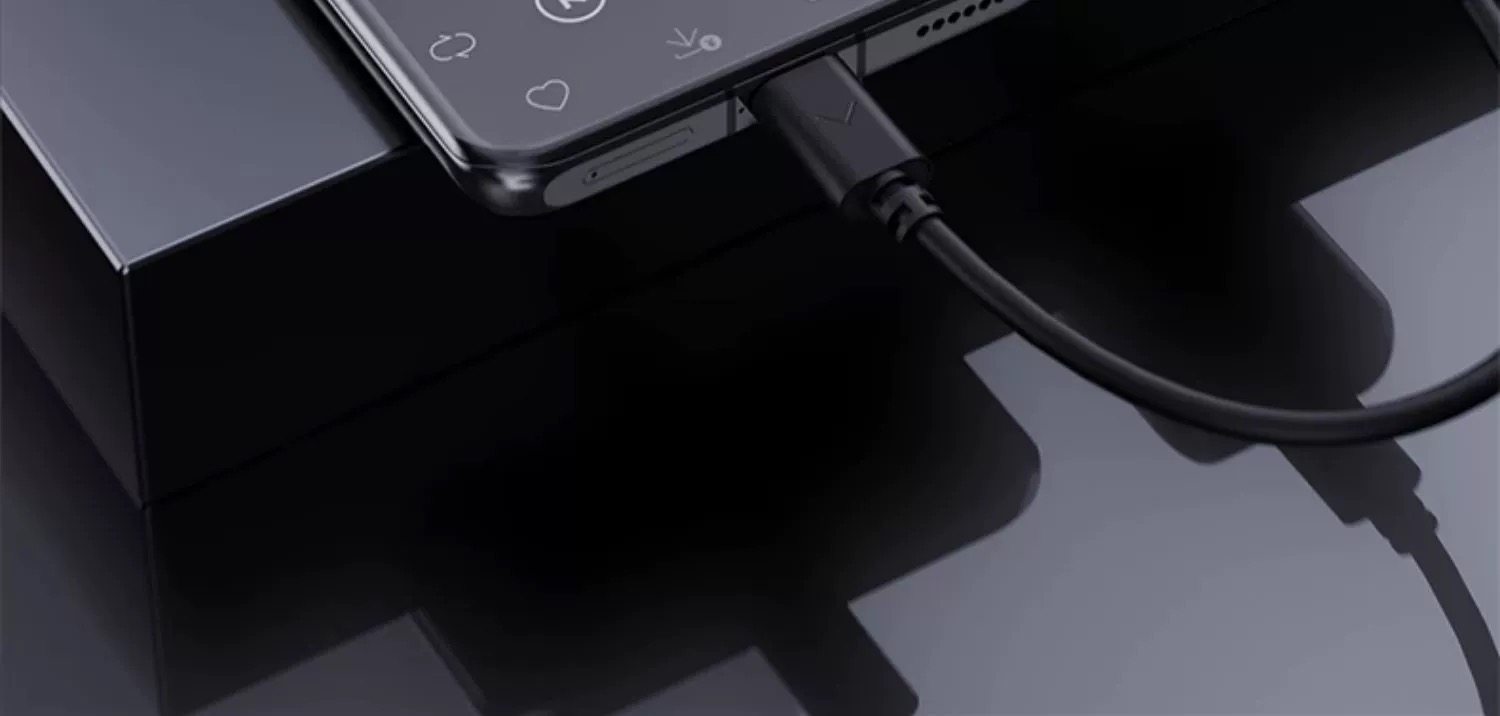
- USB-C Port: For charging, data transfer (USB DAC mode), and firmware updates.
Visual Guide to BTR15

3. Features
The FiiO BTR15 is packed with features designed to deliver an exceptional audio experience:
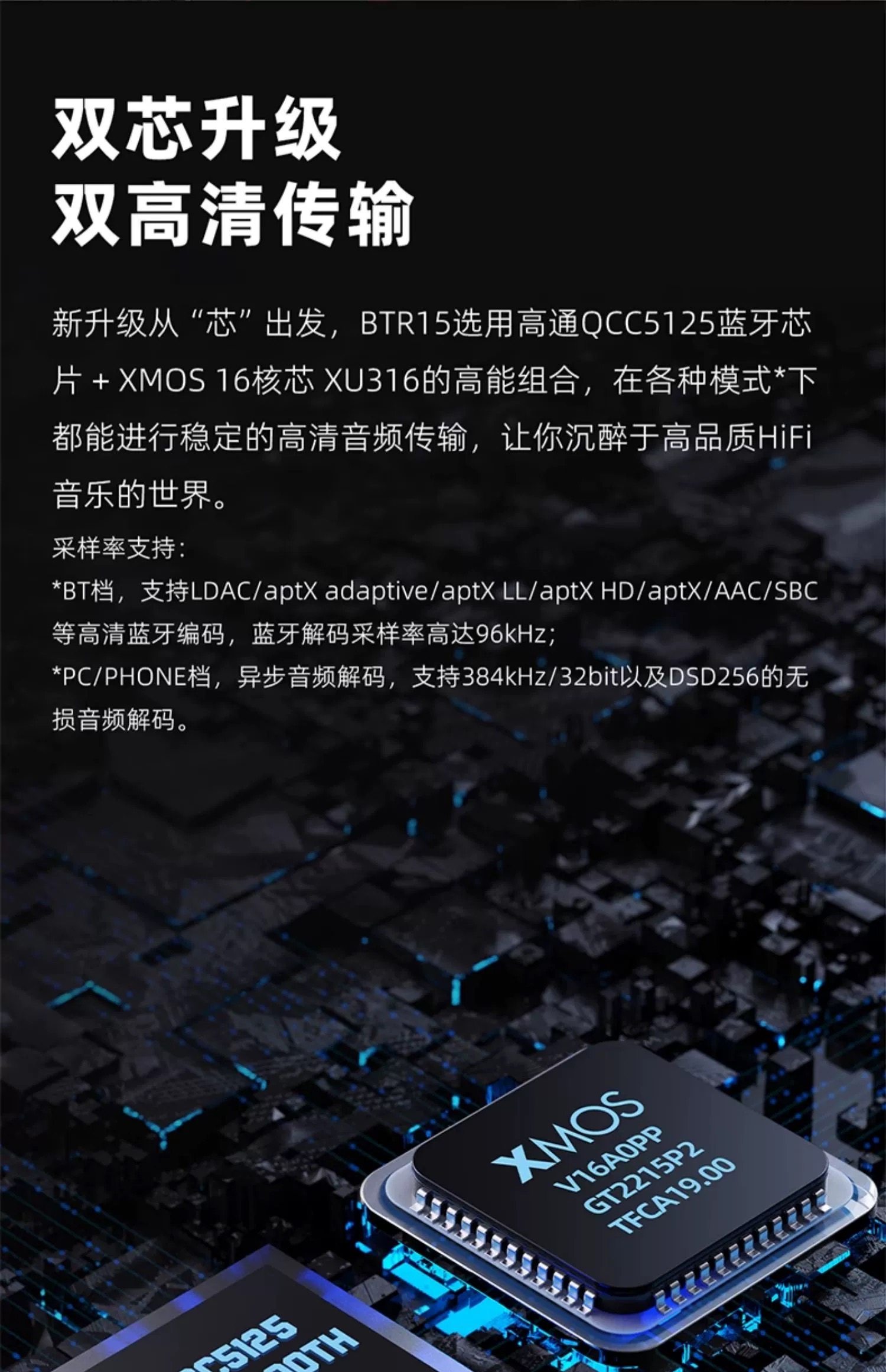
- Dual-Core High-Performance Architecture: Utilizes a QCC5125 Bluetooth 5.1 chip and an XMOS XU316 processor for stable, high-definition audio transmission.
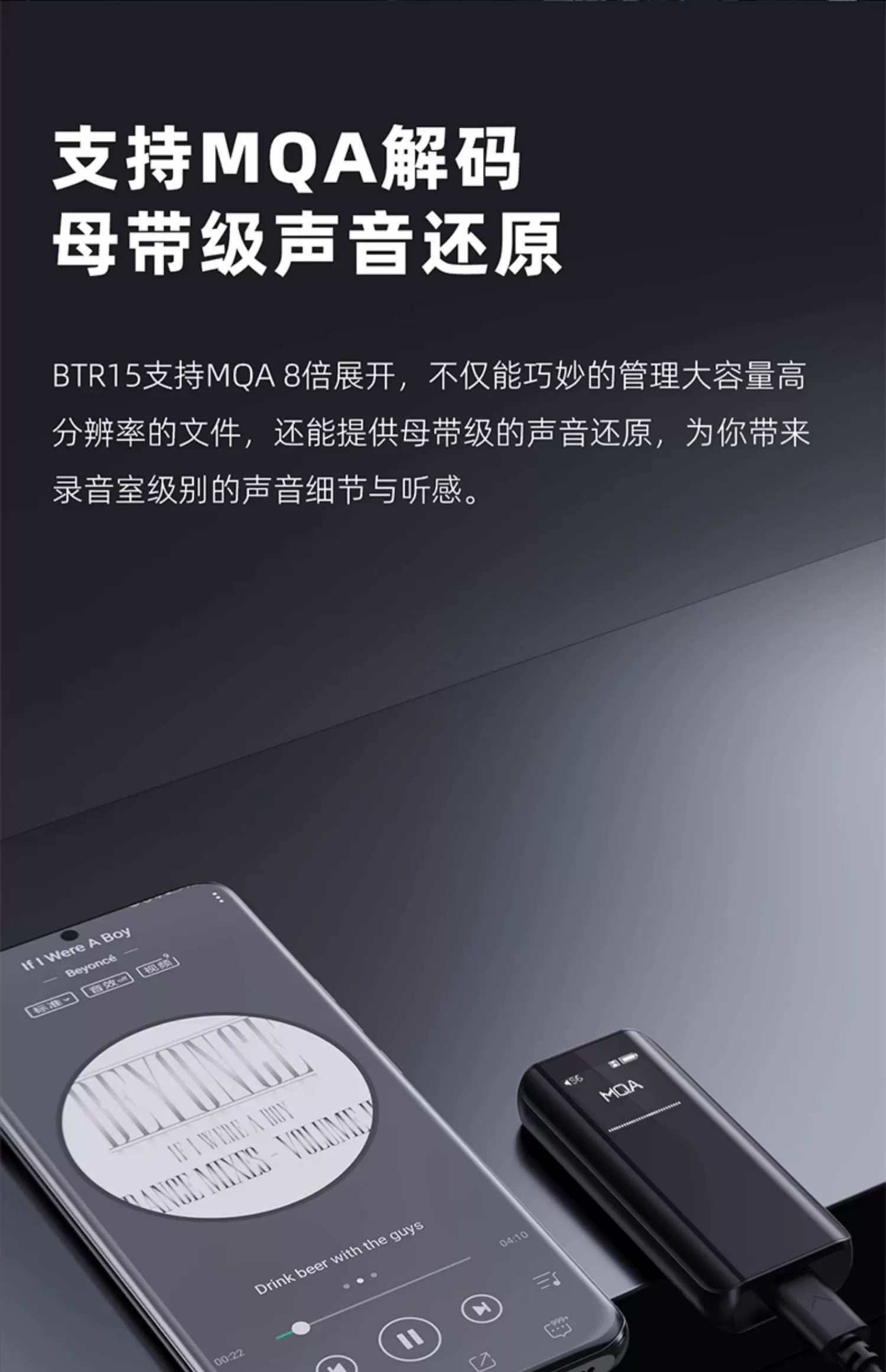
- Advanced Decoding Capabilities: Supports asynchronous 384kHz/32bit PCM and DSD256 hardware decoding via USB DAC. Also supports MQA 8x expansion for master-tape level sound reproduction.
- High-Fidelity Bluetooth Codecs: Compatible with LDAC, aptX Adaptive, aptX HD, aptX LL, aptX, AAC, and SBC, with Bluetooth sampling rates up to 96kHz.
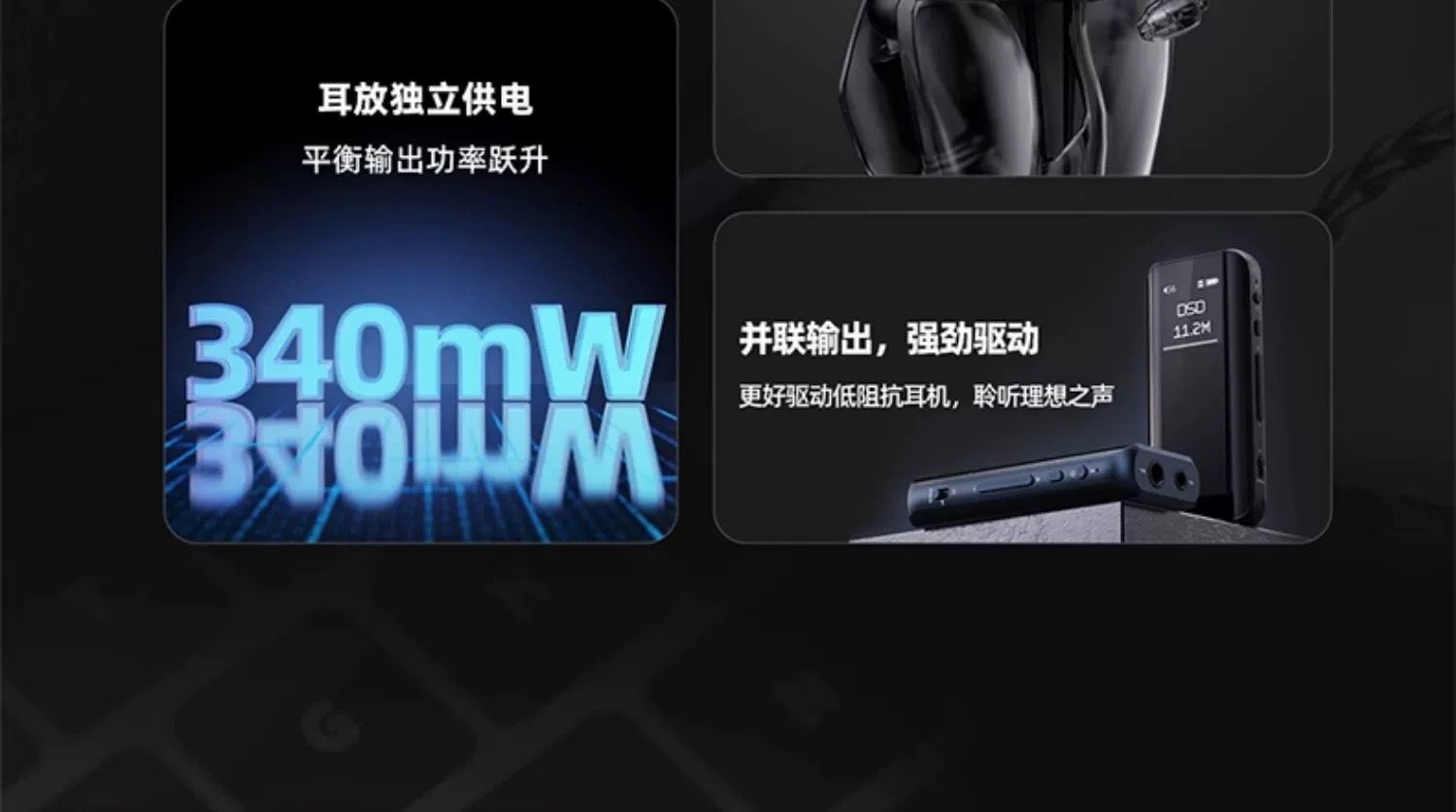
- Powerful Headphone Amplifier: Features an independent headphone amplifier power supply, boosting balanced output power by 40% to 340mW (32Ω). Parallel output design provides strong drive for low-impedance headphones.
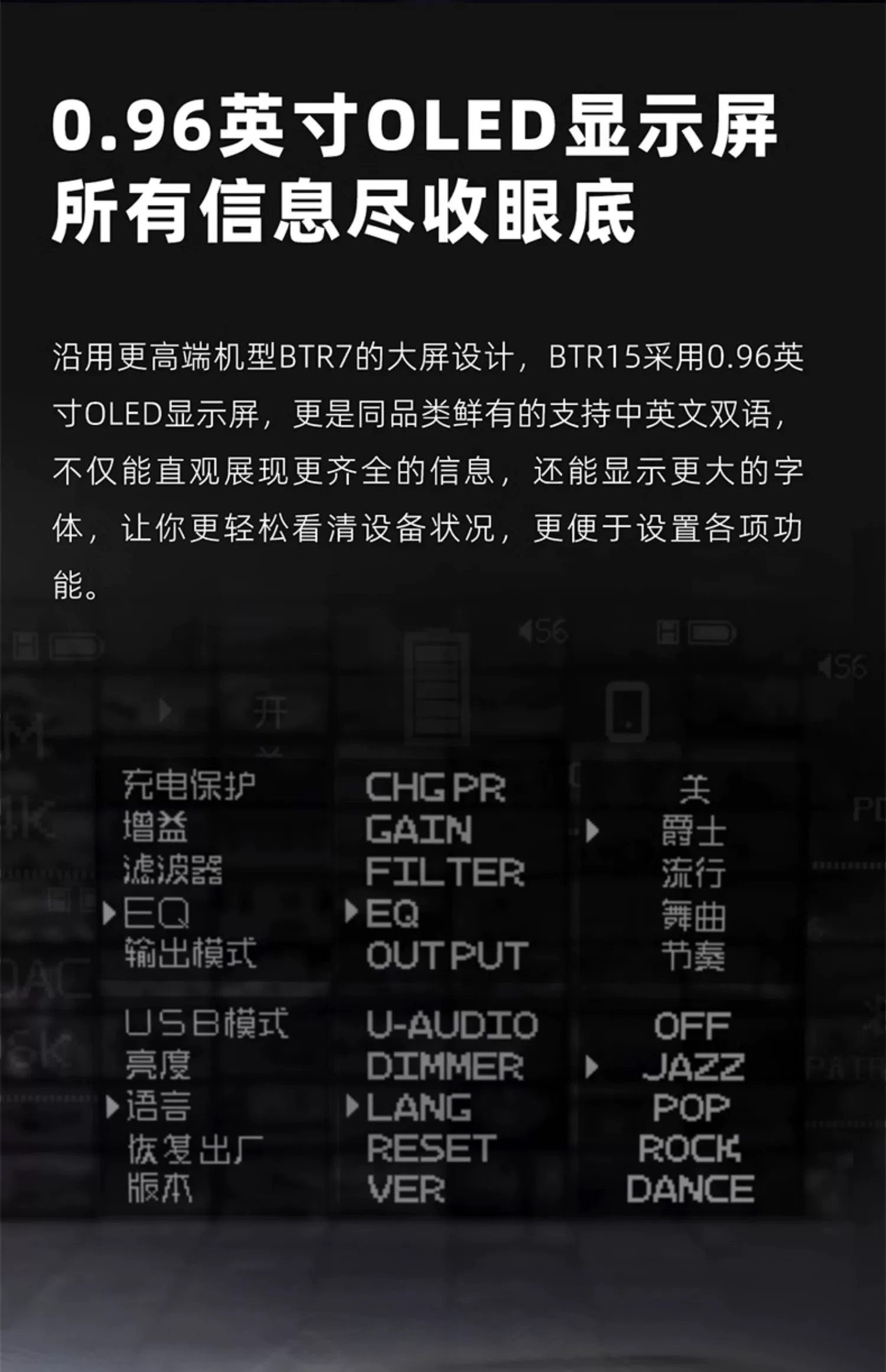
- 0.96-inch OLED Display: Provides clear, comprehensive information at a glance, including charging status, gain, filter, EQ settings, output mode, USB mode, brightness, language, and firmware version.
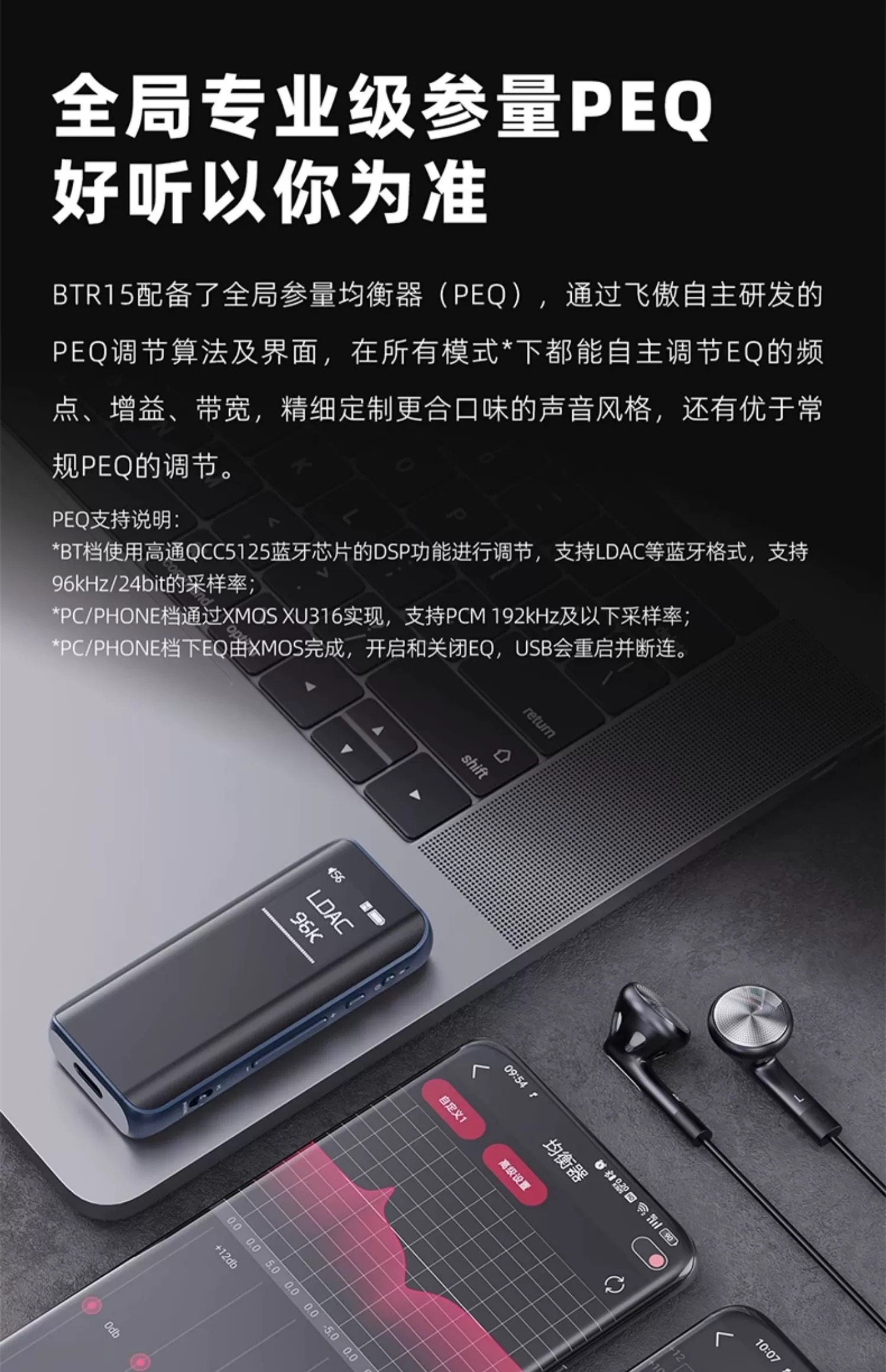
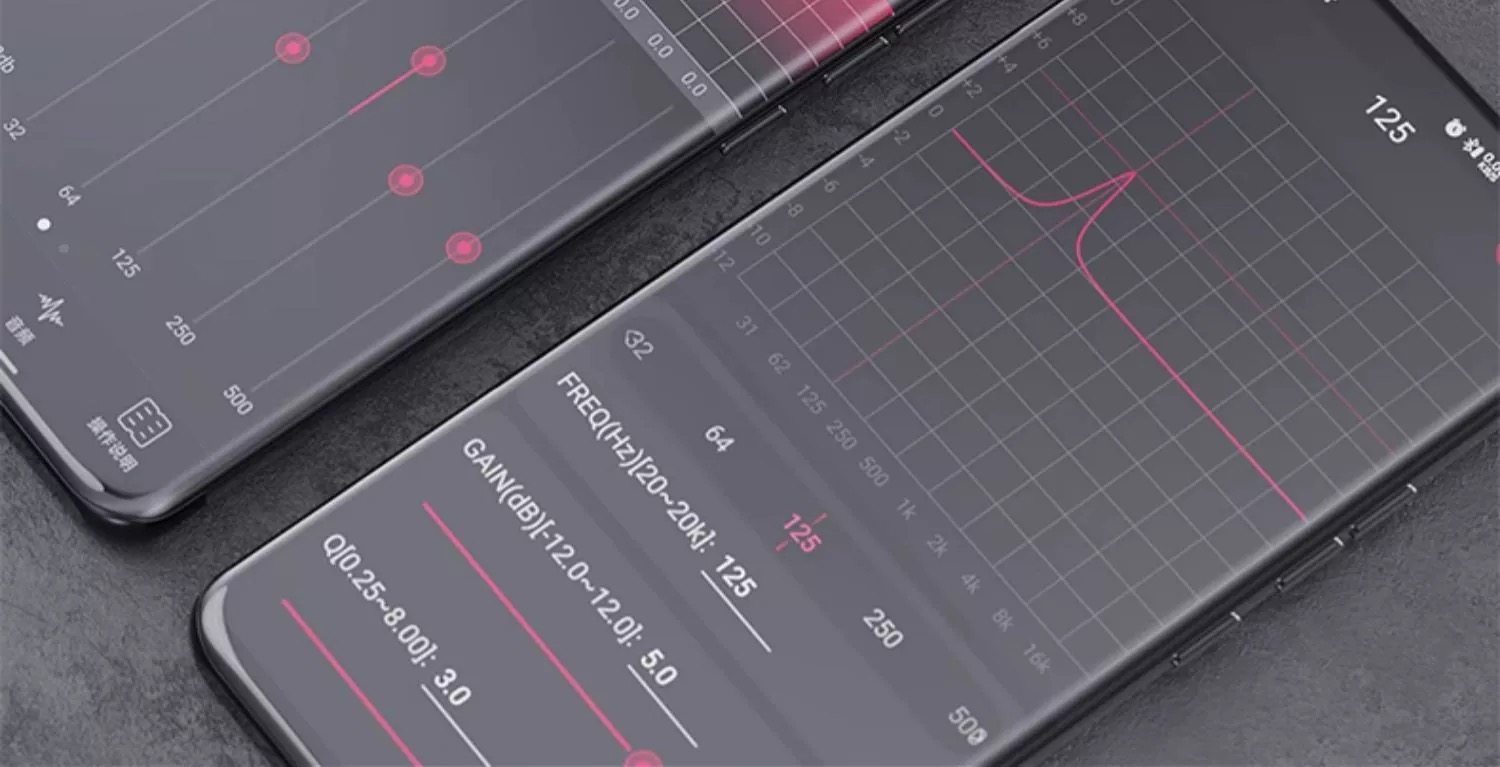
- Global Professional Parametric EQ (PEQ): Customizable sound styles through FiiO's self-developed PEQ algorithm, offering precise adjustment of frequency points, gain, and bandwidth.
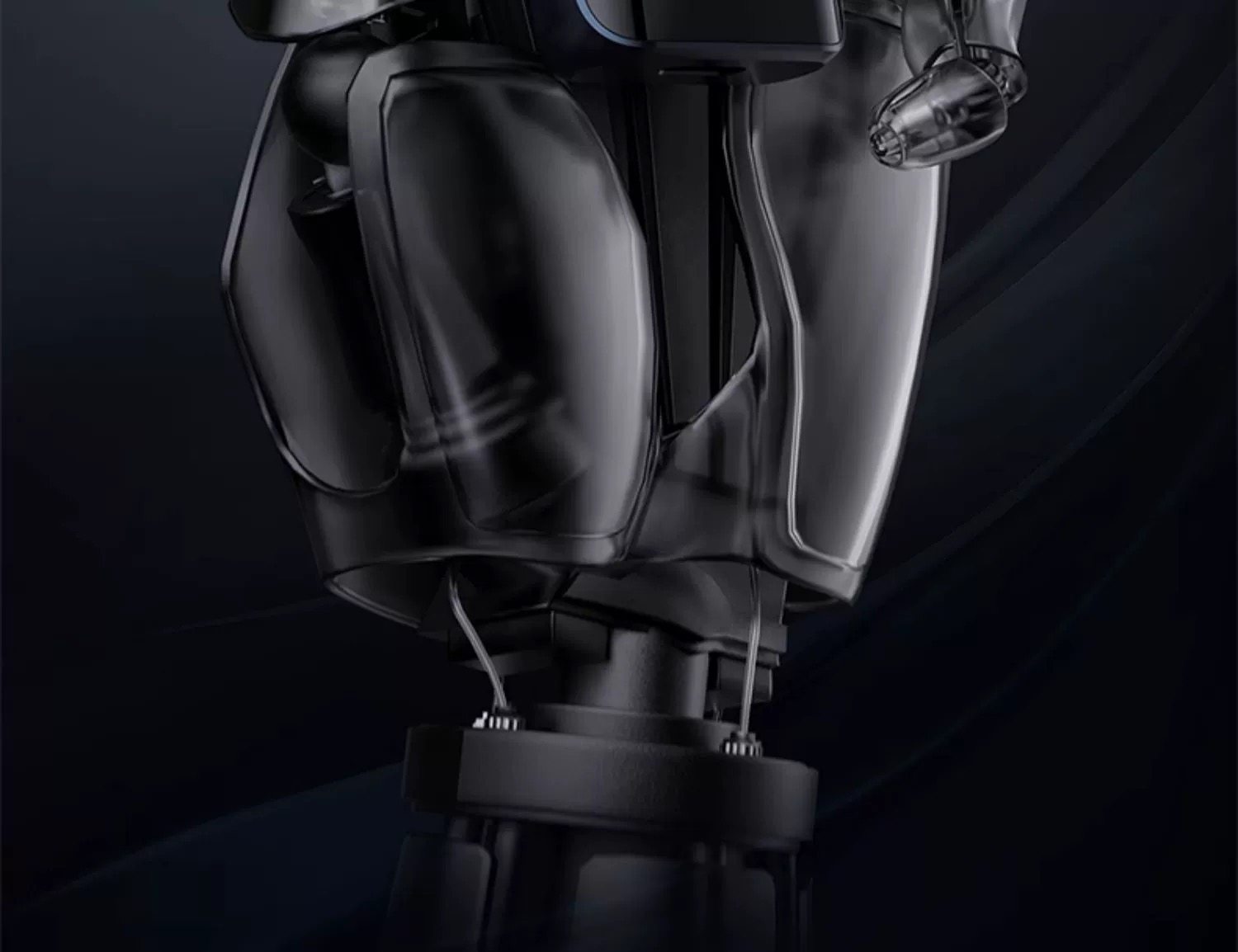
- All-Round Battery Protection: Includes battery isolation protection for USB DAC mode, a long-life high-temperature resistant lithium-ion polymer battery (550mAh), and a built-in temperature sensor for dynamic charge current adjustment to prevent damage.
- Driver-Free UAC1.0 Mode: Supports plug-and-play functionality for devices like the Nintendo Switch, ensuring wide compatibility.
- APP Intelligent Interconnection: Allows control via a dedicated app and supports online OTA firmware upgrades.
- Durable and Ergonomic Design: Dual-curved hot-bent glass and an aluminum alloy frame antenna ensure stable signal transmission and a premium feel.
Key Feature Highlights
4. Setup
Before using your FiiO BTR15, please ensure it is adequately charged and connected correctly.
Charging the Device
Connect the FiiO BTR15 to a USB power source (e.g., computer USB port, USB wall adapter) using the provided USB-C cable. The device will indicate charging status on its OLED display. A full charge typically takes less than 2 hours.
Connecting Headphones
The BTR15 offers two headphone output options:
- 3.5mm Single-Ended: For standard headphones with a 3.5mm jack.
- 4.4mm Balanced: For headphones with a 4.4mm balanced jack, offering enhanced audio performance and power output.
Insert your headphone connector firmly into the desired output port on the BTR15.
Connecting to Source Devices
The BTR15 supports various connection methods depending on your source device and desired mode of operation.
- Bluetooth Connection (BT Mode):
- Slide the mode switch to the "BT" position.
- On your smartphone or other Bluetooth-enabled device, search for "FiiO BTR15" in the Bluetooth settings and pair.
- The BTR15 will display the connected codec (e.g., LDAC, aptX HD) and sampling rate.
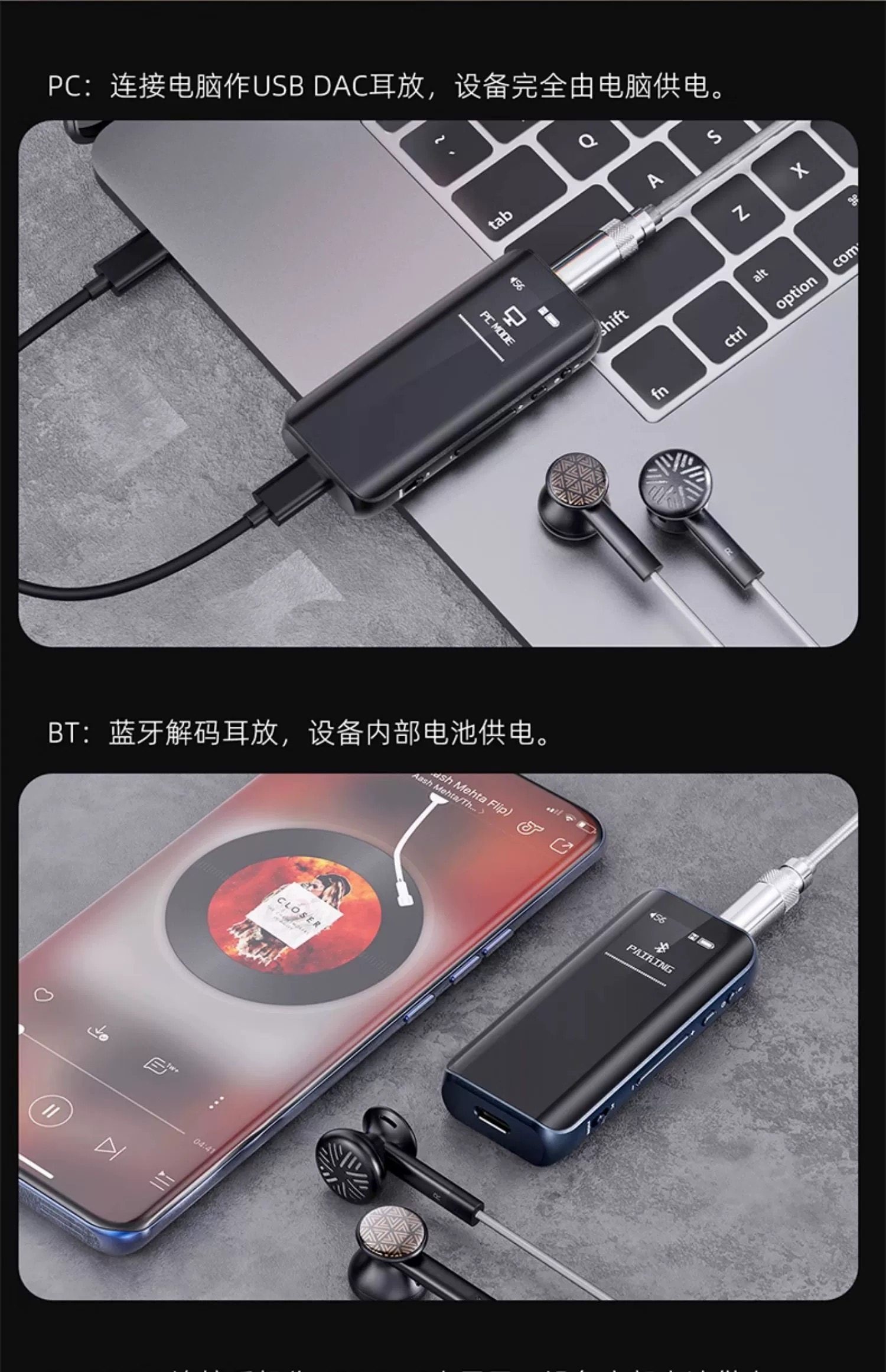
- USB DAC Connection (PC Mode):
- Slide the mode switch to the "PC" position.
- Connect the BTR15 to your computer using the USB-C cable. The device will be powered by the computer.
- Your computer should recognize the BTR15 as an audio output device. Select it in your system's sound settings.
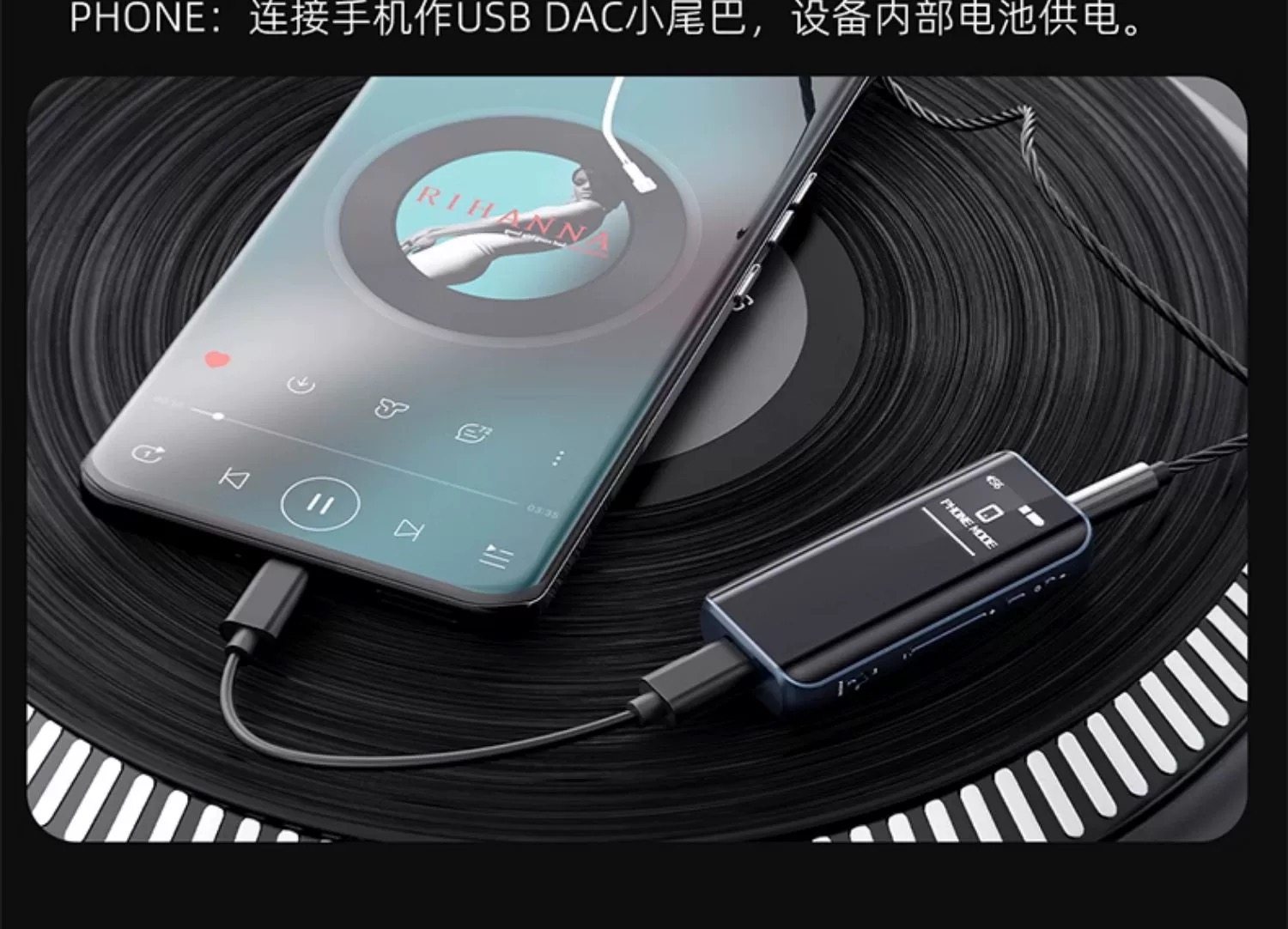
- USB DAC Connection (PHONE Mode):
- Slide the mode switch to the "PHONE" position.
- Connect the BTR15 to your smartphone using a compatible USB-C to USB-C or Lightning to USB-C cable (depending on your phone). The BTR15 will use its internal battery for power.
- Your phone should recognize the BTR15 as an external audio device.
Connecting to a Nintendo Switch (UAC1.0 Driver-Free Mode)
The BTR15 supports UAC1.0 driver-free mode, making it compatible with devices like the Nintendo Switch for plug-and-play audio. Simply connect the BTR15 to your Switch via USB-C and ensure the BTR15 is in the appropriate USB DAC mode (PC or PHONE, depending on power source preference).
5. Operating Modes
The FiiO BTR15 offers three distinct operating modes, selectable via the side switch:
- BT (Bluetooth) Mode: In this mode, the BTR15 functions as a Bluetooth receiver and headphone amplifier. It connects wirelessly to your smartphone, tablet, or other Bluetooth-enabled audio source. The device is powered by its internal battery.
- PC (USB DAC) Mode: When set to PC mode and connected to a computer via USB-C, the BTR15 acts as an external USB DAC and headphone amplifier. In this mode, the device is fully powered by the computer.
- PHONE (USB DAC) Mode: Similar to PC mode, PHONE mode allows the BTR15 to function as a USB DAC for your smartphone. When in PHONE mode, the BTR15 draws power from its internal battery, conserving your phone's battery life.
Mode Selection and Usage Examples

6. Specifications
The following table details the technical specifications of the FiiO BTR15:
| Feature | Specification |
|---|---|
| Bluetooth Master Control | QCC5125 (CPU+DSP dual-core architecture) |
| Bluetooth Version | 5.1 |
| USB Master Control | XMOS XU316 |
| DAC Chip | ES9219MQ*2 |
| Bluetooth Formats | AAC/SBC/aptX/aptX LL/aptX Adaptive/aptX HD/LDAC |
| USB DAC | Asynchronous 384kHz-32bit, DSD256 hardware decoding |
| USB DAC Driver-free Mode | Supported (UAC1.0) |
| Screen | 0.96-inch 96x96 resolution OLED display |
| Headphone Output | 3.5mm Single-ended + 4.4mm Balanced |
| Dimensions | Approx. 32.0mm × 72.2mm × 12.5mm |
| Weight | Approx. 37.3g |
| Charging Time | <2 hours |
| Battery Capacity | 550mAh high-temperature resistant lithium-ion polymer battery |
| Battery Life | Approx. 8 hours |
| Output Power (32Ω Single-ended) | L+R ≥ 125mW + 125mW (THD+N < 1%) |
| Output Power (300Ω Single-ended) | L+R ≥ 15mW + 15mW (THD+N < 1%) |
| Output Power (32Ω Balanced) | L+R ≥ 340mW + 340mW (THD+N < 1%) |
| Output Power (300Ω Balanced) | L+R ≥ 50mW + 50mW (THD+N < 1%) |
| Frequency Response | 20Hz ~ 50kHz (-0.8dB) |
| Signal-to-Noise Ratio (SNR) | ≥ 122dB (A-weighted) |
| Noise Floor (PO) | < 2μV (A-weighted) |
| Noise Floor (BAL) | < 2.7μV (A-weighted) |
| Output Impedance (PO, 32Ω load) | < 1Ω |
| Output Impedance (BAL, 32Ω load) | < 1.5Ω |
| THD+N (1KHz/32kΩ) | < 0.0008% |
7. Maintenance
To ensure the longevity and optimal performance of your FiiO BTR15, please follow these maintenance guidelines:
- Cleaning: Use a soft, dry cloth to wipe the device. Avoid using harsh chemicals, solvents, or abrasive cleaners, as they may damage the surface or internal components.
- Storage: Store the device in a cool, dry place away from direct sunlight, extreme temperatures, and high humidity.
- Handling: Handle the BTR15 with care. Avoid dropping it or subjecting it to strong impacts.
- Charging: Use only the provided USB-C cable or a certified equivalent for charging. Avoid overcharging or completely draining the battery frequently to prolong its lifespan.
- Water Exposure: The device is not waterproof. Keep it away from water and other liquids.
8. Troubleshooting
If you encounter any issues with your FiiO BTR15, refer to the following common troubleshooting steps:
No Sound Output
- Check Connections: Ensure your headphones are securely plugged into the correct output jack (3.5mm or 4.4mm).
- Volume Level: Verify that the volume on both the BTR15 and your source device is turned up and not muted.
- Mode Selection: Confirm the BTR15 is in the correct operating mode (BT, PC, or PHONE) for your connection type.
- Source Device Output: Ensure your source device (phone, computer) is set to output audio to the FiiO BTR15.
- Battery Level: Check the battery level of the BTR15. Recharge if necessary.
Bluetooth Connection Issues
- Pairing Mode: Ensure the BTR15 is in BT mode and discoverable.
- Forget Device: On your source device, "forget" or "unpair" the BTR15 and then attempt to pair again.
- Distance: Keep the BTR15 within the effective range of your Bluetooth source device.
- Interference: Move away from other wireless devices that might cause interference.
USB DAC Not Recognized
- Mode Switch: Ensure the BTR15 is in "PC" or "PHONE" mode.
- Cable: Try a different USB-C cable to rule out a faulty cable.
- Drivers: For some operating systems (especially older Windows versions), you might need to install specific USB DAC drivers from the FiiO website.
- Computer Settings: Check your computer's sound settings to ensure the BTR15 is selected as the default audio output device.
Device Not Turning On or Responding
- Charge Battery: Connect the BTR15 to a power source and allow it to charge for at least 15-30 minutes before attempting to turn it on.
- Reset: If the device is unresponsive, try holding down the power button for an extended period (e.g., 10-15 seconds) to force a reset.
9. User Tips
Based on common usage patterns and feedback, here are some tips to enhance your experience with the FiiO BTR15:
- Experiment with EQ: Utilize the built-in Parametric EQ (PEQ) feature to fine-tune the sound to your personal preference or to match different headphone characteristics. Access EQ settings via the OLED display menu.
- Choose the Right Cable: For optimal sound quality and stability in USB DAC mode, use high-quality, shielded USB-C cables.
- Firmware Updates: Regularly check the FiiO website or the companion app for firmware updates. Updates often bring performance improvements, bug fixes, and new features.
- Balanced Output for Power: If your headphones support it, use the 4.4mm balanced output for higher power and potentially better sound separation, especially with demanding headphones.
- Conserve Battery in PHONE Mode: Remember that in PHONE mode, the BTR15 uses its own battery, which is beneficial for your phone's battery life during extended listening sessions.
10. Warranty and Support
The FiiO BTR15 comes with a standard manufacturer's warranty. For detailed warranty information, technical support, or service inquiries, please refer to the official FiiO website or contact your authorized dealer. Keep your proof of purchase for warranty claims.


