1. Product Overview
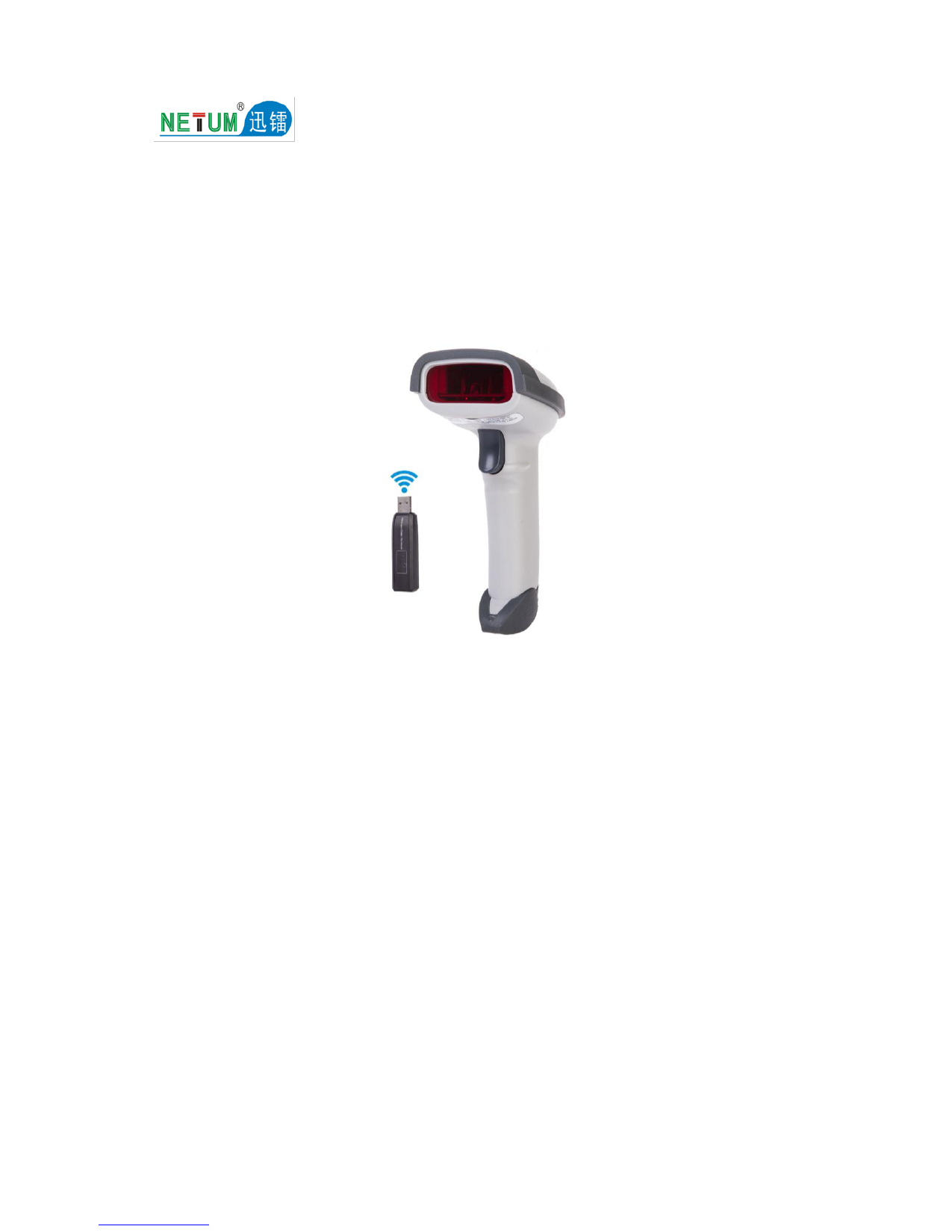
The NETUM NT-2055 is a high-performance desktop omnidirectional barcode scanner designed for efficient and hands-free scanning of both 1D and 2D barcodes. Its adjustable head and automatic sensing capabilities make it ideal for various retail, medical, and logistical environments.


2. Setup Guide
The NT-2055 scanner is designed for simple plug-and-play operation, requiring no driver installation.
2.1 Connecting the Scanner
- Place the scanner on a stable, flat surface near your computer or POS system.
- Connect the USB cable from the scanner to an available USB port on your computer.
- The scanner will automatically power on and initialize. A blue indicator light will typically illuminate, indicating it is ready for use.

2.2 Adjusting the Scan Head
The scanner features a 30° adjustable head, allowing you to find the optimal scanning angle for various items and environments.

3. Operating Instructions
The NT-2055 is designed for hands-free operation, automatically detecting and scanning barcodes placed within its field of view.
3.1 Basic Scanning
- Ensure the scanner is connected and powered on.
- Hold the item with the barcode facing the scanner's window.
- The scanner will automatically detect and decode the barcode. A successful scan is typically indicated by a beep and the data appearing on your connected device.
3.2 Scanning Barcodes from Screens
The NT-2055 supports scanning barcodes directly from digital displays, such as smartphones or tablets.
- Present the screen with the barcode clearly visible to the scanner.
- Adjust the distance and angle slightly if the scan is not immediate.
3.3 Supported Barcode Types
The scanner has strong recognition ability and fast decoding speed for a wide range of 1D and 2D barcodes:
- 2D Barcodes: PDF417, QR Code, Data Matrix, Maxicode, Aztec Code, HanxinCode, MicroQR
- 1D Barcodes: Code39, FullASCⅡ, Codebar, Industrial2of5, Interleave2of5, Matrix2of5, Code93, Code128, Code32, EAN 128, MSI, EAN 8&13, UPCA&E, Plessey


4. Maintenance
Proper maintenance ensures the longevity and optimal performance of your barcode scanner.
4.1 Cleaning
- Regularly clean the scanning window with a soft, lint-free cloth.
- For stubborn smudges, lightly dampen the cloth with water or a mild, non-abrasive cleaner. Do not spray cleaner directly onto the scanner.
- Keep the scanner free from dust and debris. Use compressed air to clear any particles from crevices.
4.2 Storage and Handling
- Store the scanner in a cool, dry place away from direct sunlight and extreme temperatures.
- Avoid dropping the scanner or subjecting it to strong impacts.
- Do not attempt to disassemble or modify the scanner, as this will void the warranty.
5. Troubleshooting
If you encounter issues with your NT-2055 scanner, refer to the following common problems and solutions:
| Problem | Possible Cause | Solution |
|---|---|---|
| Scanner not working/no light | USB cable not properly connected or power issue. | Check USB connection. Try a different USB port or computer. |
| Cannot scan barcodes | Barcode damaged, incorrect symbology, or scanner window dirty. | Ensure barcode is clear and undamaged. Verify barcode type is supported. Clean scanning window. Adjust distance/angle. |
| Slow decoding speed | Poor lighting conditions or complex barcode. | Ensure adequate lighting. Try scanning from a different angle or distance. |
| No data output to computer | Software issue or incorrect keyboard language setting. | Ensure cursor is in the correct input field. Check computer's keyboard language settings. Restart computer. |
If the problem persists after trying these solutions, please contact customer support.
6. Specifications
Detailed technical specifications for the NETUM NT-2055 Desktop Barcode Scanner:
| Feature | Specification |
|---|---|
| Model Number | NT-2055 |
| Brand Name | NETUM |
| Product Type | Bar Code Scanner |
| Image Sensor | CMOS |
| Interface Type | USB (standard) |
| Supported Symbologies | PDF417, QRcode, Data Matrix, Maxicode, Aztec Code, HanxinCode, MicroQR, Code39, FullASCⅡ, Codebar, Industrial2of5, Interleave2of5, Matrix2of5, Code93, Code128, Code32, EAN 128, MSI, EAN 8&13, UPCA&E, Plessey |
| Optical Resolution | ≥4mil |
| Depth of Scan Field | 0-270mm |
| Decode Speed | 200 times/second |
| Light Intensity | Daylight, 4000Lux |
| Decode Error Rate | Less than 1/8 million |
| Print Contrast Signal | ≥30° |
| Scan Angle | Yaw(Skew) 72°, Pitch 82° |
| Voltage | 5V |
| Current (Operation/Idle) | 780mA / 255mA |
| Colour Depth | 32 Bit |
| Package Dimensions (L x W x H) | 21cm x 16cm x 12cm |
| Package Weight | 0.461 kg |
| Certifications | CE, FCC, RoHS |
7. Warranty and Support
The NETUM NT-2055 Barcode Scanner comes with a standard manufacturer's warranty. Please refer to your purchase documentation for specific warranty terms and duration.
7.1 Customer Support
For technical assistance, warranty claims, or any questions regarding your product, please contact the seller or NETUM customer support through the platform where you made your purchase.
The product is certified with CE, FCC, and RoHS standards, ensuring compliance with relevant safety and environmental regulations.