
ThermoPro TP19H
Contents
TempPro TP19H Digital Instant Read Thermometer Instruction Manual
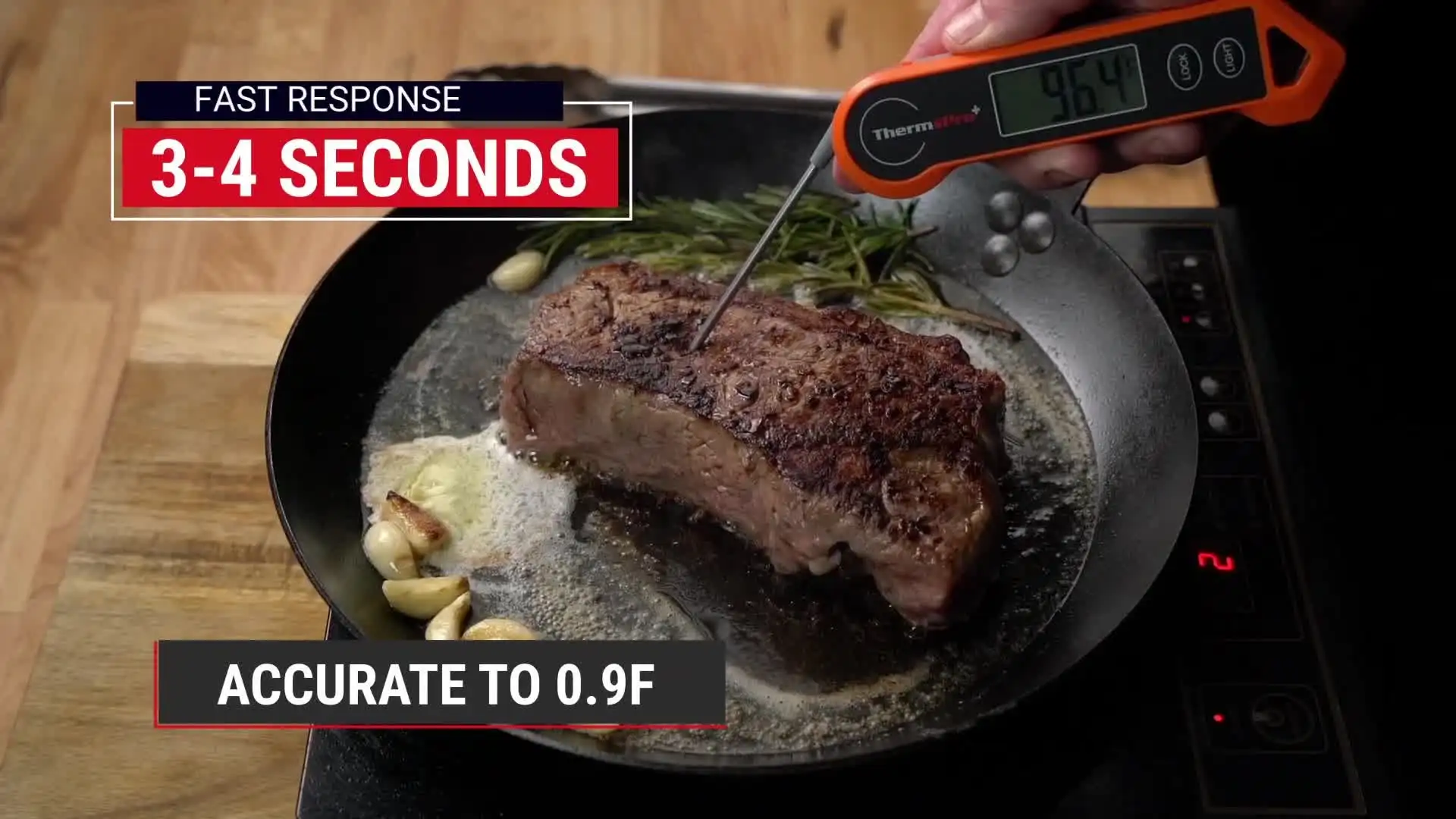
Keep overcooking or undercooking your meat? The TempPro TP19H Instant Read Thermometer is the perfect solution to put an end to this problem and always ensure your foods are cooked like a pro!
1. Product Overview
The TempPro TP19H is a digital instant-read thermometer designed for cooking, featuring a waterproof design, backlight, and calibration function. It is equipped with advanced motion-sensing technology for smart operation.
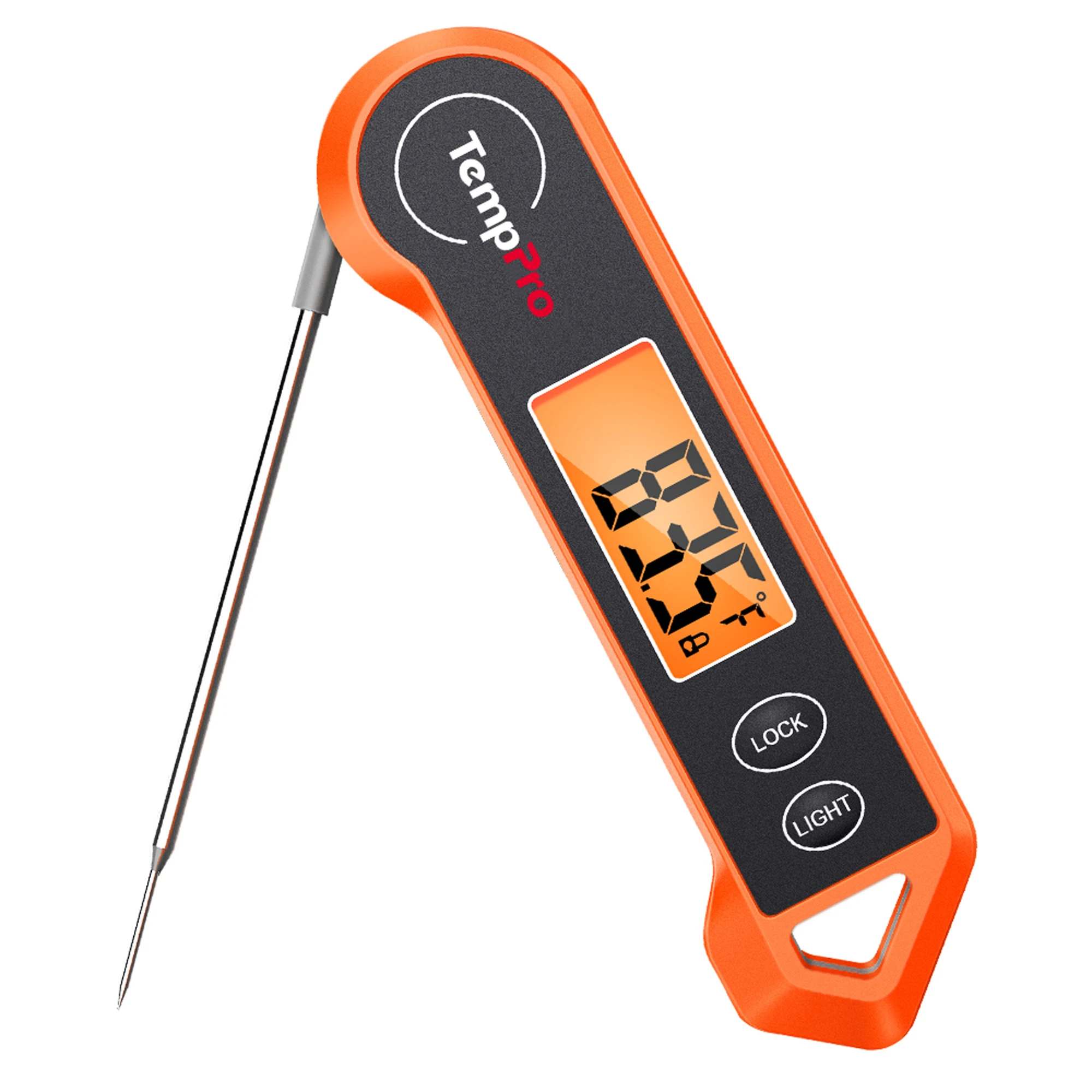
1.1 Product Components
- LCD Display: Shows the current temperature.
- Temperature Probe: A super-fast, high-precision sensor for internal meat temperature.
- LOCK Button: Press once to hold the current temperature for 5 seconds; press again to unlock.
- LIGHT Button: Press once to turn the backlight ON/OFF.
- °C/°F Button: Hold for 3 seconds to switch between Celsius and Fahrenheit.
- CAL Button: Press and hold for 5 seconds to enter calibration mode; press again to confirm.
- Battery Compartment: Holds 1 x AAA 1.5V battery.
- Built-in Magnet: Located on the back for convenient storage.
- Hang Hole: For placing on a kitchen hook.
2. Specifications
| Feature | Value |
|---|---|
| Fasting Reading | 3-4 seconds |
| Temperature Range | -58°F ~ 572°F (-50 °C ~ 300 °C) |
| Out of Range Indication | LLL (below -58°F/-50°C) or HHH (above 572°F/300°C) |
| Resolution | 0.1 °C/°F |
| Temperature Accuracy | ±0.9°F (±0.5°C) in range between 14 to 212°F (-10 to 100°C) |
| Battery | 1 x AAA 1.5V (Not included in the package) |
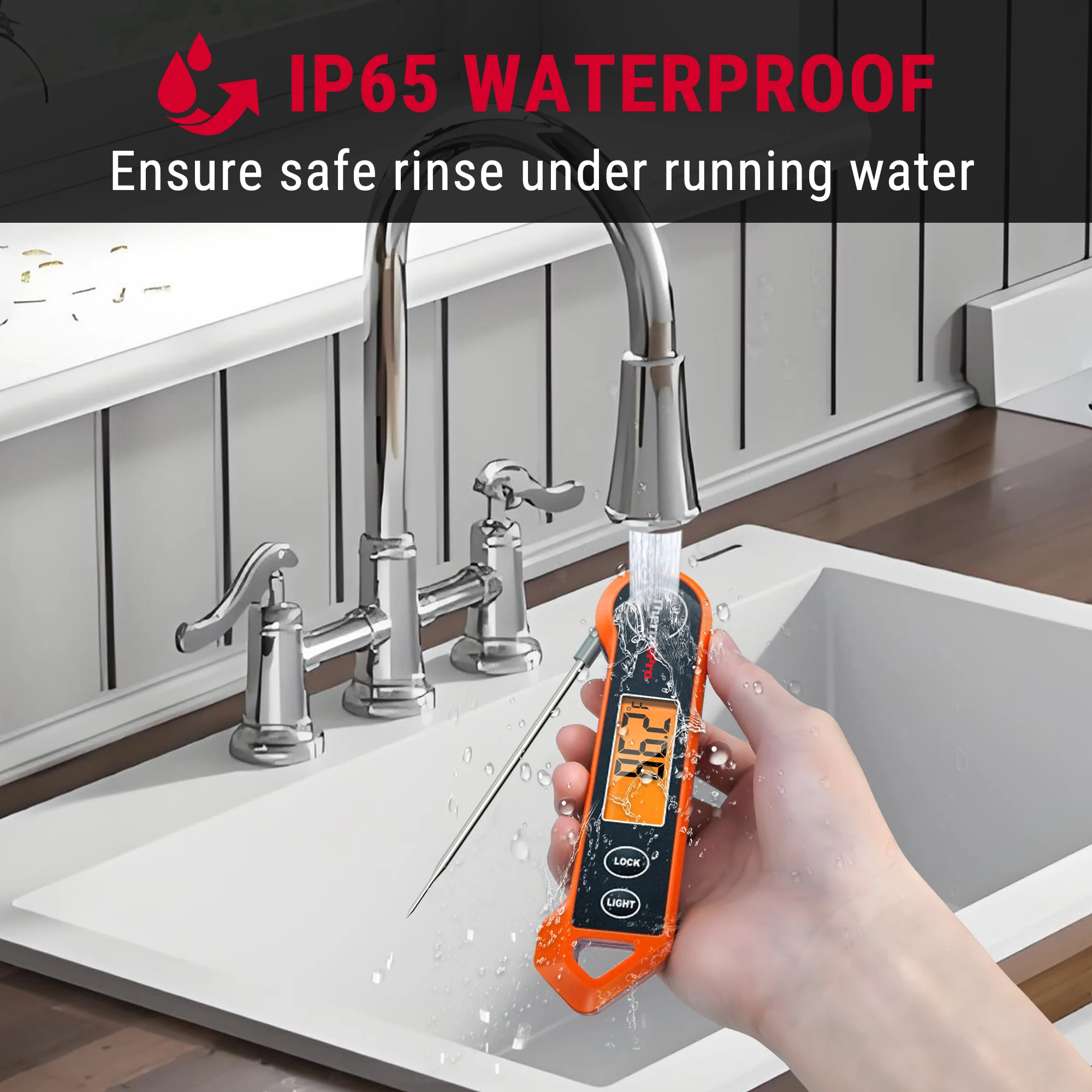
| Waterproof Rating | IP65 |
| Backlight | Available |
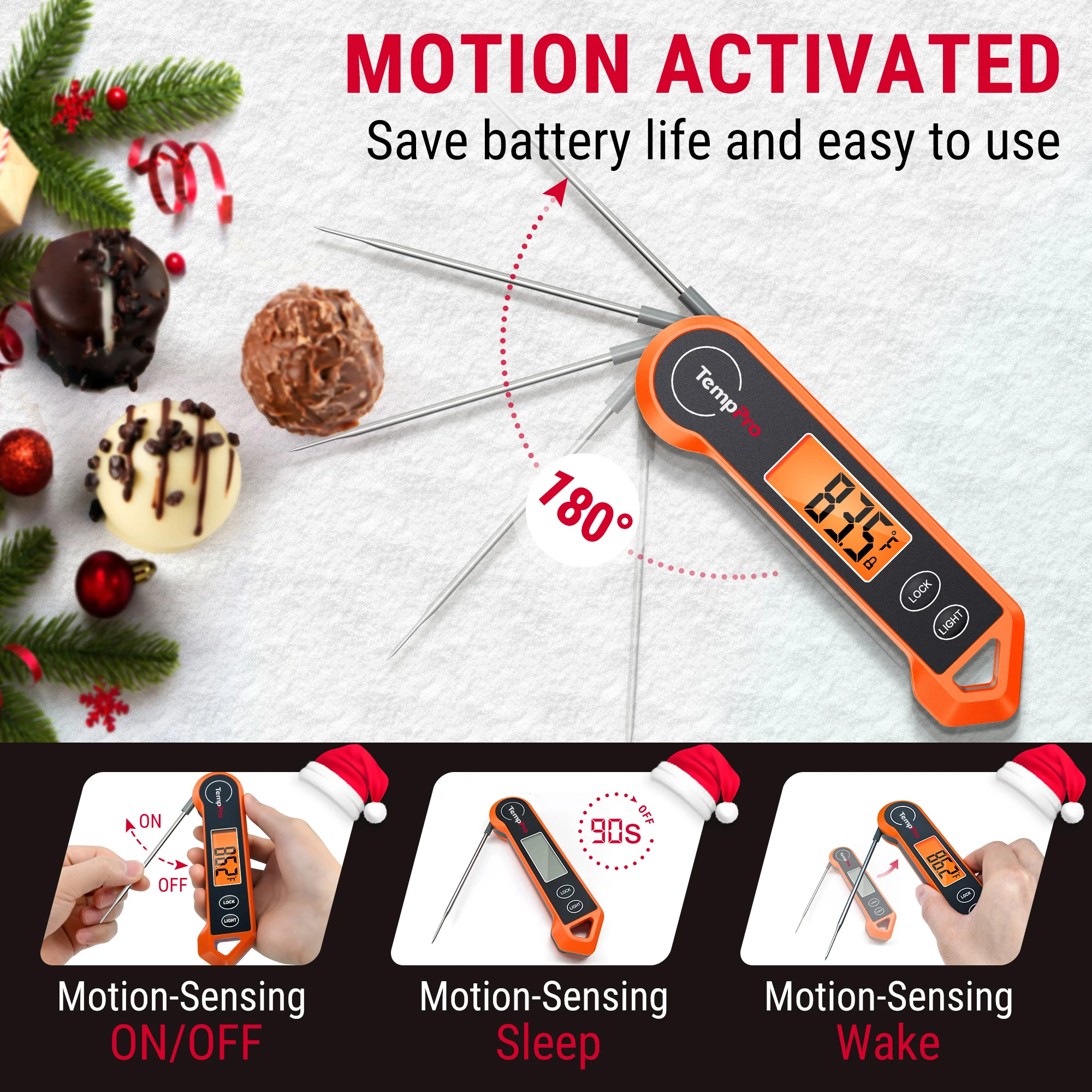
| Auto-off | 90 seconds (if probe not folded in and no button pressed) |
| Display Type | DIGITAL |
| Display Size | 1.9 Inches & Under (Listing Specification) / 2.0 Inches (Seller Description Image) |
| Theory | Thermocouple Thermometer |
| Style | Handheld |
| Use | Household |
| Motion Sensing | ON/OFF/WAKE/SLEEP modes |
| Auto-Rotating Display | 180° reversible display |
3. Before First Use
- Insert 1 x AAA 1.5V battery into the battery compartment, ensuring correct polarity (+) and (-).
- Wash the probe tip with a warm, soapy sponge or cloth, then rinse and dry.
- The thermometer can be washed under running water without concern due to its IP65 waterproof rating.
- Please read and follow all instructions in this manual.
- The thermometer is now ready to use.
4. Operation
4.1 Measuring Food Temperature
- Turn On: Pull the temperature probe away from the body of the thermometer to turn it on.
- Select Temperature Unit: Press and hold the °C/°F button for 3 seconds to switch between Celsius (°C) and Fahrenheit (°F). The selected unit will be remembered for future use.
- Insert Probe: Insert the tip of the probe into the food being cooked. The thermometer will begin measuring the internal food temperature.
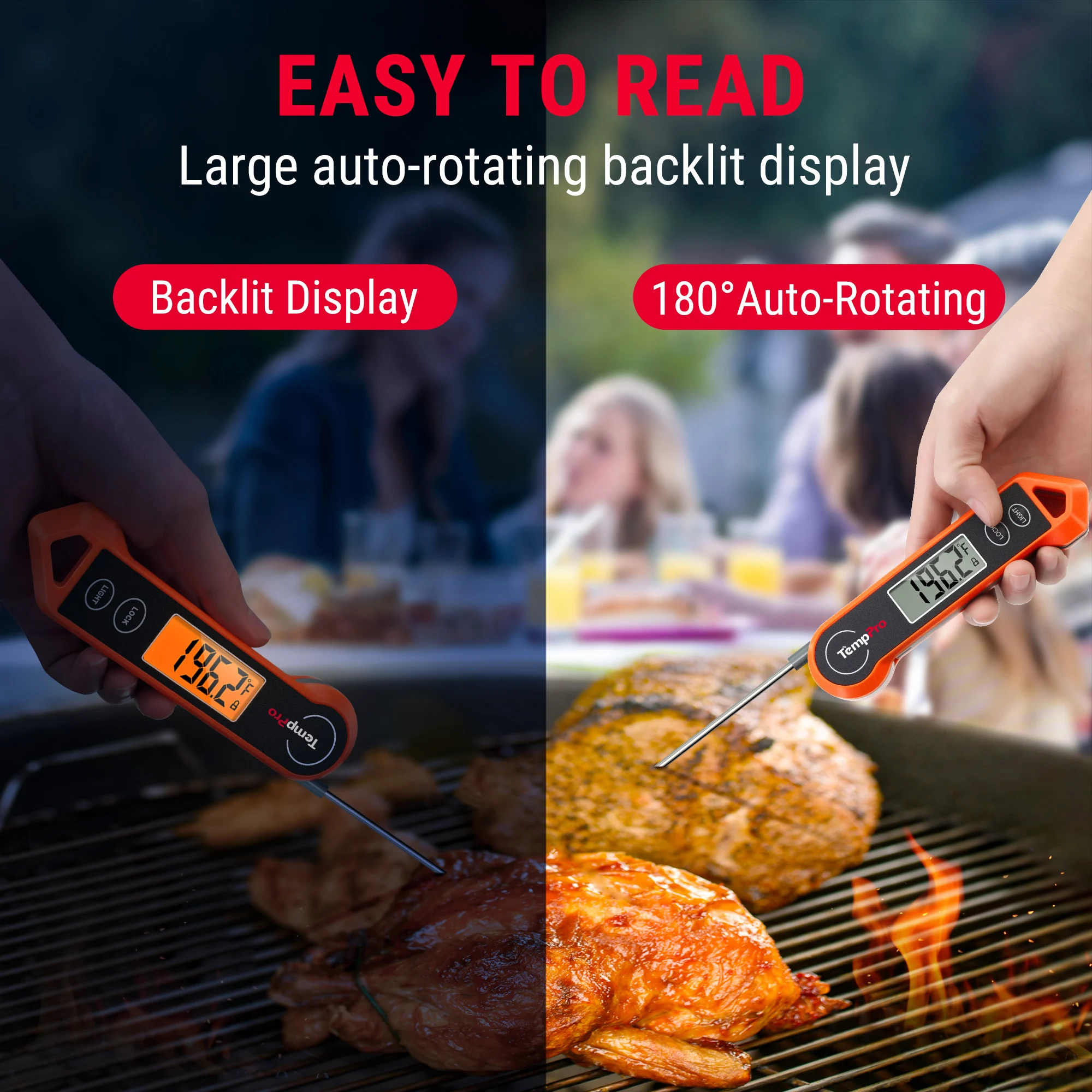
- Read Temperature: Wait until the temperature reading stabilizes on the display. The temperature reading can be viewed from a 360° global viewing angle due to the auto-rotating display.
- Lock Temperature: Press the LOCK button once to hold the current temperature on the display for 5 seconds. Press again to unlock.
- Turn Off: Fold the probe back into the body of the thermometer to turn it off.
4.2 Motion Sensing Features
- Motion-Sensing ON/OFF: The thermometer powers on when the probe is withdrawn and powers off when retracted.
- Motion-Sensing Sleep: The unit will enter sleep mode if set down for 90 seconds.
- Motion-Sensing Wake: If the thermometer is sleeping with the probe not folded in, picking it up or moving it will automatically power it on.
4.3 Backlight
Press the LIGHT button once to turn the backlight ON or OFF. This feature provides superb clarity for reading the temperature in all light conditions.
5. Calibration
The thermometer is precisely calibrated at the manufacturing facility and generally does not require recalibration. However, if you believe the temperature reading is inaccurate after a long period of use, you may recalibrate it.
5.1 Recalibration Procedure
- Prepare an ice bath:
- Use distilled or purified water to make ice cubes in your refrigerator.
- Obtain a thermal insulated bottle, beaker, or regular cup.
- Fill the container with ice cubes (no less than 70% of the volume).
- Top off the ice with cold distilled or purified water (no greater than 30% of the volume).
- Stir the mixture and let it sit for 10 minutes to allow the ice and water to reach temperature equilibration.
- Turn on the thermometer, unscrew, and remove the battery cover.
- Immerse the probe in the ice/water mixture, ensuring it does not touch the sides of the container.
- Wait until the temperature reading drops to its lowest stable value, which should be around 32°F (0°C).
- Important: If the temperature of the ice/water mixture is not within 28°F to 36°F (-2°C to +2°C), the calibration cannot be continued. You must remake the ice/water mixture.
- Press and hold the CAL button for 5 seconds to enter Calibration mode.
Seller-listed specifications
Specification Seller values Semi-finishedproduct No Battery Included no High-concerned chemical None Electronic Yes Theory Thermocouple Thermometer Display Type DIGITAL Power Type Aaa Battery Certification CE Model Number TP19H Origin Mainland China Max Measuring Temperature 120°C & Above Style Handheld Is Smart Device no Use Household Display Size 1.9 Inches & Under Thermometer Use Kitchen Thermometers Temperature Range -58°F ~ 572°F(-50 °C ~ 300 °C) Resolution 0.1 °C/°F Temperature Accuracy ±0.9°F(±0.5°C) in range between 14 to 212°F (-10 to 100°C) Fasting reading 3-4 seconds Waterproof IP65 Backlight Available Auto-off 90s Auto-off Battery 1 x AAA 1.5V(Not included in the package)
Documents and downloads
Ask a question about this manual
Ask about setup, troubleshooting, compatibility, parts, safety, or missing instructions. Manuals+ will review the question and use this page’s manual context to help answer it.