
Introduction
The BioloMix 5th Generation Stainless Steel WiFi Sous Vide Cooker (Model SV-9008) is designed to bring professional-quality cooking to your home kitchen. This thermal immersion circulator ensures precise temperature control for perfectly cooked food, retaining nutrients and flavor. Featuring IPX7 waterproofing and smart Wi-Fi app control, it offers convenience and versatility for a wide range of culinary applications.

Safety Information
- Always ensure the device is properly clamped to a pot and the water level is between the MIN and MAX marks before operation.
- Do not immerse the top part of the sous vide cooker (control panel) in water. The device is IPX7 waterproof, meaning it can withstand immersion up to 1 meter for 30 minutes, but proper usage is essential.
- Keep out of reach of children and pets.
- Unplug the device from the power outlet when not in use or before cleaning.
- Do not operate the device if it has been damaged in any way. Contact customer support for assistance.
- Use only with a compatible power outlet (220-240V/50-60Hz).
Product Overview
The BioloMix SV-9008 Sous Vide Cooker features a durable stainless steel housing and an intuitive digital control panel. It is designed for efficient and quiet operation.

Control Panel Features

- Power Button: Press and hold for more than 3 seconds to turn the device on/off.
- Set Button: Used to confirm settings.
- Time & Temperature Setting Keys (+/-): Adjust cooking time and temperature.
- Presets: Quick access buttons for common foods like Steak, Fish, Chicken, and Vegetables.
- Indicators: Heating, Wi-Fi, Timer, Delay Start.
Specifications
| Attribute | Value |
|---|---|
| Brand | Biolomix |
| Model Number | SV-9008 |
| Power (W) | 1300W |
| Voltage | 220-240V/50-60Hz |
| Temperature Range | 0-90°C |
| Timer | 0-99:59 min |
| Control Mode | Microcomputer Control |
| Reservation | Yes |
| LCD Display | Yes |
| Function | Digital Timer Control |
| Certification | CE, RoHS |
| Capacity | >6L |
| Waterproof Rating | IPX7 |
| Dimensions (approx.) | 330mm (Height) x 52mm (Width) |

Setup
- Attach to Pot: Securely clamp the BioloMix SV-9008 to the side of a heat-safe pot or container. Ensure it is stable.
- Add Water: Fill the pot with water, ensuring the water level is between the 'MIN' and 'MAX' indicators on the sous vide cooker. Do not overfill or underfill.
- Prepare Food: Season your food (e.g., steak with salt, pepper, herbs, garlic). Place the food in a vacuum-sealable bag.
- Vacuum Seal: Use a vacuum sealer to remove air from the bag and seal it. This is crucial for effective sous vide cooking.
- Power On: Plug the sous vide cooker into a suitable electrical outlet. Press and hold the power button for more than 3 seconds to turn on the machine.

Operating Instructions
Manual Control
- After powering on, use the '+' and '-' buttons to set your desired cooking temperature and time.
- Press the 'Set' button to confirm each setting.
- Alternatively, use the preset buttons (Steak, Fish, Chicken, Vegetables) for quick temperature and time settings for common foods.
- Once settings are confirmed, the device will begin heating the water.
- When the water reaches the target temperature, carefully place the vacuum-sealed food bag into the water bath.
- The timer will start counting down. The device will maintain the set temperature throughout the cooking process.
- Once cooking is complete, carefully remove the food bag.
Smart App Control (Wi-Fi)
- Download the "Tuya Smart" app from Google Play or the App Store.
- Ensure your Wi-Fi network is 2.4 GHz.
- To activate the Wi-Fi indicator on the device, press and hold the power button and the '-' button simultaneously for 2 seconds.
- Follow the in-app instructions to connect your BioloMix SV-9008 to your Wi-Fi network.
- Once connected, you can control temperature, time, and access built-in recipes directly from the app.
- The app will notify you when the water is ready and when cooking is complete.


Maintenance
- Cleaning: After each use, unplug the device and allow it to cool completely. Wipe the exterior with a damp cloth. For the stainless steel immersion part, you can gently clean it with a soft brush and mild soap, then rinse thoroughly.
- Descaling: If you notice mineral buildup (limescale) on the heating element, fill a pot with water and add white vinegar (e.g., 1 cup vinegar per gallon of water). Immerse the sous vide cooker and run it at 60°C (140°F) for 30 minutes. Rinse thoroughly afterward.
- Storage: Store the device in a dry place, away from direct sunlight and extreme temperatures.
Troubleshooting
- Device not turning on: Ensure the power cord is securely plugged into a working outlet. Press and hold the power button for more than 3 seconds.
- Water not heating up: Check if the device is properly plugged in and turned on. Ensure the water level is above the 'MIN' mark. If the low water level alarm is active, add more water.
- Water not circulating: If the motor is running but water isn't circulating, check for any obstructions around the heating element or pump. Ensure the device is correctly positioned in the pot.
- Wi-Fi connection issues:
- Ensure your Wi-Fi network is 2.4 GHz. The device is not compatible with 5 GHz networks.
- To reset to pairing mode, press and hold the power button and the '-' button simultaneously for 2 seconds until the Wi-Fi indicator activates.
- Make sure your smartphone is close to the sous vide cooker and connected to the same 2.4 GHz Wi-Fi network during setup.
- Restart your router and the sous vide cooker, then try connecting again.
- Overheating protection activated: If the device stops working due to overheating, unplug it and let it cool down. Check the water level and ensure there's enough water for proper operation.
User Tips
- For optimal results, always use a vacuum sealer to remove as much air as possible from your food bags. This ensures even cooking and prevents bags from floating.
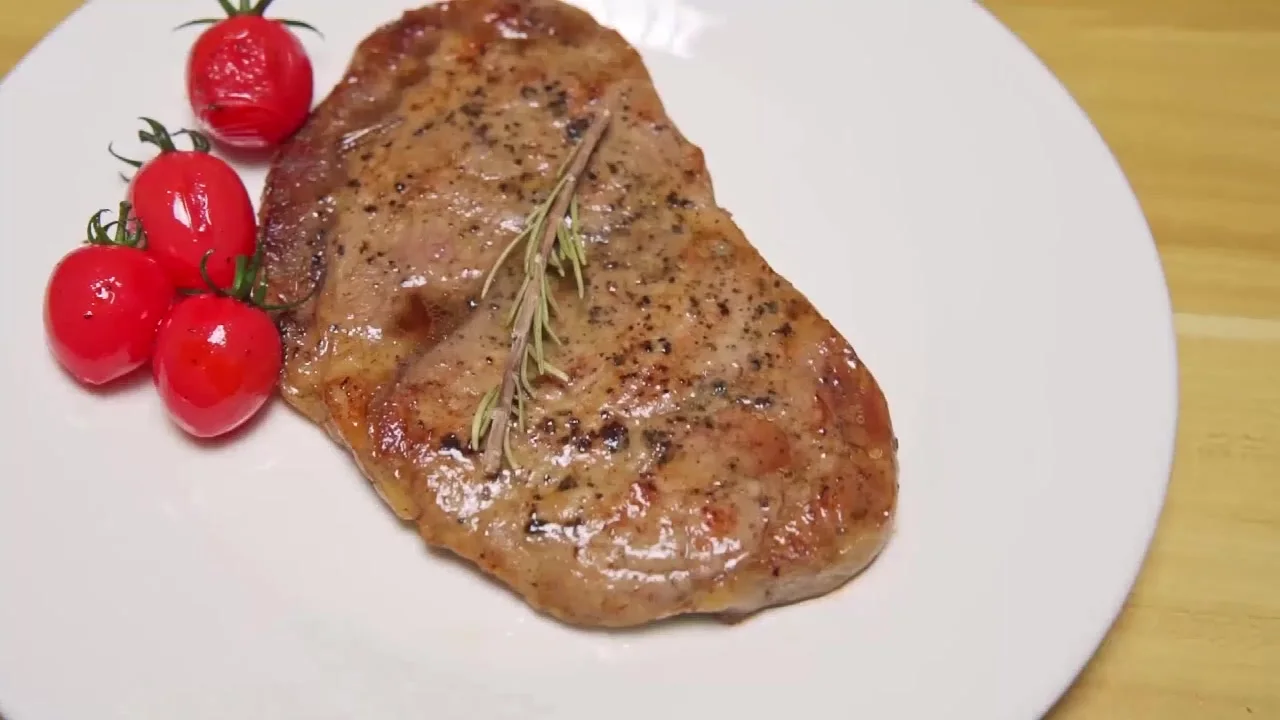
- After sous vide cooking, consider searing meats in a hot pan or on a grill for a few minutes to develop a delicious crust.
- Experiment with different herbs and spices in your vacuum bags to infuse flavors directly into your food.
- The "Delay Start" function is great for meal prepping; set it up in advance and have your food ready when you are.
Warranty and Support
For warranty claims, technical support, or any questions regarding your BioloMix SV-9008 Sous Vide Cooker, please contact the seller or manufacturer directly. Keep your purchase receipt as proof of purchase.