
一、簡介
The Canon SELPHY CP1500 is a wireless compact photo printer designed for convenient photo printing at home or on the go. It supports various connectivity options including AirPrint, Wi-Fi, the SELPHY Layout app, the Canon PRINT app, camera memory cards, and USB. This printer produces durable, water-resistant photos in multiple sizes, from 4x6 inches to mini label stickers, designed to last up to 100 years.
2. 包裝內容
- SELPHY CP1500 緊湊型相片印表機
- Paper Cassette (Postcard size)
- Trial Standard Paper Pack (Postcard size)
- Trial Ink Cassette (Postcard size)
- Compact Power Adapter and AC Cable

3. 設定
3.1 電源連接
Connect the compact power adapter to the printer and then plug it into a power outlet. The printer will power on, and the display will activate.
3.2 Loading Paper Cassette
Open the paper cassette and load the photo paper with the glossy side facing up. Insert the loaded paper cassette into the printer's paper slot until it clicks into place.

3.3 Inserting Ink Cassette
Open the ink cassette cover on the side of the printer. Insert the trial ink cassette into the designated slot until it locks securely. Close the cover.

3.4 連接設備
The SELPHY CP1500 offers multiple ways to connect:
- 無線上網: Use the printer's on-screen menu to connect to your local Wi-Fi network.
- SELPHY Layout App: Download the official SELPHY Layout app from your smartphone's app store. Follow the in-app instructions to connect your device to the printer via Wi-Fi.
- 記憶卡: Insert a compatible camera memory card into the printer's SD card slot.
- USB: Connect a USB flash drive or a compatible camera directly to the printer's USB port.

4. 操作說明
4.1 列印照片
Once connected, select your desired photos from your device or memory card using the printer's display or the SELPHY Layout app. You can preview, edit, and apply filters before printing.

4.2 Print Options and Customization
The SELPHY CP1500 allows for various print customizations:
- 列印尺寸: Choose from 4x6 inches, 2.1x2.1 inches square, or mini label stickers.
- 飾面: Select between glossy, semi-gloss, or satin finishes for your prints.
- 編輯: Utilize the built-in 3.5-inch display to view, edit, and add filter effects like sepia or black and white.
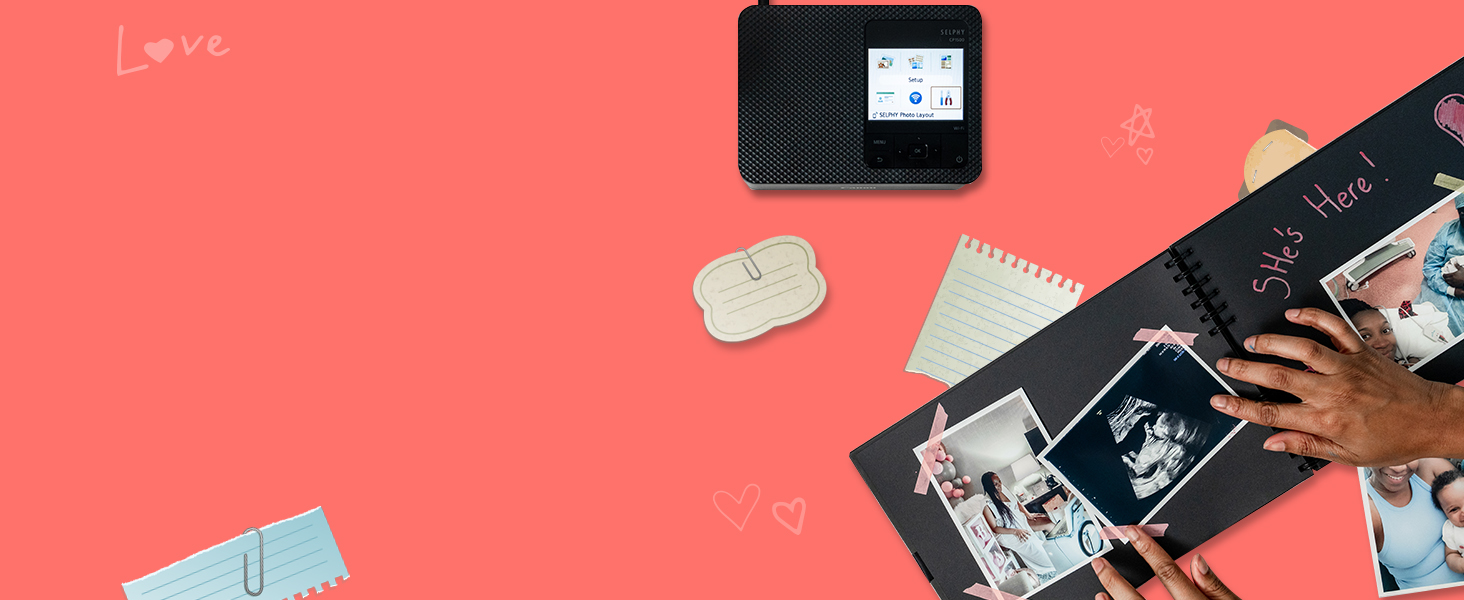

4.3 產品結束view 影片
影片:全面的產品介紹view of the Canon Selphy CP1500, demonstrating its features and ease of use.
5、維護保養
5.1 墨水和紙張的替代
When the ink or paper runs out, replace them with genuine Canon SELPHY ink and paper sets. These are typically sold together to ensure compatibility and optimal print quality. Refer to the 'Loading Paper Cassette' and 'Inserting Ink Cassette' sections for detailed instructions.
5.2 清潔打印機
Periodically clean the exterior of the printer with a soft, dry cloth. Avoid using liquid cleaners or abrasive materials. For internal cleaning, consult the detailed instructions in the full user manual or Canon's official support web地點。
6。 故障排除
- 印表機無回應: Ensure the power adapter is securely connected and the printer is turned on. Check Wi-Fi or USB connections.
- 打印質量差: Verify that the ink cassette is correctly installed and has sufficient ink. Ensure the paper is loaded correctly and is not creased or damaged.
- 卡紙: Carefully remove any jammed paper following the instructions in the full user manual. Ensure you are using the correct paper size and type.
- 連線問題: Restart both the printer and your connecting device. Re-establish the Wi-Fi or Bluetooth connection through the printer's menu or the SELPHY Layout app.
7. 規格
| 特徵 | 規格 |
|---|---|
| 產品尺寸 | 5.2 英吋深 x 7.2 英吋寬 x 2.3 英吋高 |
| 連接技術 | 無線上網 |
| 印刷技術 | 染料昇華 |
| 最大介質尺寸 | 4 x 6 英寸 |
| 最大彩色列印分辨率 | 每吋 300 x 300 點 |
| 相容設備 | Camera, PC, Smartphones |
| 物品重量 | 3.48 磅(1.58 公斤) |
| 型號 | 5539C001 |
| 首次可用日期 | 21 年 2022 月 XNUMX 日 |
8. 保固和支持
8.1 保固信息
The Canon SELPHY CP1500 comes with a 有限保固. For specific terms and conditions, please refer to the warranty card included in your product packaging or visit the official Canon support web地點。
8.2 客戶支持
如需更多協助、技術支援或下載最新驅動程式和軟體,請造訪佳能官方支援網站 web網站或聯絡佳能客戶服務。


