
1. הקדמה
The EPOS Sennheiser IMPACT SC 660 USB ML is a premium, wired, double-sided USB headset designed for professionals. It is optimized for Unified Communications (UC) and certified for Skype for Business, offering outstanding sound performance, convenient call handling, durability, and all-day comfort. This headset features HD sound, an ultra noise-cancelling microphone, and a USB connector for seamless integration with various devices and platforms.

פיגורע 1: פראָנט view of the EPOS Sennheiser IMPACT SC 660 USB ML Headset.
2. וואָס איז אין דער קעסטל
Carefully unpack your EPOS Sennheiser IMPACT SC 660 USB ML headset and ensure all components are present:
- IMPACT SC 660 USB ML Headset
- פּראַטעקטיוו קאַסע
- Cable clip mounted on headset
- Leatherette ear pad/s (spare)
- מאַגנעטיק האָלדער
- שנעל גייד
- זיכערקייַט גייד
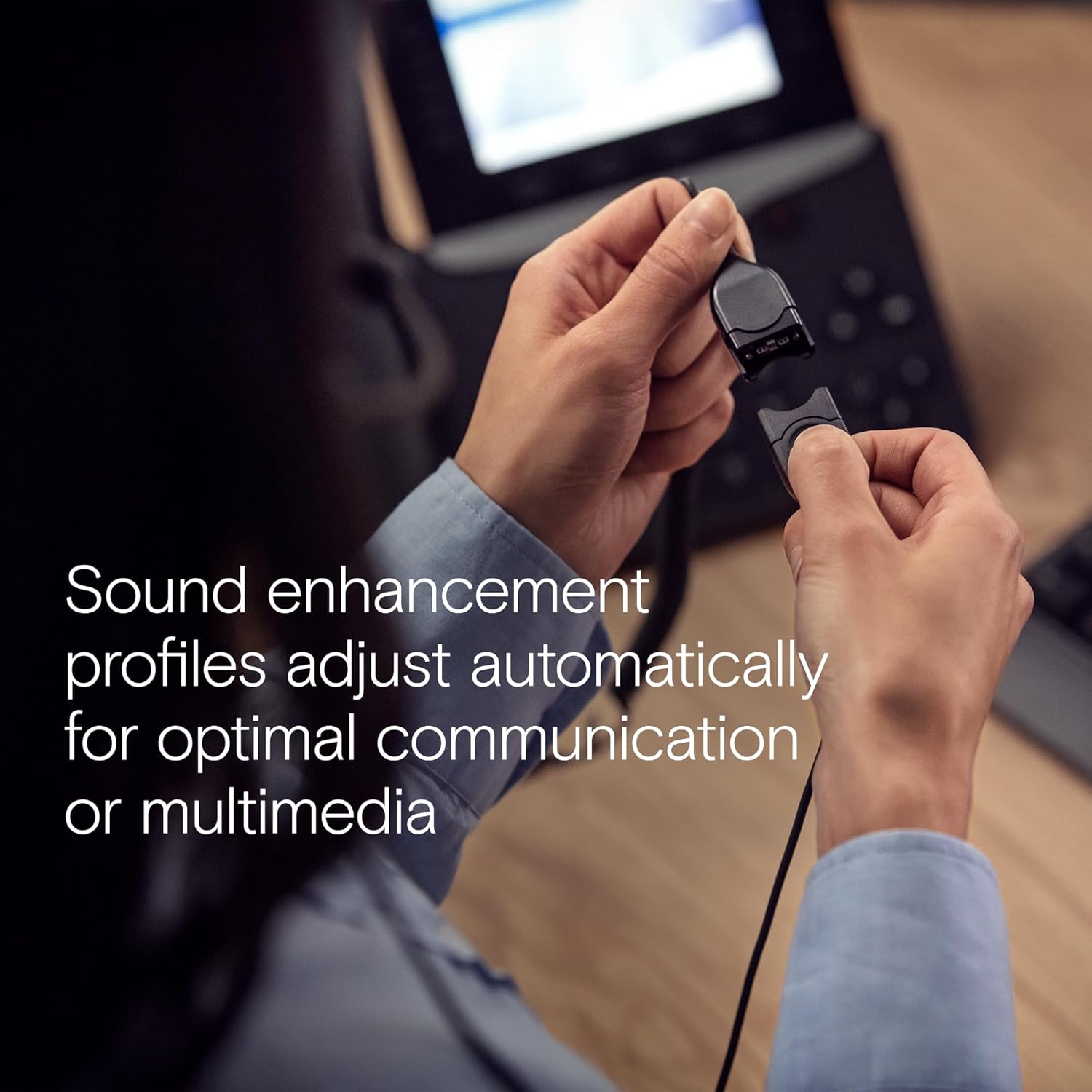
Figure 2: All included components: headset, carry pouch, in-line call control, clothing clip, USB connector, leatherette ear pads, ear pad holders, safety guide, and quick guide.
3. סעטאַפּ
The IMPACT SC 660 USB ML headset is designed for simple plug-and-play setup.
3.1 פֿאַרבינדן די כעדסעט
- Locate an available USB port on your computer or compatible device.
- שטעקט אריין דעם USB קאַנעקטאָר פון דעם כעדסעט אין דעם USB פּאָרט.
- The headset will be automatically recognized by your operating system. No additional drivers are typically required for basic functionality.
3.2 ווייכווארג קאָמפּאַטיביליטי
This headset is optimized for Unified Communications (UC) and certified for various platforms, ensuring seamless integration and optimal performance:
- סקיפּע פֿאַר ביזנעס
- מייקראָסאָפֿט טימז
- Google טרעפן
- אַלקאַטעל-לוסענט ענטערפּרייז
- Webעקס דורך סיסקאָ
- אַווייַאַ
- אַרבעט מיט Chromebook

Figure 3: The headset is optimized for various Unified Communications platforms, including Microsoft Teams, Google Meet, Alcatel-Lucent Enterprise, Webex by Cisco, Avaya, and Chromebook.
3.3 טראָגן די כעדסעט
Adjust the headband and microphone boom for a comfortable and secure fit. The microphone boom is flexible to allow for optimal positioning near your mouth.

Figure 4: A person wearing the headset, demonstrating proper microphone positioning for natural, clear conversations with EPOS Voice and noise-cancelling microphone technology.
Video 1: Official product description video for the EPOS Sennheiser IMPACT SC 600 Series, highlighting key features and benefits for business communication.
4. אַפּערייטינג ינסטרוקטיאָנס
The IMPACT SC 660 USB ML headset provides intuitive controls for managing your calls and audio.
4.1 In-Line Call Control Unit
The headset features an in-line call control unit for easy management of calls and audio settings:
- ענטפֿערן / סוף רופן: Press the dedicated call button to answer or end a call.
- באַנד קאָנטראָל: ניצט די '+' און '-' קנעפלעך צו סטרויערן די הערן-וואליום.
- שטום מיקראָפאָן: Press the microphone mute button to mute or unmute your microphone.
- רעדיאַל: Some applications may support redialing directly from the control unit.
4.2 מיקראָפאָן באַניץ
The ultra noise-cancelling microphone filters out unwanted background noise, ensuring crystal-clear conversations. Position the microphone approximately two fingers' width from the corner of your mouth for optimal voice pickup.
4.3 קלאַנג פֿעיִטשערז
- HD Sound: Powered by a neodymium speaker, the headset delivers clear and natural voice and audio experiences.
- ActiveGard Technology: This technology protects users against acoustic injury caused by sudden sound bursts on the line.
- Sound Enhancement Profiles: The headset automatically adjusts sound enhancement profiles for optimal communication or multimedia listening.

פיגורע 5: זייַט view of the headset, highlighting the in-line call control unit and USB connector.
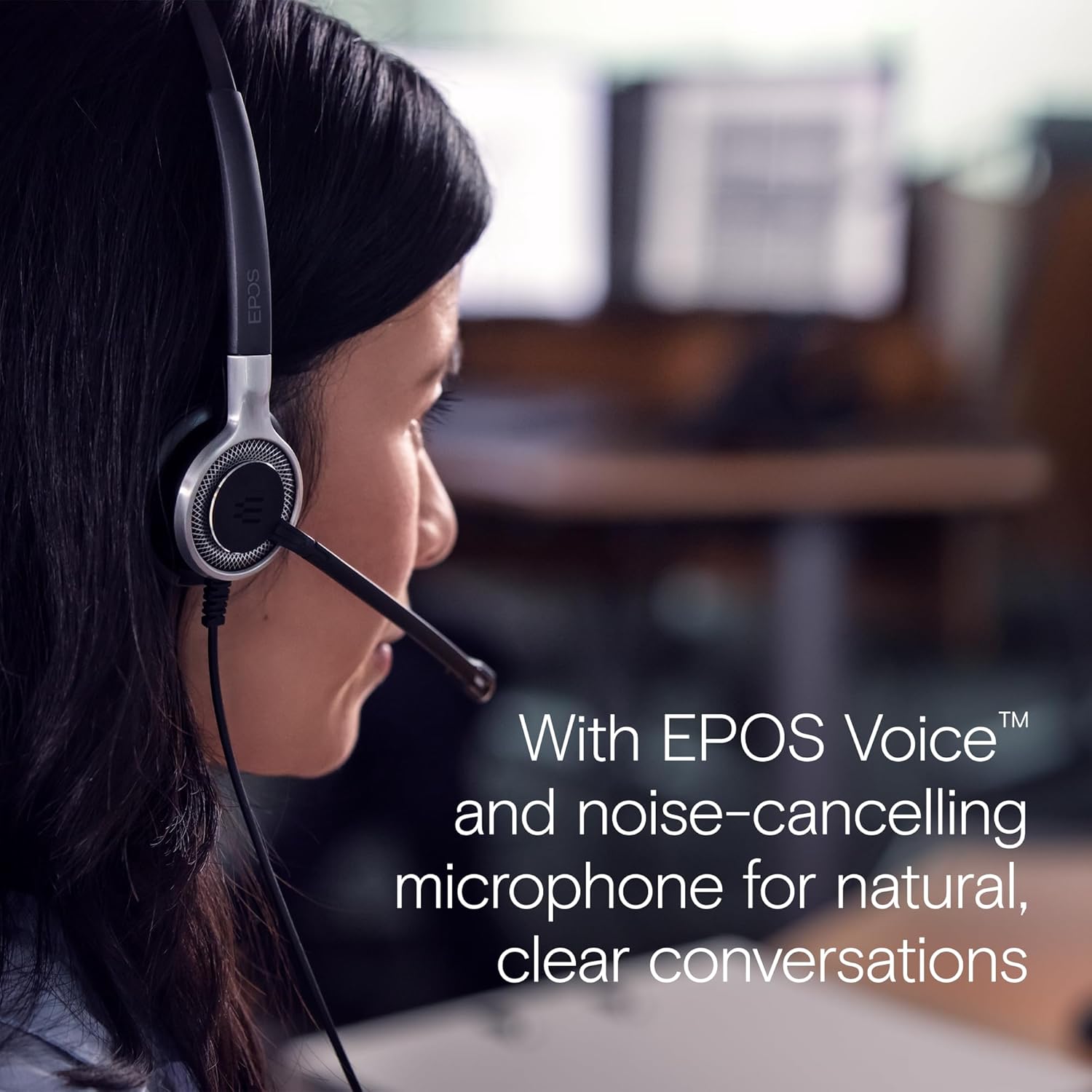
Figure 6: Image illustrating how sound enhancement profiles adjust automatically for optimal communication or multimedia experiences.
5. וישאַלט
Proper care and maintenance will extend the life and performance of your headset.
5.1 רייניקונג
- אויער פּאַדס: The soft leatherette ear pads can be gently wiped with a damp cloth. Ensure they are completely dry before use.
- כעדסעט גוף: Use a soft, dry cloth to clean the headset body. Avoid using harsh chemicals or abrasive materials.
5.2 סטאָרידזש
When not in use, store the headset in its protective case. The ear cups can be folded flat for easy transportation and storage, protecting the headset from damage.
5.3 קאַבל זאָרג
The headset features Vectran reinforced cables for enhanced durability. Avoid sharp bends or excessive pulling on the cable to prevent damage.
6. טראָובלעשאָאָטינג
If you encounter issues with your headset, try the following basic troubleshooting steps:
- קיין קלאַנג/מיקראָפאָן אַרבעט נישט:
- זיכער מאַכן אַז דער USB קאַנעקטאָר איז גאָר אַרײַנגעשטעקט אין דעם פּאָרט.
- Check your computer's audio settings to ensure the headset is selected as the default playback and recording device.
- Verify that the microphone is not muted using the in-line control unit.
- Try plugging the headset into a different USB port or another computer to rule out port or system-specific issues.
- נעבעך געזונט קוואַליטעט:
- Adjust the volume using the in-line control or your computer's settings.
- Ensure the microphone is positioned correctly near your mouth for clear voice pickup.
- קוקט איבער פאר קיין פיזישע שאדן צום קאבעל אדער קאנעקטארס.
- Headset Not Recognized:
- ריסטאַרט דיין קאָמפּיוטער.
- זיכער מאַכן אַז אייער אָפּערייטינג סיסטעם איז אַרויף צו דאַטע.
For more complex issues, refer to the detailed Safety Guide or Quick Guide included in the box, or contact EPOS customer support.
7. ספּעסאַפאַקיישאַנז
| מאָדעל נאָמען | IMPACT SC 660 USB ML |
| סאָרט | עפּאָס |
| קאַנעקטיוויטי טעכנאָלאָגיע | וסב |
| כעדפאָונז דזשאַק | וסב |
| אויער פּלייסמאַנט | אויף אויער |
| פאָרם פאַקטאָר | אויף אויער |
| קאָליר | שוואַרץ |
| מאַטעריאַל | פּלאַסטיקס |
| פּונקט וואָג | 7.9 אונסעס (224 גראַמז) |
| פּראָדוקט דימענשאַנז | 13 X 2.44 X 2.44 אינטשעס |
| Frequency Response (Microphone) | 150 - 6,800 הז (ווידבאַנד) |
| Frequency Response (Speaker) | 50 – 18,000 הז |
| ימפּידאַנס | 200 אָהמס |
| ראַש קאָנטראָל | ראַש קאַנסאַליישאַן (מיקראָפאָן) |
| ספּעציעלע שטריך | לייטווייט |
| קאַמפּאַטאַבאַל דעוויסעס | Laptops, Tablets (via USB) |
| קאַבלע שטריך | Retractable, Vectran reinforced |
| קאָנטראָל טיפּ | Call Control (in-line remote) |
8. וואָראַנטי & שטיצן
8.1 וואָראַנטי אינפֿאָרמאַציע
The EPOS Sennheiser IMPACT SC 660 USB ML headset comes with a קסנומקס יאָר אינטערנאַציאָנאַלע וואָראַנטי. This warranty covers manufacturing defects and ensures peace of mind regarding the quality and durability of your headset. Please retain your proof of purchase for warranty claims.
8.2 קונה שטיצן
For technical assistance, warranty claims, or further inquiries, please visit the official EPOS website or contact their customer support directly. Refer to the contact information provided in your Safety Guide or on the EPOS webפּלאַץ.