
1. Sản phẩm hếtview
The Magcubic Smart Projector HY350GT is a portable projector designed for versatile entertainment and presentation needs. It features 4K support, native 1080P resolution, and a built-in 4K TV stick for direct access to streaming applications. Key functionalities include automatic focus, keystone correction, obstacle avoidance, and screen alignment, ensuring a clear and properly framed image with minimal manual adjustment. Dual-band Wi-Fi and Bluetooth 5.1 provide robust connectivity options for various devices and audio accessories.
2. Có gì trong hộp
- Magcubic Smart Projector HY350GT
- Bộ đổi nguồn
- Điều khiển từ xa
- Hướng dẫn sử dụng (tài liệu này)
3. Hướng dẫn thiết lập
3.1 Vị trí ban đầu và kết nối nguồn điện
Place the projector on a stable, flat surface. The flexible rotating stand allows for projection onto walls or ceilings. Connect the power adapter to the projector's power input port and then to a power outlet.

Image: The Magcubic HY350GT projector demonstrating its flexible rotating stand for various projection angles, including walls and ceilings.
3.2 Automatic Image Correction
Upon powering on, the projector will automatically perform several corrections:
- Tự động lấy nét: The image will automatically sharpen.
- Tự động sửa Keystone: The image will adjust to be rectangular, even if the projector is at an angle.
- Tự động tránh chướng ngại vật: The projector detects walls and barriers, adjusting the image to avoid interference.
- Tự động căn chỉnh màn hình: The image will align itself to the projection surface.
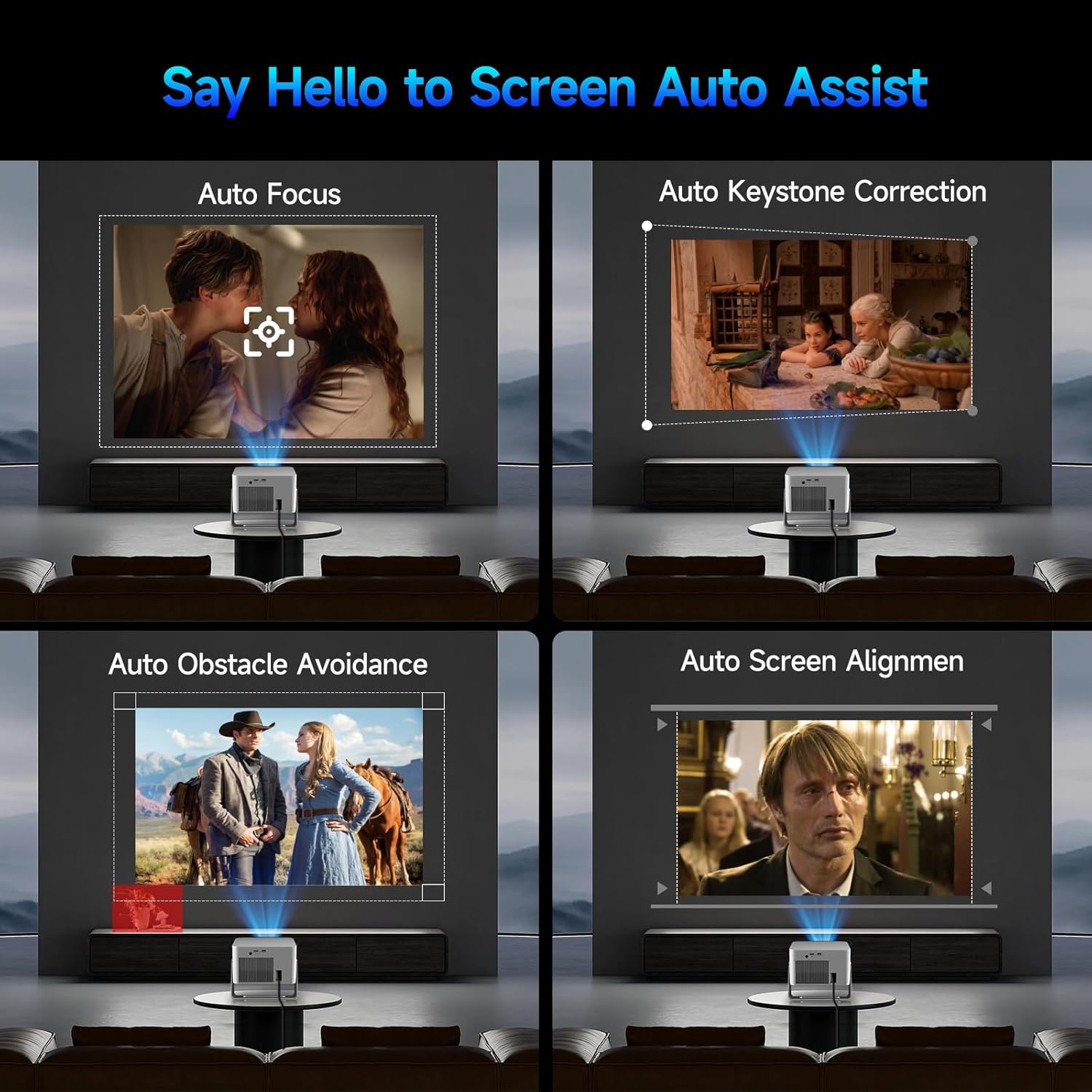
Image: Visual representation of the projector's automatic screen assist features, including auto focus, keystone correction, obstacle avoidance, and screen alignment.
3.3 Kết nối mạng
Navigate to the 'Settings' menu using the remote control. Select 'Network settings' to connect to your Wi-Fi network (2.4G or 5G). This enables access to built-in streaming apps and online content.
4. Hướng dẫn vận hành
4.1 Remote Control and Voice Assistant
The included remote controls both the projector and the built-in streaming stick. Utilize the Voice Assistant feature by pressing the voice command button to quickly open apps, play movies, adjust volume, or check information.
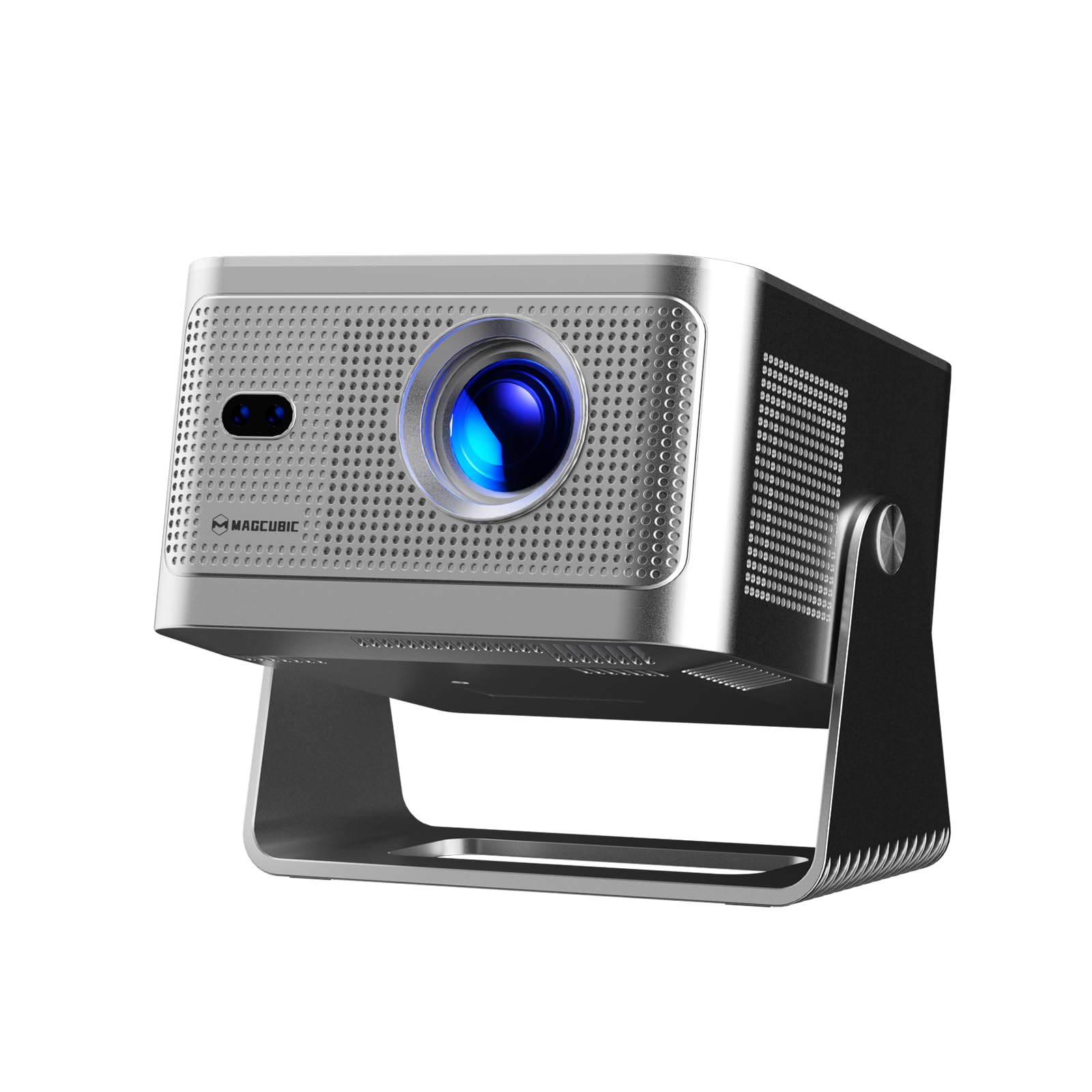
Image: The projector's main screen showing various streaming apps and the remote control, highlighting its voice assistant capabilities.
4.2 Truy cập ứng dụng
The projector comes with a built-in 4K TV stick, providing access to a wide range of applications. Navigate to 'My Apps' or the 'Store' to browse and download additional streaming services and utilities.

Image: The projector's interface showing pre-installed and downloadable streaming applications.
4.3 Cài đặt chiếu
In the 'Settings' menu, select 'Projection settings' to fine-tune your display:
- Chế độ thiết bị: Switch between Standard and Energy Saving modes.
- Chế độ cài đặt: Adjust for front projection, rear projection, or ceiling mounting.
- Điều chỉnh tỷ lệ kỹ thuật số: Adjust image size from 80% to 100%.
- Tự động lấy nét: Toggle automatic focus on/off.
- Auto Four Corner Correction: Enable automatic trapezoidal correction.
- Tránh chướng ngại vật thông minh: Enable automatic image adjustment around obstacles.
- Screen Recognition: Enable automatic screen detection and alignment.
4.4 Ngõ ra âm thanh
The projector features a built-in 15W high-fidelity stereo speaker. For external audio, connect Bluetooth 5.1 compatible speakers or headphones via the 'Bluetooth' setting in the main menu.
4.5 Kết nối bên ngoài
The rear panel of the projector includes:
- Cảng HDMI: Connect external devices such as laptops, gaming consoles (Switch, PS5), TV sticks, tablets, or smartphones.
- Cổng USB: Connect USB storage devices or a mouse for navigation.

Hình ảnh: Chi tiết view of the projector's rear ports for HDMI, USB, and power connections.
4.6 Phản chiếu màn hình
The projector supports screen mirroring from both Android and iOS devices. Access this feature through the main menu to cast content directly from your phone or tablet.

Image: A smartphone wirelessly casting its screen to the projector, demonstrating the screen mirroring capability.
5. Bảo trì
- Vệ sinh ống kính: Lau nhẹ ống kính máy chiếu bằng vải mềm, không xơ. Tránh sử dụng vật liệu mài mòn hoặc hóa chất mạnh.
- Thông gió: Ensure the projector's ventilation ports are clear of obstructions to prevent overheating. Do not block the air vents during operation.
- Kho: Khi không sử dụng, hãy bảo quản máy chiếu ở nơi khô ráo, thoáng mát, tránh ánh nắng trực tiếp và nhiệt độ quá cao hoặc quá thấp.
KHAI THÁC. Xử lý sự cố
- Không có hình ảnh: Ensure the projector is powered on and the correct input source (HDMI, USB, or internal apps) is selected. Check all cable connections.
- Hình ảnh mờ: Allow the auto-focus feature to complete. If needed, manually adjust focus via the projection settings. Ensure the projection surface is flat.
- Không có âm thanh: Check the volume level on both the projector and any connected external audio devices. Verify Bluetooth connection if using external speakers.
- Các vấn đề kết nối: For Wi-Fi, ensure the network password is correct and the projector is within range. For Bluetooth, ensure the external device is in pairing mode.
- Biến dạng hình ảnh: Allow auto keystone correction to complete. If necessary, manually adjust keystone settings in the projection menu.
7. Thông số kỹ thuật
| Tính năng | Đặc điểm kỹ thuật |
|---|---|
| Tên thương hiệu | Magcubic |
| Người mẫu | HY350GT |
| Trọng lượng sản phẩm | 3.08 pound |
| Kích thước gói hàng | 9.61 x 8.27 x 5.39 inch |
| Độ phân giải màn hình | 1920 x 1080 (Độ phân giải gốc 1080P, hỗ trợ 4K) |
| Độ sáng | 650 ANSI Lumens |
| Tỷ lệ tương phản | 10,000:1 |
| Gam màu | 120% |
| Công nghệ kết nối | Bluetooth 5.1, Dual-Band Wi-Fi (2.4G&5G) |
| Tính năng đặc biệt | 15W Speaker, Auto Focus, Auto Keystone Correction, Auto Obstacle Avoidance, Auto Screen Alignment |
| Sử dụng được đề xuất | Kinh doanh, Giáo dục, Trò chơi, Rạp chiếu phim tại gia |
8. Bảo hành và Hỗ trợ
Magcubic offers a 30-day return guarantee for this product. Additionally, 24-hour live customer support and lifetime technical support are included to assist with any inquiries or issues.