
PNZEO W8
PNZEO W8 Compact Indoor Smart Home Security Camera User Manual
Kiểu: W8
Brand: PNZEO
1. Giới thiệu
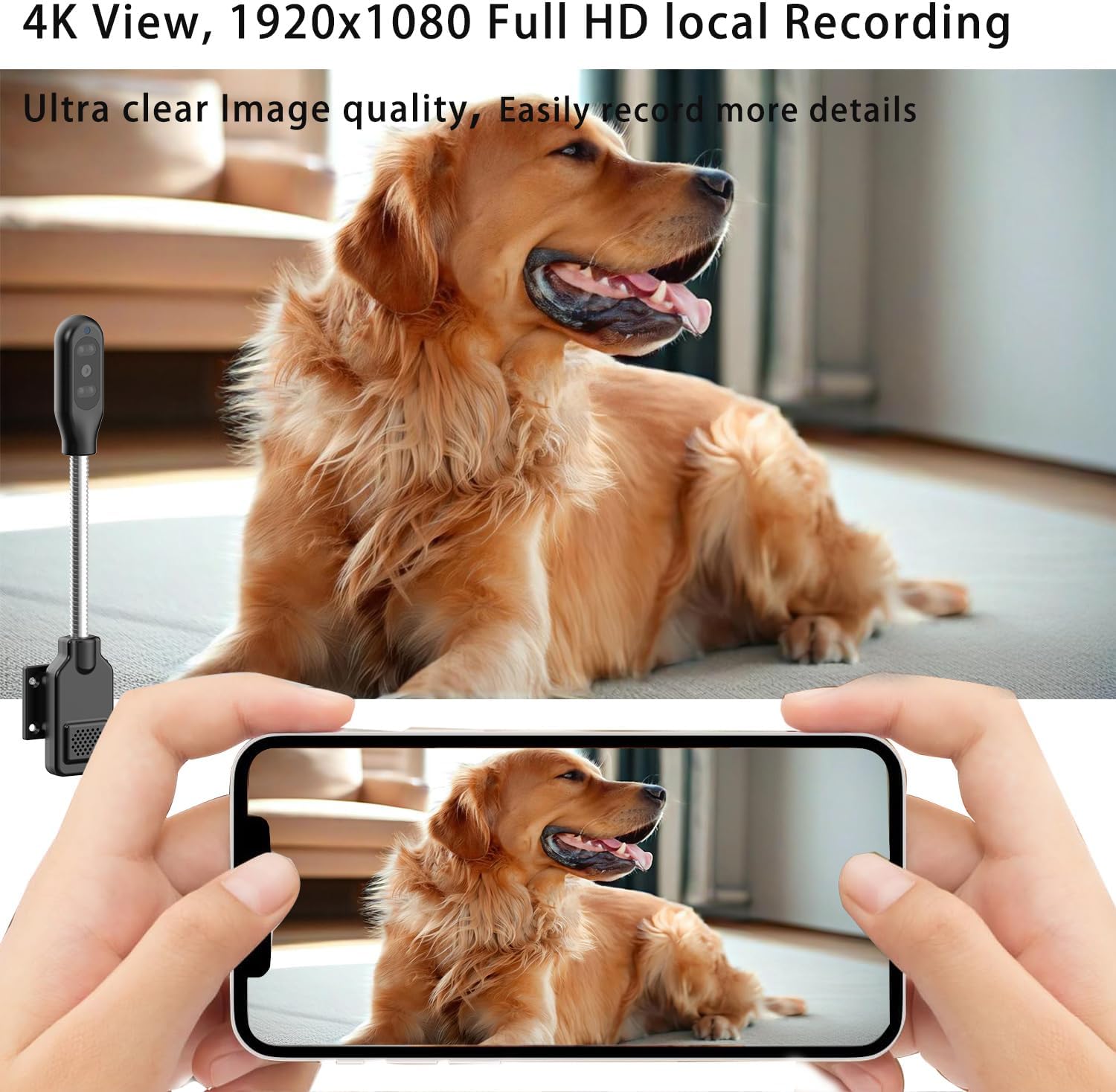
Thank you for choosing the PNZEO W8 Compact Indoor Smart Home Security Camera. This manual provides detailed instructions for setting up, operating, and maintaining your camera to ensure optimal performance and security for your home, pets, or loved ones. The W8 camera features 4K Ultra HD resolution, enhanced night vision, two-way audio, smart motion detection, and supports both 5GHz and 2.4GHz dual-band Wi-Fi connectivity.
2. Thông tin an toàn
Vui lòng đọc và hiểu tất cả các hướng dẫn an toàn trước khi sử dụng sản phẩm này. Việc không tuân thủ các hướng dẫn này có thể dẫn đến điện giật, hỏa hoạn hoặc các nguy hiểm khác.
- This device is designed for indoor use only. Avoid exposure to water, moisture, or extreme temperatures.
- Ensure the power source is stable and within the specified voltage (DC=5V/1A).
- Do not attempt to disassemble, repair, or modify the camera. Refer all servicing to qualified personnel.
- Để máy ảnh và các phụ kiện của máy ảnh ngoài tầm với của trẻ em và vật nuôi.
- Unplug the camera during lightning storms or when unused for long periods.
- The camera requires continuous power via a USB-C cable. It does not have an internal battery.
3. Sản phẩm hếtview
The PNZEO W8 camera is designed for discreet and flexible placement. Its unique gooseneck design allows for easy adjustment and positioning.

Hình 3.1: Product Parameter Diagram showing Light sensitive LED, IR LED, HD lens, Micro SD card slot, Reset button, Fixed base, Loudspeaker, and Power interface.

Hình 3.2: Dimensions of the PNZEO W8 camera and its flexible gooseneck, illustrating its compact size and bendable design.
Nội dung gói hàng:
- PNZEO W8 Camera Body
- Cơ sở cố định
- Cáp nguồn USB-C
- Hướng dẫn sử dụng
Ghi chú: A Micro SD card (up to 256GB) and a power adapter are not included and must be purchased separately.
4. Thiết lập
4.1 Cài đặt ứng dụng
To control and monitor your PNZEO W8 camera, you need to download the companion application.
- Scan the QR code provided in the included user manual or search for "MTCam" or "iWFcam" in your mobile device's app store (available on iOS and Android).
- Tải xuống và cài đặt ứng dụng.
- Đăng ký tài khoản mới hoặc đăng nhập nếu bạn đã có tài khoản.
4.2 Khởi động máy ảnh
- Connect the provided USB-C power cable to the camera's power interface.
- Plug the other end of the USB-C cable into a 5V/1A USB power adapter (not included) and then into a wall outlet.
- The camera will power on and indicate its status via an LED light.
4.3 Kết nối Wi-Fi
The PNZEO W8 supports both 5GHz and 2.4GHz Wi-Fi networks for flexible connectivity.

Hình 4.1: The PNZEO W8 camera supports both 5GHz and 2.4GHz Wi-Fi bands, offering faster transmission speeds and wider range.
- Open the installed app on your smartphone.
- Follow the in-app instructions to add a new device. This typically involves selecting your Wi-Fi network and entering the password.
- Ensure your phone is connected to the same Wi-Fi network you intend to connect the camera to during the setup process.
- The camera's LED indicator will change once successfully connected to Wi-Fi.
4.4 Lắp đặt thẻ nhớ Micro SD (Tùy chọn)
For local storage and continuous recording, insert a Micro SD card (up to 256GB, not included).

Hình 4.2: The camera supports local loop storage via a Micro SD card (up to 256GB, not included) for 24/7 continuous recording or motion detection recording.
- Locate the Micro SD card slot on the camera body (refer to Figure 3.1).
- Nhẹ nhàng lắp thẻ Micro SD vào khe cắm cho đến khi nghe tiếng tách. Đảm bảo lắp đúng hướng.
- The app will prompt you to format the SD card if it's new or not formatted for the camera. Follow the instructions to format it within the app.
5. Hướng dẫn vận hành
5.1 Giám sát từ xa
Sau khi kết nối, bạn có thể view foo trực tiếptage from your camera anytime, anywhere via the app.
Hình 5.1: The camera's app interface showing live view, sound, talkback, record video, and snapshot options.

Hình 5.2: Illustrates remote viewing capabilities for various scenarios such as home, baby and pet monitoring, and office surveillance.
5.2 Âm thanh hai chiều
Máy ảnh này có tích hợp micro và loa, cho phép giao tiếp hai chiều.
- Trong cuộc sống view interface, tap the microphone icon to speak through the camera's speaker.
- Chạm vào biểu tượng loa để nghe âm thanh từ môi trường xung quanh camera.
5.3 Phát hiện chuyển động và cảnh báo
The camera utilizes smart perceive technology to detect motion and send real-time alerts to your phone.

Hình 5.3: Example of a motion detection alarm notification received on a smartphone.
- Bật tính năng phát hiện chuyển động trong cài đặt ứng dụng.
- Điều chỉnh mức độ nhạy cảm khi cần thiết để giảm thiểu báo động giả.
- When motion is detected, you will receive an instant notification on your phone, and the camera can automatically record video to the Micro SD card.
5.4 Tầm nhìn ban đêm
Equipped with infrared lights and smart light sensors, the camera provides clear night vision.

Hình 5.4: Comparison of day and night vision, showing the camera's ability to capture clear images in low light conditions using IR night vision.
- Chế độ nhìn đêm tự động kích hoạt trong điều kiện ánh sáng yếu.
- The camera provides a night vision range of up to 8 meters.
5.5 Ghi và phát lại
The camera supports 24/7 continuous recording and motion-triggered recording to a Micro SD card.
- Ensure a Micro SD card is properly installed and formatted.
- Bạn có thể truy cập các video đã ghi thông qua tính năng phát lại của ứng dụng.
- Videos are encrypted for privacy and security.
6. Bảo trì
- Vệ sinh: Dùng khăn mềm, khô để lau ống kính và thân máy ảnh. Không sử dụng chất tẩy rửa dạng lỏng hoặc bình xịt.
- Vị trí: Place the camera in a location where it is protected from direct sunlight, rain, and extreme temperatures.
- Cập nhật chương trình cơ sở: Thường xuyên kiểm tra ứng dụng để cập nhật phần mềm nhằm đảm bảo hiệu suất và bảo mật tối ưu.
- Quản lý thẻ SD: Định kỳ review and back up important recordings from your Micro SD card. The card will loop record, overwriting older footage khi đầy.
KHAI THÁC. Xử lý sự cố
| Vấn đề | Nguyên nhân có thể | Giải pháp |
|---|---|---|
| Camera không bật được. | No power supply or faulty cable/adapter. | Ensure the USB-C cable is securely connected to a 5V/1A power adapter and a working outlet. Try a different power adapter or USB port. |
| Không thể kết nối với Wi-Fi. | Mật khẩu Wi-Fi không chính xác, máy ảnh quá xa bộ định tuyến hoặc nhiễu sóng mạng. | Double-check Wi-Fi password. Move camera closer to the router. Ensure your router supports 2.4GHz or 5GHz and that the camera is connecting to the correct band. Reset the camera and try again. |
| Poor audio quality (muffled/tinny). | Environmental noise, microphone/speaker obstruction, or software issue. | Ensure no obstructions near the microphone/speaker. Reduce background noise. Check for app updates. |
| Camera gets hot during operation. | Normal operation for compact electronics, but excessive heat can indicate an issue. | Ensure adequate ventilation around the camera. If it becomes excessively hot to touch or malfunctions, discontinue use and contact support. |
| SD card not recognized or recording. | SD card not inserted correctly, not formatted, or faulty. | Reinsert the SD card. Format the SD card via the app. Try a different, compatible Micro SD card (up to 256GB). |
| Motion alerts are too sensitive/frequent. | Sensitivity settings are too high, or environmental factors (e.g., shadows, moving curtains). | Adjust motion detection sensitivity in the app settings. Reposition the camera to avoid areas with frequent non-threatening movement. |
8. Thông số kỹ thuật
| Tính năng | Chi tiết |
|---|---|
| Tên mẫu | W8 |
| Thương hiệu | PNZEO |
| Công nghệ kết nối | Không dây (Wi-Fi) |
| Hỗ trợ Wi-Fi | Băng tần kép 5GHz & 2.4GHz |
| Độ phân giải quay video | 1080p, 4K |
| Tốc độ khung hình | 30 khung hình mỗi giây |
| Tầm nhìn ban đêm | 8 mét |
| Tính năng đặc biệt | Local Recording, HD Resolution, Night Vision, 2-Way Audio, Motion Sensor |
| Kho | Thẻ Micro SD (tối đa 256GB, không bao gồm) |
| Nguồn điện | Corded Electric (DC=5V/1A) |
| Loại bộ điều khiển | IOS, Android (via App) |
| Kích thước (D x R x C) | 9.25 x 1.18 x 0.59 inch |
| Trọng lượng sản phẩm | 6.7 ounce |
| Vật liệu | Acrylonitrile Butadiene Styrene (ABS) |
| Sử dụng trong nhà/ngoài trời | Ngoài trời, Trong nhà |
9. Bảo hành và Hỗ trợ
For warranty information and technical support, please refer to the contact details provided with your product packaging or visit the official PNZEO webtrang web. Giữ lại biên lai mua hàng làm bằng chứng mua hàng khi yêu cầu bảo hành.
Ask a question about this manual
Ask about setup, troubleshooting, compatibility, parts, safety, or missing instructions. Manuals+ will review the question and use this page’s manual context to help answer it.