
1. Giới thiệu
Thank you for choosing the RIVERSONG Air X26 TWS Bluetooth 5.3 Earbuds. This manual provides essential information for setting up, operating, and maintaining your earbuds. Please read it carefully before use to ensure optimal performance and longevity of your device.
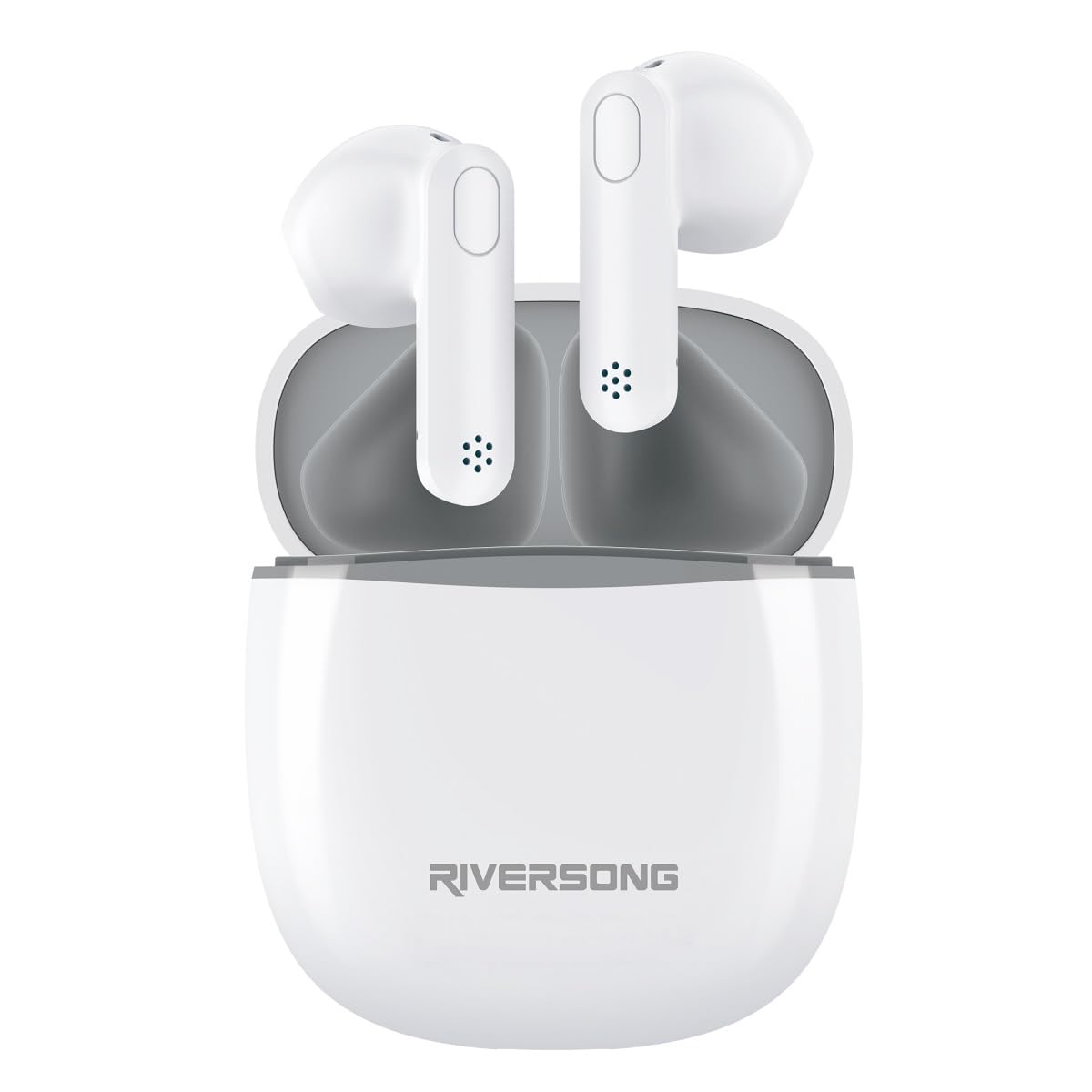
The RIVERSONG Air X26 TWS earbuds are shown resting in their charging case. Icons around the image indicate features such as Active Noise Cancellation (ANC), touch control, Bluetooth 5.3 connectivity, and an integrated microphone.
2. Nội dung gói hàng
Đảm bảo tất cả các mục đều có trong gói hàng của bạn:
- RIVERSONG Air X26 TWS Earbuds (Left and Right)
- Vỏ sạc
- Cáp sạc USB
- Hướng dẫn sử dụng
3. Sản phẩm hếtview
Familiarize yourself with the components of your earbuds:
- Tai nghe: In-ear design with integrated microphone and touch control area.
- Hộp sạc: Stores and charges the earbuds, features a charging port and LED indicator.
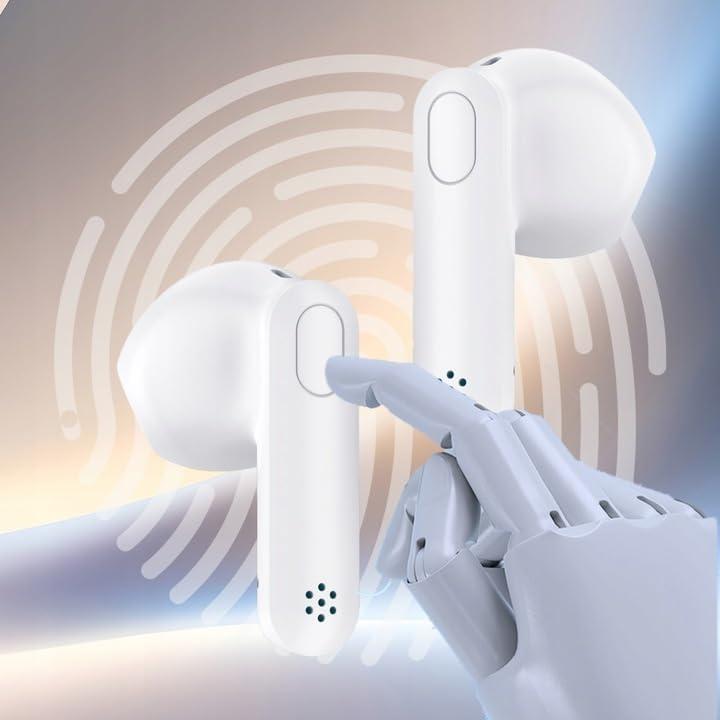
Một chi tiết view of one RIVERSONG Air X26 earbud, illustrating the designated touch control surface for managing audio playback and calls.
4. Thiết lập
4.1 Sạc tai nghe và hộp đựng
Trước khi sử dụng lần đầu, hãy sạc đầy cả tai nghe và hộp sạc.
- Đặt tai nghe vào hộp sạc. Đảm bảo chúng được đặt đúng vị trí.
- Kết nối cáp sạc USB vào cổng sạc trên vỏ máy và vào nguồn điện.
- The LED indicator on the case will show charging status. It will typically turn off or change color when fully charged.
The earbuds feature fast charging capabilities:

The RIVERSONG Air X26 charging case is shown with an overlay indicating '5 min = 120 min', highlighting its fast charging capability, providing 120 minutes of playback from a 5-minute charge.
4.2 Ghép nối với thiết bị Bluetooth
- Mở hộp sạc. Tai nghe sẽ tự động vào chế độ ghép nối (đèn LED sẽ nhấp nháy).
- Trên thiết bị của bạn (điện thoại thông minh, máy tính bảng, v.v.), hãy bật Bluetooth.
- Tìm kiếm available Bluetooth devices and select "RIVERSONG Air X26" from the list.
- Once connected, the earbud LED indicators will stop flashing.
- Tai nghe sẽ tự động kết nối lại với thiết bị được ghép nối gần nhất khi được lấy ra khỏi hộp, nếu Bluetooth được bật trên thiết bị.
5. Vận hành tai nghe
5.1 Đeo tai nghe
Insert the earbuds gently into your ears, ensuring a comfortable and secure fit for optimal sound quality and Active Noise Cancellation (ANC) performance.

A woman is depicted wearing the RIVERSONG Air X26 TWS earbuds, demonstrating their in-ear fit and suitability for daily use.
5.2 Điều khiển cảm ứng
The Air X26 earbuds feature intuitive touch controls on each earbud:
- Một lần nhấn: Phát/Tạm dừng nhạc, Trả lời/Kết thúc cuộc gọi.
- Nhấn đúp (Tai nghe bên trái): Bài hát trước.
- Nhấn đúp (Tai nghe bên phải): Bài hát tiếp theo.
- Nhấn giữ lâu (Tai nghe bên trái): Activate/Deactivate Active Noise Cancellation (ANC) mode.
- Nhấn giữ lâu (Tai nghe bên phải): Kích hoạt trợ lý giọng nói.
- Nhấn ba lần: Từ chối cuộc gọi đến.
5.3 Khử tiếng ồn chủ động (ANC)
The ANC feature reduces ambient noise for an immersive listening experience. To toggle ANC mode, long press the touch area on the left earbud.
6. Bảo trì
6.1 Vệ sinh
- Nhẹ nhàng lau sạch tai nghe và hộp sạc bằng vải mềm, khô và không xơ.
- Không sử dụng chất tẩy rửa có tính mài mòn, cồn hoặc dung môi hóa học.
- Keep the charging contacts on both the earbuds and the case clean and dry.
6.2 Lưu trữ
When not in use, store the earbuds in their charging case to protect them and keep them charged. Store the device in a cool, dry place away from extreme temperatures and direct sunlight.

The RIVERSONG Air X26 charging case is depicted with water droplets, signifying its water-resistant design, suitable for various environments.
KHAI THÁC. Xử lý sự cố
Nếu bạn gặp sự cố, hãy tham khảo các giải pháp phổ biến sau:
| Vấn đề | Giải pháp |
|---|---|
| Tai nghe không ghép nối |
|
| Không có âm thanh từ một tai nghe |
|
| Hộp sạc không sạc được |
|
8. Thông số kỹ thuật
- Số hiệu mẫu: EA173AU-W
- Thương hiệu: RIVERSONG
- Phiên bản Bluetooth: 5.3
- Loại pin: Pin lithium-polymer (3 chiếc kèm theo)
- Đặc trưng: Active Noise Cancellation (ANC), Touch Control, Integrated Microphone
- Sạc: USB (có kèm cáp)
9. Thông tin an toàn
- Không để tai nghe hoặc hộp sạc tiếp xúc với nhiệt độ, độ ẩm hoặc chất lỏng quá cao.
- Tránh làm rơi, va đập hoặc tháo rời thiết bị.
- Không nên sử dụng tai nghe ở âm lượng cao trong thời gian dài để tránh gây tổn thương thính giác.
- Để xa tầm tay trẻ em.
10. Bảo hành và Hỗ trợ
For warranty information and customer support, please refer to the warranty card included with your purchase or visit the official RIVERSONG website. Please have your model number (EA173AU-W) and proof of purchase ready when contacting support.