
Samsung SM-S908
Hướng dẫn sử dụng Samsung Galaxy S22 Ultra 5G
Mẫu: SM-S908
Giới thiệu
This manual provides essential information for the safe and efficient use of your Samsung Galaxy S22 Ultra 5G smartphone. Please read this manual thoroughly before operating the device to ensure proper functionality and to prevent damage.
The Samsung Galaxy S22 Ultra 5G (SM-S908) is a high-performance smartphone featuring a built-in S Pen, advanced camera capabilities with Nightography, and a long-lasting battery. This device is designed for international use and is GSM unlocked.
Nội dung gói
Upon opening your Samsung Galaxy S22 Ultra 5G package, verify that all the following items are present:
- Điện thoại thông minh Samsung Galaxy S22 Ultra 5G
- Cáp USB
- Dụng cụ đẩy khay SIM
Note: Other accessories such as a power adapter or headphones may be sold separately.
Cài đặt
1. Lắp thẻ SIM
The Samsung Galaxy S22 Ultra 5G uses a Nano-SIM card. Follow these steps to insert your SIM card:
- Xác định vị trí khay thẻ SIM ở bên cạnh thiết bị của bạn.
- Đưa dụng cụ đẩy khay SIM vào lỗ nhỏ bên cạnh khay và đẩy nhẹ cho đến khi khay bật ra.
- Place your Nano-SIM card onto the tray with the gold contacts facing down. Ensure it fits securely.
- Cẩn thận lắp lại khay vào khe cho đến khi khớp vào đúng vị trí.
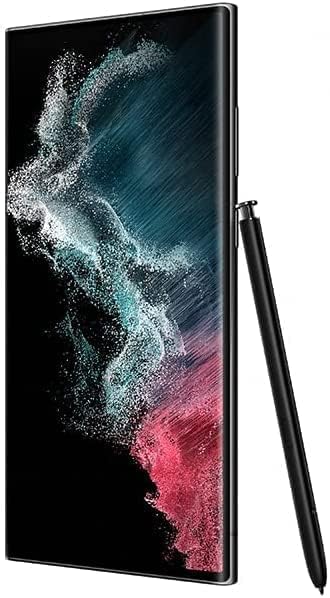
Hình 1: Mặt bên view of the Samsung Galaxy S22 Ultra 5G, illustrating the location of the S Pen slot and general device profile.
2. Trình hướng dẫn thiết lập và bật nguồn ban đầu
Để bật thiết bị lần đầu tiên:
- Nhấn và giữ phím Nguồn/Phím bên cho đến khi logo Samsung xuất hiện.
- Follow the on-screen instructions to complete the initial setup, which includes selecting your language, connecting to Wi-Fi, signing into your Google account, and setting up security features.
Vận hành thiết bị của bạn
Điều hướng cơ bản
- Cử chỉ màn hình cảm ứng: Chạm, chạm đúp, vuốt, chụm để phóng to là những cử chỉ tiêu chuẩn để tương tác với màn hình.
- Màn hình chính: Trung tâm ứng dụng và tiện ích của bạn. Vuốt sang trái hoặc phải để truy cập các màn hình bổ sung.
- Bảng thông báo: Vuốt xuống từ đầu màn hình để truy cập cài đặt nhanh và thông báo.
Sử dụng S Pen
The Galaxy S22 Ultra 5G features an integrated S Pen for enhanced productivity and creativity.
- Tháo bút S Pen: Gently press the end of the S Pen to release it from its slot at the bottom of the device.
- Bộ Tư lệnh Không quân: When the S Pen is removed, the Air Command menu automatically appears, offering quick access to features like Create note, Smart select, Screen write, and Live messages.
- Viết và vẽ: Use the S Pen directly on the screen for precise input, note-taking, and drawing.

Figure 2: The Samsung Galaxy S22 Ultra 5G showcasing its front display and rear camera array, with the S Pen.
Camera Features (Nightography)
The device's camera system includes advanced Nightography features for capturing clear and vibrant photos and videos in low-light conditions.
- Truy cập Camera: Tap the Camera app icon from the home screen or lock screen.
- Chế độ ban đêm: Select "Night" mode within the camera app for optimized low-light photography. The camera automatically adjusts settings to capture more light and detail.
- Zoom Capabilities: Utilize the optical and digital zoom features, including the 100x Space Zoom, for distant subjects.
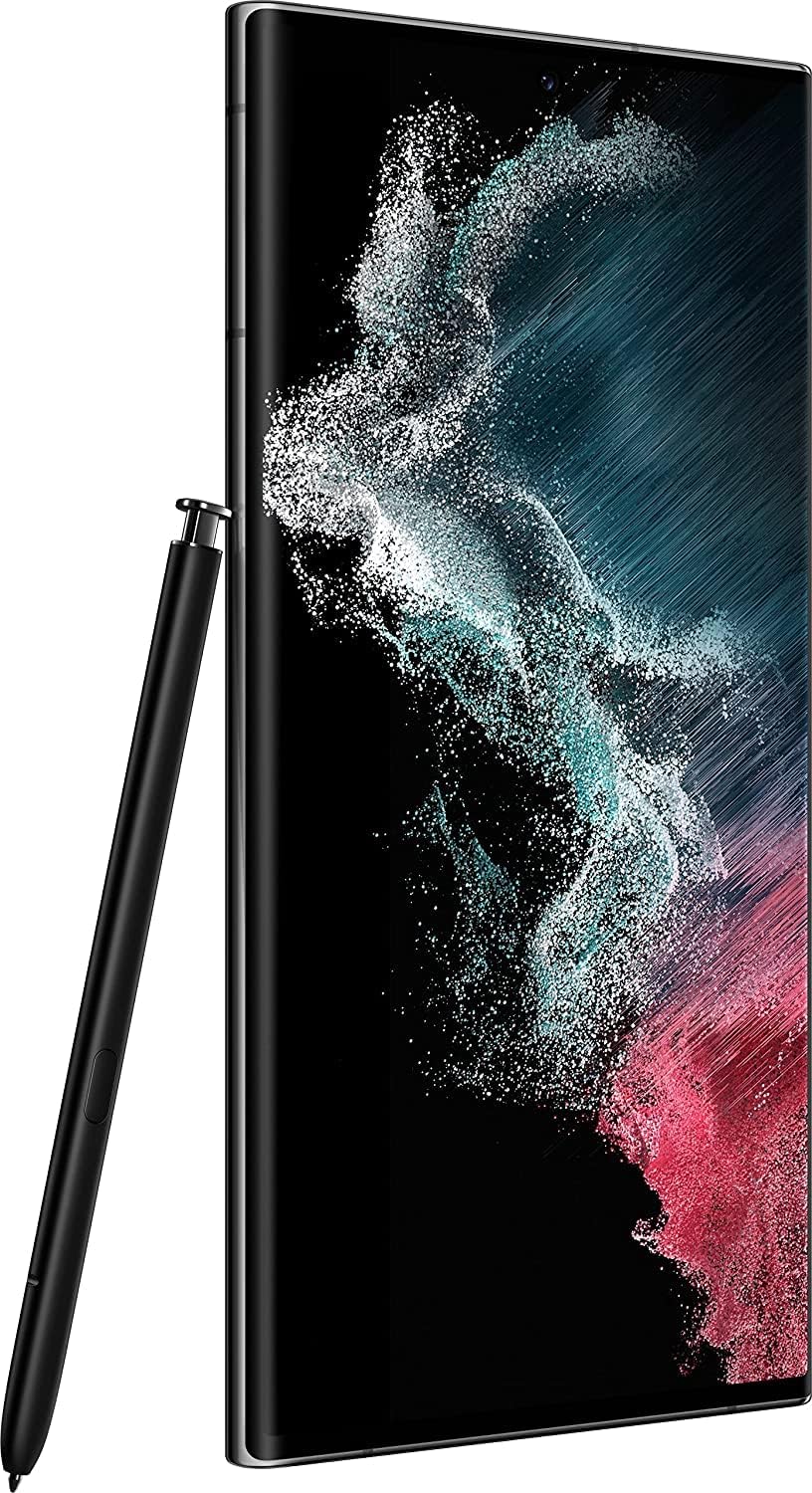
Hình 3: Chi tiết view of the multi-lens camera system on the back of the Samsung Galaxy S22 Ultra 5G.
BẢO TRÌ
Chăm sóc pin
- Để kéo dài tuổi thọ pin, tránh để thiết bị tiếp xúc với nhiệt độ quá cao.
- Chỉ sử dụng bộ sạc và cáp được Samsung chấp thuận.
- For optimal long-term battery health, try to keep the charge level between 20% and 80%.
Làm sạch thiết bị của bạn
- Sử dụng vải mềm, không xơ để lau màn hình và thân điện thoại.
- Tránh sử dụng hóa chất mạnh, vật liệu mài mòn hoặc khí nén.
- Nếu cần thiết, hơi damplau bằng vải với nước hoặc chất tẩy rửa màn hình chuyên dụng cho thiết bị điện tử.
Cập nhật phần mềm
Thường xuyên kiểm tra và cài đặt các bản cập nhật phần mềm để đảm bảo thiết bị của bạn có các tính năng mới nhất, bản vá bảo mật và cải tiến hiệu năng. Bạn thường có thể tìm thấy tùy chọn này trong Cài đặt > Cập nhật phần mềm.
Xử lý sự cố
Các vấn đề thường gặp và giải pháp
- Thiết bị không bật:
- Ensure the battery is charged. Connect the device to a charger for at least 10 minutes before attempting to power it on again. If it still doesn't turn on, perform a forced restart by holding the Volume Down button and the Power/Side button simultaneously for more than 7 seconds.
- Poor Cellular Connection:
- Check if your SIM card is properly inserted. Verify that Airplane mode is off. Try restarting the device. If issues persist, contact your mobile carrier to confirm network coverage in your area or to check your account status.
- Ứng dụng bị sập hoặc đóng băng:
- Đóng và mở lại ứng dụng. Xóa bộ nhớ đệm của ứng dụng (Cài đặt > Ứng dụng > [Tên ứng dụng] > Lưu trữ > Xóa bộ nhớ đệm). Ensure the app and your device's operating system are up to date. If the problem persists, consider uninstalling and reinstalling the app.
- Pin cạn kiệt nhanh chóng:
- Reduce screen brightness, disable unnecessary features like GPS or Wi-Fi when not in use, and close background apps. Check battery usage in Cài đặt > Pin và chăm sóc thiết bị > Pin để xác định các ứng dụng tiêu tốn nhiều điện năng.
For more detailed troubleshooting or persistent issues, refer to the official Samsung support webtrang web hoặc liên hệ với dịch vụ khách hàng.
Thông số kỹ thuật
| Tính năng | Chi tiết |
|---|---|
| Thương hiệu | SAMSUNG |
| Tên mẫu | Galaxy S22 Ultra 5G |
| Số hiệu mẫu sản phẩm | SM-S908 |
| Hệ điều hành | Android |
| Kích thước màn hình | 6.8 inch |
| Nghị quyết | 1440 x3064 |
| ĐẬP | 8GB |
| Xếp hạng công suất pin | 5000mAh |
| Màu sắc | ĐEN |
| Nhà cung cấp dịch vụ không dây | Đã mở khóa cho tất cả các nhà cung cấp dịch vụ |
| Công nghệ di động | 5G |
| Công nghệ kết nối | Wi-Fi |
| GPS | ĐÚNG VẬY |
| Yếu tố hình thức | Đá phiến |
| Ngày đầu tiên có sẵn | Ngày 18 tháng 2022 năm XNUMX |
Bảo hành và Hỗ trợ
This Samsung Galaxy S22 Ultra 5G is a renewed product. Warranty terms for renewed products may vary from new products. Please refer to the specific warranty information provided by the seller at the time of purchase or contact the seller directly for details regarding your device's warranty coverage.
For technical support, software updates, or service inquiries, please visit the official Hỗ trợ Samsung webđịa điểm hoặc liên hệ với bộ phận chăm sóc khách hàng của Samsung.
Note: As this is an international unlocked version, specific regional support or carrier-locked features may not apply.
Tài liệu liên quan - SM-S908
 |
Hướng dẫn bắt đầu nhanh & Điều khoản và điều kiện của Samsung Galaxy Z Fold3 5G Hướng dẫn toàn diện về Samsung Galaxy Z Fold3 5G, bao gồm thiết lập, tính năng thiết bị, tài nguyên hỗ trợ và các điều khoản và điều kiện cần thiết để sử dụng tối ưu và an toàn. |
 |
Podręcznik użytkownika Samsung Galaxy Tab S8 Ultra Oficjalny podręcznik użytkownika dla urządzeń Samsung Galaxy Tab S8 Ultra, zawierający szczegółowe informacje na temat funkcji, konfiguracji i obsługi. Przewodnik obejmuje modele SM-X710, SM-X716B, SM-X810, SM-X816B, SM-X910, SM-X916B, SM-X510, SM-X516B, SM-X610, SM-X616B, SM-X700, SM-X706B, SM-X800, SM-X806B, SM-X900, SM-X906B, z naciskiem na specyfikację Galaxy Tab S8 Ultra (14,6", 8+128GB, S Pen, 5G) i system Android 16. |
 |
Galaxy S22 / S22 Ultra 取扱説明書 (Android 16) Samsung Galaxy S22 および S22 Ultra (SC-51C / SC-52C) の Android 16 版取扱説明書。デバイスの基本操作、OS バージョンアップによる変更点、新機能について詳しく解説します。 |
 |
Hướng dẫn sử dụng Samsung Galaxy S23, S23+, S23 Ultra, S22, S22+, S22 Ultra Hướng dẫn sử dụng đầy đủ bốn hướng dẫn chi tiết về cách sử dụng điện thoại thông minh Samsung Galaxy S23, S23+, S23 Ultra, S22, S22+, et S22 Ultra. Tôi có thể bắt đầu cấu hình, các ứng dụng, les fonctionnalités, les paramètres et les conseils de dépannaage. |
 |
Hướng dẫn quản trị viên Android 12 của Samsung dành cho thiết bị Galaxy Hướng dẫn quản trị toàn diện về việc triển khai và quản lý các thiết bị Samsung Galaxy chạy Android 12 trong môi trường doanh nghiệp, tập trung vào cấu hình bảo mật, xác thực Tiêu chí chung và chiến lược triển khai. |
 |
Hướng dẫn sử dụng Samsung Galaxy S22, S22+, S22 Ultra Hướng dẫn sử dụng toàn diện cho điện thoại thông minh Samsung Galaxy S22, S22+ và S22 Ultra, bao gồm thiết lập, tính năng, camera, thư viện, ứng dụng và cài đặt. |