
Giới thiệu
This manual provides essential instructions for the safe and efficient use of your VOLANTEXRC 1S 3.7V Lithium Battery USB Charger. This charger is designed for specific VOLANTEXRC remote control airplane lithium batteries.
Sản phẩm trênview
The VOLANTEXRC 1S 3.7V Lithium Battery USB Charger (Model PC3201X2) is a compact and portable charging solution for your RC airplane batteries. It features a standard USB plug for versatile power input and a dedicated connector for 1S 3.7V lithium batteries.

Image 1: Two VOLANTEXRC 1S 3.7V Lithium Battery USB Chargers. Each charger consists of a standard USB-A plug on one end and a small white battery connector on the other, connected by a black cable.
Có gì trong hộp
- 2 x VOLANTEXRC 1S Lithium Battery USB Charger
Note: Batteries and airplanes are sold separately.
Cài đặt
Before charging, ensure you have a compatible 1S 3.7V lithium battery and a suitable USB power source.
- Xác định loại pin: Confirm your battery is a 1S 3.7V lithium battery with the correct connector type for this charger.
- Kết nối với nguồn điện: Plug the USB-A end of the charger into a compatible USB power source. This can be a power bank, car charger, wall charger, AC adapter, laptop, or PC.
- Observe Indicator Light: The charger typically has an indicator light. Refer to the "Operating Instructions" section for details on light behavior.

Image 2: The VOLANTEXRC USB charger shown alongside two 1S 3.7V lithium batteries of different capacities (250mAh and 180mAh), illustrating the battery types it is designed to charge.
Hướng dẫn sử dụng
Follow these steps to charge your 1S 3.7V lithium battery safely.
- Kết nối pin: Carefully connect your 1S 3.7V lithium battery to the small white connector on the charger. Ensure the polarity is correct to avoid damage.
- Đèn báo sạc:
- When the battery is charging, the indicator light on the charger will typically be MÀU ĐỎ.
- When the battery is fully charged, the indicator light will typically turn MÀU XANH LÁ hoặc rẽ TẮT, depending on the charger version.
- Ngắt kết nối pin: Once the battery is fully charged (indicator light changes), disconnect the battery from the charger.
- Ngắt nguồn: Unplug the USB charger from the power source when not in use.
Quan trọng: Do not leave charging batteries unattended. Always charge in a fire-safe area.
BẢO TRÌ
Proper care will extend the life of your charger.
- Giữ bộ sạc sạch sẽ và khô ráo. Tránh tiếp xúc với hơi ẩm hoặc nhiệt độ quá cao.
- Không tìm cách tháo rời hoặc sửa đổi bộ sạc.
- Bảo quản bộ sạc ở nơi khô ráo, thoáng mát khi không sử dụng.
- Regularly inspect the cable and connectors for any signs of damage. Discontinue use if damage is observed.
Xử lý sự cố
Nếu bạn gặp sự cố, hãy tham khảo các sự cố và giải pháp phổ biến sau đây.
| Vấn đề | Nguyên nhân có thể | Giải pháp |
|---|---|---|
| Charger light does not turn on. | No power from USB source, or faulty connection. | Ensure USB power source is active. Try a different USB port or power adapter. Check charger cable for damage. |
| Pin không sạc. | Incorrect battery type, poor connection, or faulty battery. | Verify battery is 1S 3.7V lithium. Reconnect battery firmly. Test with a different known-good battery. |
| Charging light remains RED (or charging state) for an extended period. | Battery is deeply discharged, or charger/battery fault. | Allow more time for charging. If it persists unusually long, disconnect and check battery health. Do not overcharge. |
Thông số kỹ thuật
| Tính năng | Chi tiết |
|---|---|
| Số hiệu mẫu | PC3201X2 |
| Đầu vào Voltage | 5 Volts (USB) |
| Loại pin | 1S 3.7V Lithium Battery |
| Kích thước sản phẩm | Approximately 3 x 3 x 3 inches (packaging/overall item size) |
| Trọng lượng sản phẩm | 2.89 ounce (0.08 kg) |
| Compatible RC Airplanes | VOLANTEXRC 761-1 Trainstar Mini, 761-2 Ranger600, 761-2W Ranger600 WIFI, 761-3 Super Cub 500, 761-4 Sport Cub 500, 761-5 P-51 Mustang, 761-6 Ranger400, 761-7 F-22 Raptor, 761-8 F4U Corsair, 761-9 T-28 Trojan, 761-10 F-16 Raptor, 762-2 Sport Cub S2 |

Image 3: The VOLANTEXRC USB charger displayed with a VOLANTEXRC 761-1 Trainstar Mini RC airplane and its remote control, illustrating a compatible product.

Image 4: The VOLANTEXRC USB charger displayed with a VOLANTEXRC 761-2 Ranger600 RC airplane and its remote control, illustrating another compatible product.

Image 5: The VOLANTEXRC USB charger displayed with a VOLANTEXRC 761-5 P-51 Mustang and a 761-7 F-22 Raptor RC airplane, along with their remote controls, showcasing compatible models.
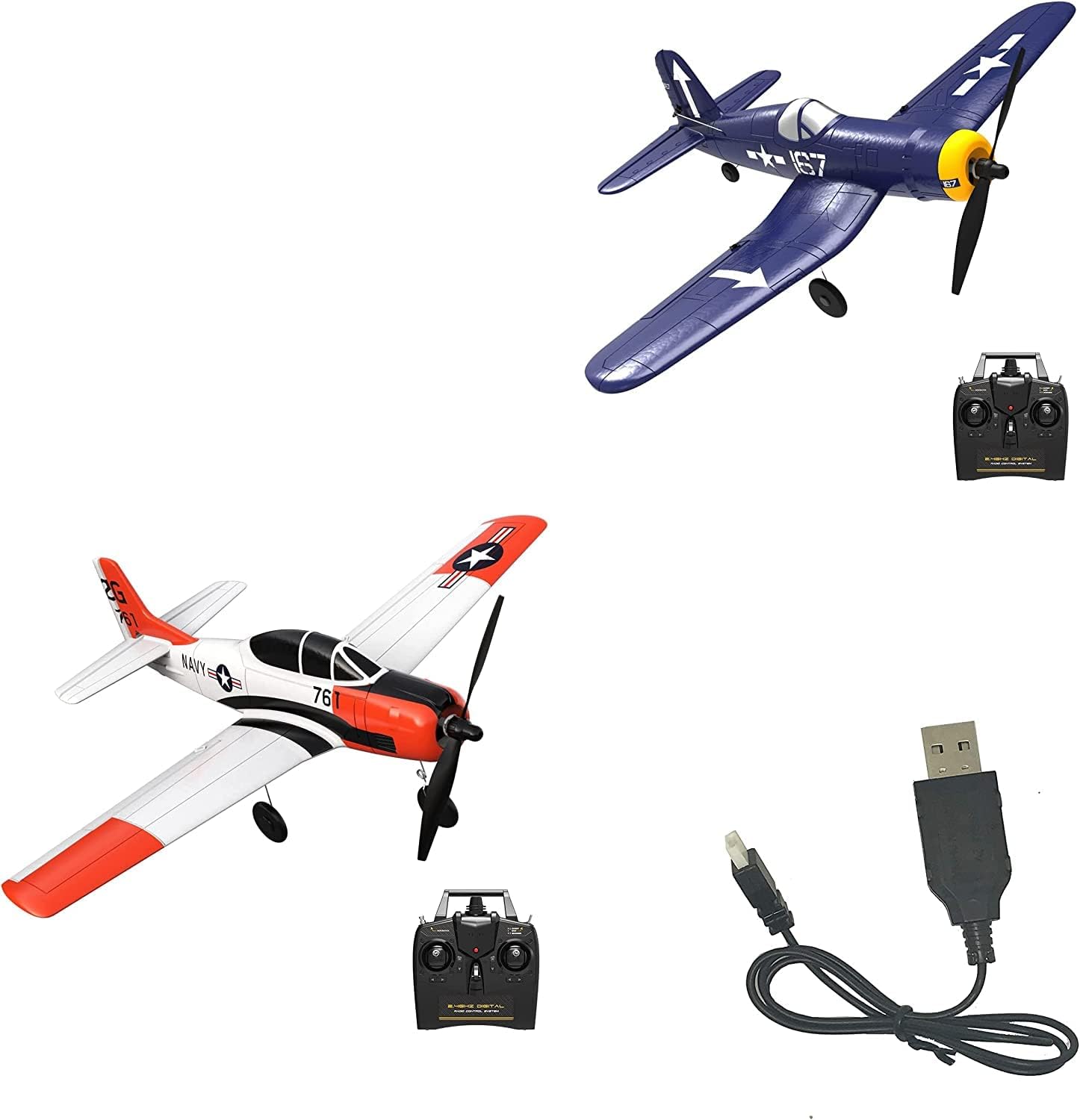
Image 6: The VOLANTEXRC USB charger displayed with a VOLANTEXRC 761-8 F4U Corsair and a 761-4 Sport Cub RC airplane, along with their remote controls, showcasing compatible models.
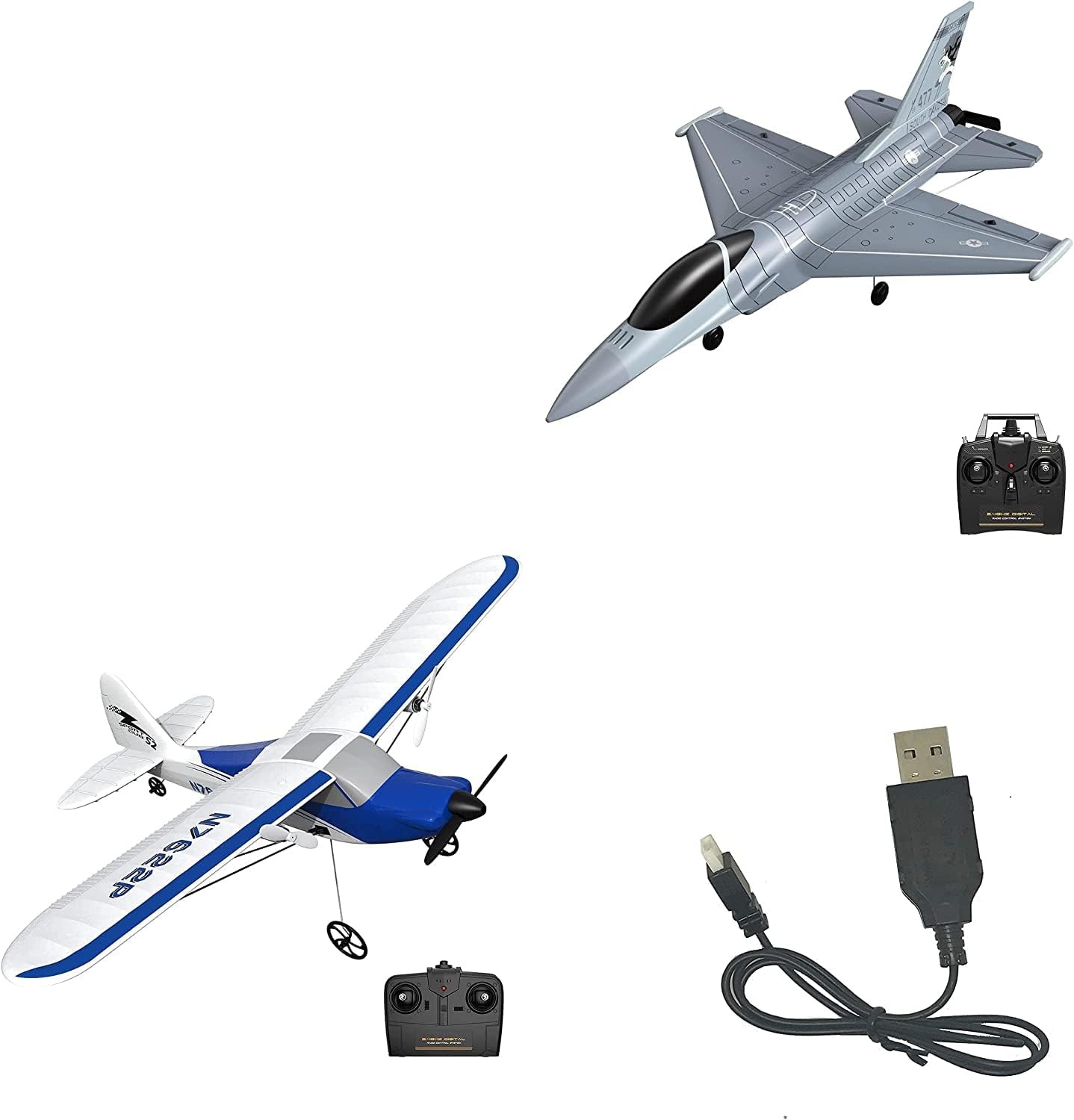
Image 7: The VOLANTEXRC USB charger displayed with a VOLANTEXRC 761-10 F-16 Raptor and a 762-2 Sport Cub S2 RC airplane, along with their remote controls, showcasing compatible models.
Bảo hành và Hỗ trợ
For warranty information or technical support, please refer to the official VOLANTEXRC webhoặc liên hệ với nhà bán lẻ. Giữ lại biên lai mua hàng để yêu cầu bảo hành.
Manufacturer: EXHOBBY
Date First Available: August 29, 2022