
Kirish
This manual provides essential instructions for setting up, operating, and maintaining your LG 24-inch FHD IPS Monitor (Model: 24GM79G-B). Please read this manual thoroughly before using the product to ensure proper and safe operation. This monitor features a 1920x1080 resolution, 120Hz refresh rate, 1ms Motion Blur Reduction (MBR), AMD FreeSync Premium, and HDR10 support for an enhanced visual experience.
Xavfsizlik ma'lumotlari
- Har doim monitor bilan birga kelgan quvvat simini va adapterdan foydalaning.
- Shamollatish teshiklarini to'sib qo'ymang. To'g'ri havo oqimi uchun monitor atrofida etarli joyni ta'minlang.
- Keep the monitor away from water, moisture, and direct sunlight.
- Handle the screen with care. Avoid touching the screen with sharp objects.
- Agar monitor uzoq vaqt davomida ishlatilmasa, quvvat simini devordagi rozetkadan uzing.
Paket tarkibi
Paketda barcha komponentlar mavjudligiga ishonch hosil qiling:
- LG 24-inch FHD IPS Monitor
- Monitor stend (taglik va bo'yin)
- Quvvat kabeli
- HDMI kabeli
- Foydalanuvchi uchun qo'llanma (ushbu hujjat)
- Other documentation (e.g., warranty card)
Sozlash; o'rnatish
1. Jismoniy yig'ilish
Carefully remove the monitor and all components from the packaging. Follow these steps to assemble the stand or prepare for VESA mounting.

Image: The LG 24-inch monitor featuring a slim design and stand, displayed on a desk. This image illustrates the monitor's aesthetic and how it appears when fully assembled with its included stand.
Stendni ulash:
- Stend bo'ynini monitor paneliga u joyiga chertguncha mahkamlang.
- Berilgan vint yordamida taglik asosini taglik bo'yniga mahkamlang.
- Yig'ilgan monitorni barqaror, tekis yuzaga qo'ying.
Adjusting the Monitor Tilt:
The monitor supports tilt adjustment from -5° to 20° for optimal viewing comfort. Gently hold both sides of the monitor and adjust it to your desired angle.
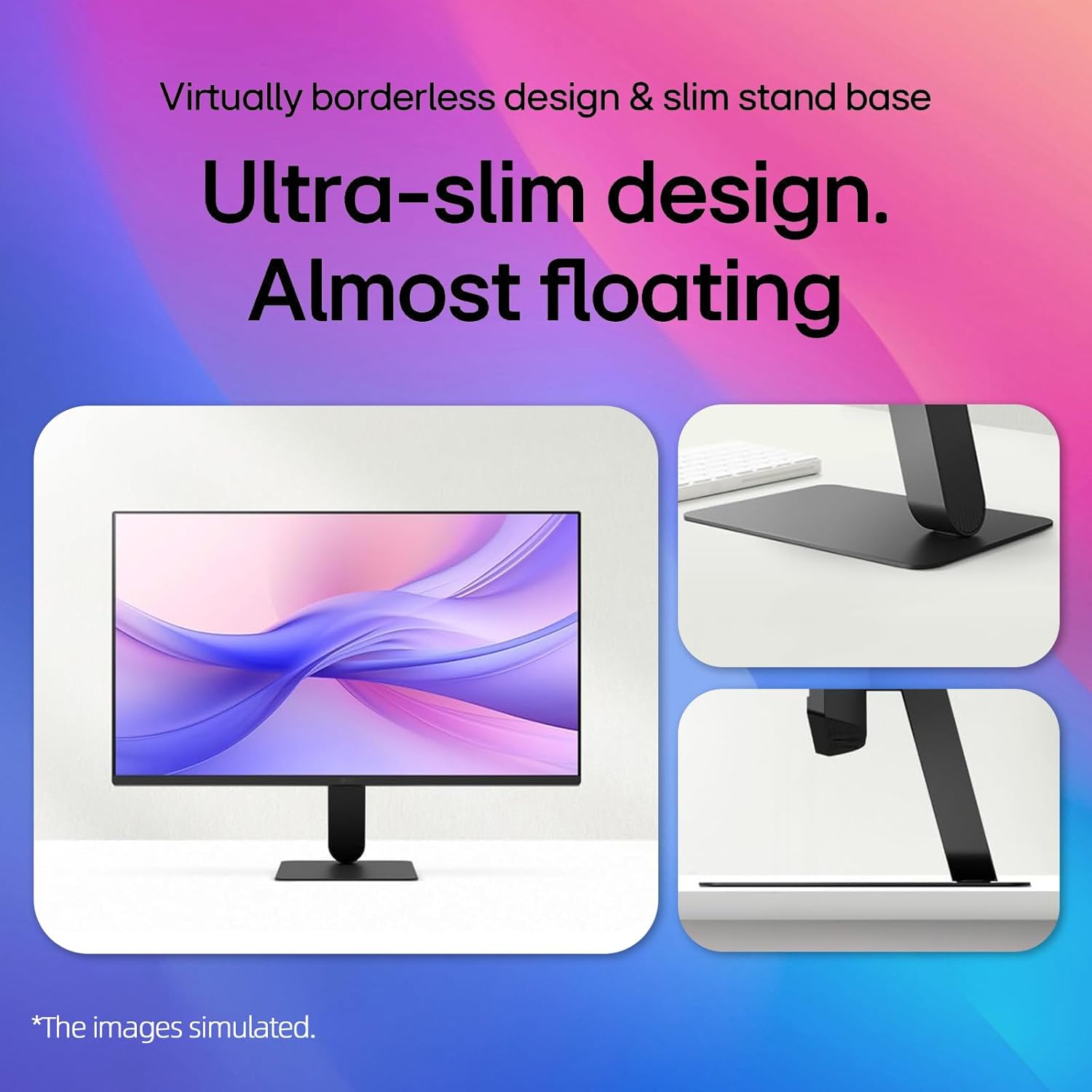
Image: A visual representation demonstrating the monitor's adjustable tilt feature, ranging from -5 degrees backward to 20 degrees forward, allowing users to customize their viewkirish burchagi.
VESA devorga o'rnatish moslamasi:
This monitor is VESA mount compatible (100 x 100mm). If using a VESA mount, remove the stand and attach the monitor to a compatible VESA bracket (sold separately) according to the bracket's instructions.
2. Ulanish
Tegishli kabellar yordamida monitorni kompyuteringizga yoki boshqa qurilmalarga ulang.

Image: A close-up of the monitor's rear panel, highlighting the available input ports including HDMI, VGA, and an audio jack, for connecting various devices.
- HDMI ulanishi: Connect one end of the HDMI cable to the HDMI port on your computer and the other end to the HDMI IN port on the monitor.
- VGA ulanishi: Connect one end of the VGA cable to the VGA port on your computer and the other end to the VGA IN port on the monitor.
- Quvvat ulanishi: Quvvat simini monitorning quvvat manbaiga, keyin esa devordagi rozetkaga ulang.
Video: This video demonstrates the key features and connectivity options of the LG 24-inch FHD IPS Monitor, including its 120Hz refresh rate, 1ms response time, AMD FreeSync, HDMI, and VGA ports.
Foydalanish bo'yicha ko'rsatmalar
1. Quvvatni yoqish/o‘chirish
Monitorni yoqish yoki o'chirish uchun uning pastki markazida joylashgan quvvat tugmasini bosing. Monitor yoqilganida quvvat indikatori yonadi.
2. Ekrandagi displey (OSD) menyusi
Use the joystick button on the bottom center of the monitor to navigate the OSD menu. Press the joystick to open the menu, then move it up/down/left/right to select and adjust settings.
3. Displey sozlamalari
Yangilanish tezligi (120Hz):
The monitor supports a 120Hz refresh rate for smoother motion. Ensure your graphics card and operating system settings are configured to output at 120Hz for optimal performance.

Image: A visual demonstrating the smooth and fluid motion achieved with the monitor's 120Hz refresh rate, ideal for fast-paced content and gaming.
1ms Motion Blur Reduction (MBR):
Activate 1ms MBR in the OSD menu to reduce motion blur in fast-moving scenes, providing clearer and sharper images. Note that some features like Adaptive Sync may be disabled when MBR is active.
Image: A dynamic scene from a racing game on the monitor, illustrating the effect of 1ms Motion Blur Reduction (MBR) in delivering sharp, clear visuals during high-speed action.
AMD FreeSync Premium:
This technology synchronizes the monitor's refresh rate with your AMD graphics card's frame rate to eliminate screen tearing and stuttering. Enable FreeSync Premium in your graphics card settings and the monitor's OSD menu.
HDR10 & 99% sRGB:
The monitor supports HDR10 for enhanced contrast and color depth, and covers 99% of the sRGB color gamut for accurate and vibrant colors. Ensure your content and system settings are configured for HDR to utilize this feature.
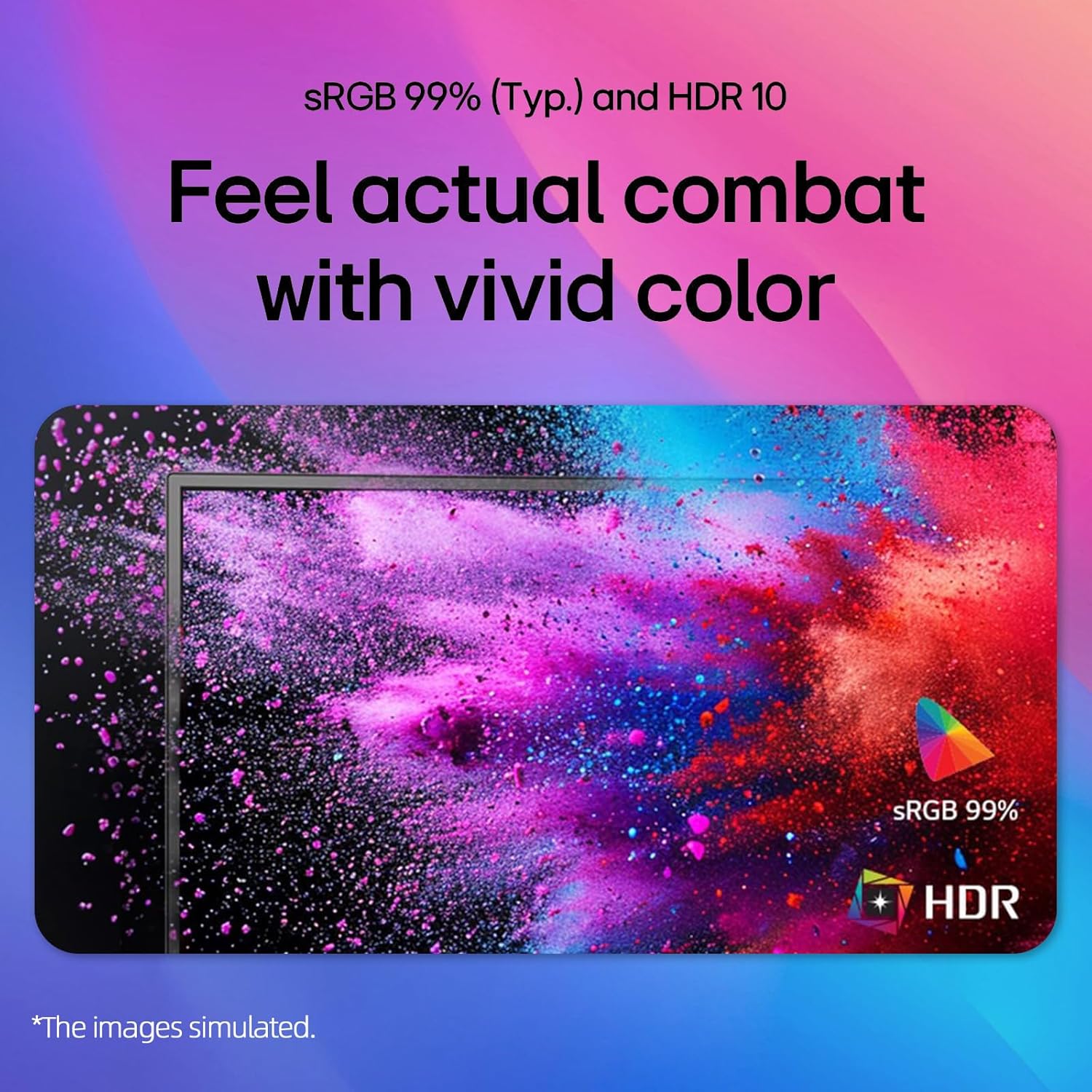
Image: A colorful abstract image displayed on the monitor, highlighting the rich and accurate color reproduction achieved with 99% sRGB coverage and HDR10 support.
Reader Mode & Flicker Safe:
To reduce eye strain during long viewing sessions, activate Reader Mode to adjust color temperature and brightness for a paper-like viewing experience. Flicker Safe technology minimizes screen flicker, further enhancing eye comfort.

Image: An illustration detailing the benefits of Reader Mode, which reduces blue light, and Flicker Safe technology, which minimizes screen flicker, both designed to enhance user eye comfort.
4. LG Switch App
The LG Switch app (available for download from LG.com) provides additional functionalities such as virtual wallpaper, smart screen split, schedule management, and quick video call launching. Refer to the app's documentation for detailed usage instructions.

Rasm: bir nechta skrinshotlar namoyishiasing the LG Switch app's interface and features, including virtual wallpaper customization, smart screen splitting for multitasking, and tools for managing schedules and launching video calls.
Xizmat
- Ekranni tozalash: Ekranni yumshoq, tuklarsiz mato bilan sekin artib oling. O'jar belgilar uchun dampen the cloth with a small amount of water or a non-abrasive screen cleaner. Do not spray cleaner directly onto the screen.
- C ni tozalashasing: Monitorni artish uchun yumshoq, quruq matodan foydalaning casing. Kuchli yuvish vositalarini yoki abraziv tozalash vositalarini ishlatishdan saqlaning.
- Ventilyatsiya: Ensure the ventilation holes on the back of the monitor are not blocked by dust or debris.
Muammolarni bartaraf qilish; nosozliklarni TUZATISH
| Muammo | Mumkin yechim |
|---|---|
| Quvvat yo'q | Check if the power cord is securely connected to the monitor and the wall outlet. Ensure the power outlet is functioning. |
| Ekranda rasm yo'q | Verify that the video cable (HDMI/VGA) is correctly connected to both the monitor and the computer. Select the correct input source using the OSD menu. Ensure the computer is powered on and not in sleep mode. |
| Tasvir loyqa yoki buzilgan | Adjust the display resolution on your computer to the monitor's native resolution (1920x1080). Check the video cable for damage. |
| Ekranning yirtilishi yoki qoqinishi (o'yin) | Ensure AMD FreeSync Premium is enabled in both your graphics card settings and the monitor's OSD menu. Update your graphics card drivers. |
Texnik xususiyatlari
| Xususiyat | Tafsilot |
|---|---|
| Brend | LG |
| Model raqami | 24GM79G-B |
| Ekran o'lchami | 24 dyuym |
| Displeyning maksimal ruxsati | 1920 x 1080 piksel (FHD 1080p) |
| Yangilanish tezligi | 120 Gts |
| Javob vaqti | 1 Millisecond (MBR) / 5 Milliseconds (GTG) |
| Panel turi | IPS |
| Aspekt nisbati | 16:9 |
| Yorqinlik | 250 cd/m² |
| Kontrast nisbati | 3000:1 |
| Viewburchak | 178° (gorizontal) / 178° (vertikal) |
| Ranglar gamuti | sRGB 99% |
| Ulanish | 1x HDMI, 1x VGA |
| Moslashuvchan sinxronlash texnologiyasi | AMD FreeSync Premium |
| HDR qo'llab-quvvatlash | HDR10 |
| Maxsus xususiyatlar | 1ms MBR, Flicker Safe, Reader Mode, 3-Side Borderless Design, Tilt Adjustment, VESA Mount Compatible (100x100mm) |
| Olchamlari (G x D x Y) | 21.1" x 8.7" x 16.3" (stend bilan) |
Kafolat va qo'llab-quvvatlash
For warranty information, please refer to the warranty card included in your product package or visit the official LG website. For technical support, product registration, or service inquiries, please contact LG customer support through their official channels.
Onlayn qo'llab-quvvatlash: www.lg.com/us/support