
1. Mahsulot tugadiview
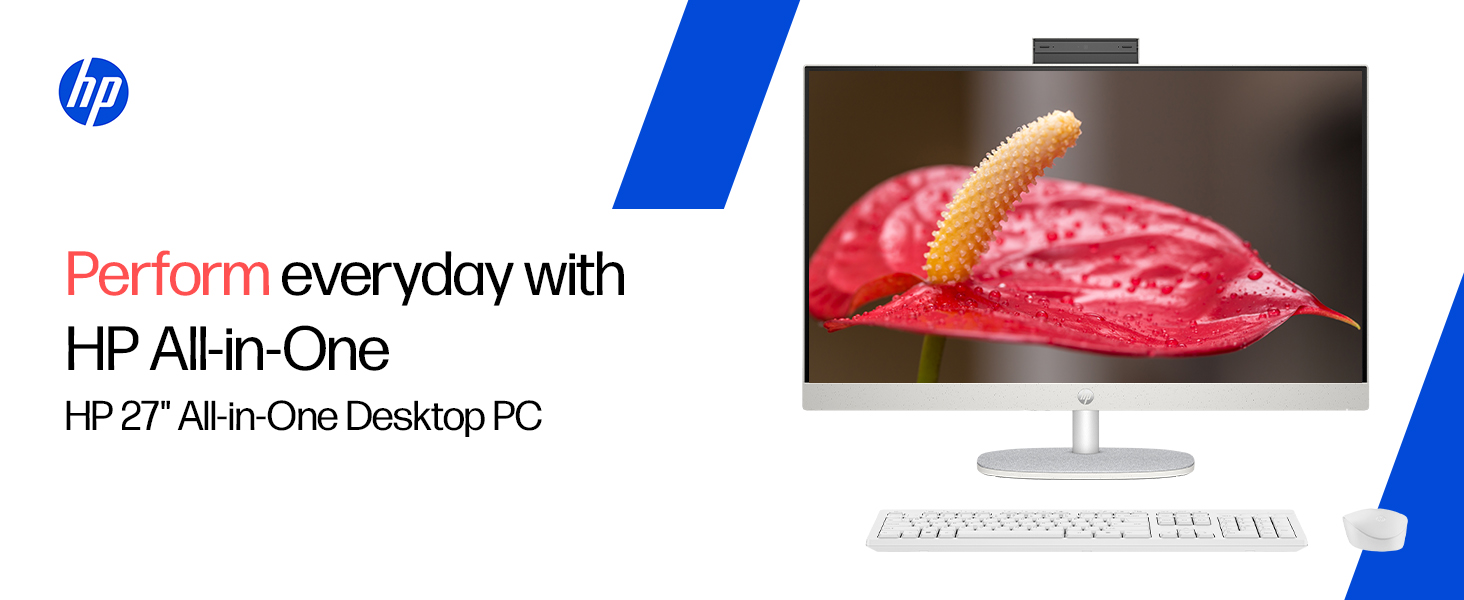
The HP All-in-One PC models 27-cr0902in and 27-cr0906in are designed for everyday computing tasks, offering a blend of performance and display quality. This manual provides essential information for setting up, operating, maintaining, and troubleshooting your device.
Asosiy xususiyatlar
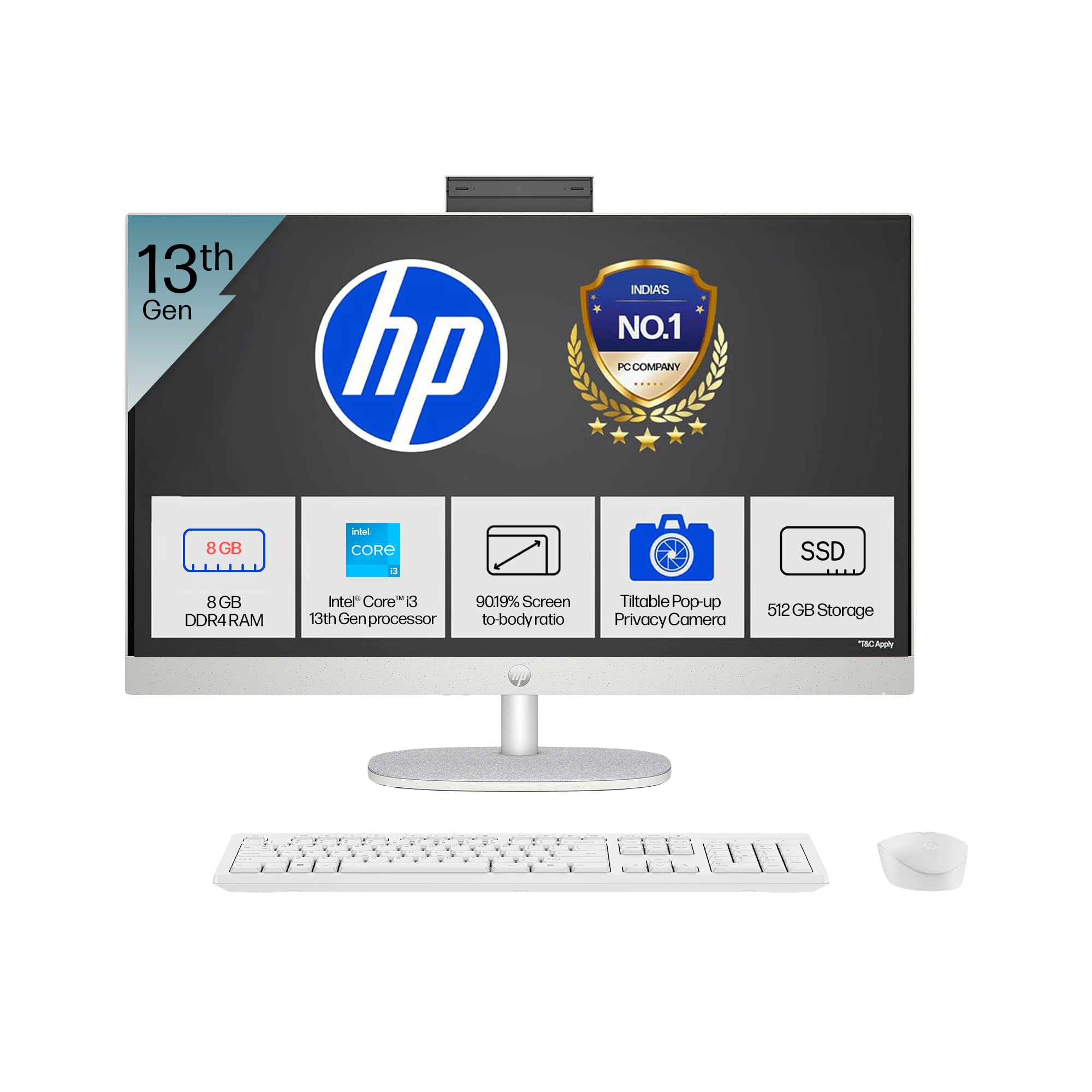
- Protsessor: Intel Core i3-1315U (up to 4.5 GHz with Intel Turbo Boost Technology, 6 cores, 8 threads)
- Xotira: 8 GB DDR4-3200 MT/s RAM
- Saqlash: 512 GB PCIe NVMe M.2 SSD
- Displey: 27-inch (68.6 cm) diagonal, FHD (1920 x 1080), touch, IPS, three-sided microedge, anti-glare, 300 nits, 99% sRGB
- Grafika: Integratsiyalashgan Intel UHD Grafikasi
- Operatsion tizim: S rejimida Windows 11 Bosh sahifa yagona til
- Kamera: HP True Vision 1080p FHD IR tilt privacy camera with temporal noise reduction and integrated dual array digital microphones
- Ulanish: Wi-Fi 6 (2x2), Bluetooth 5.3, 1 USB Type-C 5Gbps, 2 USB Type-A 5Gbps, 2 USB 2.0 Type-A, 1 headphone/microphone combo, 1 RJ-45
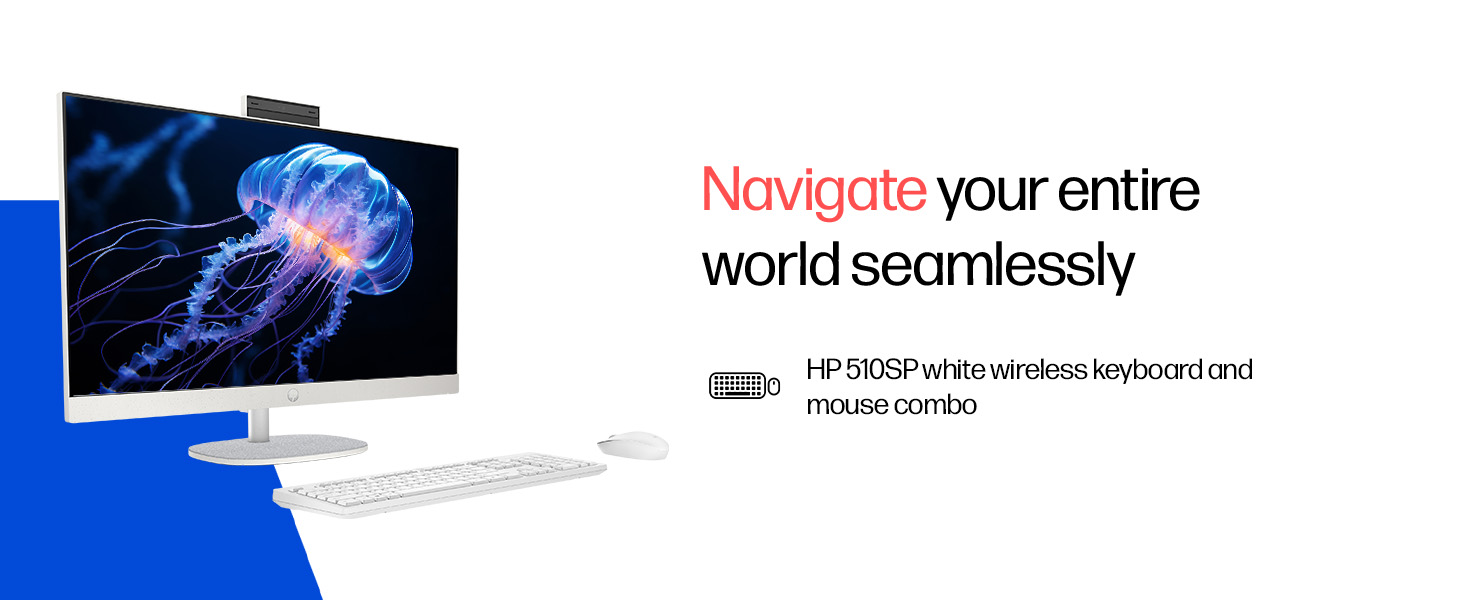
- Included Peripherals: HP 510SP White Wireless Keyboard and Mouse Combo
2. O'rnatish bo'yicha qo'llanma
Follow these steps to set up your HP All-in-One PC.
2.1 Qutini o'rash
Paketdagi barcha komponentlarni ehtiyotkorlik bilan olib tashlang. Quyidagi elementlar mavjudligiga ishonch hosil qiling:
- HP All-in-One PC unit
- Quvvat adapteri va kabel
- HP 510SP White Wireless Keyboard
- HP 510SP White Wireless Mouse
- Hujjatlar (ushbu qo'llanma, kafolat ma'lumotlari)
2.2 Periferik qurilmalarni ulash
- Klaviatura va sichqonchani ulang: Insert the USB receiver for the wireless keyboard and mouse into an available USB port on the back of the All-in-One PC. Ensure batteries are installed in both the keyboard and mouse.
- Quvvatni ulash: Connect the power adapter to the power input port on the back of the All-in-One PC, then plug the power cable into a wall outlet.
- Ixtiyoriy ulanishlar:
- Tashqi qurilmalar: Connect any external USB devices (e.g., external hard drives, printers) to the available USB ports.
- Tarmoq kabeli: Agar simli tarmoq ulanishidan foydalansangiz, Ethernet kabelini RJ-45 portiga ulang.

2.3 Dastlabki yoqish
Press the power button, usually located on the side or back of the display. The PC will boot up, and you will be guided through the Windows 11 setup process. Follow the on-screen instructions to configure your operating system, network, and user accounts.
3. Foydalanish bo'yicha ko'rsatmalar
3.1 Quvvatni yoqish/o'chirish va Kutish rejimi
- Yoqilgan: Quvvat tugmasini bosing.
- O'chirish; yopish: Windows-da Boshlash tugmasini bosing, so'ngra Quvvat > O'chirish-ni tanlang.
- Qayta ishga tushirish: Windows-da Ishga tushirish tugmasini bosing, keyin Quvvat > Qayta ishga tushirish-ni tanlang.
- Uyqu: Click the Start button in Windows, then select Power > Sleep. You can also configure power settings in Windows to automatically enter sleep mode after a period of inactivity.
3.2 Sensorli displeydan foydalanish
Your HP All-in-One PC features a touch-enabled display. You can interact with the operating system and applications using touch gestures similar to a tablet or smartphone. Common gestures include tapping, swiping, pinching to zoom, and stretching to zoom out.
3.3 Using the HP True Vision Camera
The integrated HP True Vision 1080p FHD IR tilt privacy camera is suitable for video calls and facial recognition login (Windows Hello). The camera can be tilted for optimal viewing angles and includes a privacy shutter for security. To use the camera, open an application that requires camera access (e.g., Camera app, video conferencing software).
3.4 Audio and Microphones
The PC includes integrated dual 2W speakers and dual array digital microphones with temporal noise reduction for clear audio input during calls or recordings. You can adjust volume settings through the Windows sound controls.
4. Xizmat ko'rsatish
Proper maintenance ensures the longevity and optimal performance of your HP All-in-One PC.
4.1 Qurilmani tozalash
- Displey: Bir oz yumshoq, tuklarsiz matodan foydalaning dampened with water or a screen cleaning solution. Avoid harsh chemicals or abrasive materials.
- Yurish qismini: Tashqi yuzalarni yumshoq, quruq mato bilan artib oling.
- Klaviatura va sichqoncha: Use a soft brush or compressed air to remove dust and debris.
- Tozalashdan oldin har doim kompyuterni o'chiring va elektr tarmog'idan uzing.
4.2 Dasturiy ta'minotni yangilash
Regularly check for and install Windows updates and HP driver updates to ensure system stability, security, and performance. You can find Windows updates in the Settings app under "Windows Update." HP drivers can be found on the official HP support websayt.
4.3 Tizimning zaxira nusxasi
Ma'lumotlar yo'qolishining oldini olish uchun muhim ma'lumotlaringizni tashqi disk yoki bulutli xotiraga muntazam ravishda zaxiralash tavsiya etiladi.
5. Muammolarni bartaraf qilish; nosozliklarni TUZATISH
Ushbu bo'limda HP All-in-One kompyuteringizda duch kelishi mumkin bo'lgan keng tarqalgan muammolar ko'rib chiqiladi.
5.1 Quvvat yo'q / tizim yoqilmaydi
- Elektr kabeli kompyuterga ham, rozetkaga ham mahkam ulanganligiga ishonch hosil qiling.
- Boshqa qurilmani ulash orqali rozetkaning ishlashiga ishonch hosil qiling.
- Boshqa elektr rozetkasini sinab ko'ring.
5.2 Displey muammolari
- Ekranda tasvir yo'q: Ensure the PC is powered on. If connected to an external monitor, check the input source on the monitor.
- Miltillovchi yoki buzilgan tasvir: Grafik drayverlarni yangilash. Muammo davom etsa, qo'llab-quvvatlash xizmatiga murojaat qiling.
- Touch screen not responding: Restart the PC. Ensure there are no obstructions on the screen. Check for driver updates for the touch display.
5.3 System Performance Issues (Slowdown, Hanging)
- Orqa fonda ishlaydigan keraksiz ilovalarni yoping.
- Yuqori protsessor, xotira yoki diskdan foydalanadigan jarayonlar uchun Vazifa menejerini (Ctrl+Shift+Esc) tekshiring.
- Operatsion tizimingiz va drayverlaringiz yangilanganligiga ishonch hosil qiling.
- Zararli dasturlar yoki viruslar uchun to'liq tizim tekshiruvini o'tkazing.
- Consider freeing up disk space on your SSD.
5.4 Peripheral Connectivity Problems (Keyboard/Mouse)
- Ensure the USB receiver is securely plugged into a USB port.
- Simsiz klaviatura va sichqonchadagi batareyalarni tekshiring va agar kerak bo'lsa, ularni almashtiring.
- USB qabul qilgichni boshqa USB portiga ulab ko'ring.
- Kompyuterni qayta ishga tushiring.
6. Texnik spetsifikatsiyalar
Detailed specifications for the HP All-in-One PC 27-cr0902in/cr0906in.
| Xususiyat | Tafsilot |
|---|---|
| Brend | HP |
| Model raqamlari | 27-cr0902in, 27-cr0906in |
| Protsessor | Intel Core i3-1315U (up to 4.5 GHz, 6 cores, 8 threads, 10 MB L3 cache) |
| Operatsion tizim | S rejimida Windows 11 Bosh sahifa yagona til |
| Xotira (RAM) | 8 GB DDR4-3200 MT/s (1 x 8 GB) |
| Saqlash | 512 GB PCIe NVMe M.2 SSD |
| Displey | 27-inch (68.6 cm) FHD (1920 x 1080) IPS, touch, anti-glare, 300 nits, 99% sRGB |
| Grafika | Intel UHD Grafikasi (Integratsiyalashgan) |
| Kamera | HP True Vision 1080p FHD IR tilt privacy camera with temporal noise reduction |
| Audio | Integrated dual array digital microphones, Dual 2W speakers |
| Simsiz ulanish | Realtek RTL8852BE Wi-Fi 6 (2x2), Bluetooth 5.3 |
| Portlar | 1 USB Type-C 5Gbps, 2 USB Type-A 5Gbps, 2 USB 2.0 Type-A, 1 headphone/microphone combo, 1 RJ-45 |
| Klaviatura va sichqoncha | HP 510SP White Wireless Keyboard and Mouse Combo |
| Olchamlari (G x D x Y) | 61.2 x 18.6 x 44.1 sm (24.11 x 7.33 x 17.36 dyuym) |
| Og'irligi | 6.42 kg |
| Rang | Shell White |
| Atrof-muhit sertifikatlari | EPEAT Gold Registered, ENERGY STAR certified |
7. Kafolat va qo'llab-quvvatlash
7.1 Kafolat haqida ma'lumot
Your HP All-in-One PC comes with a 1 yillik ishlab chiqaruvchi kafolati on the device from the date of purchase. Please retain your purchase receipt for warranty claims.
7.2 Texnik yordam
For any technical or product-related queries, please contact HP customer support:
- Bepul raqamlar: 1800-258-7170 or 1860-258-3079
- Ishlab chiqaruvchi bilan bog'lanish: HP India Sales Pvt. Ltd.
- Import qiluvchi bilan bog'lanish: HP India Sales Private Limited, No. 24, Kothari Arena, Hosur Main Road, Adugodi, Bangalore, Karnataka, India, 560030
You can also visit the official HP support website for drivers, documentation, and further assistance.