
1. تعارف
This manual provides detailed instructions for the installation, operation, and maintenance of your PWAY W3101 Wireless HDMI Transmitter and Receiver system. This device enables wireless transmission of high-definition video and audio signals, supporting 4K decoding and 1080P @ 60Hz output, for various applications including presentations, home entertainment, and monitoring.
2. پیکیج کے مشمولات
براہ کرم تصدیق کریں کہ تمام اشیاء آپ کے پیکیج میں موجود ہیں:
- 1 x PWAY W3101 Wireless HDMI Transmitter (marked 'T')
- 1 x PWAY W3101 Wireless HDMI Receiver (marked 'R')
- 2 ایکس USB پاور کیبلز
- 2 x HDMI to USB-C Adapters (for devices without direct HDMI output, e.g., smartphones/tablets)
- 1 ایکس صارف دستی

Image: The PWAY W3101 Wireless HDMI Transmitter (left, with two antennas) and Receiver (right, compact) units, along with two HDMI to USB-C adapters.
3. پروڈکٹ ختمview
The PWAY W3101 system provides a reliable and high-performance wireless solution for transmitting HDMI signals. It features dual antennas for stable connections and supports a wide range of devices.
اہم خصوصیات:
- پلگ اینڈ پلے: No driver or software installation required.
- توسیعی رینج: Wireless transmission up to 150 meters (500 feet) in open environments.
- High Definition Output: Supports 4K decoding and 1080P @ 60Hz Full HD video output.
- مستحکم کنکشن: Dual antennas ensure reliable transmission with low latency.
- وسیع مطابقت: Works with PCs, laptops, MacBooks, cameras, TVs, projectors, and monitors.
- متعدد ڈسپلے موڈز: Supports both Mirror and Extended display modes.
- وائی فائی 6 ٹیکنالوجی: Enhanced signal for faster and more stable transmission.
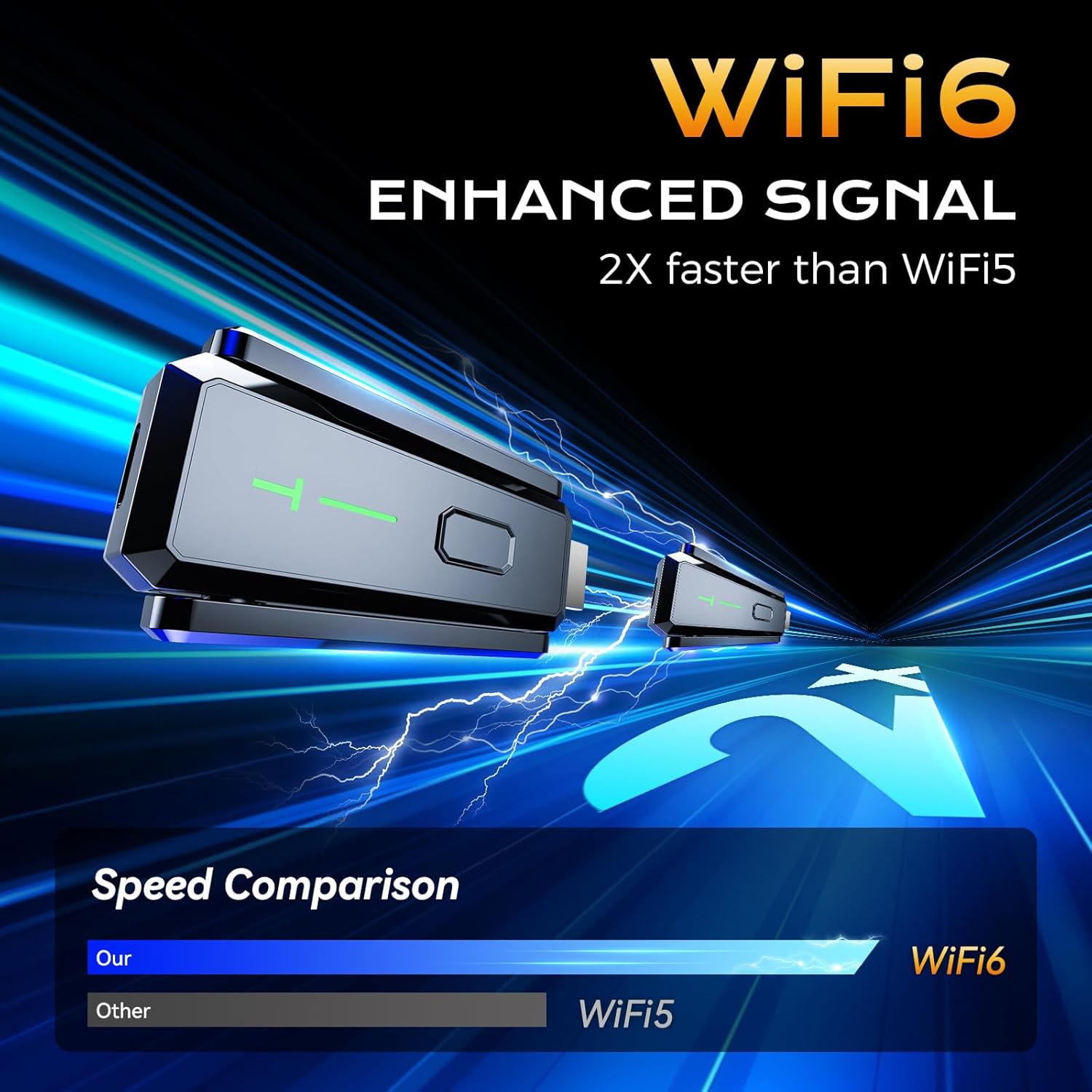
Image: A graphic highlighting the WiFi6 enhanced signal, indicating it is 2 times faster than WiFi5 for improved performance.

Image: The PWAY W3101 device shown with icons representing its wide compatibility with various HDMI sources such as PCs, laptops, cameras, phones/iPads, and TV boxes.
4. سیٹ اپ ہدایات
Follow these steps for a quick and easy setup:
- Connect the Transmitter (T): Plug the HDMI end of the Transmitter (marked 'T') into the HDMI output port of your source device (e.g., PC, laptop, camera, TV box).
- ٹرانسمیٹر کو طاقت دیں: Connect a USB power cable from the Transmitter to a USB power source (e.g., a USB port on your source device, a USB wall adapter). Ensure the Transmitter receives stable power.
- Connect the Receiver (R): Plug the HDMI end of the Receiver (marked 'R') into the HDMI input port of your display device (e.g., TV, monitor, projector).
- وصول کنندہ کو طاقت دیں: Connect a USB power cable from the Receiver to a USB power source (e.g., a USB port on your display device, a USB wall adapter). Ensure the Receiver receives stable power.
- خودکار جوڑی: The Transmitter and Receiver will automatically pair within a few seconds. The indicator lights on both units will show a stable connection once paired.
- ان پٹ کو منتخب کریں: On your display device, select the correct HDMI input source to view the transmitted content.
نوٹ: For devices without a direct HDMI output (e.g., some smartphones or tablets), use the provided HDMI to USB-C adapters. Connect the adapter to your source device, then connect the Transmitter to the adapter.
5. آپریٹنگ ہدایات
Once the system is set up and paired, you can begin transmitting video and audio wirelessly.
ڈسپلے موڈ:
The PWAY W3101 supports two primary display modes, configurable from your source device's display settings:
- آئینہ موڈ: Duplicates the content from your source device's screen onto the connected display. This is ideal for presentations or sharing content directly.
- توسیعی وضع: Extends your desktop across both your source device's screen and the connected display, allowing for a larger workspace or multitasking.

Image: An illustration demonstrating the two compatible display modes: Mirror Mode, where the laptop screen is duplicated on a larger display, and Extended Mode, where the laptop screen is expanded to include the larger display.
بہترین کارکردگی:
- For best signal quality and range, ensure a clear line of sight between the Transmitter and Receiver.
- While the system can transmit through walls, obstructions may reduce the effective range and signal stability.
- The system supports 4K decoding and outputs 1080P @ 60Hz. Ensure your display device is capable of receiving these resolutions for optimal viewing
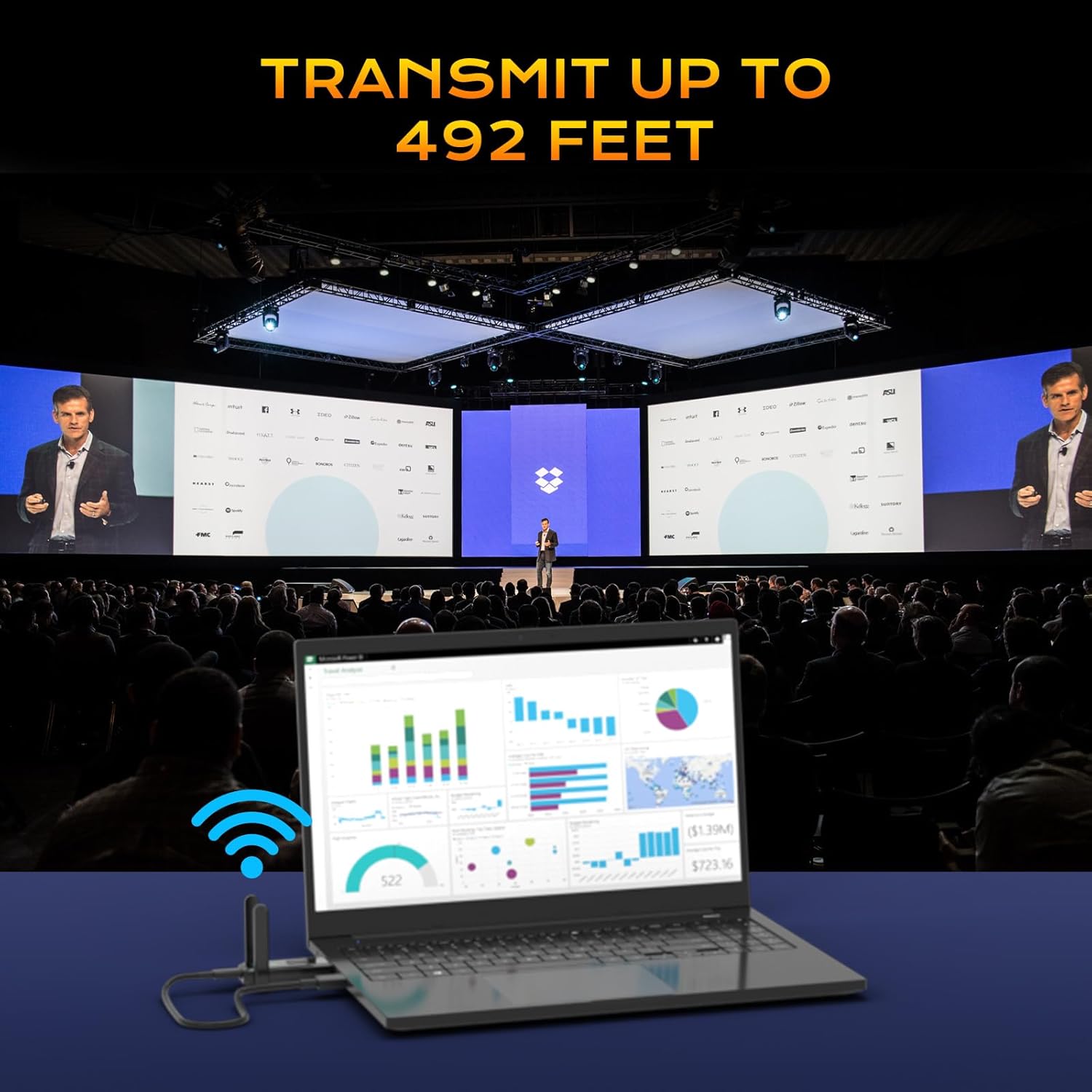
Image: A visual representation of the PWAY W3101 system transmitting content from a laptop to a large display in a conference room, emphasizing its transmission range of up to 492 feet (150 meters).

Image: A split-screen image demonstrating the 4K Decode 1080P Output, with one side showing a clear, high-quality image (labeled 5G) and the other side showing a less clear image with a loading icon (labeled 2.4G), highlighting the performance difference.
6 دیکھ بھال
To ensure the longevity and optimal performance of your PWAY W3101 system, follow these maintenance guidelines:
- صفائی: Use a soft, dry cloth to clean the exterior of the Transmitter and Receiver. Do not use liquid cleaners or aerosols.
- ذخیرہ: When not in use, store the devices in a cool, dry place away from direct sunlight and extreme temperatures.
- ہینڈلنگ: یونٹس کو احتیاط سے ہینڈل کریں۔ ان کو گرانے سے گریز کریں یا انہیں سخت اثرات کا نشانہ بنائیں۔
- طاقت: Always use the provided USB power cables and ensure a stable power supply.
- وینٹیلیشن: Ensure the devices have adequate ventilation to prevent overheating, especially during prolonged use.
7 خرابیوں کا سراغ لگانا
If you encounter issues with your PWAY W3101, refer to the following common problems and solutions:
| مسئلہ | ممکنہ وجہ/حل |
|---|---|
| ڈسپلے پر کوئی سگنل نہیں ہے۔ |
|
| Poor video quality or flickering. |
|
| کوئی آڈیو نہیں۔ |
|
| اکائیاں جوڑی نہیں بن رہی ہیں۔ |
|
8. وضاحتیں
| فیچر | تفصیل |
|---|---|
| ماڈل | ڈبلیو3101 |
| برانڈ | PWAY |
| کنیکٹوٹی ٹیکنالوجی | وائرلیس، HDMI |
| ویڈیو آؤٹ پٹ قرارداد | 4K Decode, 1080P @ 60Hz Output |
| ٹرانسمیشن رینج | Up to 150m (500ft) in open field |
| ہم آہنگ آلات | TV, monitor, projector, personal computer, laptop, camera, smartphone, tablet |
| فارم فیکٹر | ٹی وی اسٹک |
| شے کا وزن | 0.14 کلوگرام (140 گرام) |
| مصنوعات کے طول و عرض | 3.4 x 1.23 x 7.4 cm (Transmitter/Receiver unit) |
| طاقت کا منبع | USB طاقت |
9. وارنٹی کی معلومات
PWAY products are designed and manufactured to the highest quality standards. For specific warranty details, please refer to the warranty card included in your product packaging or visit the official PWAY website. This warranty typically covers defects in materials and workmanship under normal use for a specified period from the date of purchase.
وارنٹی کے دعووں کے لیے براہ کرم اپنی خریداری کا ثبوت اپنے پاس رکھیں۔
10. کسٹمر سپورٹ
For technical assistance, troubleshooting not covered in this manual, or general inquiries, please contact PWAY customer support through the following channels:
- Webسائٹ: Visit the official PWAY webFAQs، امدادی وسائل، اور رابطہ فارم کے لیے سائٹ۔
- ای میل: Refer to your product packaging or warranty card for specific support email addresses.
- فون: Check the PWAY webعلاقائی کسٹمر سروس فون نمبرز کے لیے سائٹ۔
When contacting support, please have your product model (W3101) and purchase information ready.