

unitech MS912+ Decoder
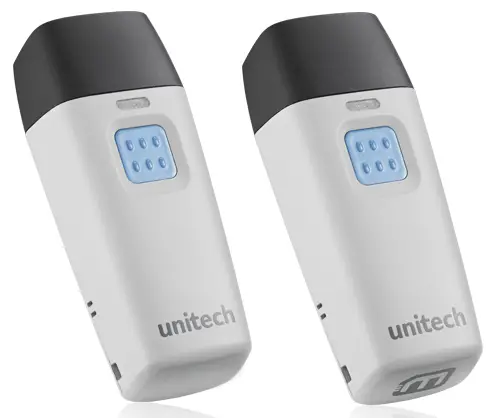
Decoder
How to set the Field separator
- Scan [.M005$] in UM Pg 72
- Scan [.M007$] DEFINE EAN128 in UM Pg 72
- Scan [+] + from the full ASCII table. in UM Pg 77
- Scan [.M007$] DEFINE EAN128 in UM Pg 72
FW
How to set the MS912plus pin code?
By default, the Pincode under SPP profile for the scanner is “1234”, please refer to the MS912plus user manual in chapter 4.2.2.4 to customize this Pincode, if you need.
unitech electronics co., Itd.
5F No. 136, Lane 235, Pao-Chiao Rd., Hsin-Tien City, Taipei Hsien, Taiwan 231, R.O.C.
Fax: 886-2-8912-1391
w www.ute.com
Tel:+886-2-8912-1122

Documents / Resources
 | MS912+ Decoder |
References
- User Manualmanual.tools
Published: December 29, 2022