
1. Вступ
This manual provides essential information for setting up, operating, maintaining, and troubleshooting your HP 14-em 14-inch HD Laptop. Please read this guide thoroughly to ensure optimal performance and longevity of your device.
The HP 14-em laptop features an AMD Athlon Silver 7120U processor, 4GB RAM, 512GB eMMC storage, and runs on Windows 11 Pro. It is designed for everyday tasks, offering a balance of performance and portability.
2. Налаштування
2.1 Розпакування та початковий огляд
Обережно вийміть ноутбук та всі аксесуари з упаковки. Перевірте наявність усіх компонентів:
- HP 14-inch Laptop
- Адаптер живлення
- Mytrix 2.4GHz Wireless Gaming Headset
- Документація
Перевірте ноутбук на наявність будь-яких фізичних пошкоджень. Якщо ви знайдете будь-які пошкодження, негайно зверніться до продавця.
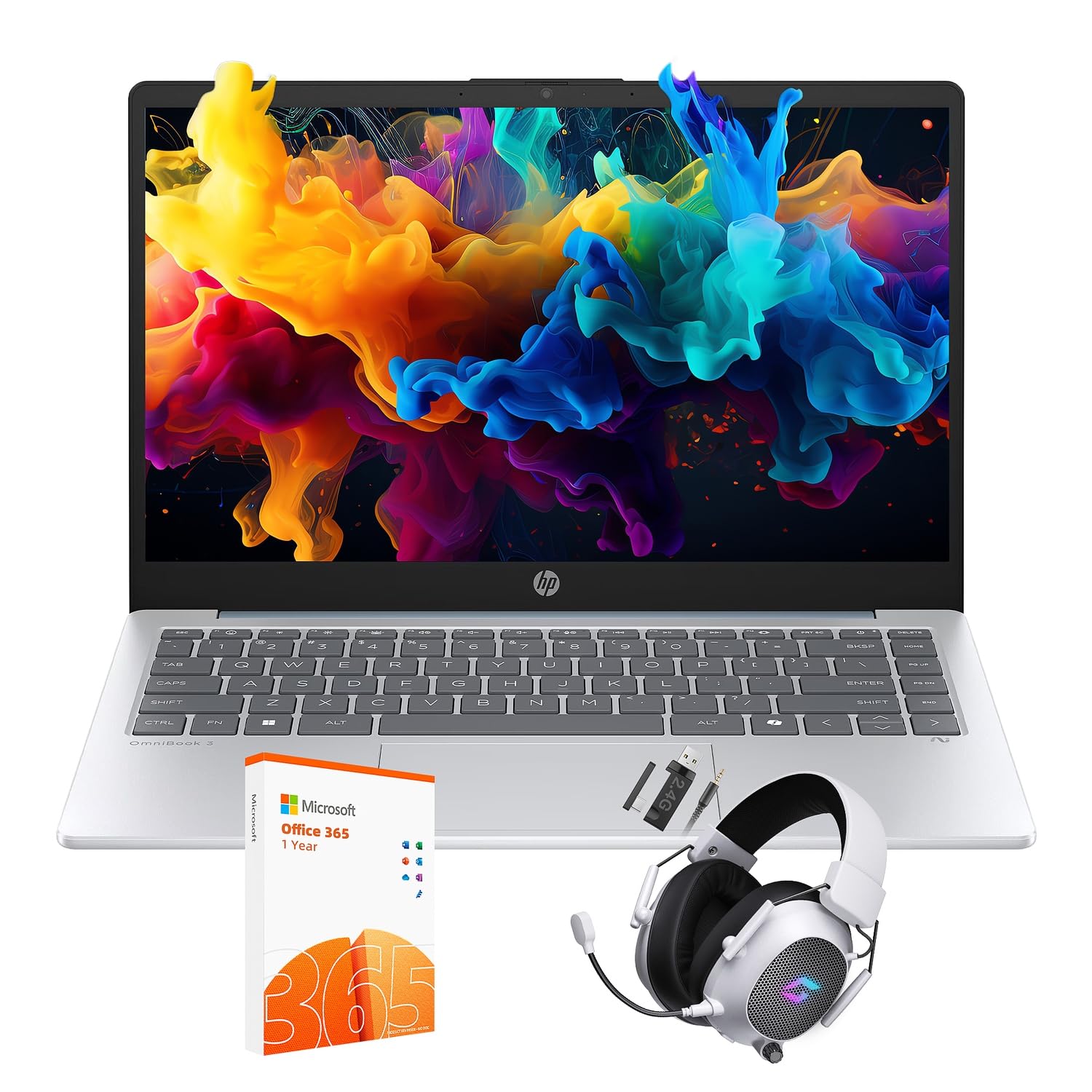
Figure 2.1: The HP 14-inch HD Laptop in Moonlight Blue, showcasinйого елегантний дизайн.
2.2 Підключення адаптера живлення
Connect the power adapter to the laptop's power port and then plug it into a wall outlet. It is recommended to fully charge the battery before initial use.
2.3 Початкове ввімкнення та налаштування Windows 11 Pro
Press the power button located on the keyboard deck. The laptop will boot up and guide you through the Windows 11 Pro setup process. Follow the on-screen instructions to:
- Виберіть свій регіон і мову.
- Підключіться до мережі Wi-Fi.
- Прийміть умови ліцензії.
- Create a user account or sign in with a Microsoft account.
- Налаштуйте параметри конфіденційності.
2.4 Setting up the Mytrix Wireless Gaming Headset
Refer to the separate instructions provided with the Mytrix 2.4GHz Wireless Gaming Headset for detailed setup. Generally, this involves:
- Зарядка гарнітури.
- Connecting the wireless dongle to an available USB port on the laptop.
- Powering on the headset and ensuring it pairs with the dongle.
- Configuring audio input/output settings in Windows 11 Pro.
3. Керування ноутбуком
3.1 Керування живленням
- Увімкнення: Натисніть кнопку живлення.
- Режим сну: Закрийте кришку або виберіть «Сплячий режим» у меню «Пуск».
- Вимкнути: Select "Shut down" from the Start Menu.
- Перезапуск: Select "Restart" from the Start Menu.
3.2 Використання сенсорної панелі
The touchpad supports multi-touch gestures for navigation. Common gestures include:
- Торкніться: Single finger tap for left-click.
- Дотик двома пальцями: Клацніть правою кнопкою миші.
- Прокручування двома пальцями: Прокрутіть вгору або вниз.
- Масштабування за допомогою розведення пальців: Збільшити або зменшити масштаб.
3.3 Connecting to Networks (Wi-Fi 6 and Bluetooth 5.4)
Щоб підключитися до мережі Wi-Fi:
- Клацніть значок Wi-Fi на панелі завдань.
- Виберіть потрібну мережу зі списку.
- Якщо буде запропоновано, введіть пароль мережі.
Щоб підключити пристрій Bluetooth:
- Перейти до Налаштування > Bluetooth та пристрої.
- Переконайтеся, що Bluetooth увімкнено.
- Select "Add device" and follow the pairing instructions for your device.
3.4 External Port Usage
Ваш ноутбук оснащений різними портами для підключення зовнішніх пристроїв:

Figure 3.1: Available ports on the HP 14-inch HD Laptop.
- USB Type-A: For connecting standard USB devices like mice, keyboards, and external storage.
- USB Type-C: Для передачі даних.
- HDMI: Для підключення до зовнішніх дисплеїв або проекторів.
- Комбінований роз'єм для навушників/мікрофона: For connecting a headset or external speakers/microphone.
3.5 Функції Windows 11 Pro
Windows 11 Pro offers advanced security, management tools, and productivity features. Explore the Start Menu, Taskbar, and Settings app to customize your experience. The laptop also supports a 180-degree hinge for flexible viewкути.
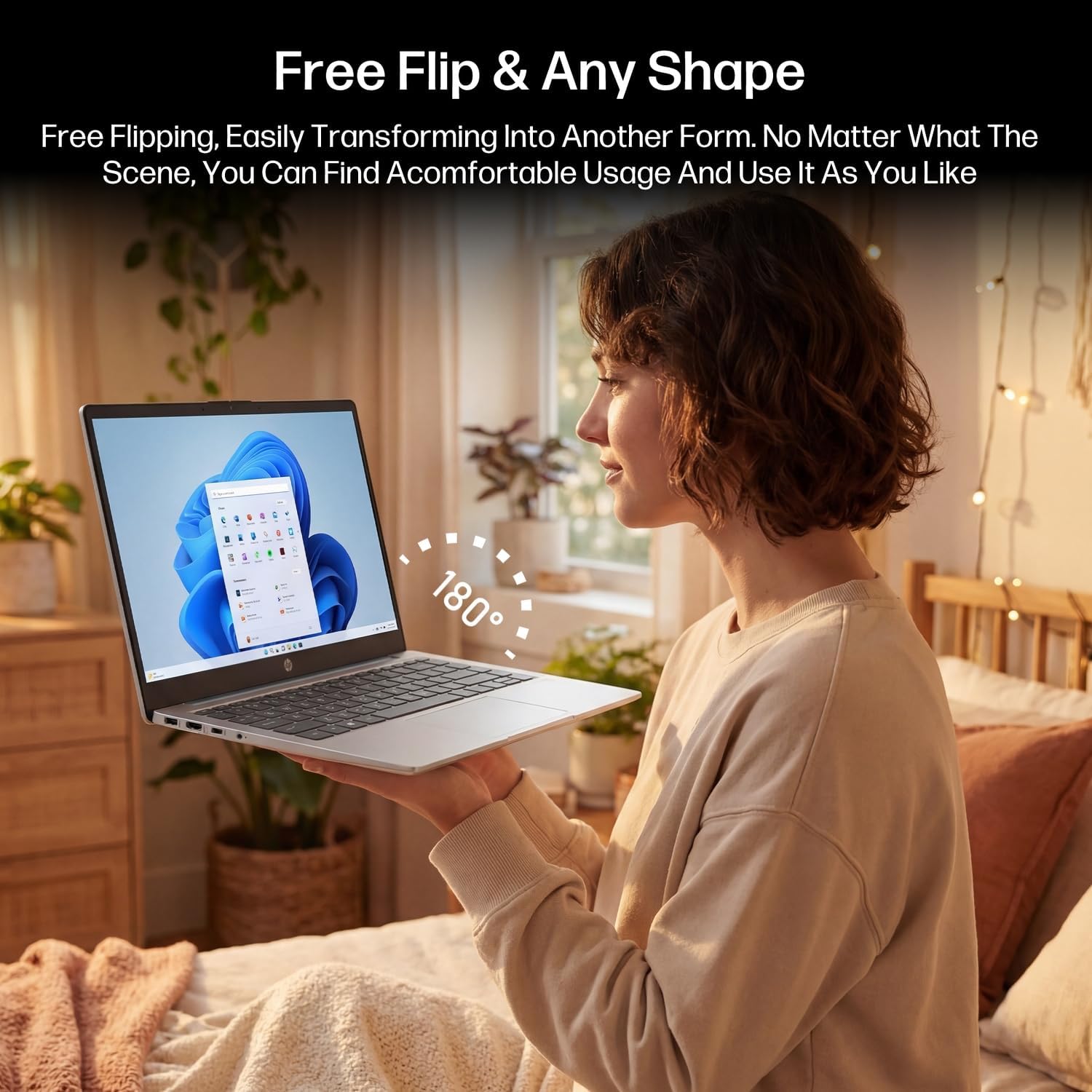
Figure 3.2: The laptop's 180-degree hinge for versatile use.

Figure 3.3: The HP laptop efficiently handles daily tasks.
4. Технічне обслуговування
4.1 Очищення ноутбука
- екран: Злегка протріть м’якою тканиною без ворсу dampводою або засобом для чищення екранів. Не розпилюйте засіб для чищення безпосередньо на екран.
- Корпус та клавіатура: Використовуйте м’яку, суху тканину. Для стійкого бруду злегкаamp можна використовувати тканину. Уникайте надмірної вологості.
- Порти: Використовуйте стиснене повітря, щоб обережно очистити порти від пилу.
4.2 Догляд за акумулятором
Щоб максимізувати термін служби акумулятора:
- Уникайте екстремальних температур.
- Не допускайте частого повного розряду акумулятора.
- Utilize HP Fast Charge technology for quick recharging when needed.
4.3 Оновлення програмного забезпечення
Регулярно перевіряйте наявність оновлень Windows та встановлюйте їх, щоб переконатися, що ваша система має найновіші оновлення безпеки та покращення продуктивності. Перейдіть до Налаштування > Оновлення Windows.
4.4 Керування сховищем
The 512GB eMMC storage provides fast boot-ups and file access. To maintain performance, periodically:
- Видалити непотрібне files.
- Видаліть невикористовувані програми.
- Use Windows' built-in Disk Cleanup tool.
5. Вирішення проблем
This section addresses common issues you might encounter. For more complex problems, refer to HP's official support resources.
5.1 Ноутбук не вмикається
- Переконайтеся, що адаптер живлення надійно підключений як до ноутбука, так і до справної розетки.
- Перевірте справність розетки, підключивши інший пристрій.
- Якщо акумулятор повністю розряджений, дайте йому зарядитися щонайменше 30 хвилин, перш ніж намагатися знову ввімкнути пристрій.
5.2 Проблеми з підключенням до Wi-Fi
- Перевірте, чи ввімкнено Wi-Fi у налаштуваннях Windows.
- Перезавантажте маршрутизатор і модем.
- Забудьте про мережу та підключіться знову, знову ввівши пароль.
- Ensure your laptop is within range of the Wi-Fi signal.
5.3 External Display Not Detected
- Ensure the HDMI cable is securely connected to both the laptop and the external display.
- Check the input source on your external display (e.g., HDMI 1, HDMI 2).
- Прес Клавіша Windows + P and select a display option (Duplicate, Extend, Second screen only).
5.4 Проблеми зі звуком
- Check volume levels in Windows and on any connected external audio devices.
- Ensure the correct audio output device is selected in Windows sound settings.
- If using the Mytrix headset, ensure it is powered on and properly paired.
6. Технічні характеристики
Detailed technical specifications for your HP 14-em 14-inch HD Laptop:
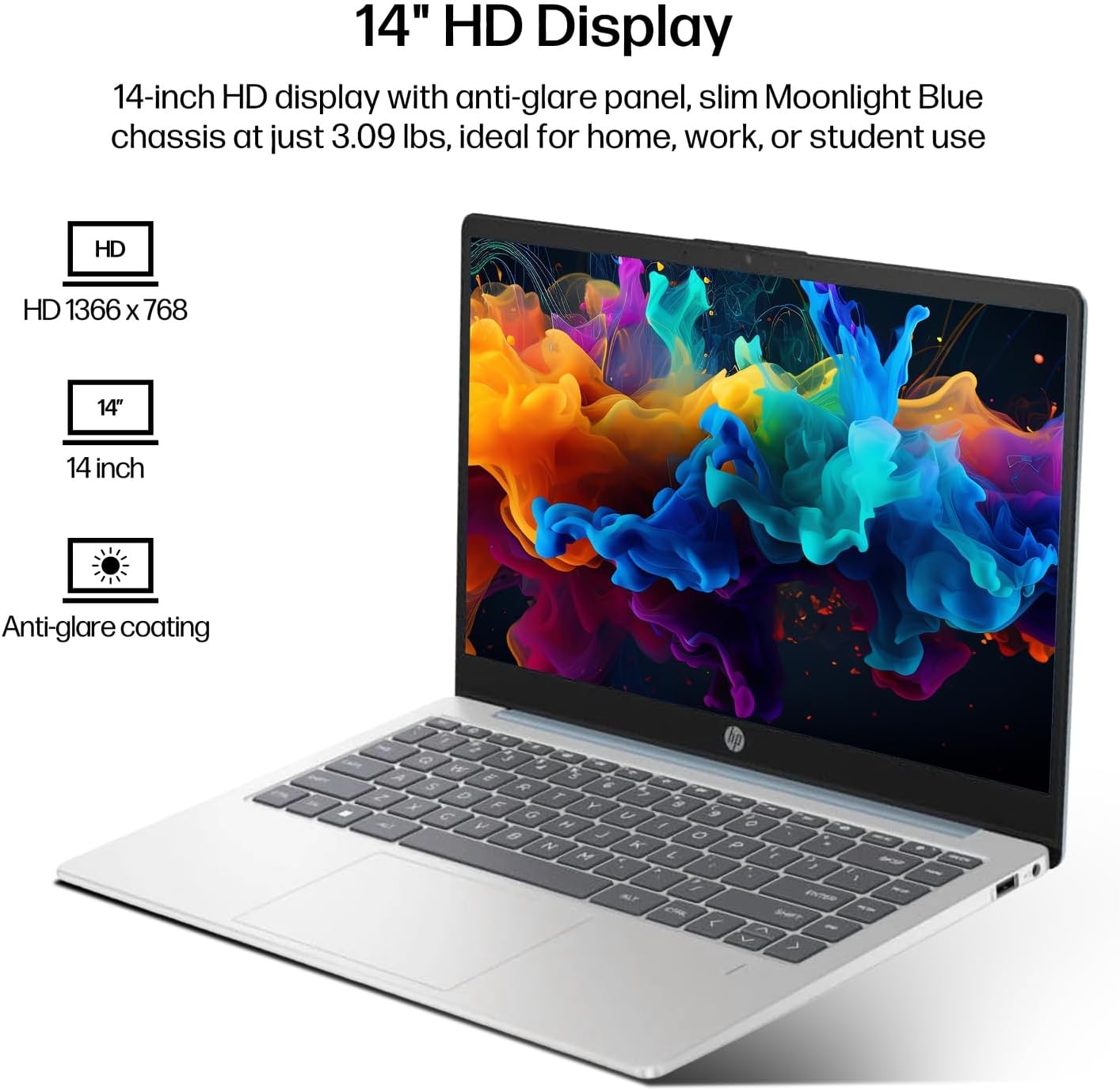
Figure 6.1: The 14-inch HD display features a resolution of 1366 x 768 pixels and an anti-glare coating.

Figure 6.2: The laptop is powered by an AMD Athlon Silver 7120U Processor with integrated AMD Radeon Graphics.
| Особливість | Специфікація |
|---|---|
| Бренд | HP |
| Назва моделі | 14-em |
| Процесор | AMD Athlon Silver 7120U (2 Cores, 2 Threads, up to 3.5 GHz Boost Clock) |
| Графіка | Графіка AMD Radeon (інтегрована) |
| ОЗУ | 4 GB DDR4 SODIMM |
| Зберігання | 512 GB eMMC (Solid State) |
| Дисплей | 14-inch HD (1366 x 768) LED, Anti-Glare |
| Операційна система | Windows 11 Pro |
| Бездротове підключення | Wi-Fi 6 (802.11ax), Bluetooth 5.4 |
| Порти | 2x USB Type-A, 1x USB Type-C (Data Transfer), 1x HDMI, 1x Headphone/Microphone Combo |
| Камера | Фронтальна |
| Аудіо | HD Audio |
| Розміри (Д x Ш x В) | 12.74 см x 8.46 см x 0.7 см |
| вага | Приблизно 3.09 фунта |
| Аксесуари в комплекті | Mytrix 2.4GHz Wireless Gaming Headset |

Figure 6.3: Physical dimensions of the HP 14-inch HD Laptop.
7. Гарантія та підтримка
7.1 Гарантія на виріб
Your HP 14-em laptop comes with a 12-month manufacturer's warranty. This warranty covers defects in materials and workmanship under normal use. For specific terms and conditions, please refer to the warranty documentation included with your product or visit the official HP support webсайт.
7.2 Технічна підтримка
For technical assistance, troubleshooting beyond this manual, or warranty claims, please contact HP Customer Support. You can find contact information on the official HP website or through the support application pre-installed on your laptop.
Additional protection plans are available for purchase, including 2-Year and 4-Year Protection Plans, and a monthly Complete Protect plan. Details can be found where you purchased the product.