
1. Продукт закінчивсяview
The HP Laptop 15-fd2353la is a versatile and efficient computing device designed for everyday tasks, entertainment, and productivity. It features an Intel Core Ultra 5 processor, a vibrant 15.6-inch Full HD display, ample memory, and fast solid-state storage. This manual will guide you through the setup, operation, and maintenance of your new laptop.

Фронт view of the HP Laptop 15-fd2353la, highlighting its Intel Core Ultra 5 processor, 24 GB RAM, 512 GB SSD, and 15.6-inch Full HD display.
2. Налаштування
2.1 Розпакування
Carefully remove your laptop and all accessories from the packaging. Ensure the following items are present:
- HP Laptop 15-fd2353la
- Адаптер живлення та кабель
- Документація (Короткий посібник, Інформація про гарантію)
2.2 Підключення адаптера живлення
Before first use, connect the power adapter to the laptop's power port and then plug it into a wall outlet. Allow the battery to charge for a few hours, or until fully charged, before initial use.
2.3 Початкове увімкнення та налаштування Windows
Press the power button located on the keyboard to turn on the laptop. Follow the on-screen instructions to complete the Windows 11 Home setup process. This includes selecting your language, connecting to a Wi-Fi network, and creating a user account.
3. Інструкція з експлуатації
3.1 Увімкнення/вимкнення живлення та режим сну
- Увімкнення: Натисніть кнопку живлення.
- Вимкнути: Натисніть кнопку «Пуск», потім «Живлення» > «Вимкнути».
- Режим сну: Закрийте кришку або натисніть кнопку «Пуск», потім «Живлення» > «Сон».
3.2 Використання клавіатури та сенсорної панелі
The laptop features a full-size Spanish QWERTY keyboard and a precision touchpad. Use the touchpad for navigation, clicking, and multi-touch gestures. Refer to Windows settings for touchpad customization.
3.3 Підключення до Wi-Fi
Щоб підключитися до бездротової мережі:
- Клацніть значок Wi-Fi на панелі завдань.
- Виберіть потрібну мережу зі списку.
- Enter the network password if prompted, then click Connect.
4. Ключові характеристики
The HP Laptop 15-fd2353la offers a range of features designed to enhance your computing experience:
- Процесор: Intel Core Ultra 5 225U (up to 4.8 GHz with Intel Turbo Boost Technology, 12 MB L3 Cache, 12 cores, 14 threads) for efficient multitasking.
- Зберігання: 512 GB PCIe NVMe M.2 Solid State Drive for fast boot times and application loading.
- Пам'ять: 24 GB DDR5-5600 MT/s RAM for smooth performance across demanding applications.
- Дисплей: 15.6-inch Full HD (1920 x 1080) IPS anti-glare display with 250 nits brightness and 62.5% sRGB for clear visuals.
- Операційна система: Попередньо встановлено Windows 11 Home.
- Термін служби батареї: Up to 9 hours and 45 minutes of AI-optimized battery life, with HP Fast Charge capable of recharging 50% in approximately 30 minutes.
- Webcam and Audio: Інтегрований webcam with a privacy shutter and a clear microphone featuring external noise reduction for improved video calls.
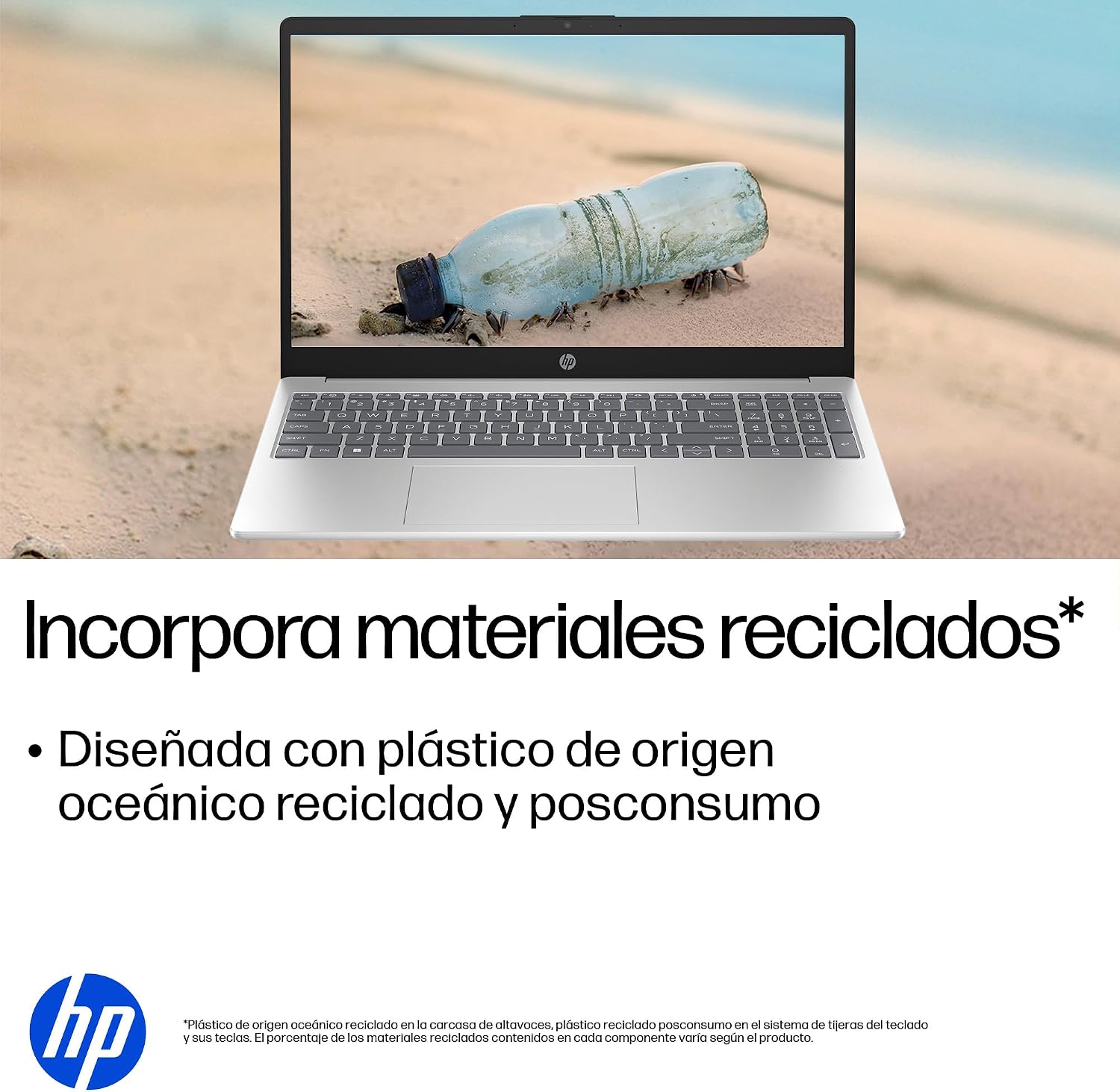
- Екологічний дизайн: Constructed with ocean-bound and post-consumer recycled plastics in various components.

The laptop features an integrated webcam shutter for privacy and a clear microphone with external noise reduction.

Experience an immersive visual display with an 85% screen-to-body ratio and an anti-glare Full HD screen.

Enjoy extended use with up to 9 hours and 45 minutes of AI-optimized battery life, and quickly recharge 50% in 30 minutes with HP Fast Charge.

This laptop incorporates recycled materials, including ocean-bound and post-consumer plastics, in its design.
5. Порти та підключення
Your HP Laptop 15-fd2353la is equipped with various ports for connecting peripherals and external devices:

Diagram illustrating the location and type of ports on the HP Laptop 15-fd2353la.
- Ліва сторона:
- 1 x USB Type-A 5 Gbps signaling rate port
- 1 порт HDMI
- 1 x USB Type-C 5 Gbps signaling rate port
- 1 x Headphone/Microphone combo jack
- Права сторона:
- 1 x USB Type-A 5 Gbps signaling rate port
- 1 x Power connector
6. Технічні характеристики
| Особливість | Специфікація |
|---|---|
| Бренд | HP |
| Назва моделі | 15-fd2353la |
| Розмір екрана | 15.6 дюймів |
| Максимальна роздільна здатність екрана | 1920 x 1080 пікселів (FHD) |
| Тип дисплея | IPS, Anti-glare LCD |
| Колір | Срібло |
| Модель процесора | Intel Core Ultra 5 225U |
| Швидкість процесора | До 4.8 ГГц |
| Розмір оперативної пам'яті | 24 ГБ |
| Технологія оперативної пам'яті | DDR5-5600 MT/s |
| Розмір жорсткого диска | Твердотільний накопичувач 512 ГБ (PCIe NVMe M.2) |
| Операційна система | Windows 11 Домашня |
| Графічний співпроцесор | Інтегрована графіка Intel |
| USB порти | 3 (2x USB Type-A, 1x USB Type-C) |
| Порти HDMI | 1 |
| Тип батареї | Літій-іонний |
| Вміст енергії батареї | 41 ват-годин |
| Розкладка клавіатури | QWERTY (Spanish) |
| вага | 1.65 кілограма |
| Розміри (Д x Ш x В) | 23.6 х 36 х 1.9 см |
Visual representation of the laptop's dimensions and weight.
7. Технічне обслуговування
7.1 Очищення ноутбука
- Злегка протріть м’якою тканиною без ворсу dampводою або засобом для чищення екранів, щоб очистити дисплей.
- Для клавіатури та корпусу використовуйте м’яку тканину. Уникайте використання агресивних хімікатів або абразивних матеріалів.
- Використовуйте стиснене повітря, щоб очистити клавіші та вентиляційні отвори клавіатури від пилу.
7.2 Догляд за акумулятором
- Уникайте екстремальних температур.
- Не розряджайте акумулятор часто повністю.
- Якщо ви зберігаєте ноутбук протягом тривалого часу, переконайтеся, що акумулятор заряджений приблизно на 50%.
7.3 Оновлення програмного забезпечення
Регулярно оновлюйте операційну систему та драйвери Windows, щоб забезпечити оптимальну продуктивність і безпеку. Доступ до Windows Update можна отримати через Налаштування > Windows Update.
7.4 Керування сховищем
Періодично переview та видаліть непотрібне files to maintain sufficient free space on your 512 GB SSD, which helps in sustaining system performance.
8. Вирішення проблем
8.1 Проблеми з живленням
- Ноутбук не вмикається: Переконайтеся, що адаптер живлення надійно підключений як до ноутбука, так і до справної розетки. Перевірте, чи розетка справна.
- Акумулятор не заряджається: Verify the power adapter is correctly connected. Try a different power outlet.
8.2 Проблеми з дисплеєм
- Немає зображення на екрані: Connect an external monitor to the HDMI port to check if the issue is with the laptop's display or the graphics card.
- Тьмяний або мерехтливий екран: Adjust screen brightness using the keyboard function keys. Update display drivers.
8.3 Проблеми з підключенням
- Wi-Fi не підключається: Переконайтеся, що Wi-Fi увімкнено. Перезавантажте маршрутизатор і модем. Перевірте мережеві налаштування у Windows.
- USB-пристрої не розпізнаються: Спробуйте підключити пристрій до іншого USB-порту. Переконайтеся, що драйвери пристрою встановлено.
8.4 Проблеми з продуктивністю
- Повільна продуктивність: Закрийте непотрібні програми. Перевірте наявність фонових процесів, які споживають багато ресурсів (Диспетчер завдань). Забезпечте достатньо вільного місця на диску.
- Зависання системи: Restart the laptop. Check for recent software installations or updates that might be causing conflicts.
9. Гарантія та підтримка
9.1 Інформація про гарантію
Your HP Laptop 15-fd2353la comes with a 1 рік обмеженої гарантії. This warranty covers manufacturing defects and hardware failures under normal use conditions. Please refer to the warranty documentation included with your product for full terms and conditions.
9.2 Технічна підтримка
For technical assistance, warranty claims, or service inquiries, please visit the official HP support website or contact HP customer service. Have your product model number (15-fd2353la) and serial number ready when contacting support.
You can find more information and support resources at the official HP webсайт: www.hp.com/support