
1. Вступ
The NICGIGA 24 Port 2.5Gb Ethernet Switch (Model S25-2400) is an unmanaged network switch designed to provide high-speed connectivity for your home or office network. Featuring 24 2.5 Gigabit Ethernet ports, this switch offers a robust solution for expanding your network capacity and enhancing data transfer rates. Its plug-and-play design ensures easy installation without complex configuration, making it suitable for various environments, including desktop and 19-inch rack mount setups. The fanless metal design ensures quiet operation and efficient heat dissipation, contributing to device stability and longevity.
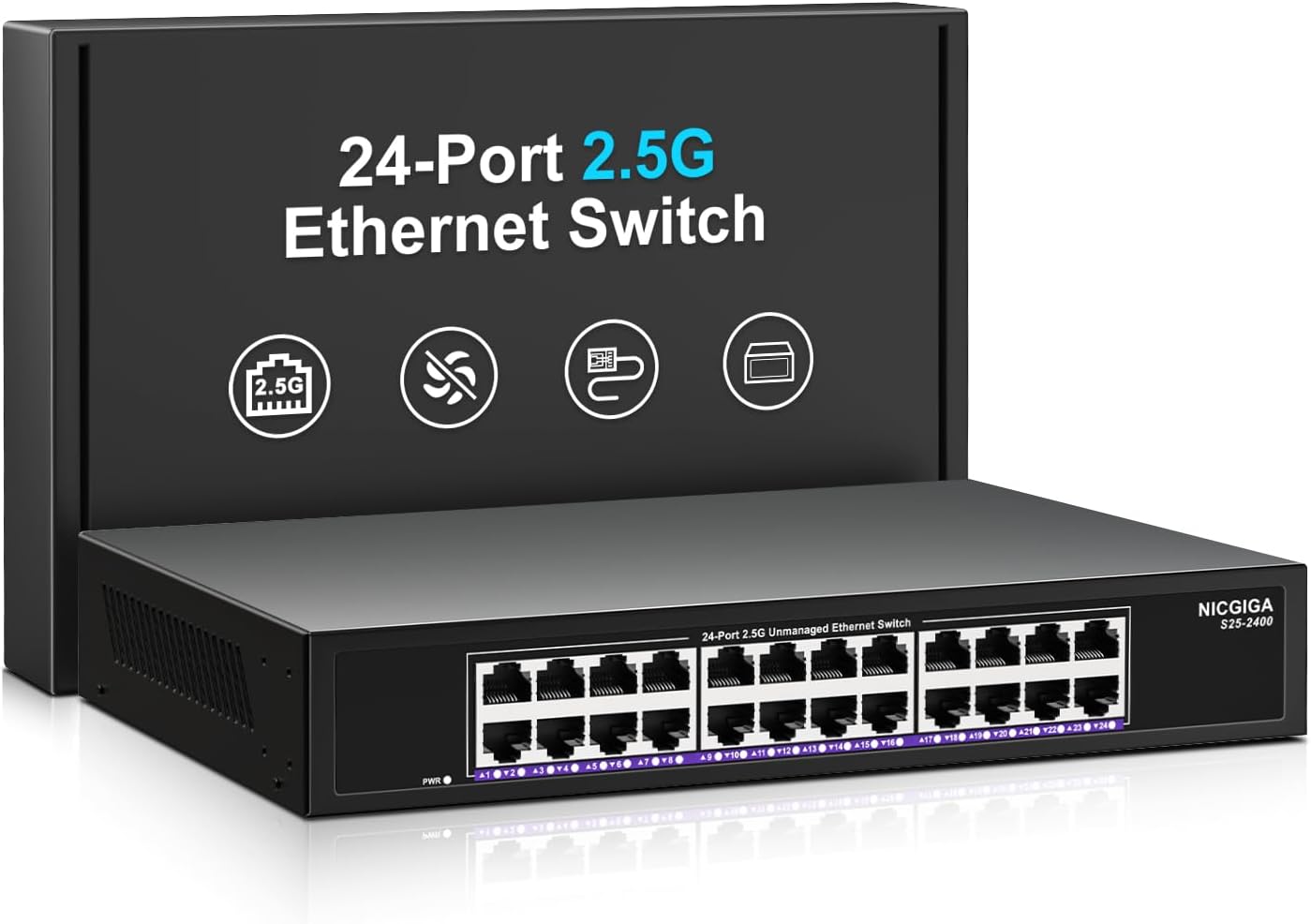
Зображення 1.1: спереду view of the NICGIGA 24 Port 2.5Gb Ethernet Switch, showcasing its 24 RJ45 ports and LED indicators.
2. Вміст упаковки
Перевірте, чи є у вашому пакеті такі предмети:
- NICGIGA 24 Port 2.5Gb Ethernet Switch (Model S25-2400)
- Адаптер живлення
- Rack Mount Kit (for 19-inch rack installation)
- Посібник користувача (цей документ)
3. Продукт закінчивсяview
3.1 Передня панель
The front panel of the NICGIGA 24 Port 2.5Gb Ethernet Switch features 24 RJ45 ports and LED indicators for monitoring network activity.
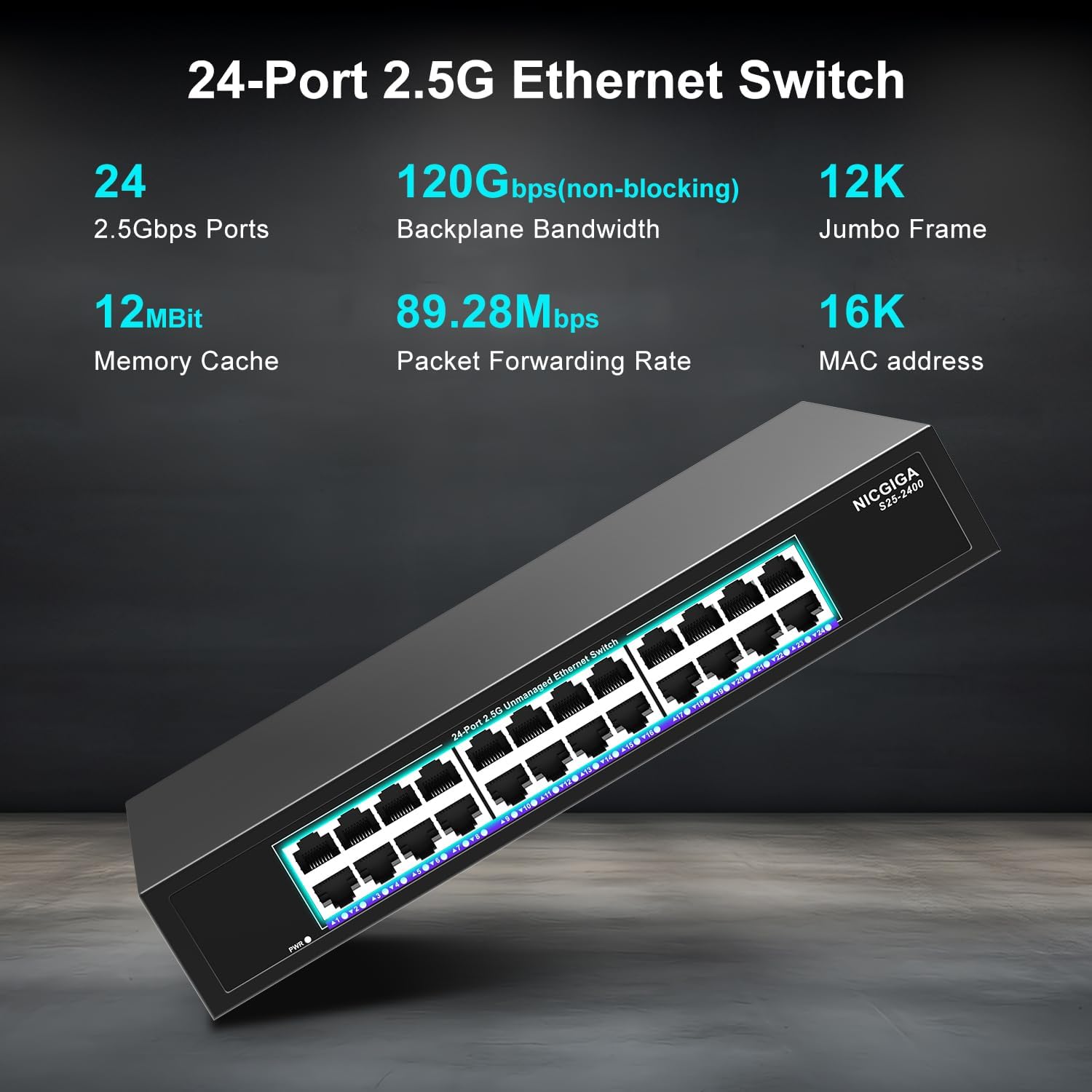
Зображення 3.1: Детальний опис view of the switch's front panel, highlighting the 24 RJ45 ports and power input.
- Порти RJ45 (1-24): These ports support 100/1000/2500Mbps Ethernet connections. They automatically detect and adjust to the speed of the connected device.
- Світлодіодні індикатори: Each port has an associated LED that indicates link status and activity.
- Світиться зеленим: A stable link is established at 2.5Gbps.
- Суцільний жовтий: A stable link is established at 1Gbps.
- Помаранчевий: A stable link is established at 100Mbps.
- Блимає: На порту відбувається обмін даними.
- Вимкнено: No link is established or the device is not connected.
- Світлодіод живлення: Вказує на стан живлення комутатора.
- Світиться зеленим: Вимикач увімкнено.
- Вимкнено: Перемикач вимкнено.
3.2 Задня панель
The rear panel typically contains the power input and ventilation openings.
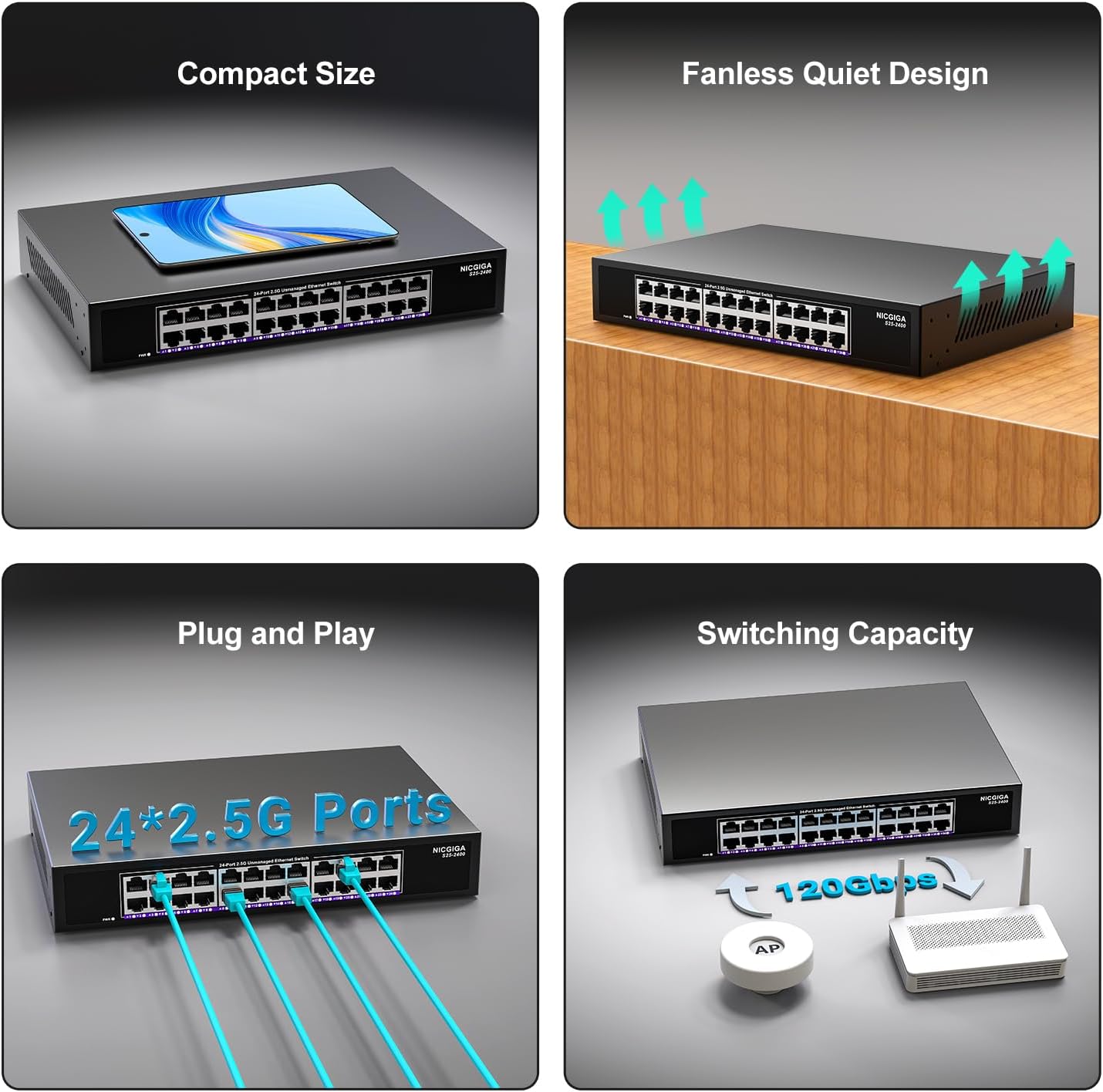
Зображення 3.2: Ззаду view of the switch, showing the power input and fanless design.
4. Налаштування
The NICGIGA 24 Port 2.5Gb Ethernet Switch is designed for simple plug-and-play operation, requiring no software installation or complex configuration.
4.1 Встановлення на робочий стіл
- Place the switch on a stable, flat surface, ensuring adequate ventilation around the device.
- Connect the power adapter to the switch's power input and then to a power outlet.
- Connect your network devices (e.g., computers, NAS, Wi-Fi 6 APs, routers) to any of the 24 RJ45 ports using standard Ethernet cables. The switch will automatically detect the link speed.

Зображення 4.1: Наприкладample of desktop setup, showing the switch connected to a laptop and a Wi-Fi router.
4.2 19-inch Rack Mount Installation
The switch can be installed in a standard 19-inch equipment rack using the included rack mount kit.
- Attach the two rack-mount brackets to the sides of the switch using the provided screws.
- Secure the switch into an available slot in your 19-inch rack using appropriate rack screws (not included).
- Connect the power adapter and network cables as described in the desktop installation.

Image 4.2: Diagram illustrating the dimensions for rack mounting and an example of the switch installed in a 19-inch rack.
5. Інструкція з експлуатації
Once the switch is powered on and devices are connected, it operates automatically.
- Автоматичне узгодження: Each port automatically detects the speed (100Mbps, 1Gbps, or 2.5Gbps) and duplex mode (half/full) of the connected device and adjusts accordingly. This ensures optimal performance and compatibility across various network devices.
- Non-Blocking Architecture: The switch provides full wire-speed forwarding on all ports simultaneously, ensuring maximum throughput for all connected devices without bottlenecks.
- Некерована операція: No configuration or software is required. Simply connect your devices, and the switch will manage data traffic efficiently.

Image 5.1: Illustration of the auto-negotiation feature, showing how the switch adapts to different link speeds.
6. Технічне обслуговування
The NICGIGA 24 Port 2.5Gb Ethernet Switch is designed for minimal maintenance.
- Прибирання: Використовуйте м’яку суху тканину для очищення зовнішньої частини вимикача. Не використовуйте рідкі або аерозольні засоби для чищення.
- Вентиляція: Ensure that the ventilation openings are not blocked to allow for proper airflow and heat dissipation. The fanless design relies on natural convection.
- Середовище: Operate the switch within its specified environmental conditions (temperature, humidity) to ensure optimal performance and longevity.
7. Вирішення проблем
If you encounter issues with your NICGIGA 24 Port 2.5Gb Ethernet Switch, refer to the following common troubleshooting steps:
- Немає живлення:
- Переконайтеся, що адаптер живлення надійно підключено як до комутатора, так і до справної розетки.
- Перевірте справність розетки, підключивши інший пристрій.
- Check the Power LED on the switch; it should be solid green when powered on.
- Немає з'єднання/активності на порту:
- Перевірте, чи кабель Ethernet надійно підключено як до порту комутатора, так і до підключеного пристрою.
- Переконайтеся, що підключений пристрій увімкнено, а його мережевий адаптер працює належним чином.
- Спробуйте інший кабель Ethernet, щоб виключити проблеми з кабелем.
- Test with a different port on the switch.
- Check the LED indicator for the specific port; if it's off, there's no link.
- Низька швидкість мережі:
- Ensure all connected devices and network adapters support 2.5Gbps speeds for optimal performance. The switch will auto-negotiate to the highest common speed.
- Use Cat5e or higher-rated Ethernet cables for 2.5Gbps connections.
- Перевірте наявність надмірного мережевого трафіку або вузьких місць на інших мережевих пристроях.
- Переривчасте підключення:
- Перевірте кабелі Ethernet на наявність пошкоджень.
- Ensure the switch is placed in a well-ventilated area to prevent overheating, although it has a fanless design.
- Check for potential electromagnetic interference from other electronic devices.
8. Технічні характеристики
| Особливість | Специфікація |
|---|---|
| Модель | S25-2400 |
| Кількість портів | 24 x 2.5Gbps RJ45 Ports |
| Тип інтерфейсу | RJ45 |
| Швидкість передачі даних | 100/1000/2500Mbps (Auto-Negotiation) |
| Комутаційна здатність | 160 Гбіт/с |
| Jumbo кадр | 12 тис |
| Розмір таблиці MAC-адрес | 16 тис |
| Кеш-пам'ять | 12Mbit |
| Швидкість пересилання пакетів | 89.28 Мпікс |
| Дизайн | Fanless Metal Design |
| Блискавкозахист | 4KV |
| монтаж | Desktop or 19-inch Rack Mount |
| Розміри (Д x Ш x В) | 270.5 x 181 x 44.5 мм (10.6 x 7.1 x 1.7 дюймів) |
| Вага товару | 1.9 кілограмів (4.18 фунти) |
| Сумісні пристрої | Настільний комп'ютер, ігрова консоль, ноутбук |
| UPC | 790885830235 |
Примітка: Технічні характеристики можуть бути змінені без попередження.
9. Гарантія та підтримка
NICGIGA provides a one-year warranty for this product, ensuring reliability, quality, and performance. Additionally, lifetime technical support is available for the entire product lifecycle.
Щоб отримати технічну допомогу або гарантійні претензії, зверніться до служби підтримки клієнтів NICGIGA через офіційну webсайт або ваша платформа для покупок.