
1. Вступ
This manual provides detailed instructions for the installation, operation, and maintenance of your AUTO-VOX WF1 RV Backup Camera System. This wireless system is designed to enhance safety and convenience when maneuvering large vehicles such as RVs, trailers, campers, and motorhomes. It features a 7.2-inch HD 1080P monitor, IR night vision, DVR recording capabilities, and supports up to three video channels.

Image 1.1: The AUTO-VOX WF1 RV Backup Camera System, showing the 7.2-inch monitor and the wireless camera unit.
2. Ключові характеристики
- Wireless Plug and Play: Compatible with pre-wired RV systems for quick installation.
- HD 1080P Display: Provides clear, high-definition video feed on a 7.2-inch widescreen monitor.
- Супер ІЧ-нічне бачення: Equipped with infrared LEDs for clear visibility up to 30 feet in low-light conditions.
- Стабільна передача сигналу: Dual antennas ensure a reliable wireless connection up to 500ft, minimizing lag and disruptions.
- Розширювана 3-канальна система: Supports up to three cameras for comprehensive blind spot coverage (additional cameras sold separately).
- DVR Loop Recording: Записи footage to an included 32GB SD card for security and journey documentation.
- Водонепроникна камера IP69: Durable camera design withstands various weather conditions.
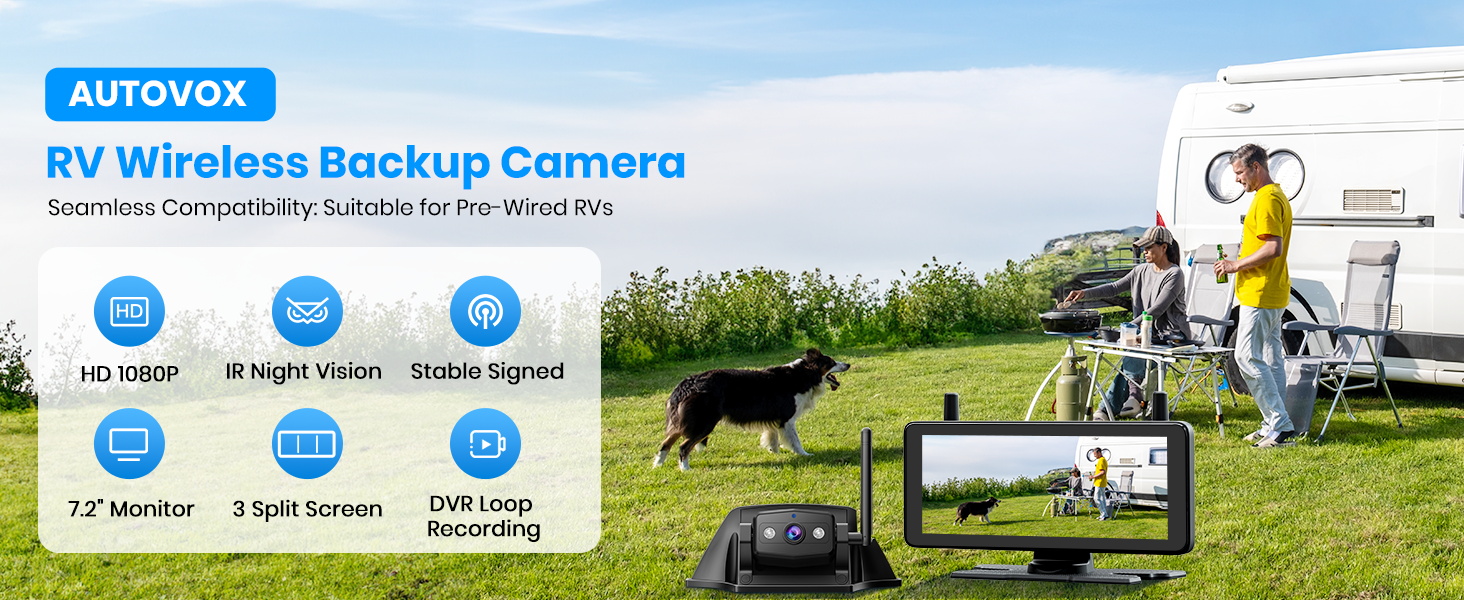
Image 2.1: Visual representation of the core features of the AUTO-VOX RV Wireless Backup Camera.
3. Вміст упаковки
Будь ласка, перевірте, чи всі перелічені нижче предмети входять до вашої упаковки:
- Monitor (7.2-inch)
- Бездротова камера
- Camera Silicone Pad
- Antenna (for camera)
- Автомобільний зарядний пристрій (для монітора)
- Стенд для монітора
- Подовжувач
- Викрутка
- Посібник користувача
- Карта пам'яті 32 Гб
- Саморізи

Image 3.1: Contents of the AUTO-VOX WF1 RV Backup Camera System package.
4. Налаштування та встановлення
The AUTO-VOX WF1 offers two primary installation methods:
4.1. Pre-Wired RV Setup (Plug and Play)
If your RV is equipped with a pre-wired Furrion-compatible system, installation is simplified:
- Locate the pre-wired camera port on the rear of your RV.
- Attach the wireless camera to the mounting bracket adapter.
- Connect the camera's pigtail wire directly to the RV's pre-wired port.
- Secure the camera and bracket using the provided screws.
4.2. Universal Vehicle Installation
For RVs or vehicles without a pre-wired system, follow these steps:
- Встановити камеру: Choose a suitable location on the rear of your vehicle, typically above the license plate or near the top center. Use the camera silicone pad and self-tapping screws to securely mount the camera.
- Підключіть живлення: Connect the camera's power cable to a 12V DC power source. This can be done by tapping into your vehicle's running lights, taillights, or marker lights. Ensure proper polarity (red wire to positive, black wire to ground).
- Встановлення антен: Attach the longer antenna to the wireless camera and the two stubby antennas to the monitor for optimal signal reception.
- Встановлення монітора: Place the 7.2-inch monitor on your dashboard using the provided monitor stand. Ensure it does not obstruct your view.
- Увімкнення живлення монітора: Підключіть автомобільний зарядний пристрій до гнізда прикурювача вашого автомобіля на 12 В.
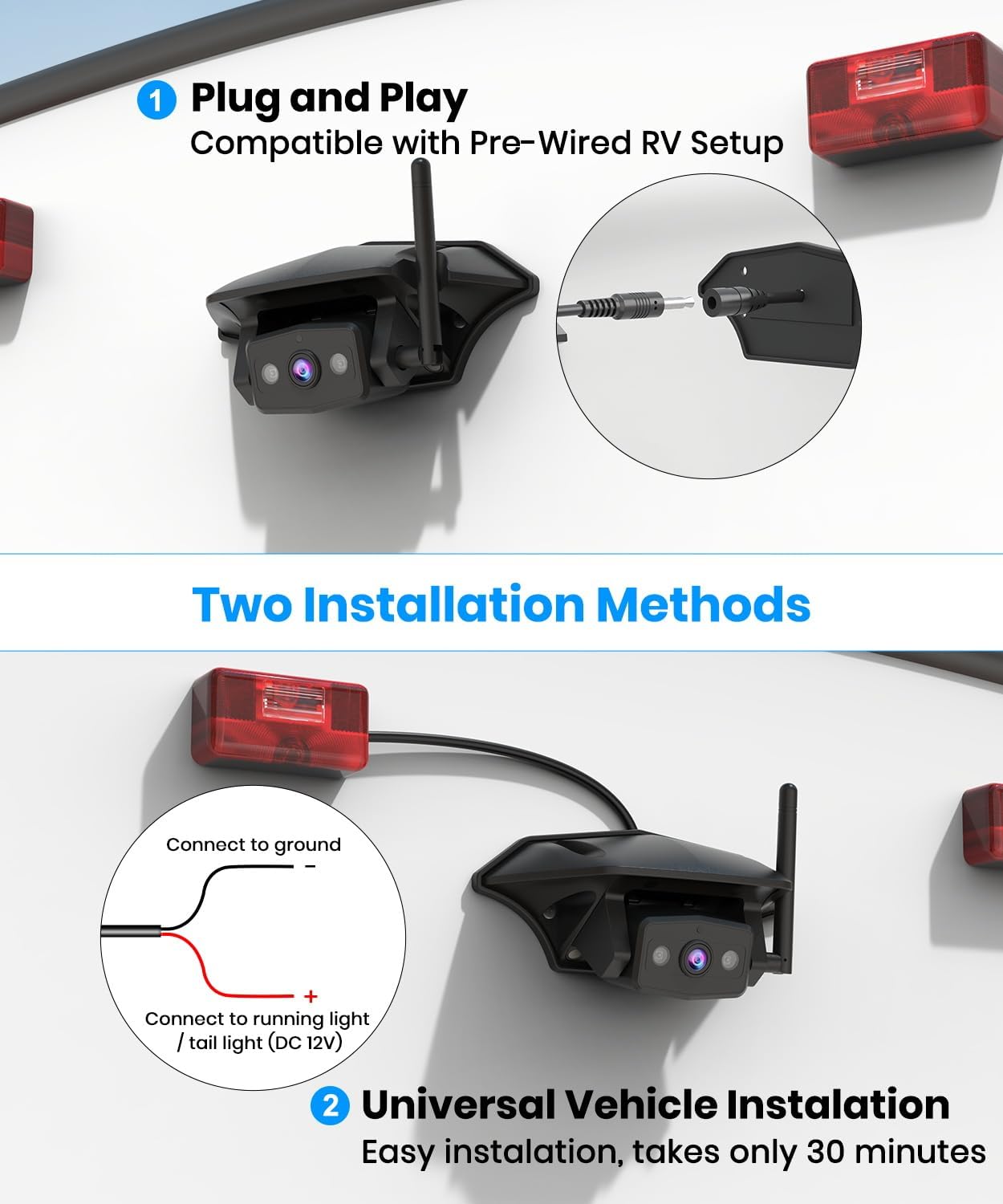
Image 4.1: Illustration of the two installation methods: Plug and Play for pre-wired RVs and universal wiring to tail lights.
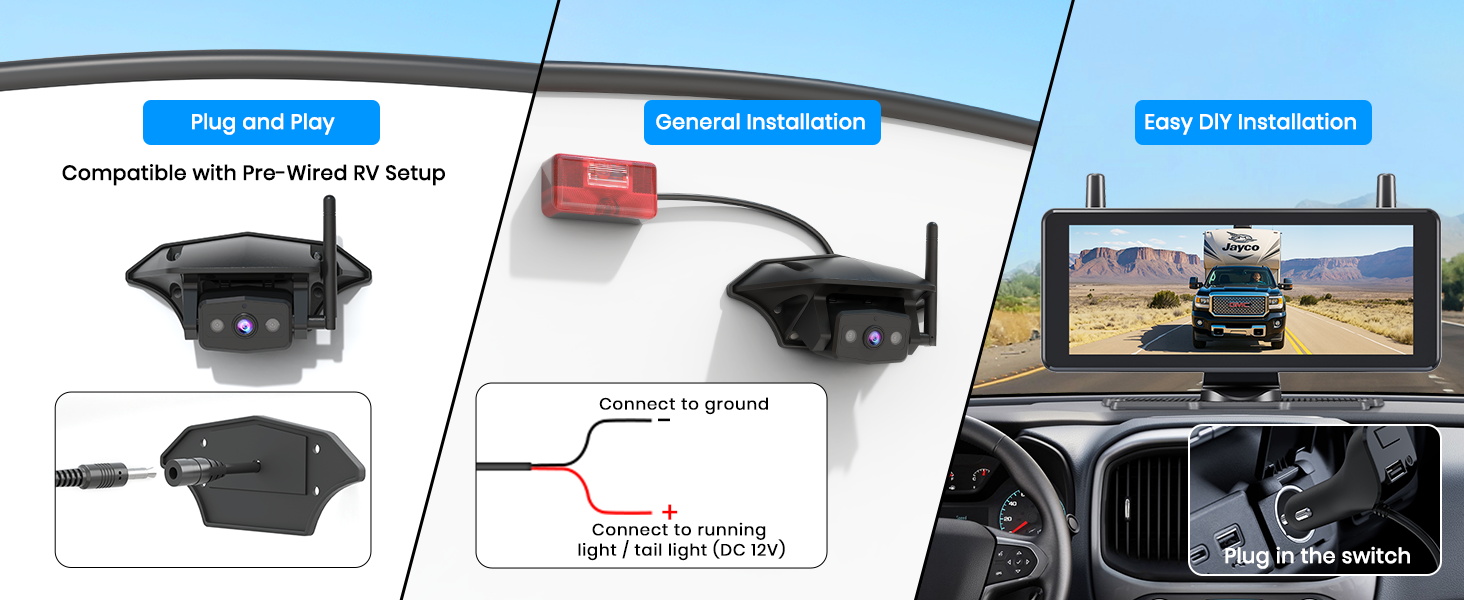
Зображення 4.2: закінченоview of installation options, including pre-wired, general wiring, and monitor power connection.
5. Інструкція з експлуатації
5.1. Функції монітора
The 7.2-inch widescreen monitor provides a clear view of the camera feed. It is designed to maximize your rear view without obstructing your forward vision.
- Увімкнення/вимкнення живлення: The monitor typically powers on automatically when the vehicle's ignition is turned on or when the camera receives power.
- Навігація по меню: Use the buttons on the monitor to access settings such as brightness, contrast, parking lines, and channel selection.

Image 5.1: The 7.2-inch monitor providing a wide and clear view from the rear of an RV.
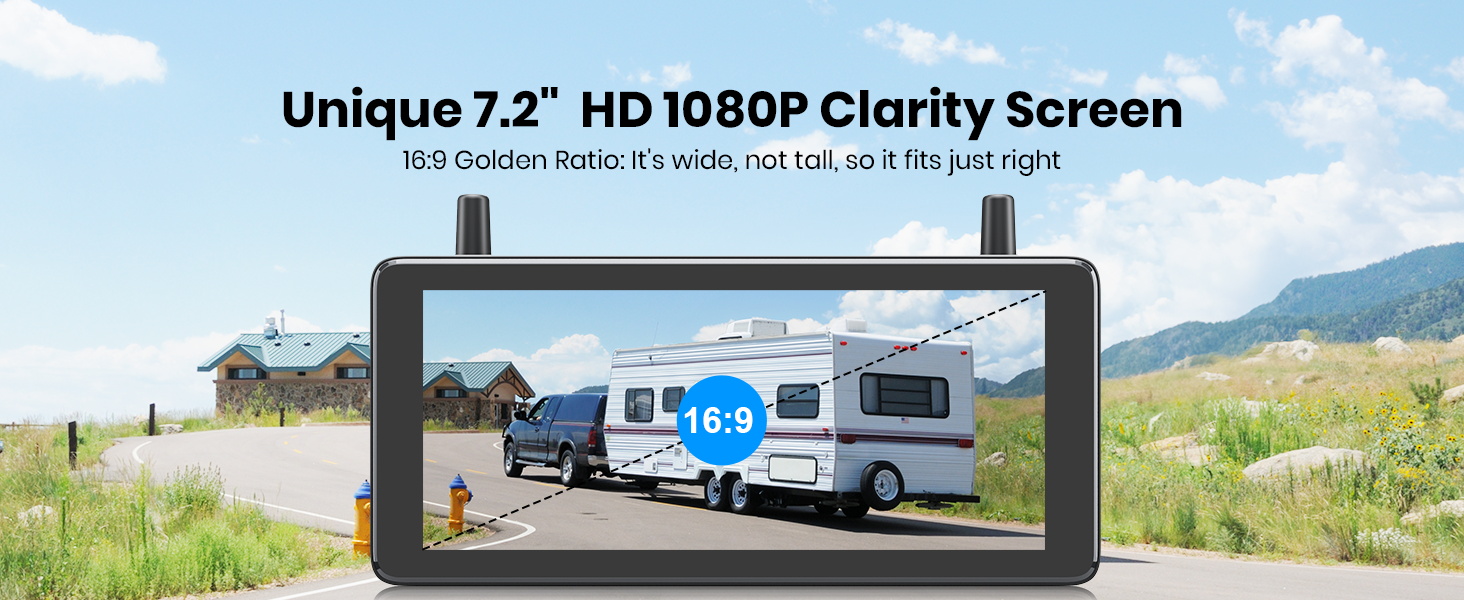
Image 5.2: The 7.2-inch HD 1080P monitor with a 16:9 aspect ratio for clear display.
5.2. DVR Loop Recording
The system includes DVR functionality to record your journeys. A 32GB SD card is provided for storage.
- Активація запису: Recording typically starts automatically when the system is powered on.
- Циклічний запис: The system uses loop recording, meaning older files are overwritten when the SD card is full.
- Відтворення: Записано footage може бути повторноviewed directly on the monitor or by removing the SD card and viewза допомогою комп’ютера.

Image 5.3: Monitor showing DVR loop recording in action, with an SD card slot for storage.
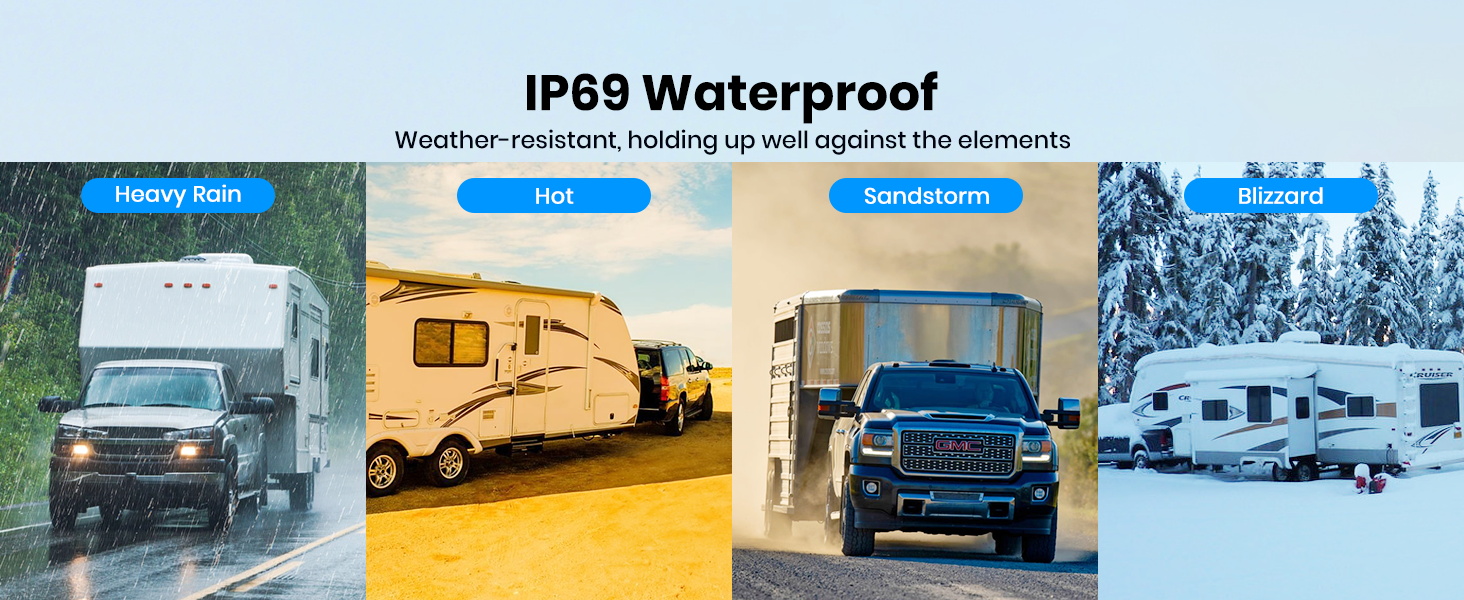
Image 5.4: Loop recording feature with included 32GB SD card for capturing journey moments.
5.3. Super IR Night Vision
The camera is equipped with infrared night vision to provide clear images in low-light or dark conditions, enhancing safety during nighttime maneuvers or when monitoring your surroundings.

Image 5.5: Night vision capability showing a clear view of an RV campsite in darkness.
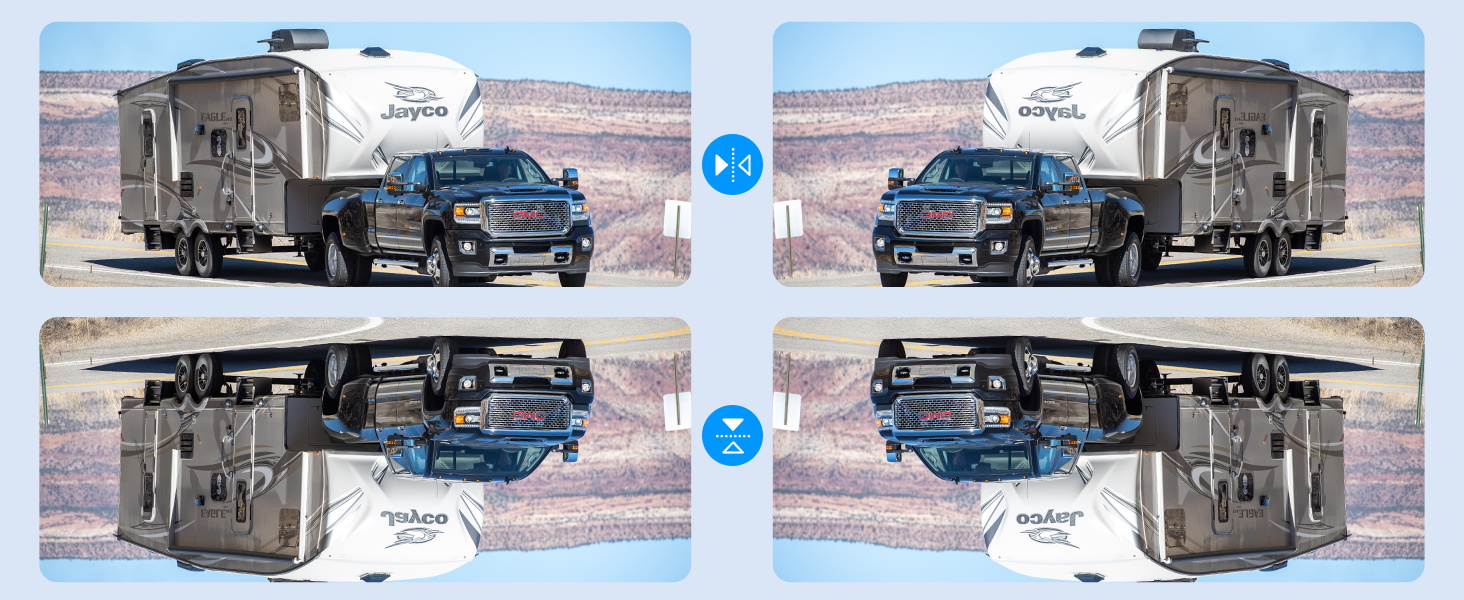
Image 5.6: Powerful IR lights providing extended night vision range for parking assistance.
5.4. Multi-Channel Support
The system can be expanded to support up to three cameras, providing a comprehensive view of your vehicle's surroundings. This is particularly useful for eliminating blind spots on large RVs.
- Перемикання каналів: The monitor allows you to switch between camera views (CAM1, CAM2, CAM3) or display multiple views simultaneously (split screen or three-screen mode).
- Оновлення мікропрограми: A firmware update may be required to enable full 3-channel functionality. Contact AUTO-VOX support for assistance.

Image 5.7: Monitor displaying various multi-channel views, including split screen and three-screen options.
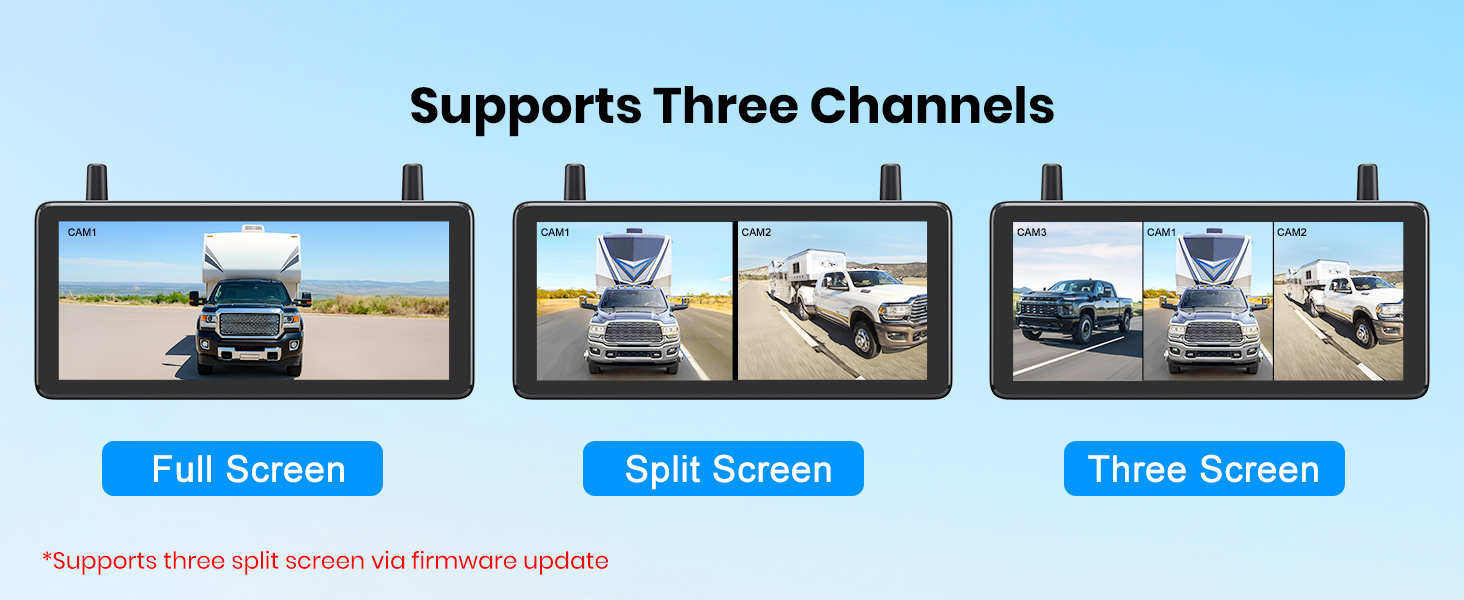
Зображення 5.8: Наприкладamples of full screen, split screen, and three-screen display modes.
5.5. Parking Assistance
Adjustable parking guidelines are available on the monitor to assist with precise maneuvering and parking.
- Коригування настанови: Access the monitor's menu to enable, disable, or adjust the position and width of the parking lines.
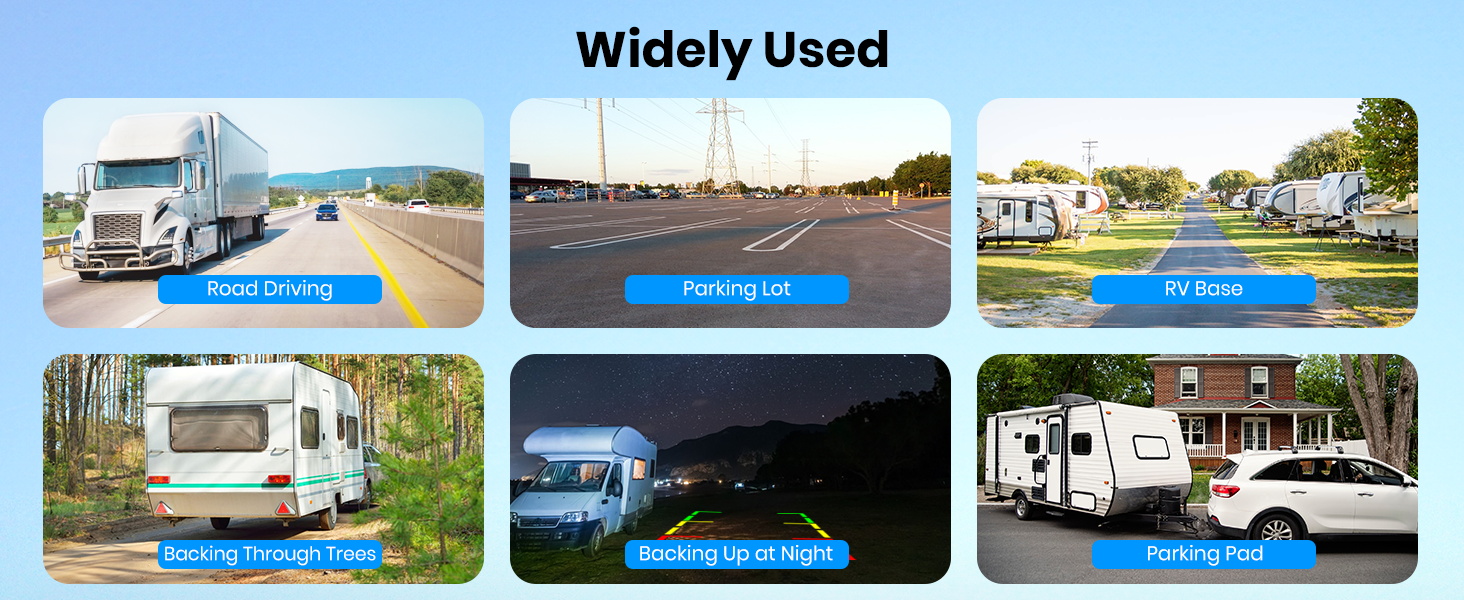
Image 5.9: Wide view with adjustable parking guidelines for easier parking.
5.6. Передача сигналу
The wireless system utilizes advanced technology and dual antennas to ensure a stable and strong signal transmission, even over long distances (up to 500ft), minimizing lag or dropouts.

Image 5.10: Strong signal transmission up to 500ft, suitable for various large vehicles.
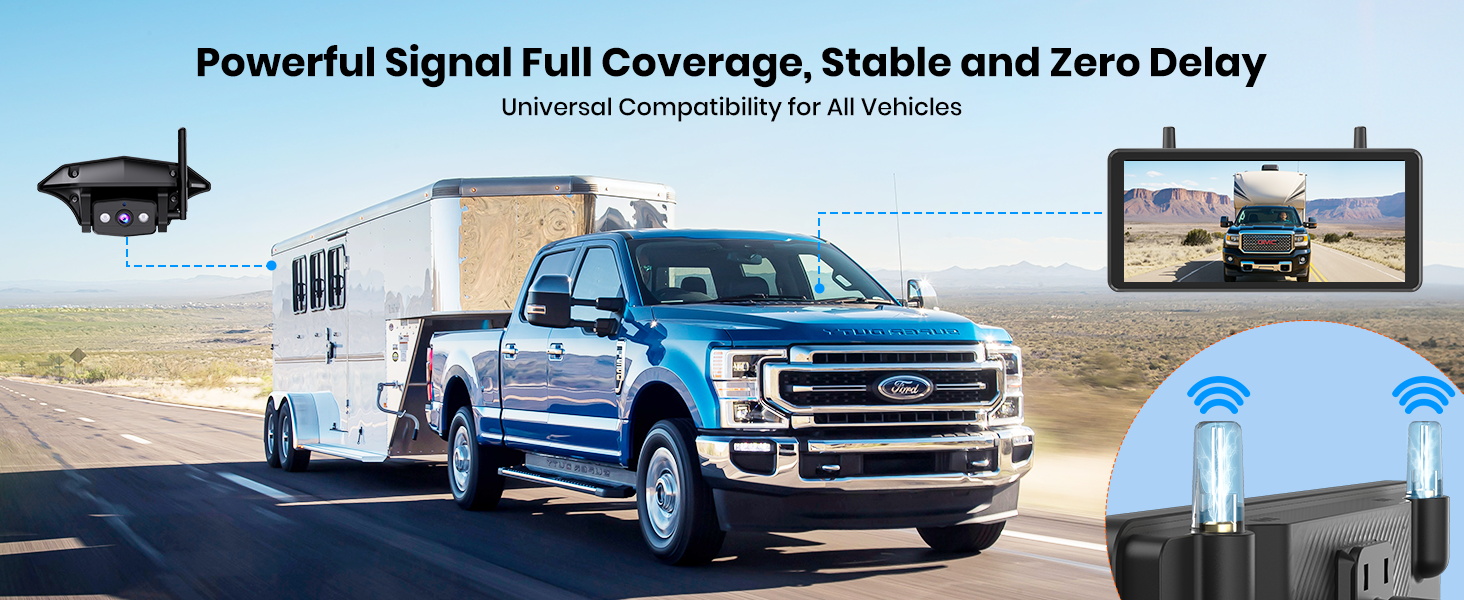
Image 5.11: Powerful signal coverage ensuring stable and delay-free operation.
6. Технічне обслуговування
- Прибирання: Регулярно очищуйте об'єктив камери та екран монітора м'якою губкоюamp тканина. Уникайте абразивних очищувачів.
- Перевірка кабелю: Periodically check all cables and connections for wear, damage, or loose contacts.
- Оновлення прошивки: Check the AUTO-VOX webсайт або зверніться до служби підтримки, щоб дізнатися про доступні оновлення прошивки, щоб забезпечити оптимальну продуктивність і доступ до нових функцій.
- Управління SD-карткою: Format the SD card periodically to maintain optimal recording performance. Back up important footagе перед форматуванням.
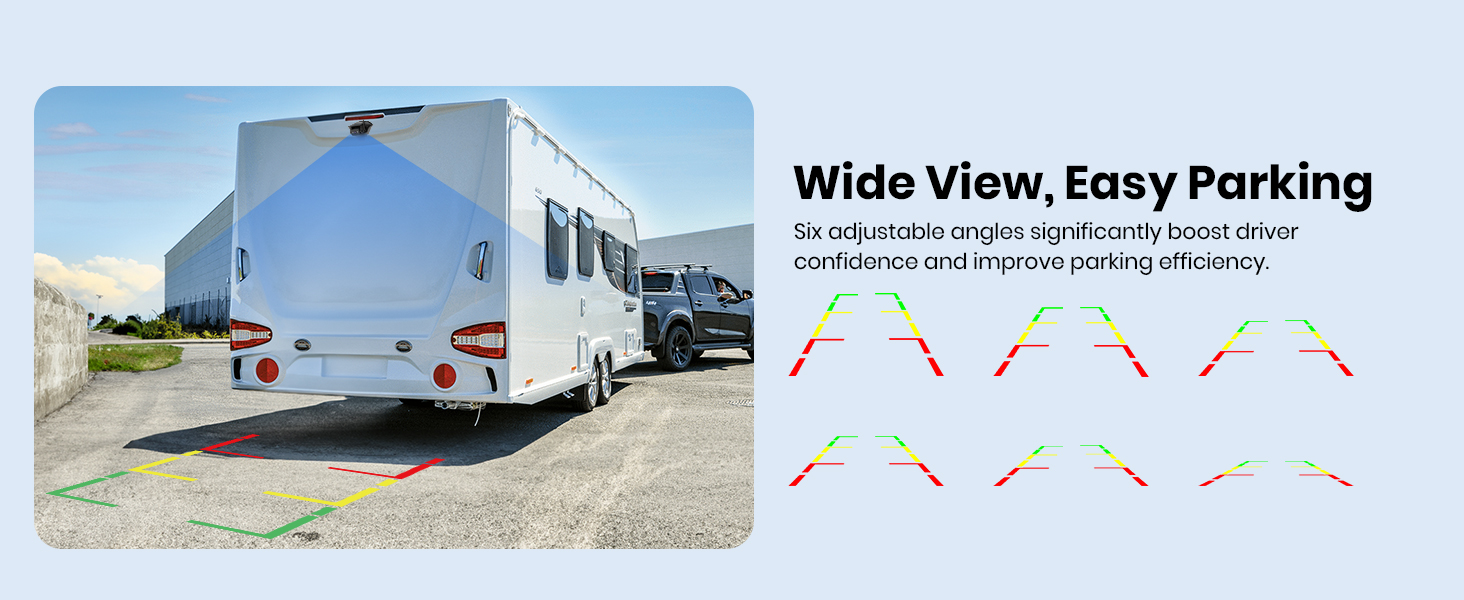
Image 6.1: The IP69 waterproof rating ensures durability against various weather conditions.
7. Вирішення проблем
- Немає зображення на моніторі:
- Переконайтеся, що і камера, і монітор отримують живлення.
- Перевірте всі кабельні з'єднання на предмет безпеки.
- Verify that the camera and monitor are paired correctly (refer to pairing instructions in the full manual if needed).
- Ensure antennas are securely attached to both units.
- Мерехтіння або нестабільне зображення:
- Check for potential sources of interference (e.g., other wireless devices, strong electrical fields).
- Ensure the camera and monitor are within the effective transmission range (up to 500ft).
- Reposition antennas for better signal reception.
- DVR не записує:
- Ensure the 32GB SD card is properly inserted.
- Check if the SD card is full; format it if necessary (after backing up data).
- Verify recording settings in the monitor's menu.
- Parking Lines Incorrect:
- Adjust the parking line settings in the monitor's menu.
8. Технічні характеристики
| Особливість | Специфікація |
|---|---|
| Розміри продукту | 20.08 x 16.34 x 12.24 дюймів |
| Вага товару | 1.83 фунта |
| Номер моделі | WF1 |
| Розмір дисплея | 7.2 дюймів |
| Роздільна здатність відео | HD 1080P |
| Нічне бачення | ІЧ-нічне бачення (до 30 метрів) |
| Дальність бездротового зв'язку | До 500 футів |
| Підтримувані канали | 3 (з можливістю розширення) |
| Запис на DVR | Yes (32GB SD Card Included) |
| Рейтинг водонепроникності | IP69 (камера) |
| Виробник | АВТО-ВОКС |
9. Гарантія та підтримка
AUTO-VOX products are designed for reliability and performance. For specific warranty details, please refer to the warranty card included in your package or visit the official AUTO-VOX website. If you encounter any issues or require technical assistance, please contact AUTO-VOX customer support. Contact information can typically be found on the product packaging or the official webсайт.
For firmware updates or additional accessories, please visit the AUTO-VOX official webсайту або зв’яжіться з їхньою командою підтримки.