
вступ
The Felix FL598 Smarta Digital Body Fat and Water Scale is designed to provide accurate measurements of your body weight, body fat percentagе, і відсоток води в організміtage. This manual will guide you through the proper use and care of your scale to ensure optimal performance and longevity. For best results, please read these instructions carefully before first use.

Зображення 1: Повний view of the Felix FL598 Smarta Digital Body Fat and Water Scale.
Вміст упаковки
Після розпакування переконайтеся, що всі перелічені нижче предмети присутні та знаходяться у належному стані:
- Felix FL598 Smarta Digital Body Fat and Water Scale
- Посібник користувача
- Гарантійний талон
Інформація про безпеку
To ensure safe and accurate use of your scale, please observe the following safety precautions:
- Always place the scale on a hard, flat, and stable surface. Avoid carpets or uneven floors, as this can significantly affect accuracy.
- Не використовуйте ваги на мокрих або слизьких поверхнях, щоб уникнути падінь.
- The scale is designed for personal use and should not be used for commercial purposes or medical diagnosis. Consult a healthcare professional for medical advice.
- Тримайте ваги подалі від води та екстремальних температур.
- Do not disassemble or attempt to repair the scale yourself. Contact authorized service personnel for assistance.
- Тримайте батареї в недоступному для дітей місці.
- Individuals with pacemakers or other internal medical devices should not use the body fat/water measurement function. Consult your doctor if you have concerns.
- Не стрибайте на ваги.
Налаштування
1. Встановлення батареї
- Відкрийте кришку відсіку для батарейок, розташовану на нижній стороні ваг.
- Insert the required batteries (e.g., 2 x AAA, not included) according to the polarity indicators (+/-).
- Надійно закрийте кришку батарейного відсіку.
2. Початкове калібрування
- After installing batteries, place the scale on a hard, flat surface.
- Briefly step on the scale, then step off. The display will show '0.0' or similar, indicating it is ready for use. This process calibrates the scale.
3. Вибір одиниці
Locate the unit switch (often on the underside of the scale or near the battery compartment). Toggle it to select your preferred unit of measurement between kilograms (kg) and pounds (lb).
4. Користувач Profile Setup (for Body Fat/Water Measurement)
To utilize the body fat and water measurement functions, you must set up a user profile. This typically involves entering your gender, height, and age. The scale can store multiple user profiles (e.g., P1-P10).
- Натисніть 'SET' button. The display will show a user number (e.g., P1).
- Використовуйте «ВГОРУ» і «ВНИЗ» arrow buttons to select your desired user number.
- Прес 'SET' again to confirm the user number.
- The display will prompt you to enter gender (e.g., Male/Female icon). Use arrow buttons to select and 'SET' для підтвердження.
- Repeat for height (cm/inch) and age (years). Confirm each setting with 'SET'.
- Як тільки всі професіоналиfile details are entered, the scale is ready for body composition measurement for that user.
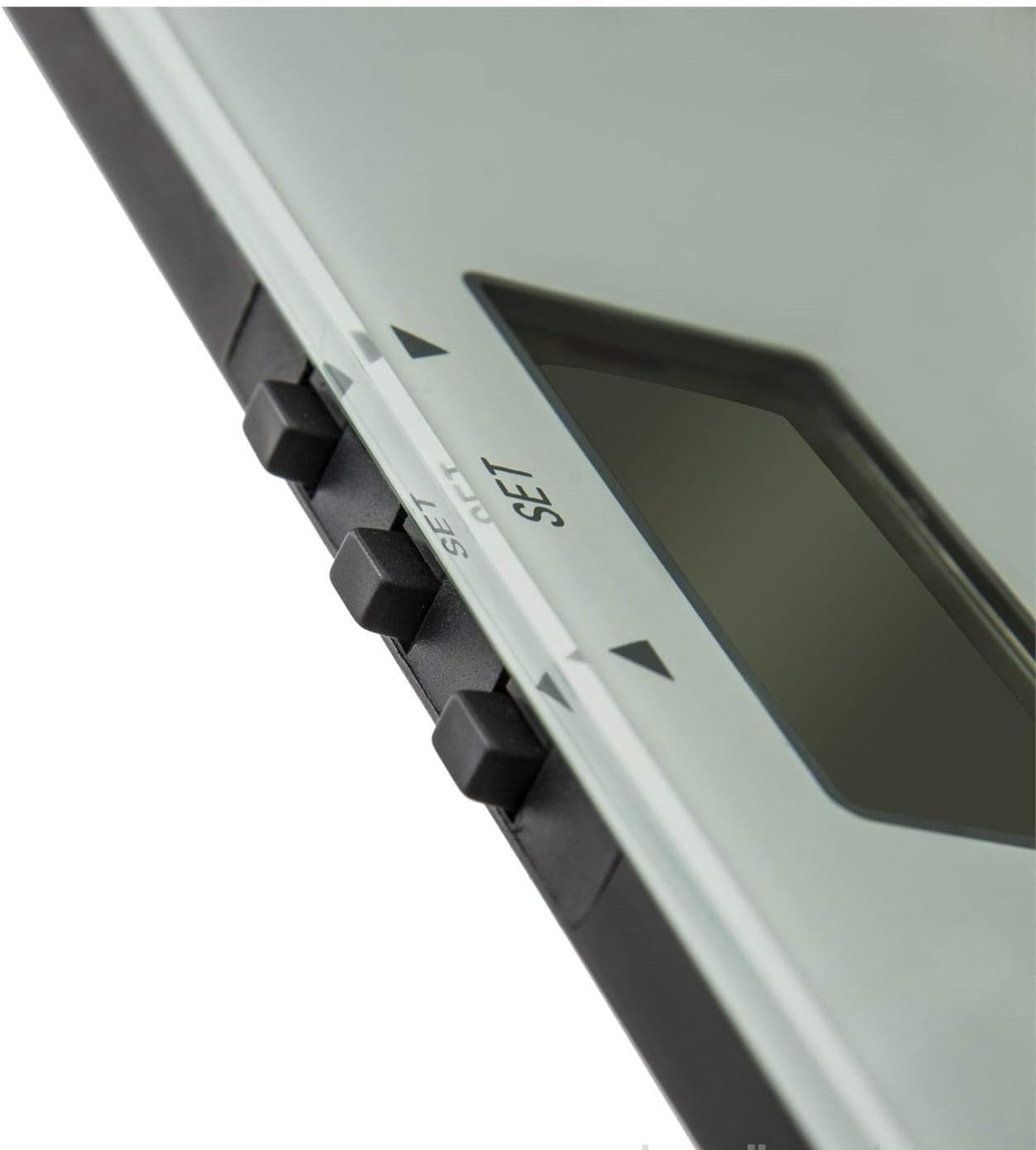
Зображення 2: Крупний план view of the scale's digital display and control buttons (SET, UP, DOWN).
Інструкція з експлуатації
1. Основні методи вимірювання ваги
- Покладіть ваги на тверду рівну поверхню.
- Gently step onto the scale with bare feet. Stand still and centered on the scale.
- Your weight will be displayed. Wait for the reading to stabilize.
- Step off the scale. The reading will hold briefly before the scale turns off automatically.
2. Body Composition Measurement (Body Fat & Water)
This function requires bare feet to make proper contact with the metal electrodes on the scale surface. Ensure your user profile is correctly set up before proceeding.
- Виберіть свого користувачаfile натиснувши 'SET' button and using the arrow keys to navigate to your profile number (e.g., P1).
- With bare feet, step onto the scale. Ensure your feet are positioned correctly on the metal electrodes.
- Ваги спочатку відображатимуть вашу вагу, а потім циклічно показуватимуть відсоток жиру у вашому тілі.tage and body water percentage. It may also display other metrics if available (e.g., muscle mass, bone mass).
- Wait for all measurements to be displayed. The scale will typically beep or flash when measurements are complete.
- Зійдіть з ваг. Дисплей автоматично вимкнеться через кілька секунд.

Image 3: The scale's display showing a weight reading and the Felix logo. Note the maximum capacity of 150kg.
Технічне обслуговування та догляд
прибирання
Wipe the scale surface with a soft, slightly damp тканиною. Не використовуйте абразивні засоби для чищення, хімічні розчинники та не занурюйте ваги у воду. Переконайтеся, що поверхня суха перед зберіганням або наступним використанням.
Зберігання
Store the scale in a cool, dry place, away from direct sunlight, extreme temperatures, and high humidity. Avoid placing heavy objects on the scale when not in use.
Заміна батареї
Коли на дисплеї з’явиться 'Lo' or becomes dim, it's time to replace the batteries. Follow the battery installation steps outlined in the 'Setup' section. Dispose of old batteries responsibly according to local regulations.
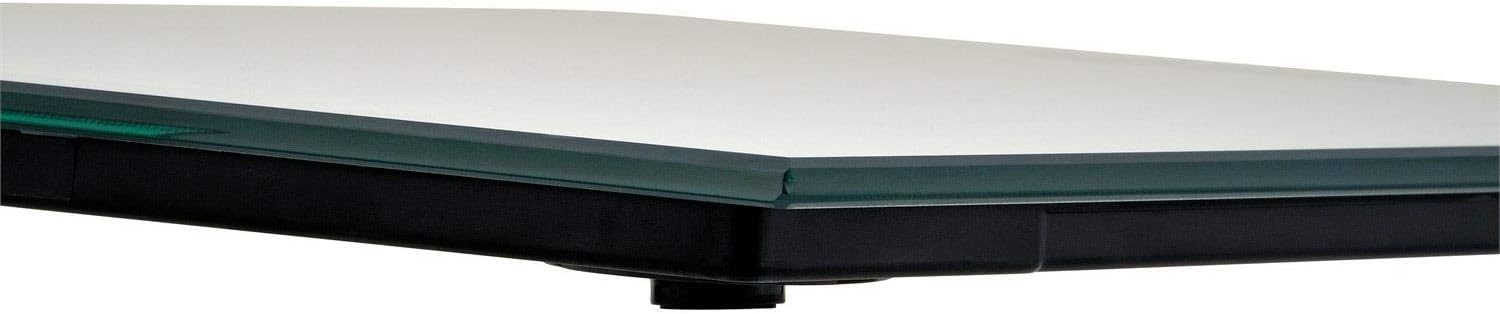
Зображення 4: Збоку view of the Felix FL598 Smarta Digital Scale, highlighting its slim design.
Усунення несправностей
If you encounter any issues with your scale, please refer to the following table for common problems and solutions:
| Випуск | Можлива причина / рішення |
|---|---|
| Дисплей показує 'Lo' | Low battery. Replace the batteries as described in the 'Battery Installation' section. |
| Дисплей показує 'Err' | Overload or measurement error. Step off the scale and try again. Ensure your weight does not exceed the maximum capacity of 150 kg (330 lb). |
| Неточні показання ваги | Ensure the scale is on a hard, flat, and stable surface. Recalibrate by briefly stepping on and off the scale. Avoid moving the scale between measurements. |
| Body fat/water measurement not working | Ensure bare feet are making good, direct contact with the metal electrodes. Check that your user profile settings (gender, height, age) are correct. Ensure your feet are clean and dry. This function is not suitable for individuals with pacemakers or other internal medical devices. |
| Масштаб не включається | Check if batteries are inserted correctly with correct polarity. Replace batteries if they are old or depleted. |
Технічні характеристики
- Назва продукту: Felix Smarta Digital Body Fat and Water Scale
- Номер моделі: FL598
- Бренд: Фелікс
- Виробник: Арзум
- Максимальна місткість: 150 кг (330 фунта)
- Крок вимірювання: 100 г (0.2 фунта)
- Одиниці вимірювання: Кілограми (кг), фунти (lb)
- вага: 1.74 кг
- Розміри упаковки: 35 х 33 х 25 см
- Перша доступна дата: 11 січня 2018 р
- Країна походження: Китай
Гарантія та підтримка
Your Felix FL598 Smarta Digital Body Fat and Water Scale comes with a warranty certificate. Please refer to the certificate for detailed information regarding warranty coverage, terms, and conditions.
For technical support, service, or any product-related inquiries, please contact your retailer or the manufacturer, Arzum, through their official customer service channels. Please have your model number (FL598) and purchase information ready when contacting support.