
SYLVANIA sdpf757
Sylvania SDPF757 7" Digital Photo Frame User Manual
Model: SDPF757
вступ
This manual provides comprehensive instructions for the setup, operation, and maintenance of your Sylvania SDPF757 7" Digital Photo Frame. Please read this manual thoroughly before using the device to ensure proper functionality and longevity.
The Sylvania 7" Digital Photo Frame allows you to display your cherished photos. Please note that a remote control is not included with this model.
Налаштування
Розпакування
Обережно вийміть усі компоненти з упаковки. Переконайтеся, що всі перелічені нижче елементи присутні:
- Sylvania SDPF757 Digital Photo Frame
- Адаптер змінного струму
- Посібник користувача (цей документ)
Підключення живлення
- Locate the DC IN port on the back of the digital photo frame.
- Connect the AC power adapter to the DC IN port.
- Plug the other end of the AC power adapter into a standard electrical outlet. The frame should power on automatically or display a power indicator light.
Вставлення карти пам'яті
The Sylvania SDPF757 supports various memory card types for displaying photos.
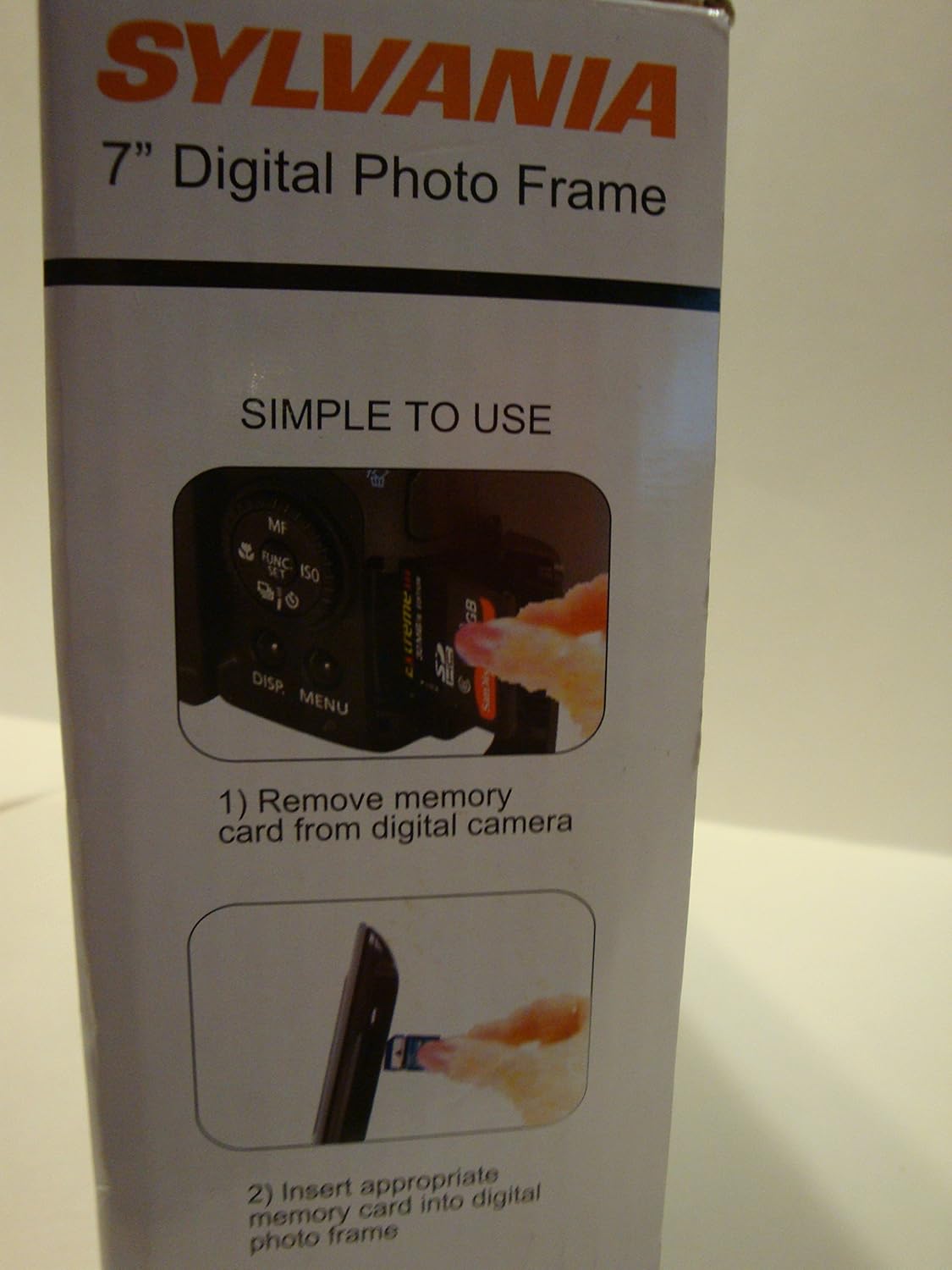
Image: Step 1 - Removing a memory card from a digital camera. This image shows a hand removing a small memory card from a camera, indicating the first step in preparing photos for the frame.
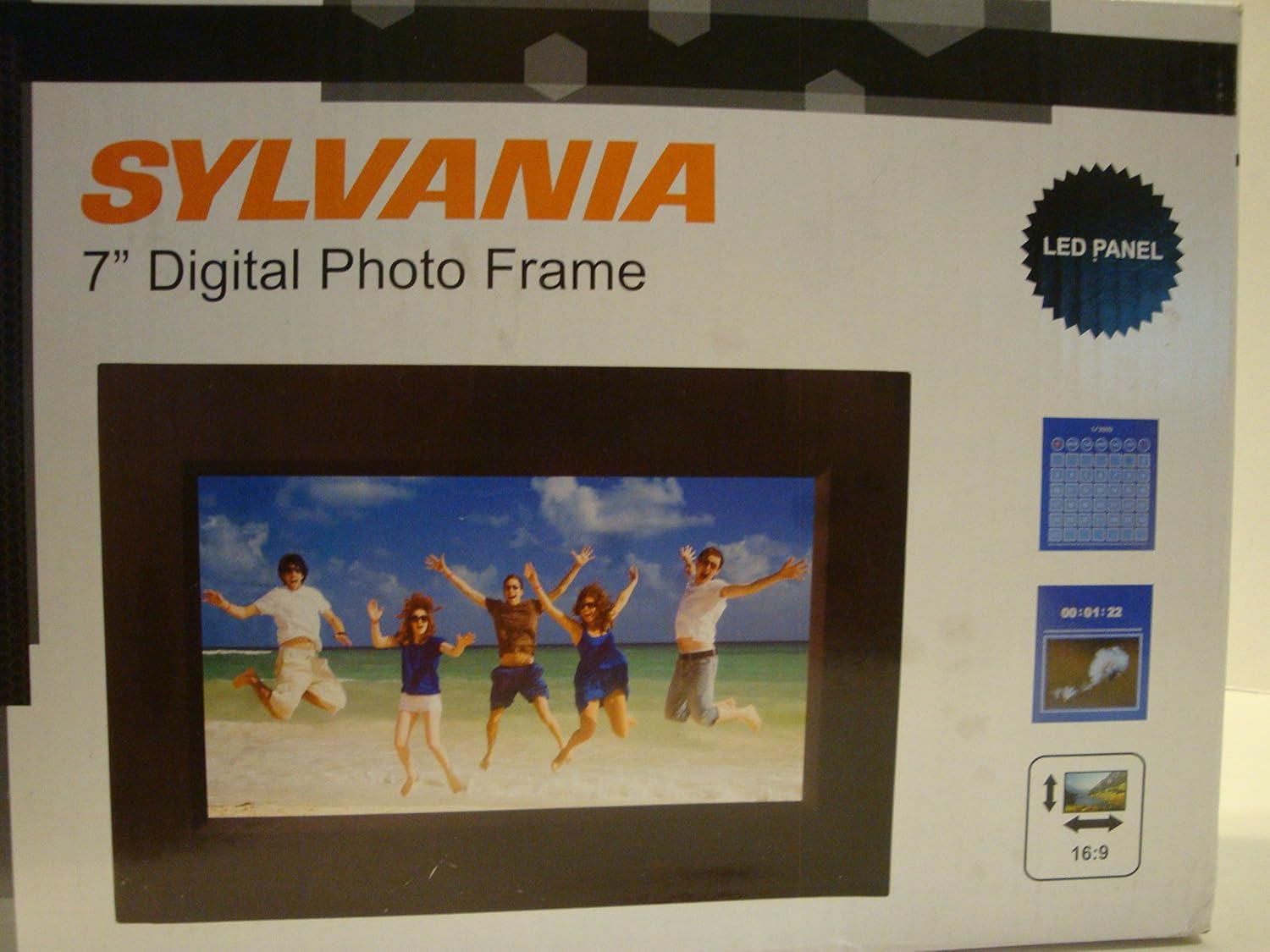
Image: Step 2 - Inserting a memory card into the digital photo frame. This image illustrates a hand carefully inserting a memory card into the designated slot on the side of the digital photo frame.
- Ensure the digital photo frame is powered off or in standby mode before inserting or removing a memory card.
- Locate the memory card slot(s) on the side or back of the frame.
- Insert the memory card (e.g., SD, SDHC, MMC) into the appropriate slot with the metal contacts facing the correct direction, usually downwards or towards the back of the frame. Push gently until it clicks into place.
- To remove, gently push the card inward until it springs out slightly, then pull it out.
Інструкція з експлуатації
Основна навігація
The digital photo frame is operated using the buttons located on the back or side of the unit. Common buttons include:
- МЕНЮ: Доступ до головного меню для налаштувань та опцій.
- UP/DOWN/LEFT/RIGHT (Navigation Arrows): Used to navigate through menu options and select items.
- ВВЕДІТЬ/ОК: Підтверджує вибір або входить до підменю.
- ВИХІД/НАЗАД: Повернення до попереднього екрана або вихід з меню.
- ПОТУЖНІСТЬ: Вмикає або вимикає рамку.
Viewскачування фотографій
Once a memory card with photos is inserted, the frame should automatically begin a slideshow. If not, navigate to the "Photo" or "Slideshow" option in the main menu and select it.
Зображення: спереду view of the Sylvania SDPF757 Digital Photo Frame. This image shows the digital photo frame displaying a picture of people on a beach, illustrating its primary function.
Налаштування слайд-шоу
From the main menu, you can typically adjust slideshow settings such as:
- Режим відображення: Full screen, original ratio, etc.
- Ефекти переходу: Fade, wipe, dissolve, etc.
- Час інтервалу: How long each photo is displayed.
- Режим повторення: Play all photos once or continuously.
Menu Options (General)
The main menu typically includes options for:
- Фото: до view photos or start a slideshow.
- Calendar/Clock: To display the date and time.
- Налаштування: To adjust system settings like language, brightness, contrast, auto power on/off, and reset to factory defaults.
Технічне обслуговування
Очищення рами
- Always unplug the digital photo frame before cleaning.
- Використовуйте м’яку, суху тканину без ворсу, щоб обережно протерти екран і рамку.
- For stubborn smudges on the screen, slightly dampen the cloth with water or a screen-cleaning solution specifically designed for electronics. Do not spray liquid directly onto the screen or frame.
- Avoid using abrasive cleaners, waxes, or solvents as they can damage the surface.
Зберігання
If storing the frame for an extended period, unplug it and store it in a cool, dry place away from direct sunlight and extreme temperatures.
Усунення несправностей
| проблема | Можлива причина | Рішення |
|---|---|---|
| Рамка не вмикається. | Power adapter not connected properly or faulty outlet. | Ensure the power adapter is securely plugged into the frame and a working electrical outlet. Try a different outlet. |
| No photos displayed. | Memory card not inserted correctly, no photos on card, or unsupported file формат. | Reinsert the memory card. Ensure photos are in a compatible format (e.g., JPEG). Check if photos are present on the card using a computer. |
| Images appear distorted or with lines. | Corrupted image file or potential hardware issue. | Try different image files. If the problem persists across all images, contact customer support. |
| Кнопки не реагують. | Тимчасовий збій програмного забезпечення. | Unplug the power adapter, wait 10 seconds, then plug it back in to reset the device. |
Технічні характеристики
| Особливість | Деталь |
|---|---|
| Номер моделі | SDPF757 |
| Бренд | SYLVANIA |
| Розмір екрана | 7 дюймів |
| роздільна здатність | WQVGA |
| Розміри продукту | 10 x 2 x 8 дюймів |
| Вага товару | 1.1 фунта |
| Технологія підключення | USB |
| Сумісні пристрої | Персональний комп'ютер |
| Виробник | Сільванія |
| Дата першої доступності | 19 квітня 2012 р |
Інформація про гарантію
Specific warranty details for the Sylvania SDPF757 Digital Photo Frame are not provided in this manual. Please refer to the product packaging or the manufacturer's official webсайт для найновішої інформації про гарантії.
Підтримка клієнтів
For technical assistance or further inquiries regarding your Sylvania SDPF757 Digital Photo Frame, please visit the official SYLVANIA webсайт або зверніться до їхнього відділу обслуговування клієнтів. Контактна інформація зазвичай доступна на сайті виробника webсайт або упаковка продукту.
Note: This product is refurbished and certified to look and work like new. The refurbishing process includes functionality testing, basic cleaning, inspection, and repackaging. The product ships with all relevant accessories, and may arrive in a generic box.
Ask a question about this manual
Ask about setup, troubleshooting, compatibility, parts, safety, or missing instructions. Manuals+ will review the question and use this page’s manual context to help answer it.