
1. Giriş
This manual provides essential information for setting up, operating, and maintaining your realme GT 7T Smartphone. Please read this guide thoroughly to ensure proper use and to maximize the device's capabilities. The realme GT 7T is designed to offer a high-performance mobile experience with advanced features.
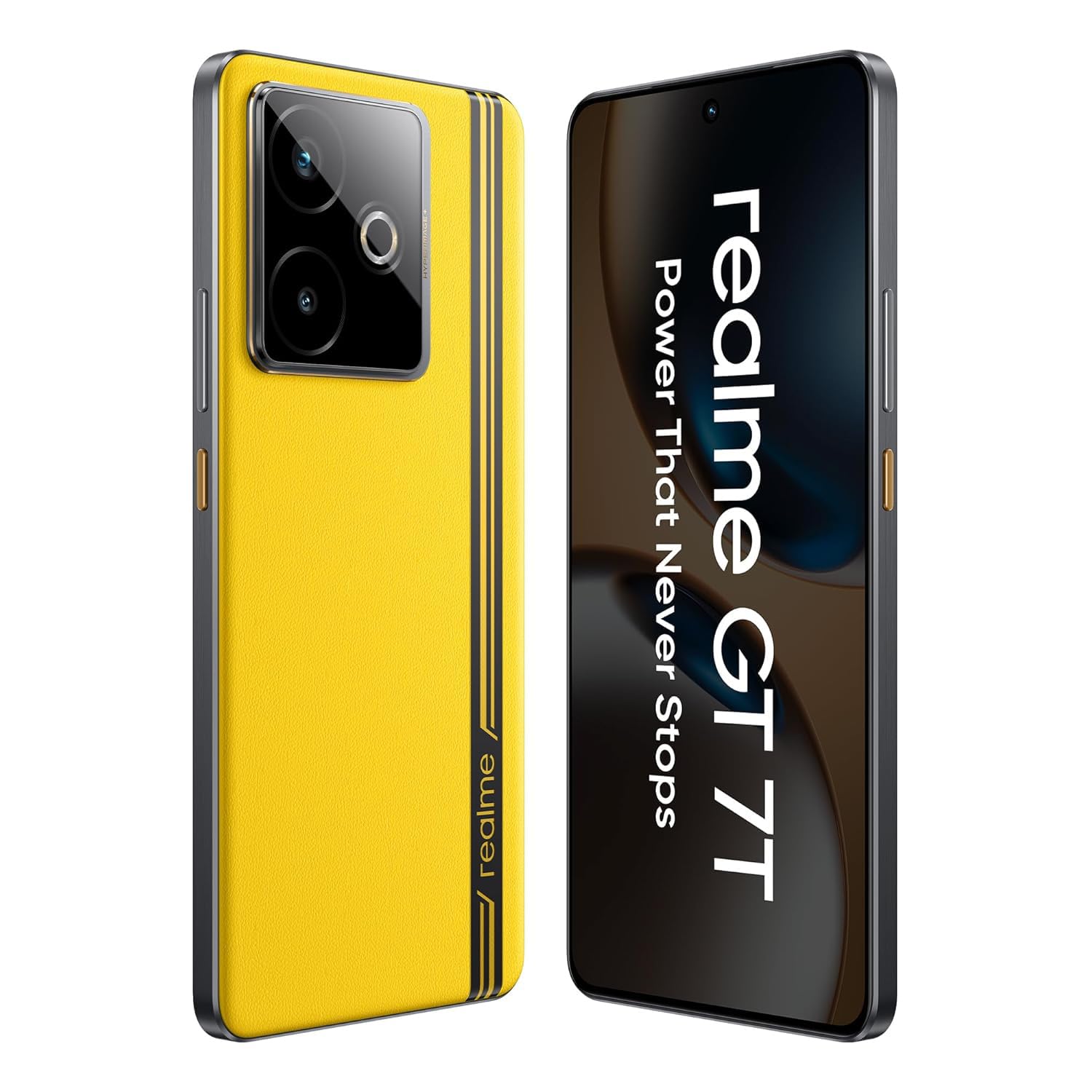
Resim: Ön view of the realme GT 7T Smartphone, showcasing ekranı.
2. Kutuda Neler Var?
Tüm öğelerin ambalajda mevcut olduğunu doğrulayın:
- realme GT 7T Akıllı Telefon
- USB veri kablosu
- Charger (120W UltraDART/SuperVOOC compatible)
- Hızlı Başlangıç Kılavuzu
3. Kurulum
3.1. SIM Kartın Takılması
- Cihazın yan tarafında bulunan SIM kart tepsisini bulun.
- Tepsiyi açmak için verilen SIM çıkarma aracını kullanın.
- Place your Nano-SIM card(s) into the tray with the gold contacts facing down. The realme GT 7T supports Dual 5G SIM.
- Tepsiyi dikkatlice telefona yeniden takın.
3.2. İlk Güç Açma ve Kurulum
- Realme logosu görünene kadar Güç düğmesini basılı tutun.
- Dilinizi, bölgenizi seçmek ve bir Wi-Fi ağına bağlanmak için ekrandaki talimatları izleyin.
- Google hesabınızla giriş yapın veya yeni bir hesap oluşturun.
- Complete the setup process, including setting up security features like fingerprint or face unlock.
4. Kullanım Talimatları
4.1. Ekran Özellikleri
The realme GT 7T features a 6.8-inch 1.5K display with a 120Hz refresh rate for smooth visuals. It supports 2160Hz high-frequency PWM dimming to reduce eye strain during extended use.
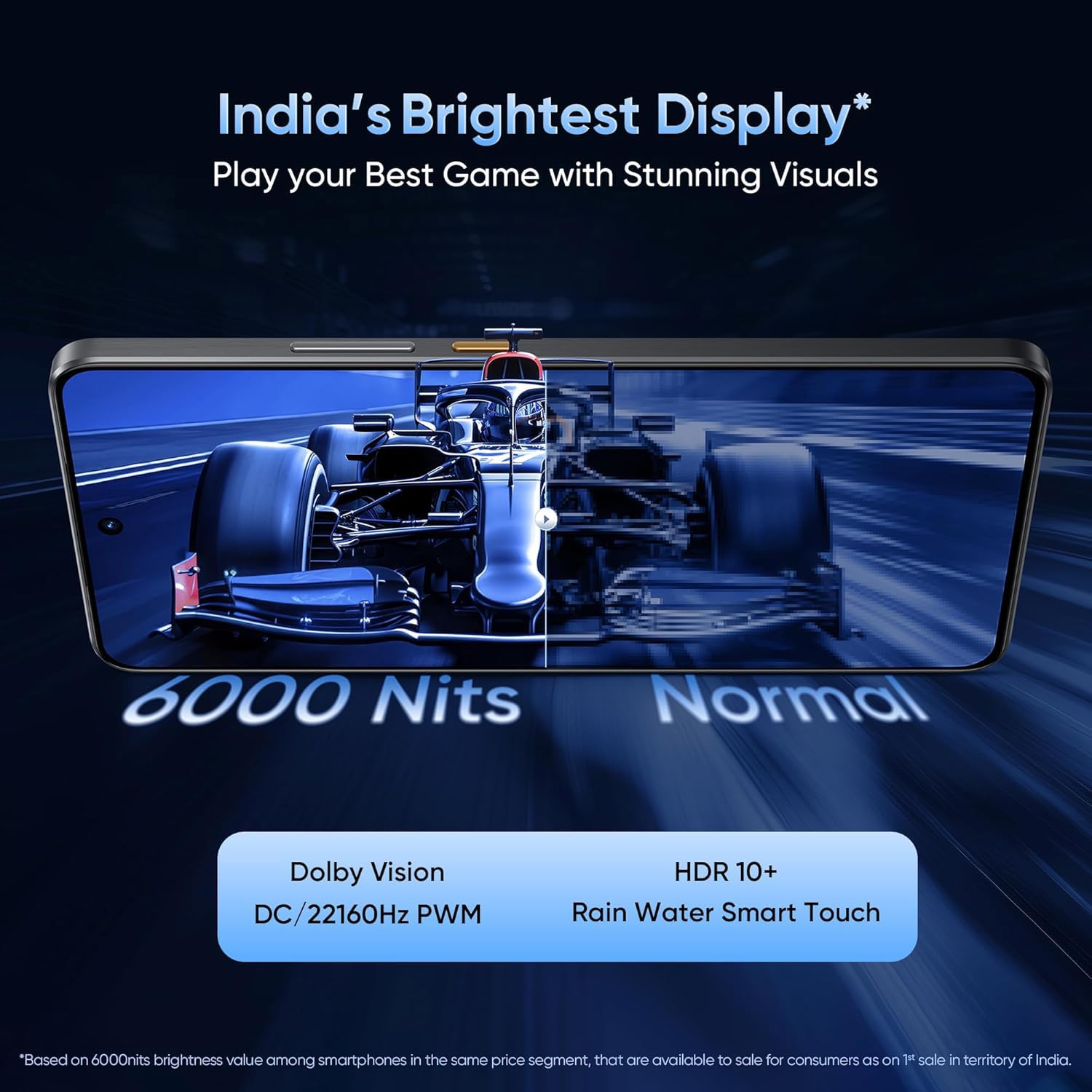
Image: Comparison showing the brightness and clarity of the realme GT 7T display.
4.2. Performans
Powered by the MediaTek Dimensity 8400-MAX 4nm chipset, the device offers robust performance for multitasking and demanding applications. The IceSense graphene cooling system ensures efficient heat dissipation, maintaining optimal performance during intensive tasks.

Image: Visual representation of the MediaTek Dimensity 8400-MAX chipset.
4.3. Kamera Sistemi
The realme GT 7T features an AI Camera system with a 50MP OIS main camera. It includes AI-enhanced features such as AI Landscape Mode for improved outdoor shots, AI Swift Capture for freezing fast-moving subjects, and AI Reflection Elimination to reduce glare from reflective surfaces.
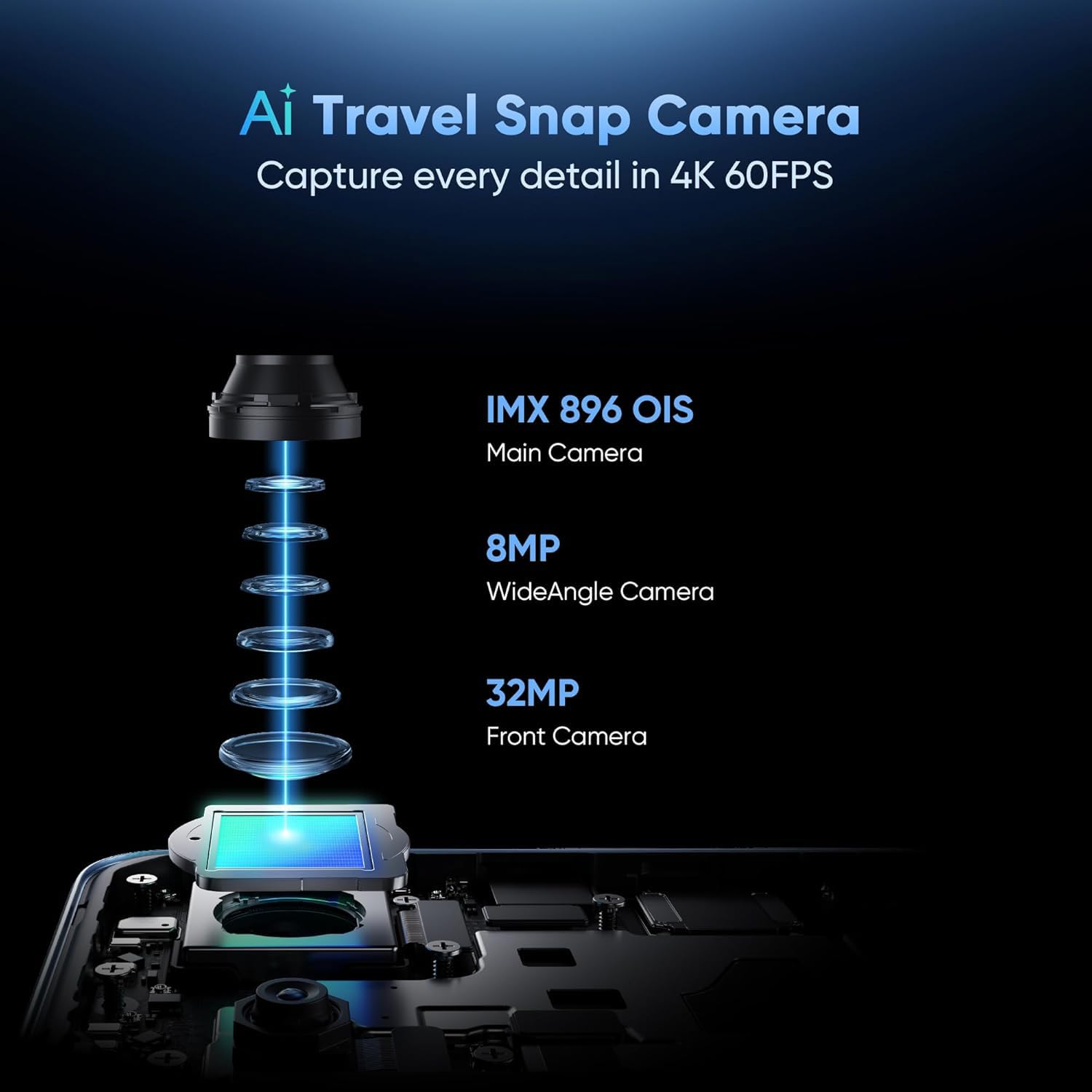
Image: Diagram illustrating the components of the realme GT 7T's AI Camera system, including the 50MP OIS main camera, 8MP wide-angle camera, and 32MP front camera.
4.4. Pil ve Şarj
The device is equipped with a 7000mAh battery. It supports 120W UltraDART/SuperVOOC fast charging, allowing for rapid recharging.
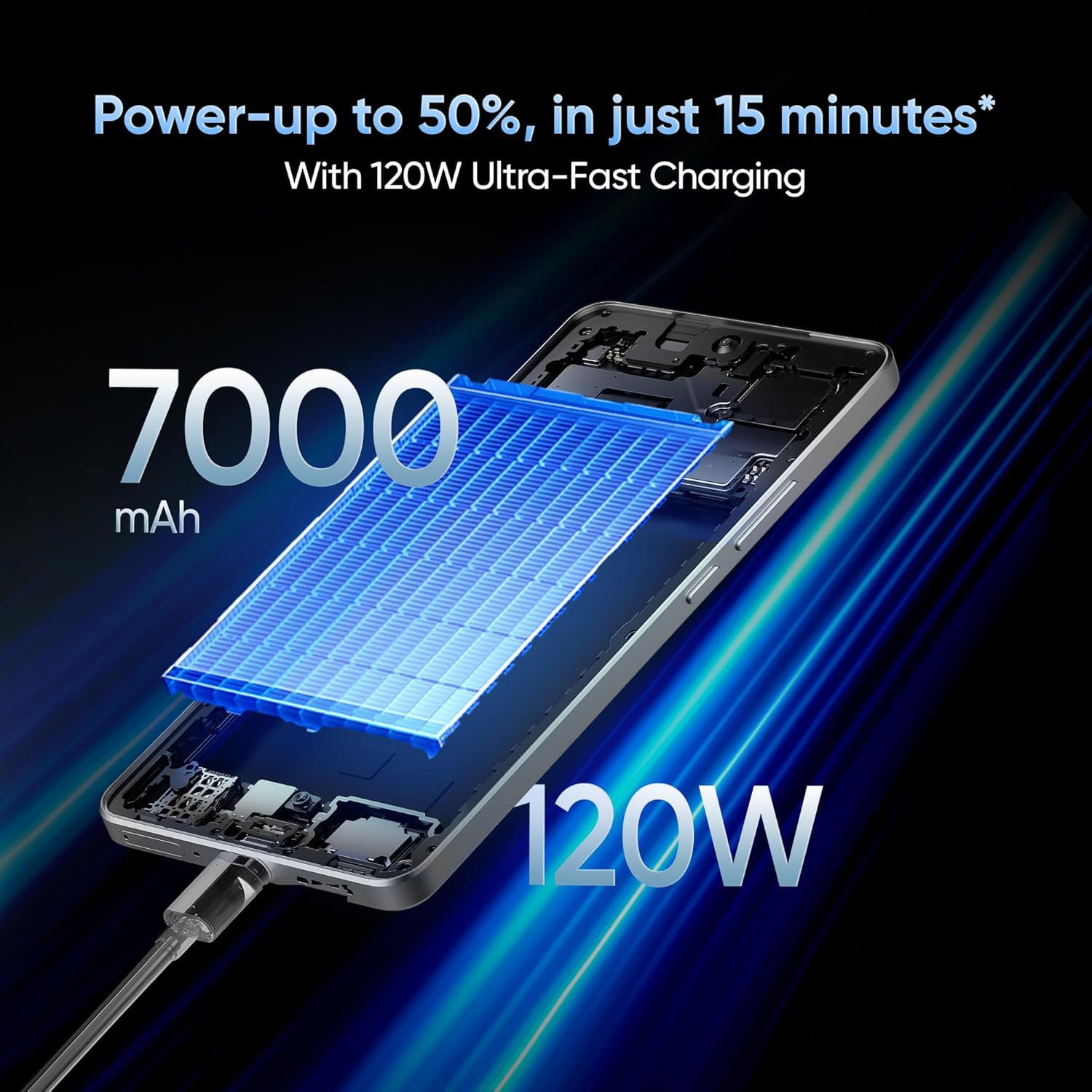
Image: Illustration depicting the 120W fast charging capability of the realme GT 7T Smartphone.
4.5. Bağlantı
The realme GT 7T supports various connectivity options including Bluetooth, NFC, USB, and Wi-Fi. It also features Dual 5G SIM capability for enhanced network access.
5. Bakım
5.1. Cihazın Temizlenmesi
- Ekranı ve gövdeyi temizlemek için yumuşak, tiftiksiz bir bez kullanın.
- Sert kimyasallar veya aşındırıcı malzemeler kullanmaktan kaçının.
- Limanların toz ve kirden arındırılmış olduğundan emin olun.
5.2. Yazılım Güncellemeleri
En iyi performansı, güvenliği ve yeni özelliklere erişimi sağlamak için yazılım güncellemelerini düzenli olarak kontrol edin ve yükleyin. Ayarlar > Telefon hakkında > Yazılım güncellemesi Mevcut güncellemeleri kontrol etmek için.
6. Sorun Giderme
6.1. Cihaz Açılmıyor
- Pilin şarjlı olduğundan emin olun. Cihazı en az 10 dakika şarj cihazına takın.
- Zorunlu yeniden başlatma işlemi için Güç düğmesini 10-15 saniye basılı tutun.
6.2. Şarj Sorunları
- Verify that the charger and USB cable are securely connected and undamaged.
- Use the original realme charger and cable for optimal charging performance.
- Farklı bir elektrik prizinden şarj etmeyi deneyin.
6.3. Ağ Bağlantı Sorunları
- SIM kartın doğru takılı olup olmadığını kontrol edin.
- Mobil verinin etkinleştirildiğinden emin olun Ayarlar > Mobil ağ.
- Cihazı yeniden başlatın.
- Ağ ayarlarını sıfırla: Ayarlar > Sistem > Sıfırlama seçenekleri > Wi-Fi, mobil ve Bluetooth'u sıfırla.
7. Özellikler
| Özellik | Şartname |
|---|---|
| Model Numarası | Realme GT 7T |
| İşletim Sistemi | Android 15 |
| Veri deposu | 8 GB |
| İşlemci | MediaTek Dimensity 8400-MAX |
| Görüntülemek | 6.8-inch, 1.5K, 120Hz Refresh Rate |
| Çözünürlük | 1440x720 |
| Ana Kamera | 50MP OIS Yapay Zeka Kamerası |
| Pil Kapasitesi | 7000mAh |
| Şarj etme | 120W UltraDART/SuperVOOC Fast Charge |
| Bağlantı | Bluetooth, NFC, USB, Wi-Fi, Dual 5G SIM |
| Ürün Boyutları | 16.24x7.6x0.82 cm |
| Ürün Ağırlığı | 202 gr |
| Renk | Sarı |
8. Garanti ve Destek
Your realme GT 7T Smartphone is covered by a manufacturer's warranty. For detailed warranty terms and conditions, please refer to the warranty card included in your product packaging or visit the official realme webalan.
For technical support, service, or inquiries, please contact realme customer service. The manufacturer of this device is realme, and the importer in India is Oppo Mobiles India Private Limited.
Üretici: realme
İthalatçı (Hindistan): Oppo Mobiles India Private Limited, 5. Kat, B Kulesi, 8 No'lu Bina, DLF Cyber City, Gurugram, Haryana-122002, Hindistan