
1. Giriş
Thank you for choosing the Gtheos Captain 370 Wireless Gaming Headset. This manual provides essential information for setting up, operating, and maintaining your new headset. Designed for an immersive audio experience, the Captain 370 offers versatile connectivity and comfortable wear for extended gaming sessions and communication.
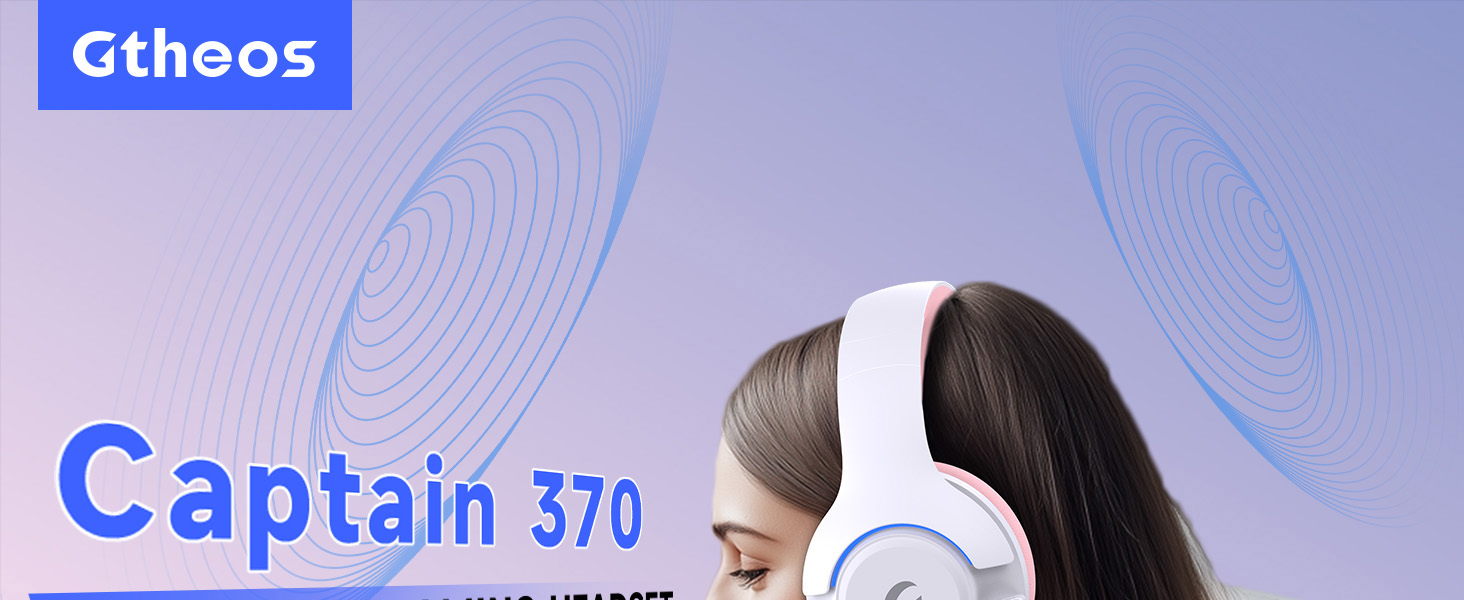
Image 1: The Gtheos Captain 370 Wireless Gaming Headset, showcasinŞık tasarımı ve rahat kulaklık yastıklarıyla öne çıkıyor.
Temel Özellikler:
- 4'u 1 Arada Bağlantı: Seamlessly switch between 2.4GHz wireless, Bluetooth 5.3, and 3.5mm wired modes for broad device compatibility.
- 50mm Dinamik Sürücüler: Experience realistic and immersive sound quality for gaming and multimedia.
- Gürültü Önleyici Mikrofon: Detachable microphone designed to reduce background noise for clear communication.
- Uzun Pil Ömrü: Tek şarjla 45 saate kadar sürekli kullanımın keyfini çıkarın.
- Rahat Tasarım: Ergonomically designed earcups and headband for prolonged comfort during use.
- RGB Aydınlatma: Customizable LED lighting effects on the earcups.
2. Kurulum
2.1 Kutuda Neler Var?
- 1 x Gtheos Captain 370 Gaming Headset
- 1 x Detachable Noise Cancelling Microphone
- 1 x Type-C Şarj Kablosu
- 1 x USB Transmitter (2.4GHz dongle)
- 1 x 3.5 mm Ses Kablosu
- 1 x Kullanım Kılavuzu
2.2 Kulaklığın Şarj Edilmesi
Before first use, fully charge the headset. Connect the Type-C charging cable to the headset's charging port and the other end to a USB power source (e.g., computer USB port, USB wall adapter). The LED indicator will show charging status and turn off when fully charged.

Image 2: Headset highlighting the 45-hour battery life and charging port.
2.3 Mikrofonun Takılması
The Captain 370 comes with a detachable noise-canceling microphone. Insert the microphone into the dedicated port on the left earcup until it clicks into place. Ensure it is securely connected for optimal voice pickup.

Image 3: Close-up of the headset showing the detachable noise-canceling microphone.
3. Kullanım Talimatları
3.1 Güç Açma/Kapatma
To power on the headset, press and hold the Power button located on the earcup until the LED indicator lights up. To power off, press and hold the Power button again until the LED indicator turns off.
3.2 Bağlantı Modları
The Gtheos Captain 370 supports four connectivity modes:
- 2.4GHz Kablosuz Modu: For PS4, PS5, PC, Mac, Nintendo Switch (via Type-C), and Phones/Pads (via Type-C). Insert the USB transmitter into your device. The headset will automatically connect.
- Bluetooth 5.3 Modu: For Phones, Pads, and Notebooks. Enable Bluetooth on your device, put the headset into pairing mode (refer to device-specific instructions if needed), and select "Gtheos Captain 370" from the available devices.
- 3.5 mm Kablolu Mod: For PS4, PS5, Xbox, PC, Mac, and Laptops/Tablets with a 3.5mm jack. Connect the included 3.5mm audio cable to the headset and your device.
Image 4: Visual representation of the four connectivity modes and compatible devices.

Image 5: Detailed compatibility matrix for voice and microphone functions across 2.4G, Bluetooth, and 3.5mm wired modes.
3.3 Ses Kontrolü
Adjust the volume using the dedicated volume roller or buttons on the headset's earcup. For optimal sound, also check the volume settings on your connected device.
3.4 Mikrofon Sessize Alma
Press the Microphone Mute button on the headset to toggle the microphone on or off. An indicator light (often red) will typically show when the microphone is muted.
3.5 LED Aydınlatma Kontrolü
The headset features customizable RGB lighting. Press the dedicated LED control button (often integrated with the mic mute button or a separate button) to cycle through different lighting effects or turn them off. A quick press may change colors, while a long press might toggle the lights on/off.
4. Bakım
To ensure the longevity and performance of your Gtheos Captain 370 headset, follow these maintenance guidelines:
- Temizlik: Use a soft, dry cloth to clean the headset. Avoid using harsh chemicals or abrasive materials. For earcups, gently wipe with a damp bezle örtün ve tamamen havayla kurumasını bekleyin.
- Depolamak: Kulaklığınızı serin, kuru ve doğrudan güneş ışığından ve aşırı sıcaklıklardan uzak bir yerde saklayın.
- İşleme: Avoid dropping the headset or exposing it to excessive force. Do not pull on cables forcefully.
- Pil Bakım: En iyi pil ömrü için, kulaklığın pilini sık sık tamamen boşaltmaktan kaçının. Sürekli kullanılmasa bile düzenli olarak şarj edin.
5. Sorun Giderme
5.1 Ses Yok veya Düşük Ses
- Kulaklığın açık ve tam şarjlı olduğundan emin olun.
- Hem kulaklığınızdaki hem de bağlı cihazınızdaki ses seviyelerini kontrol edin.
- Cihazınızın ses ayarlarında doğru ses çıkış aygıtının seçili olduğundan emin olun.
- If using 2.4GHz wireless, ensure the USB transmitter is securely plugged in and recognized by your device.
- Bluetooth kullanıyorsanız, kulaklığın doğru şekilde eşleştirildiğinden ve bağlandığından emin olun.
- If using 3.5mm wired, ensure the cable is fully inserted into both the headset and the device.
5.2 Mikrofon Çalışmıyor
- Mikrofonun kulaklığa güvenli bir şekilde takıldığından emin olun.
- Kulaklığın sessize alma düğmesini kullanarak mikrofonun sessize alınmış olup olmadığını kontrol edin.
- Cihazınızın ses ayarlarında doğru mikrofon giriş aygıtının seçili olduğundan emin olun.
- Mikrofonu farklı uygulamalarda veya başka bir cihazla test edin.
5.3 Bağlantı Sorunları
- 2.4GHz: Try unplugging and re-plugging the USB transmitter. Ensure no other 2.4GHz devices are causing interference.
- Bluetooth: Unpair and re-pair the headset with your device. Ensure the headset is within the Bluetooth range (10 meters).
- Genel: Hem kulaklığınızı hem de bağlı cihazınızı yeniden başlatın.
6. Özellikler
| Özellik | Detay |
|---|---|
| Model Adı | Kaptan 370 |
| Marka | Gtheo'lar |
| Bağlantı Teknolojisi | 2.4GHz Kablosuz, Bluetooth 5.3, 3.5mm Kablolu |
| Ses Sürücüsü Boyutu | 50 Milimetre |
| Ses Sürücüsü Türü | Dinamik Sürücü |
| Frekans Tepkisi | 20 KHz |
| Empedans | 32 Ohm |
| Gürültü Kontrolü | Ses Yalıtımı, Gürültü Engelleme (Mikrofon) |
| Pil Ömrü | 45 Saate Kadar |
| Bluetooth Sürümü | 5.3 |
| Bluetooth Menzili | 10 Metre |
| Ses Gecikmesi | 20 Milisaniye |
| Uyumlu Cihazlar | PS5, PS4, PC, Mac, Laptop, Tablets, Phones, Nintendo Switch, Xbox (wired) |
| Malzeme | ABS, Leather, PC |
| Ürün Ağırlığı | 0.51 Kilogram (1.12 pound) |
| Renk | Koyu Pembe |
7. Garanti ve Destek
7.1 Garanti Bilgileri
The Gtheos Captain 370 Wireless Gaming Headset comes with a standard manufacturer's warranty. Please refer to the warranty card included in your product packaging for specific terms and conditions, including warranty period and coverage details.
7.2 Müşteri Desteği
For technical assistance, troubleshooting, or any questions regarding your Gtheos Captain 370 headset, please contact Gtheos customer support. You can find contact information on the official Gtheos webÜrünü satın aldığınız site veya perakendeci aracılığıyla.
Ziyaret edin Gtheos Store on Amazon Daha fazla bilgi ve ürün güncellemeleri için.