
ULTIMEA U3721
ULTIMEA Poseidon M60 5.1ch Soundbar User Manual
Model: U3721
giriiş
This manual provides comprehensive instructions for the setup, operation, and maintenance of your ULTIMEA Poseidon M60 5.1ch Soundbar. Please read this manual thoroughly before using the product to ensure proper functionality and safety.
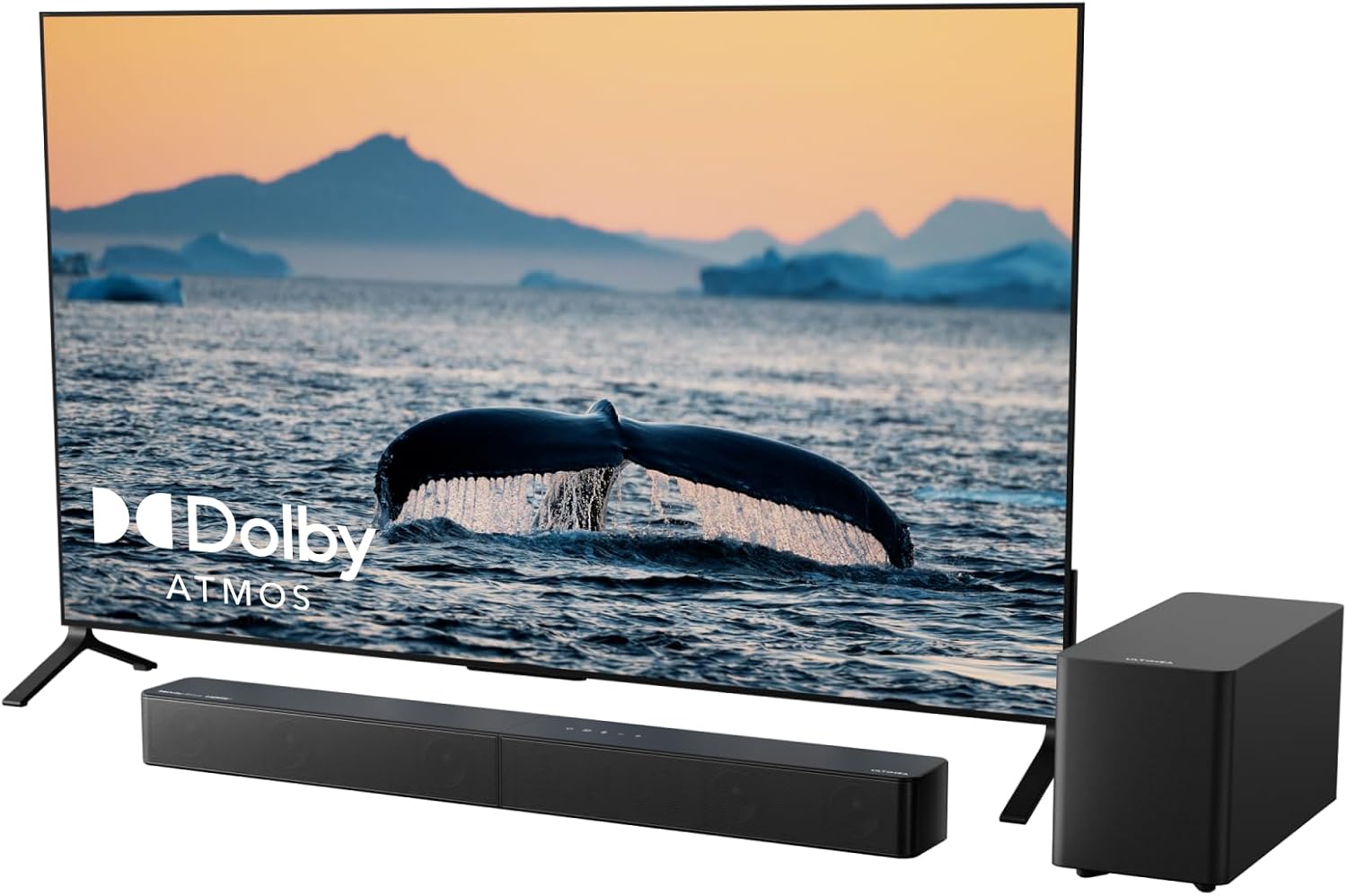
Image: The ULTIMEA Poseidon M60 soundbar and wired subwoofer positioned in front of a television, illustrating a typical home theater setup.
Paket İçeriği
Kurulum işlemine geçmeden önce, lütfen aşağıda listelenen tüm öğelerin paketinizde bulunduğundan emin olun:
- 1x Soundbar
- 1x Kablolu Subwoofer
- 1x Güç Adaptörü
- 1x HDMI Kablosu
- 1 adet Uzaktan Kumanda (Piller Dahil Değildir)
- 2x Wall Brackets
- 2x Montaj Vidaları
- 4x Wall Mounted Kit
Kurmak
1. Soundbar Assembly
The soundbar is designed in two sections for compact packaging. To assemble, align the two sections and twist them together until they securely interlock. Ensure a firm connection for optimal audio performance.
2. Yerleşim
The ULTIMEA Poseidon M60 can be placed on a tabletop or mounted on a wall. For optimal sound dispersion, position the soundbar centrally below your television. The wired subwoofer should be placed on the floor, ideally in a corner or near a wall to enhance bass response.

Image: Detailed dimensions of the ULTIMEA Poseidon M60 soundbar (31.49 inches long, 3.54 inches deep, 2.75 inches high) and its wired subwoofer (13.77 inches deep, 5.9 inches wide, 7.4 inches high).
3. Bağlantılar
Connect the soundbar to your television using the provided HDMI eARC cable for the best audio experience, including Dolby Atmos support. Alternatively, you can use an optical cable. Connect the wired subwoofer to the soundbar using the dedicated SUB OUT port. Finally, connect the power adaptor to the soundbar and plug it into a power outlet.

Image: A close-up of the soundbar's rear panel, highlighting the HDMI eARC port and the connection of an HDMI cable, indicating support for lossless, high-fidelity audio transmission.
For seamless control, ensure your TV's HDMI-CEC feature is enabled, allowing your TV remote to control basic soundbar functions.
Kullanım Talimatları
Güç Açık/Kapalı
Ses çubuğundaki güç düğmesine veya uzaktan kumandaya basarak cihazı açıp kapatabilirsiniz.
Giriş Seçimi
Use the input selection button on the remote or soundbar to switch between HDMI eARC, Optical, and Bluetooth 5.4 inputs.
Ses Kontrolü
Adjust the volume using the '+' and '-' buttons on the remote control or the soundbar's top panel.
Bluetooth Eşleştirme
To pair a Bluetooth device, select the Bluetooth input. The soundbar will enter pairing mode. On your device, search for "ULTIMEA Poseidon M60" and select it to connect. The soundbar features upgraded Bluetooth 5.4 for ultra-low latency and stable connections.
Audio Modes and Customization
The soundbar offers various audio presets and customization options to enhance your listening experience:
- Dolby Atmos: Experience immersive, multi-dimensional sound with true Dolby Atmos support. The soundbar's five built-in full-range drivers, including side-firing units, create a spacious, cinematic atmosphere.
- VoiceMX: This feature enhances dialogue clarity, ensuring voices are loud and clear across all content types.
- BassMX: The 5.25" subwoofer with a 16mm long-excursion driver and 5.3L acoustic chamber provides deep, responsive bass.

Image: An illustration showing sound waves emanating from the ULTIMEA Poseidon M60 soundbar and subwoofer, demonstrating the 5.1 channel Dolby Atmos surround sound experience filling a living room.

Image: A scene depicting two people conversing on a TV screen, with sound waves originating from the soundbar, illustrating the VoiceMX feature for crisp and clear dialogue.
ULTIMEA App Control
Download the ULTIMEA app to unlock advanced customization options. The app provides a 10-band graphic equalizer and 121 audio presets, allowing you to fine-tune the sound to your preference. The app also supports OTA (Over-The-Air) firmware updates for new features and optimal performance.

Image: Three smartphone screens displaying the ULTIMEA app interface, showing options for equalizer adjustments, style presets, and firmware updates, highlighting the comprehensive control available through the app.
Resmi Ürün Videosu
Video: Resmi bir ürün videosu gösterimiasing the ULTIMEA Poseidon M60 5.1ch Dolby Atmos Surround Sound System, demonstrating its features and immersive audio capabilities.
Bakım
To ensure the longevity and optimal performance of your ULTIMEA Poseidon M60 soundbar, follow these maintenance guidelines:
- Temizlik: Use a soft, dry cloth to wipe down the surfaces of the soundbar and subwoofer. Avoid using liquid cleaners or abrasive materials, as they may damage the finish or internal components.
- Havalandırma: Ses çubuğunun ve subwoofer'ın yeterli havalandırmaya sahip olduğundan emin olun. Havalandırma açıklıklarını hiçbir şekilde kapatmayın.
- Çevre: Keep the unit away from direct sunlight, heat sources, excessive dust, moisture, and strong magnetic fields.
- Güç: Cihaz uzun süre kullanılmayacaksa, güç kablosunu prizden çıkarın.
Sorun giderme
If you encounter any issues with your ULTIMEA Poseidon M60 soundbar, please refer to the following common troubleshooting steps:
| Sorun | Olası Neden | Çözüm |
|---|---|---|
| Ses Yok |
|
|
| Subwoofer'dan bas sesi gelmiyor. |
|
|
| Bluetooth Eşleştirme Sorunları |
|
|
If the problem persists after trying these solutions, please contact ULTIMEA customer support.
Özellikler
| Özellik | Detay |
|---|---|
| Model Adı | Poseidon M60 |
| Hoparlör Tipi | Ses çubuğu |
| Çevresel Ses Kanalı Yapılandırması | 5.1 |
| Ses Kodlaması | Dolby Atmos |
| Hoparlör Maksimum Çıkış Gücü | 300 Watt (Tepe) |
| Subwoofer Çapı | 5.25 inç |
| Subwoofer Bağlantı Teknolojisi | Kablolu |
| Frekans Tepkisi | 45 Hz |
| Bağlantı Teknolojisi | HDMI eARC, Optical, Bluetooth 5.4 |
| Kablosuz İletişim Teknolojisi | Bluetooth 5.4 |
| Kontrol Yöntemi | Uygulama, Uzaktan |
| Ürün Boyutları (Soundbar) | 31.5"D x 3.54"G x 2.76"Y |
| Ürün Ağırlığı | 8.8 Pound |
| Montaj Tipi | Masaüstü veya Duvara Montaj |

Resim: Bir röntgen view of the ULTIMEA Poseidon M60 soundbar, illustrating the internal arrangement of its five built-in speakers, including the left and right surround channels.

Image: The ULTIMEA Poseidon M60 subwoofer with its dimensions labeled: 13.77 inches deep, 5.9 inches wide, and 7.4 inches high, highlighting its compact yet powerful design.

Image: A detailed, stylized view of a speaker driver, emphasizing its 16mm bass-boosting excursion capability, which contributes to the subwoofer's deep low-frequency output.
Garanti ve Destek
Garanti Bilgileri
ULTIMEA provides a worry-free warranty for its products. For specific warranty terms and conditions, please refer to the warranty card included in your product packaging or visit the official ULTIMEA webalan.
Müşteri Desteği
For any technical assistance, product inquiries, or support needs, please contact ULTIMEA customer service. They offer pre-sale consultation and 7/24 service.
You can find contact information on the official ULTIMEA website or through the ULTIMEA app.
Visit the ULTIMEA Store on Amazon: ULTIMEA Amazon Store