
giriiş
This manual provides essential information for the setup, operation, and maintenance of your PowerA Enhanced Wireless Controller, featuring the unique Pikachu vs. Gengar design. This officially licensed controller is designed to enhance your gaming experience on Nintendo Switch, Nintendo Switch Lite, and Nintendo Switch (OLED Model) consoles.
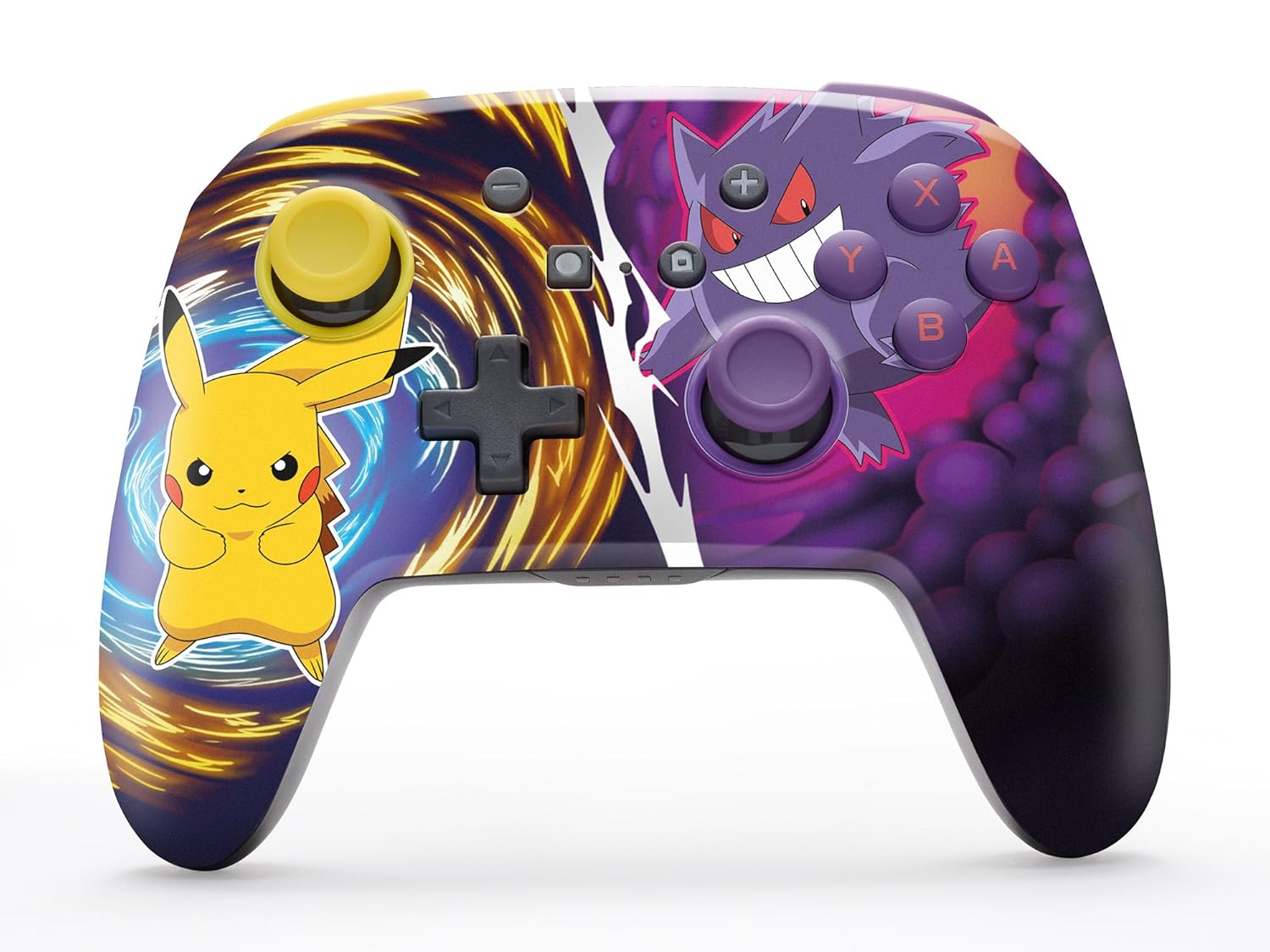
The PowerA Enhanced Wireless Controller with Pikachu vs. Gengar artwork.
Temel Özellikler
- Kablosuz bağlantı: Utilizes Bluetooth 5.0 technology for a stable connection.
- Şarj Edilebilir Pil: Integrated lithium-ion battery provides up to 30 hours of gameplay per charge.
- Atama Özellikli Gelişmiş Oyun Tuşları: Two programmable buttons on the back for custom control.
- Ergonomik Tasarım: Superior ergonomics for extended comfortable gaming sessions.
- Smooth Thumbstick Control: Embedded anti-friction rings ensure precise and fluid movement.
- Hareket Kontrolleri: Supports intuitive motion controls for compatible games.

Ergonomic design for comfortable gameplay.
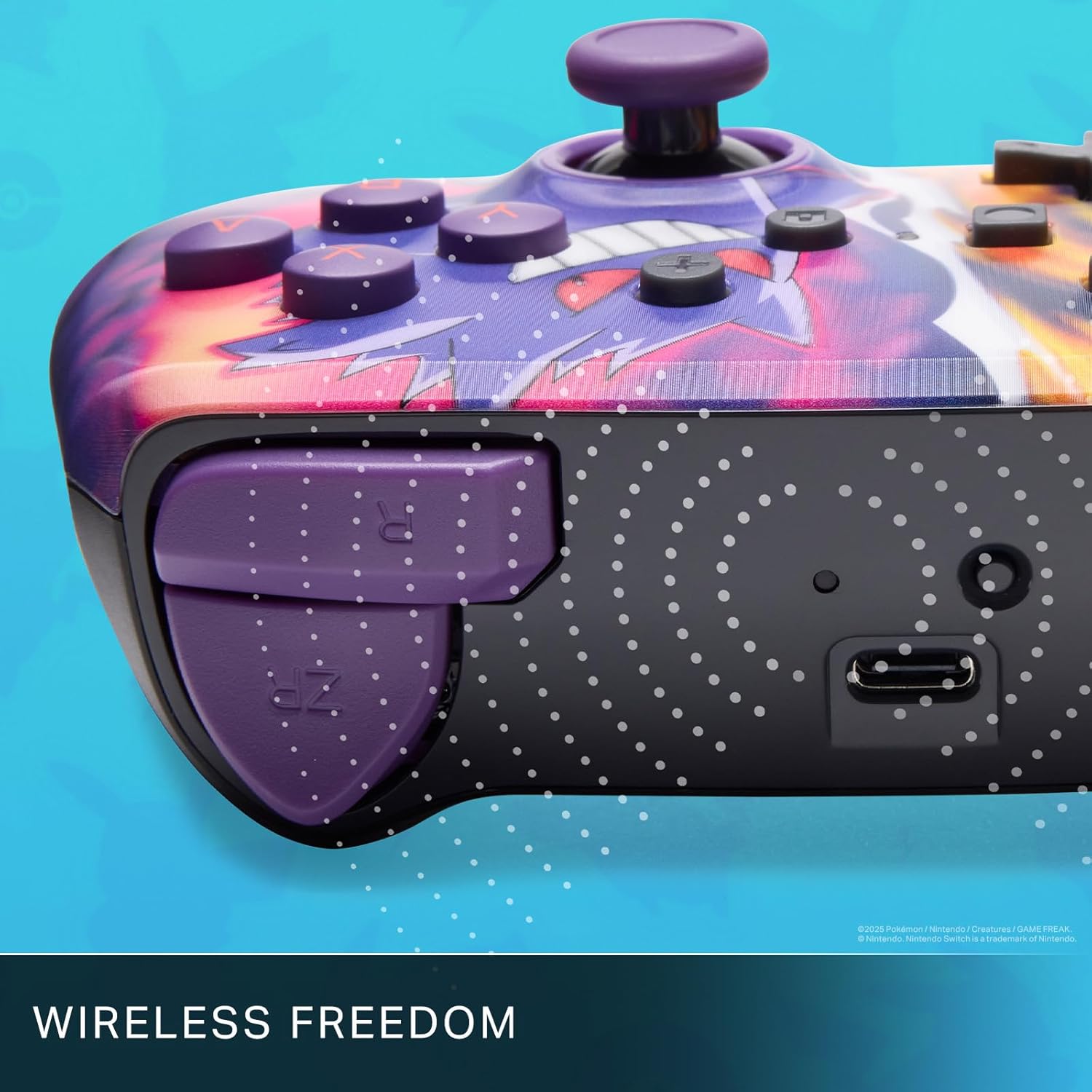
Enjoy wireless freedom with Bluetooth 5.0 technology.
Kurulum ve Eşleştirme
- Nintendo Switch konsolunuzun açık olduğundan ve sistem yazılımının en son sürüme güncellendiğinden emin olun.
- HOME Menüsünden, seçin Kontrolörler, Daha sonra Tutma Yerini/Sırayı Değiştir.
- Basılı tutun SENKRONİZASYON Düğmesi on the top edge of your PowerA Enhanced Wireless Controller for at least one second. The Player LED(s) will flash.
- Once paired, the Player LED(s) corresponding to the controller number will remain lit.
- Basın Düğme to confirm and exit the menu. Your controller is now ready for use.
Kontrol Ünitesini Şarj Etme
The controller features an internal 900mAh lithium-ion rechargeable battery, providing up to 30 hours of gameplay on a single charge. To charge your controller:
- Connect the included 10ft (3m) USB-C charge cable to the USB-C port on the top of the controller.
- Connect the other end of the USB-C cable to a USB power source (e.g., Nintendo Switch dock, USB wall adapter, or computer USB port).
- The LED indicator on the controller will show charging status. It will typically turn off or change color when fully charged.

Connect the USB-C cable to charge your controller.
Gelişmiş Oyun Düğmeleri
Your PowerA Enhanced Wireless Controller includes two mappable Advanced Gaming Buttons (AGBs) on the back, allowing you to assign specific button functions for quick access during gameplay.
Programming AGBs:
- Basın Program Düğmesi on the back of the controller. The Program LED will flash, indicating programming mode.
- Press the button you wish to map (A/B/X/Y/L/R/ZL/ZR/Left Stick Click/Right Stick Click/D-Pad). The Program LED will flash rapidly.
- Press the Advanced Gaming Button (AGB L or AGB R) you want to assign the function to. The Program LED will stop flashing, indicating the AGB is now programmed.
Resetting AGBs:
To reset all Advanced Gaming Buttons to their default (no function) state, press and hold the Program Düğmesi for five seconds. The Program LED will flash slowly, then turn off, confirming the reset.
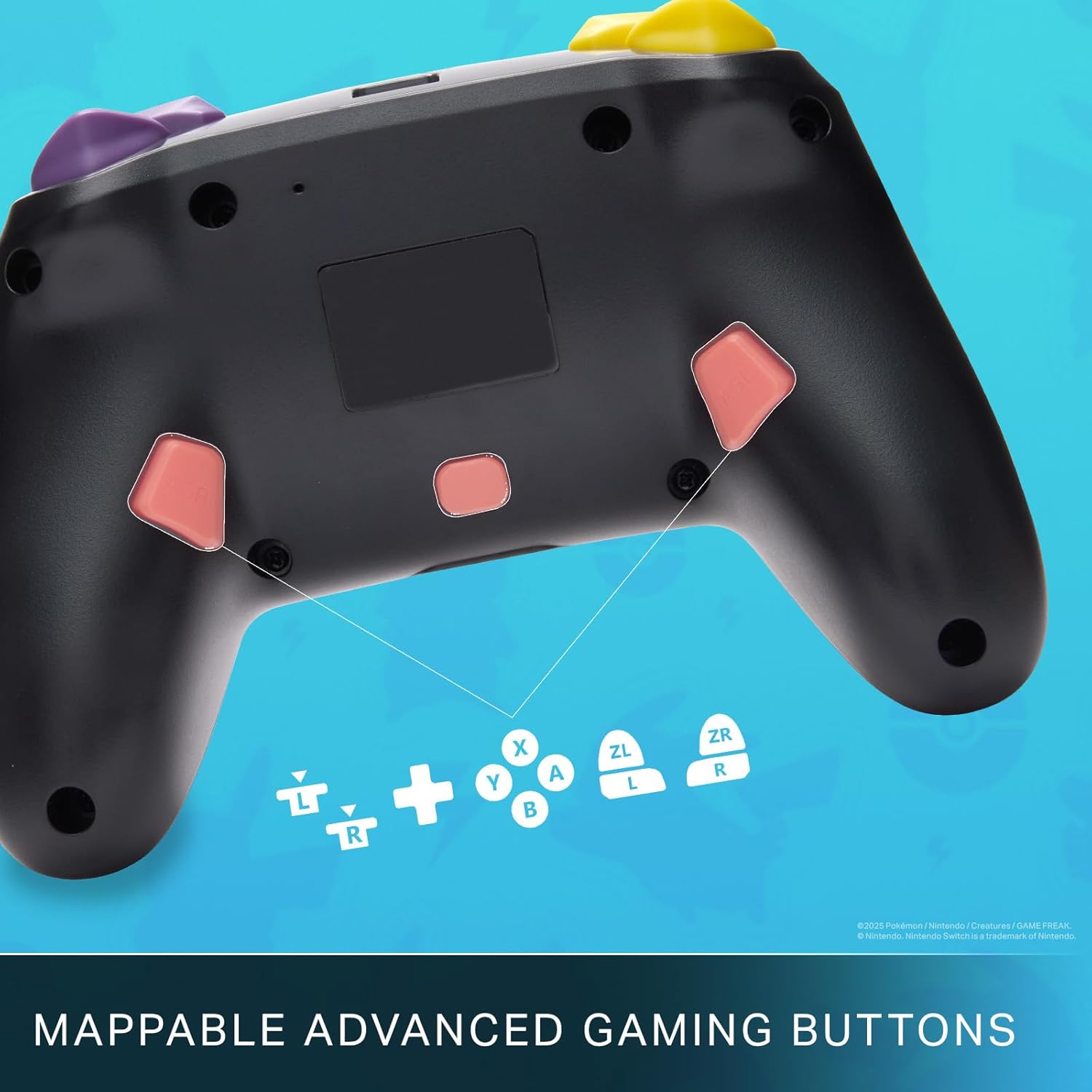
Mappable Advanced Gaming Buttons for personalized control.
Uyumluluk
This PowerA Enhanced Wireless Controller is compatible with the following Nintendo consoles:
- Nintendo Anahtarı
- Nintendo Switch Lite
- Nintendo Switch (OLED Model)
- Nintendo Switch 2 (Note: C button not available)

The controller is compatible with Nintendo Switch 2, though the C button functionality is not available.
Özellikler
| Özellik | Detay |
|---|---|
| Uyumlu Cihazlar | Nintendo Anahtarı |
| Denetleyici Türü | Oyun kumandası |
| Bağlantı Teknolojisi | Bluetooth, USB |
| Ek Özellikler | Ergonomik, Kablosuz |
| Düğme Miktarı | 12 |
| Donanım Platformu | Oyun Konsolu |
| Güç Kaynağı | Pil ile çalışır (Şarj edilebilir Lityum-iyon) |
| Uyumlu Video Oyun Konsolu Modelleri | Nintendo Anahtarı, Nintendo Anahtarı Lite |
| Ürün Ağırlığı | 0.68 Pound |
| Ürün Boyutları | 6.02 x 4.41 x 2.48 inç |
| Renk | Pikachu vs Gengar |
| Model Adı | Pikachu vs. Gengar |
| Model Numarası | NSGP0420-01R |
Bakım ve Onarım
- Keep the controller dry. Avoid exposure to moisture or extreme temperatures.
- Kumanda ünitesini yumuşak, kuru bir bezle temizleyin. Sert kimyasallar veya aşındırıcı malzemeler kullanmayın.
- Hasar görmemesi için kumanda cihazını kullanılmadığı zamanlarda güvenli bir yerde saklayın.
Sorun giderme
Kontrol Cihazı Bağlanmıyor:
- Kontrol cihazının tam şarjlı olduğundan emin olun.
- Verify the controller is within the Bluetooth range of your Nintendo Switch console.
- Attempt to re-pair the controller following the "Setup and Pairing" instructions.
Düğmeler/Joystickler Tepki Vermiyor:
- Düğmelerin veya kumanda kollarının çevresinde herhangi bir fiziksel engel veya kalıntı olup olmadığını kontrol edin.
- Perform a hard reset by holding the SYNC button for 10 seconds, then attempt to re-pair.
- Ensure the controller's firmware is up to date (check PowerA's official web(güncellemeler için siteyi ziyaret edin).
Garanti ve Destek
This PowerA Enhanced Wireless Controller comes with a İki yıllık sınırlı garanti. For detailed warranty information, product support, and troubleshooting assistance, please visit the official PowerA support webalan: