
Jabra Engage 45 SE
Jabra Engage 45 SE Wireless Convertible Headphone User Manual
1. Giriş
This manual provides detailed instructions for the Jabra Engage 45 SE Wireless Convertible Headphone. It covers essential information regarding product setup, operation, maintenance, and troubleshooting to ensure optimal performance and user experience. The Engage 45 SE is designed for clear, hands-free deskphone communication, offering comfort and advanced features for busy work environments.
Key features include an optimized microphone for clear calls, an impressive wireless range of up to 150 meters, and a lightweight design for extended comfort. It also incorporates DECT Security certification with FIPS 256-bit encryption for secure communication and offers up to 9 hours of talk time.

Figure 1: Jabra Engage 45 SE Headset and Base Unit.
2. Kutuda Neler Var?
Ambalajda tüm bileşenlerin mevcut olduğunu doğrulayın:
- Kulaklık
- Phone adapter cable
- Charging Station (Base)
- Güç Kaynağı
- Kullanım Kılavuzu (bu belge)

Figure 2: Included components of the Jabra Engage 45 SE.
3. Kurulum
3.1 Temel Ünitenin Bağlanması
- Connect the power supply to the base unit and plug it into a power outlet.
- Connect the phone adapter cable from the base unit to your desk phone's headset port. Refer to your desk phone's manual for specific port locations.
3.2 Kulaklığın Şarj Edilmesi
Place the headset into the charging cradle on the base unit. The headset will begin charging automatically. A full charge takes approximately 90 minutes.
3.3 Kulaklığın Takılması
The Jabra Engage 45 SE is a convertible headset, offering multiple wearing styles for personalized comfort. It can be worn with an ear hook or a headband.
- Kulak Kancası: Attach the ear hook to the headset and position it comfortably over your ear.
- Kafa bandı: Attach the headband to the headset and adjust it to fit securely over your head.

Şekil 3: Ör.ample of wearing the Jabra Engage 45 SE headset.
4. Kulaklığın Kullanımı
4.1 Temel Çağrı Fonksiyonları
- Çağrıyı Cevapla/Sonlandır: Kulaklıktaki Arama düğmesine basın.
- Sesi Ayarla: Kulaklıktaki Sesi Açma (+) veya Sesi Kısma (-) düğmelerini kullanın.
- Mikrofonun Sesini Kapat: Kulaklığınızdaki Sessiz düğmesine basın.

Figure 4: Key features and controls of the Jabra Engage 45 SE headset.
4.2 Wireless Range and Mobility
The Engage 45 SE offers a wireless range of up to 150 meters (330 feet) from the base unit, allowing you to move freely during calls without losing connection.

Figure 5: Enjoying mobility with the Jabra Engage 45 SE's wireless range.
4.3 Pil Ömrü
The headset provides up to 9 hours of talk time on a single charge, ensuring long-lasting performance throughout your workday.
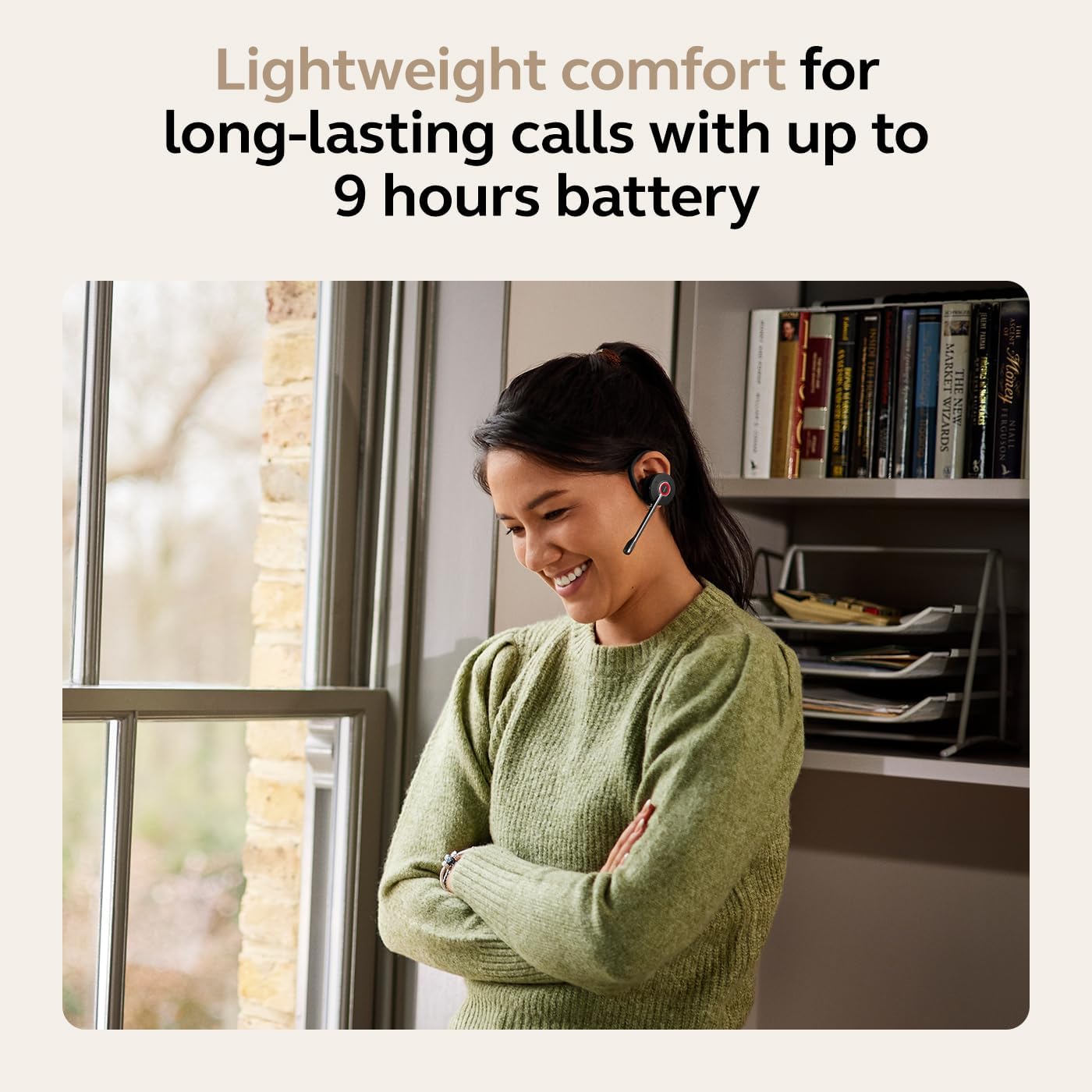
Figure 6: Extended call time with the Jabra Engage 45 SE.
4.4 Çağrı Güvenliği
The Jabra Engage 45 SE ensures private and secure communications with DECT Security certification and FIPS military-grade 256-bit encryption.

Figure 7: Secure communication with DECT Security.
5. Bakım
5.1 Cleaning the Headset and Base
- Wipe the headset and base unit with a soft, dry cloth.
- Sert kimyasallar, temizleme solventleri veya güçlü deterjanlar kullanmaktan kaçının.
- Ensure no moisture enters the openings of the headset or base.
5.2 Pil Bakımı
- Kullanmadığınız zamanlarda kulaklığınızı serin ve kuru bir yerde saklayın.
- Pili aşırı sıcaklıklara maruz bırakmaktan kaçının.
- Pilinizin ömrünün en iyi şekilde uzaması için, pili sık sık tamamen boşaltmaktan kaçının.
6. Sorun Giderme
| Sorun | Olası Neden | Çözüm |
|---|---|---|
| Kulaklıktan ses gelmiyor. | Kulaklık açık değil veya tabana bağlı değil. Ses seviyesi çok düşük. | Ensure headset is charged and docked correctly. Increase headset volume. Check base unit connection to phone. |
| Arama yapılamıyor/alınamıyor | Base unit not properly connected to desk phone. | Verify all cables are securely connected between the base and the desk phone. Consult desk phone manual for headset compatibility. |
| Kötü ses kalitesi | Out of range. Interference. Microphone not positioned correctly. | Move closer to the base unit. Ensure no large metal objects are between headset and base. Adjust microphone boom to be close to your mouth. |
| Kısa pil ömrü | Headset not fully charged. Battery degradation over time. | Ensure headset is fully charged before use. If battery life significantly decreases, contact support for potential replacement options. |
7. Özellikler
| Özellik | Detay |
|---|---|
| Model Adı | 45 SE'yi devreye sokun |
| Bağlantı Teknolojisi | DECT Kablosuz |
| kablosuz Menzil | 150 metreye (330 feet) kadar |
| Pil Ömrü (Konuşma Süresi) | 9 saate kadar |
| Şarj Süresi | Yaklaşık 90 dakika |
| Mikrofon | Gürültü kesen |
| Güvenlik | DECT Security certified, FIPS 256-bit encryption |
| Giyim Tarzı | Dönüştürülebilir (Kulak Kancası, Kafa Bandı) |
| Ürün Ağırlığı | 252 Gram (8.9 ons) |
| Ürün Boyutları | 4.13 x 1.26 x 1.97 inç |
| Uyumlu Cihazlar | Universal (Desk Phones) |
| Malzeme | Polikarbonat (PC), Silikon |
| UPC | 706487026051 |
| Ürün Model Numarası | 9655-523-125 |
8. Garanti ve Destek
Jabra products are covered by a limited warranty. For specific warranty terms and conditions, please refer to the warranty information provided with your purchase or visit the official Jabra webalan.
For technical assistance, product support, or to access additional resources, please visit the Jabra support page:
Ask a question about this manual
Ask about setup, troubleshooting, compatibility, parts, safety, or missing instructions. Manuals+ will review the question and use this page’s manual context to help answer it.