
giriiş
This manual provides essential information for the setup, operation, and maintenance of your new TuTu 43 Inch 4K UHD LED Smart TV. Please read this manual thoroughly before using the product to ensure proper and safe operation. Keep this manual for future reference.
Important Note: When activating the TV for the first time, a Samsung account is required. Without a Samsung account, the TV cannot be activated. If you do not have a Samsung account, please register one from the Samsung official webalan.
Kutuda Neler Var?
Ambalajda tüm bileşenlerin mevcut olduğunu doğrulayın:
- TV *1
- Uzaktan Kumanda *1
- Ayak *2
- Kullanım Kılavuzu *1
- Accessories Bag *1 (includes 2 AAA batteries for remote)
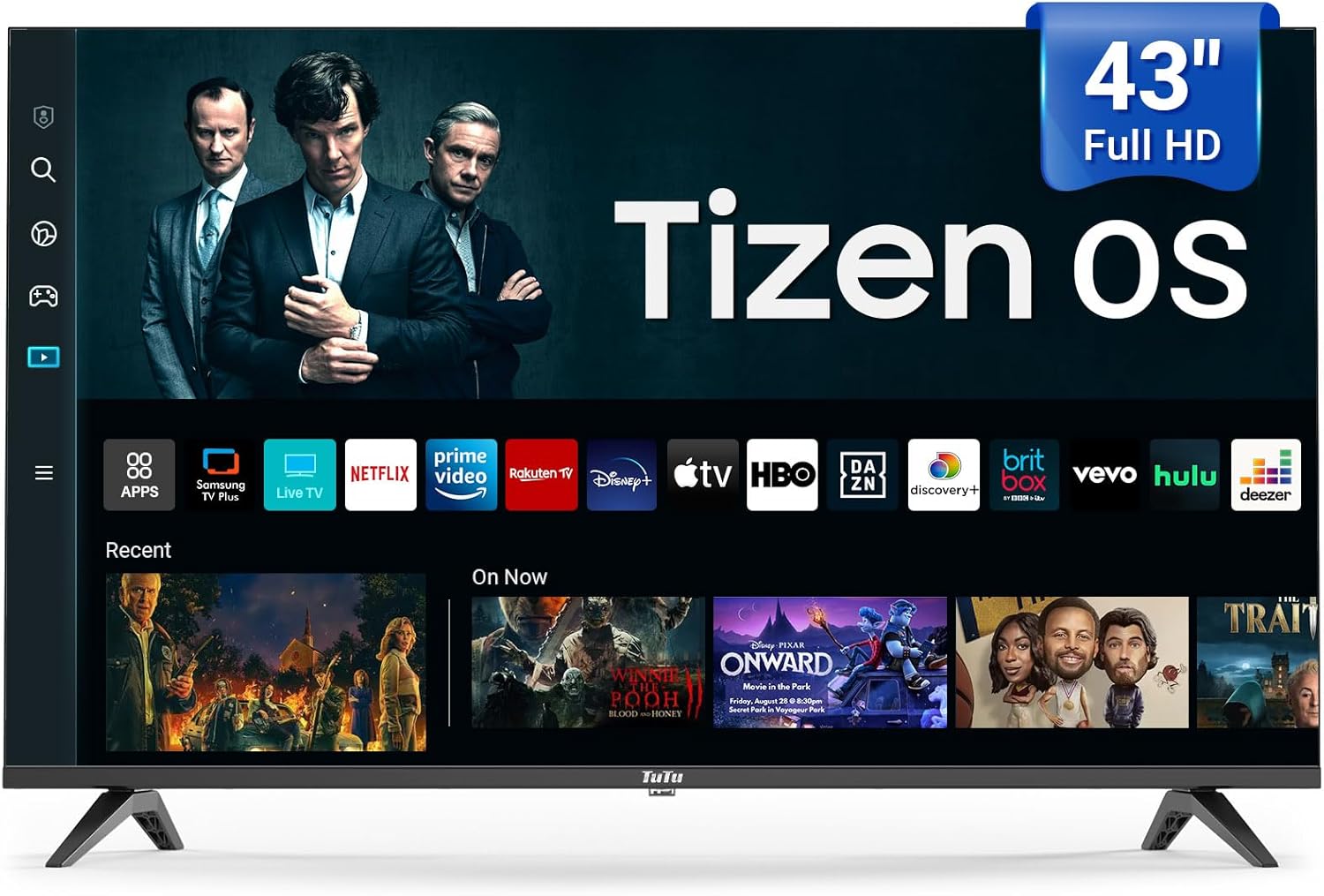
Image: The TuTu 43 Inch 4K UHD LED Smart TV, showcasing its sleek design and Tizen OS interface with various streaming app icons.
Kurmak
1. Standın Takılması
- Çizilmeleri önlemek için televizyonunuzu ekranı aşağı bakacak şekilde yumuşak ve düz bir yüzeye dikkatlice yerleştirin.
- Align the two stand pieces with the corresponding slots on the bottom of the TV.
- Secure the stands using the screws provided in the accessories bag. Ensure they are tightened firmly.
2. Çevre Birimlerini Bağlama
Your TV offers various connectivity options. Refer to the back panel for port locations.

Resim: Arka view of the TuTu Smart TV, highlighting the USB, RF, HDMI, Optical, RCA, and RJ45 input ports for connecting external devices.
- HDMI: Blu-ray oynatıcıları, oyun konsollarını veya set üstü kutuları bağlayın.
- USB BAĞLANTI: USB sürücülerden medya oynatmak için.
- RF: Anten veya kablo bağlantısı için.
- Optik: Ses çubuklarına veya ev sinema sistemlerine dijital ses çıkışı sağlamak için.
- RCA (Video L-IN-R): Kompozit video ve stereo ses kullanan eski cihazlar için.
- RJ45 (Ethernet): Kablolu internet bağlantısı için.
3. Güç Bağlantısı
Güç kablosunu televizyonun güç girişine, ardından da duvardaki prize takın. Televizyon bekleme moduna geçecektir.
4. Initial Setup and Samsung Account Activation
Upon first power-on, the TV will guide you through the initial setup process, including language selection, network connection (Wi-Fi or Ethernet), and channel scanning. As noted, a Samsung account is mandatory for full TV activation and access to smart features. Follow the on-screen prompts to log in or create a Samsung account.
Televizyonunuzu Çalıştırma
Uzaktan kumanda
The included remote control provides easy navigation and access to all TV functions. Insert the two AAA batteries (included) into the remote control, observing polarity.

Image: The remote control for the TuTu Smart TV, showing dedicated buttons for popular streaming services and navigation.
Resim Kalitesi Özellikleri
- 4K UHD Çözünürlük: Experience stunning visual clarity with 4K Ultra HD Resolution. This allows for a more detailed and vivid TV picture, bringing every scene to life with incredible sharpness and vibrant colors.
- HDR10: Yükselt viewing experience with HDR10. This technology allows you to perceive every nuance and shade, enhancing your entertainment experience with a wider range of colors and contrast.
- MEMC (Hareket Tahmini, Hareket Telafisi): The smart TV supports MEMC technology to bring smoother, clearer motion. This reduces blurring and judder in fast-moving scenes, making action sequences, sports events, and fast-paced movies flow smoothly and look crystal clear.
- 4K Yükseltme: Tizen OS's 4K Upscaling boosts content quality to near-4K, giving users clearer, more detailed visuals for non-4K content.
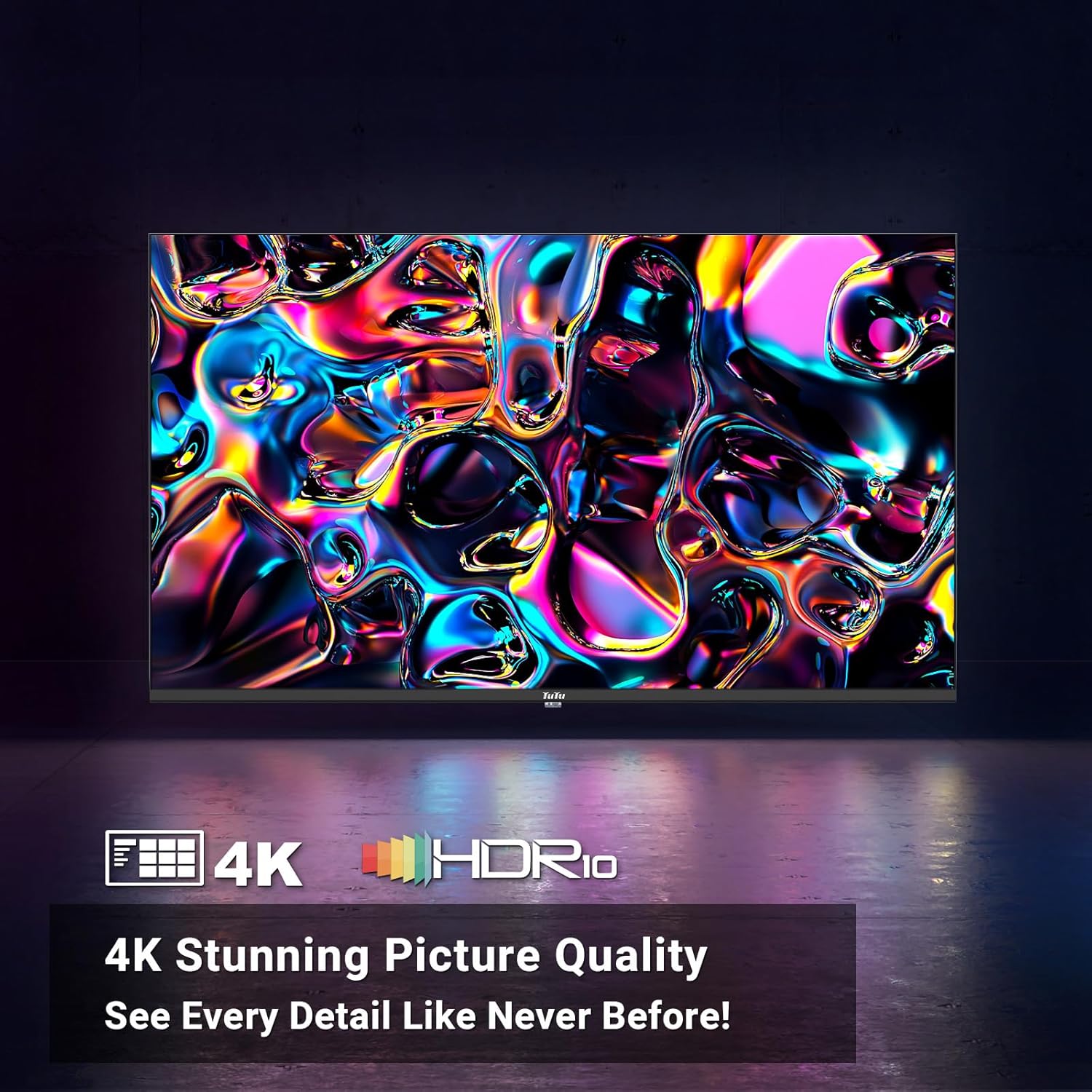
Image: A vibrant abstract image demonstrating the stunning picture quality achieved with 4K UHD and HDR10 technologies.

Image: A split image illustrating the effect of MEMC technology, showing a clear, sharp image of a skier on one side (with MEMC) and a blurred image on the other (without MEMC).
Ses Özellikleri
- Dolby Ses: The smart TV supports Dolby Audio, allowing you to immerse yourself in crystal-clear audio. Enjoy enhanced dialogue clarity, deeper bass, and a more lifelike soundstage, making every movie, TV show, and game come alive.
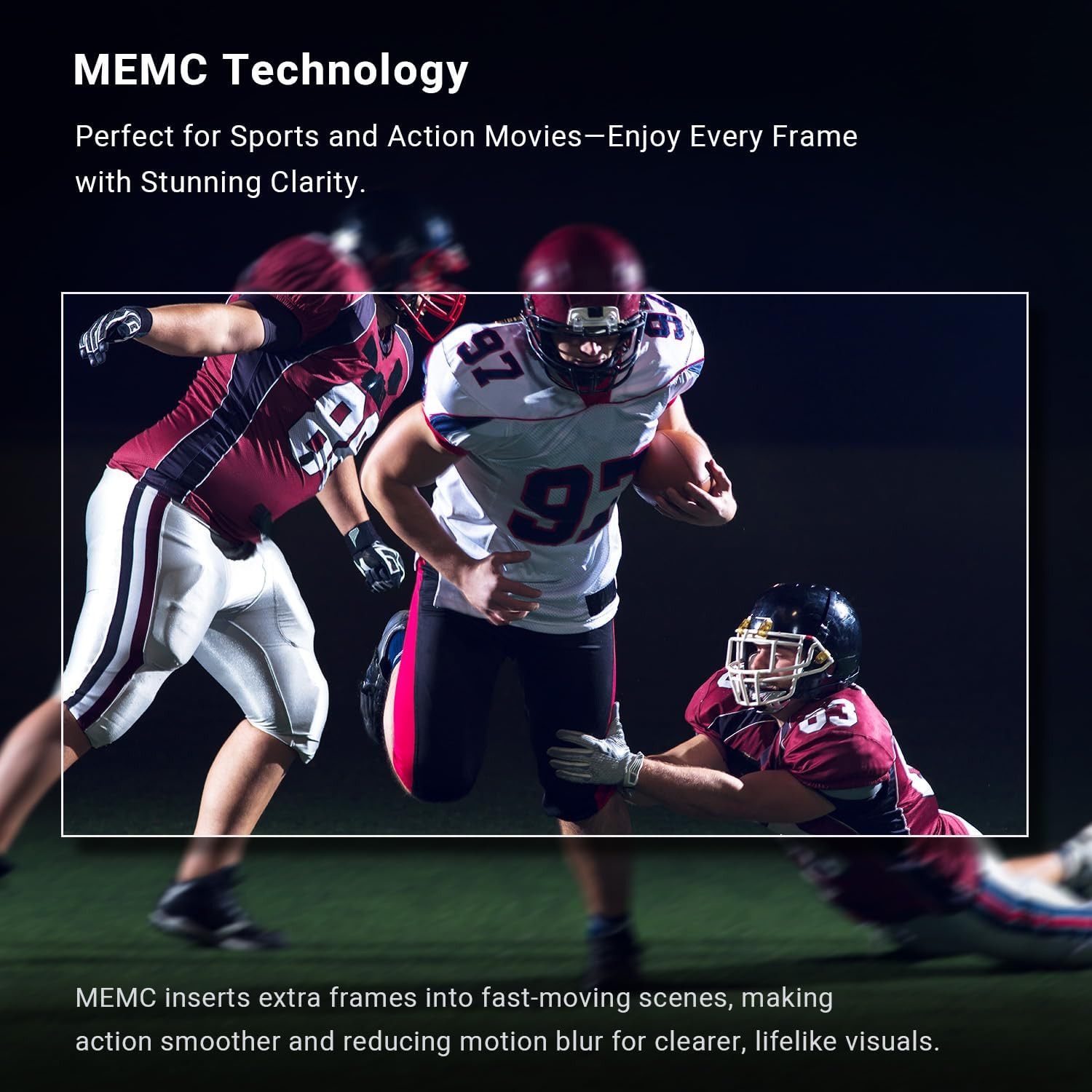
Image: A couple enjoying a movie with sound waves emanating from the TV, representing the immersive experience provided by Dolby Audio.
Akıllı TV Özellikleri (Tizen İşletim Sistemi)
The Tizen OS is built into the smart TV, transforming it into a smart hub. Enjoy a sleek and intuitive interface for easy content discovery.

Görüntü: Dinamik bir view of the Tizen OS interface, showcasing popular streaming service icons like YouTube, Netflix, Disney+, and more, floating above the TV screen.
- Quick Access to Streaming Services: With Tizen OS, you get quick access to popular streaming services like YouTube, Netflix, Disney+, and many more.
- Samsung TV Artı: Primarily offers free live TV channels, covering various genres such as news, sports, entertainment, music, and family-friendly content. It's a completely free streaming service with no subscription fees or credit card details required.
- Evrensel Kılavuz: Pulls in all your favorite shows, movies, and music from different streaming apps and serves them up on one easy-to-browse platform.
- Oyun Merkezi: The ultimate home for gaming on your Smart TV powered by Tizen.
- Ortam Modu: Lets your TV show dynamic content like weather, news, and art when idle, and can also play music for a lively atmosphere.
- Bixby Voice Control: Explore your Smart TV with the convenience of Bixby. Tell Bixby to search, watch, or play various features for you. Bixby Voice Control makes your TV experience more dynamic and fun.
- Akıllı Yetenekler: Tizen OS includes smart features like voice control for hands-free operation, making it easy to manage your TV and find content.
- Samsung Sağlık: Enjoy free premium classes and start new wellness routines, all from the comfort of your home.
Bağlantı
- Sorunsuz Bağlantı: Connect seamlessly with Bluetooth and Wi-Fi capabilities to stream your favorite content.
- Bluetooth: For connecting wireless headphones, soundbars, or other Bluetooth-enabled devices.
- Wifi: For wireless internet access and streaming.
Bakım
Ekranı Temizleme
Ekranı temizlemek için yumuşak, tiftiksiz bir bezle hafifçe silin. İnatçı lekeler için hafifçe silin.ampBezi suyla veya elektronik cihazlar için özel olarak tasarlanmış bir ekran temizleme solüsyonuyla yıkayın. Sıvıyı asla doğrudan ekrana püskürtmeyin.
Televizyon Gövdesinin Temizlenmesi
Wipe the TV's body and stand with a soft, dry cloth. Avoid using abrasive cleaners or solvents that could damage the finish.
Havalandırma
Ensure adequate ventilation around the TV. Do not block the ventilation openings on the back or sides of the TV, as this can lead to overheating.
Sorun giderme
Televizyonunuzda sorunlarla karşılaşırsanız aşağıdaki yaygın çözümlere başvurun:
| Sorun | Olası Neden / Çözüm |
|---|---|
| TV açılmıyor. | Check if the power cord is securely plugged into the TV and the wall outlet. Ensure the wall outlet has power. Try pressing the power button on the TV itself, not just the remote. |
| No picture or poor picture quality. | Verify the correct input source is selected. Check cable connections (HDMI, RF, etc.). Adjust picture settings (brightness, contrast, sharpness) in the TV menu. For 4K content, ensure your source device and cables support 4K. |
| Ses yok veya ses kalitesi düşük. | Check the volume level and ensure the TV is not muted. Verify audio cable connections if using external speakers. If using internal speakers, check audio settings in the TV menu. Ensure Dolby Audio is enabled if desired. |
| Uzaktan kumanda çalışmıyor. | Uzaktan kumandanın pillerini değiştirin. Uzaktan kumanda ile televizyonun kızılötesi sensörü arasında herhangi bir engel olmadığından emin olun. |
| Cannot connect to Wi-Fi or internet. | Ensure your Wi-Fi router is on and functioning. Re-enter the Wi-Fi password. Try restarting both the TV and the router. Consider using a wired Ethernet connection if Wi-Fi issues persist. |
| Smart features/apps not working. | Ensure the TV is connected to the internet. Verify that you have successfully activated the TV with a Samsung account. Some streaming services require a separate subscription. |
Özellikler
| Özellik | Detay |
|---|---|
| Marka Adı | TuTu |
| Model Numarası | 43Q1 |
| Ekran Boyutu | 43 inç |
| Ekran Teknolojisi | NEDEN OLMUŞ |
| Çözünürlük | 4K UHD (3840x2160) |
| Yenileme Hızı | 60 Hz |
| İşletim Sistemi | Tizen İşletim Sistemi |
| HDR Desteği | HDR10 |
| Hareket Teknolojisi | MEMC |
| Ses Teknolojisi | Dolby Ses |
| Bağlantı | Bluetooth, Ethernet, HDMI (multiple), USB (multiple), RF, Optical, RCA, RJ45, Wi-Fi |
| En Boy Oranı | 16:9 |
| Ürün Boyutları (D x G x Y) | 4.5" x 41" x 24.8" |
| Ürün Ağırlığı | 19.66 pound |
| Renk | Siyah |
| Çıkış Watttage | 135 Watt |
| Cilttage | 120 Volt |
| Piller Gerekli | 2 AAA (uzaktan kumanda dahil) |
| Açık modda güç tüketimi | 135 watt |
| Görünür ekran köşegeni | 43" / 110 cm |
| Enerji tüketimi (yıllık) | Yılda 135 Kilovat Saat (günde 4 saat baz alınarak) |
Garanti ve Destek
For warranty information and customer support, please refer to the documentation included with your product or contact TuTu customer service. Keep your purchase receipt for warranty claims.