
1. Giriş
Thank you for choosing the Rettru XDWIFI Pro Wireless WiFi Camera. This compact camera is designed for versatile security monitoring, offering HD 1080P video recording, night vision, and motion detection capabilities. It is suitable for various applications including home security, baby monitoring, and pet monitoring. This manual provides detailed instructions for setting up, operating, and maintaining your camera to ensure optimal performance.
2. Paket İçeriği
Lütfen aşağıda listelenen tüm öğelerin paketinizde yer aldığından emin olun:
- 1 x Rettru XDWIFI Pro Camera
- 1 x Manyetik Taban
- 1 x Micro SD Kart Okuyucu
- 1 x Kullanım Kılavuzu
- 1 x Güç Kablosu

Image: The package contents include the camera, magnetic base, Micro SD card reader, user manual, and power cable.
3. Ürün Özellikleri
- Kompakt Tasarım: The camera features a small form factor, measuring approximately 1.57 x 1.18 x 0.5 inches, making it easy to conceal and place discreetly.
- HD 1080P Video: Records clear video at 1080p resolution.
- Gelişmiş Gece Görüşü: Equipped with two 940nm infrared lights, providing up to 26ft night vision range without visible glow.
- Hareket Algılama: Intelligent motion detection with customizable monitoring areas and times. Sends alarm notifications with images to your phone upon detection.
- Çift Güç Modu: Features a built-in lithium battery for approximately 1.5 hours of continuous operation, and can be connected to a USB power source for extended use.
- Döngü Kaydı: Eski sürümün üzerine otomatik olarak yazılır. fileHafıza kartı dolduğunda otomatik olarak kayıt işlemini durdurur ve kesintisiz kayıt sağlar.
- Uzak ViewTürkçe: Access live video feed from anywhere via the companion mobile application (V380 Pro).
- Manyetik Montaj: Includes a magnetic base for flexible installation on various surfaces.

Image: The camera's compact dimensions are illustrated, emphasizing its small size.

Image: The camera's small size allows for discreet placement, such as within a plant pot.

Image: The camera can be mounted on a desk, bookshelf, or wall using its 360-degree rotating stand.
4. Kurulum Kılavuzu
4.1 Kamerayı Şarj Etme
Before first use, fully charge the camera. Connect the camera to a USB power source (e.g., wall charger, power bank, computer USB port) using the provided USB cable. The charging indicator light will show the charging status.

Image: The camera supports dual power modes, allowing it to be powered by its built-in battery or an external USB source like a power bank or wall charger.
4.2 Mikro SD Kart Takma (İsteğe Bağlı)
For local video storage, insert a Micro SD card (up to 128GB, purchased separately) into the camera's SD card slot. Ensure the card is inserted correctly with the contacts facing the camera's interior. The camera supports loop recording, overwriting older filekartın dolduğu zamandır.

Image: Illustration of Micro SD card insertion and the corresponding recording durations for various card capacities.
4.3 Uygulama İndirme ve Yükleme
The Rettru XDWIFI Pro camera uses the V380 Pro application for remote viewing and control. Download the app from your device's app store (iOS App Store or Google Play Store).
- Arama "V380 Pro" in your app store.
- Uygulamayı indirin ve yükleyin.
- Yeni bir hesap oluşturun veya zaten bir hesabınız varsa giriş yapın.

Image: Visual steps for downloading the V380 Pro app, connecting the device, and establishing a WiFi connection.
4.4 Kamerayı WiFi'ye Bağlama
Follow these steps to connect your camera to your home WiFi network:
- Kamerayı açın.
- Open the V380 Pro app on your smartphone.
- Yeni bir cihaz eklemek için "+" simgesine dokunun.
- Select the appropriate connection method (e.g., "Add device by WiFi Smart Config" or "Add device by AP Hotspot").
- Follow the on-screen instructions to connect the camera to your 2.4GHz WiFi network. Note: This camera only supports 2.4GHz WiFi networks. It is not compatible with 5GHz networks.
- Once connected, you can name your device and begin viewcanlı yayını izlemek.
5. Kullanım Talimatları
5.1 Canlı Viewinmek
After successful setup, open the V380 Pro app and select your camera from the device list to access the live video feed. You can view the feed remotely from anywhere with an internet connection.
5.2 Hareket Algılama
The camera features intelligent motion detection. When motion is detected, the camera will send an alarm notification with images to your phone. You can customize motion detection settings within the V380 Pro app:
- Hassasiyet: Hareket algılama hassasiyetini ayarlayın.
- Algılama Alanı: Kameranın görüş alanı içinde belirli alanları tanımlayın view hareket algılama için.
- Takvim: Hareket algılama özelliğinin aktif olacağı belirli zaman dilimleri belirleyin.
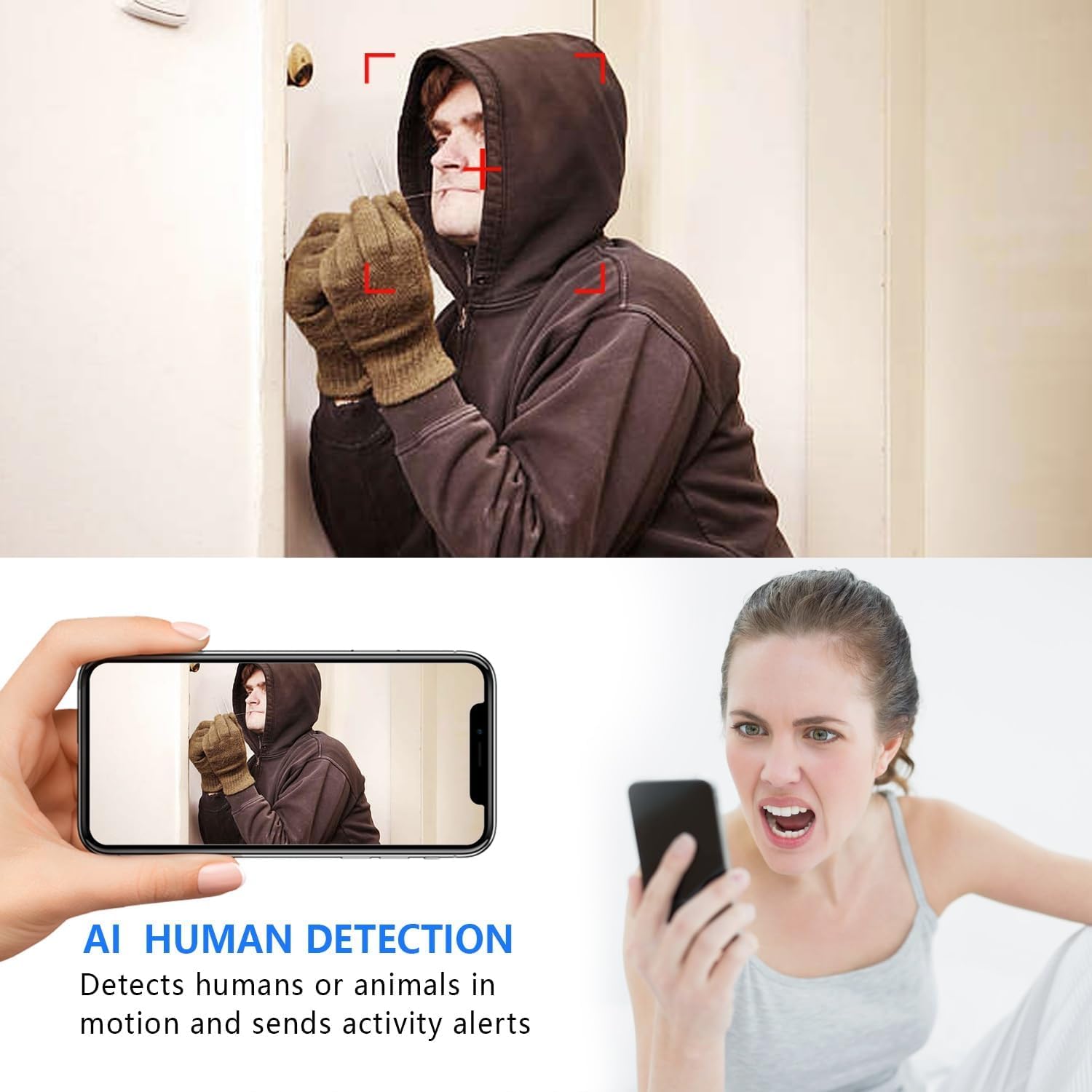
Image: The AI Human Detection feature identifies human movement and sends alerts to your mobile device.
5.3 Gece Görüşü
The camera automatically switches to night vision mode in low-light conditions. The infrared lights are non-glowing, ensuring discreet monitoring in complete darkness up to 26 feet.

Image: Comparison of day and night vision, demonstrating the camera's ability to provide clear images in darkness.
5.4 Kayıt ve Depolama
Kamera iki temel kayıt yöntemini desteklemektedir:
- Micro SD Kart Kaydı: If an SD card is inserted, the camera will record video directly to it. Loop recording ensures continuous operation by overwriting the oldest footage.
- Bulut Depolama: The V380 Pro app may offer optional cloud storage services for your recordings. Refer to the app for details on subscription plans and features.
6. Bakım
- Temizlik: Fotoğraf makinesinin objektifini ve gövdesini temizlemek için yumuşak, kuru bir bez kullanın. Sıvı temizleyicilerden veya aşındırıcı malzemelerden kaçının.
- Pil Bakım: For optimal battery life, avoid extreme temperatures. Recharge the camera regularly, especially if it will be stored for an extended period.
- Donanım Yazılımı Güncellemeleri: Periodically check the V380 Pro app for any available firmware updates for your camera. Keeping the firmware updated ensures the best performance and security.
7. Sorun Giderme
| Sorun | Olası Neden | Çözüm |
|---|---|---|
| Kamera WiFi ağına bağlanamıyor. | Incorrect WiFi password; Camera too far from router; Router is 5GHz only; Network interference. |
|
| Canlı video yayını yok. | Camera is offline; Poor internet connection; App issue. |
|
| Hareket algılama uyarıları alınmadı. | App notifications disabled; Motion detection settings incorrect; Camera offline. |
|
| Kısa pil ömrü. | Continuous recording; Frequent motion detection; Low ambient temperature. |
|
8. Özellikler
| Özellik | Detay |
|---|---|
| Model Numarası | USA-Heima-XDWIFI New-JIAN-00005 |
| Video Yakalama Çözünürlüğü | 1080p |
| ViewAçı | 160 Derece |
| Gece Görüş Aralığı | 26 Feet'e Kadar |
| Bağlantı Protokolü | Wi-Fi (sadece 2.4 GHz) |
| Uyumlu Cihazlar | iOS/Android Phone |
| Güç Kaynağı | Pille Çalışan (1 Lityum İyon pil dahil) |
| Pil Ömrü | Approx. 1.5 hours (continuous operation) |
| Depolamak | Micro SD Kart (128 GB'a kadar, dahil değildir), Bulut Depolama (isteğe bağlı) |
| Ürün Boyutları (U x G x Y) | 1.7 x 1.3 x 0.4 inç |
| Ürün Ağırlığı | 0.64 ons (18.14 gr) |
| Operating App | V380 Pro |
| Kurulum Türü | Wall-Mounted & Surface-Mounted (with magnetic base) |
| Uluslararası Koruma Derecelendirmesi | IP65 |
9. Garanti ve Destek
For warranty information and technical support, please refer to the contact details provided with your purchase or visit the official Rettru webBu kılavuzda yer almayan herhangi bir sorunla karşılaşırsanız, lütfen yardım için müşteri hizmetleriyle iletişime geçin.