
1. Giriş
This manual provides comprehensive instructions for the setup, operation, maintenance, and troubleshooting of your EGQINR P88 Smart Watch. Please read this manual carefully before using the device to ensure proper functionality and to maximize its features.
The EGQINR P88 Smart Watch is designed to integrate seamlessly into your daily life, offering advanced health monitoring, fitness tracking, and smart communication features. It features a 1.78-inch AMOLED HD screen with a resolution of 368*448 pixels, providing clear and vibrant visuals. The watch supports Bluetooth calling, message notifications, and offers 69 sports modes for diverse activity tracking. It is also IP68 waterproof, making it suitable for various environments.
2. Paket İçeriği
Upon opening the package, verify that all components are present and in good condition. The standard package includes:
- EGQINR P88 Smart Watch (Grey)
- Şarj kablosu
- Kullanım Kılavuzu (bu belge)
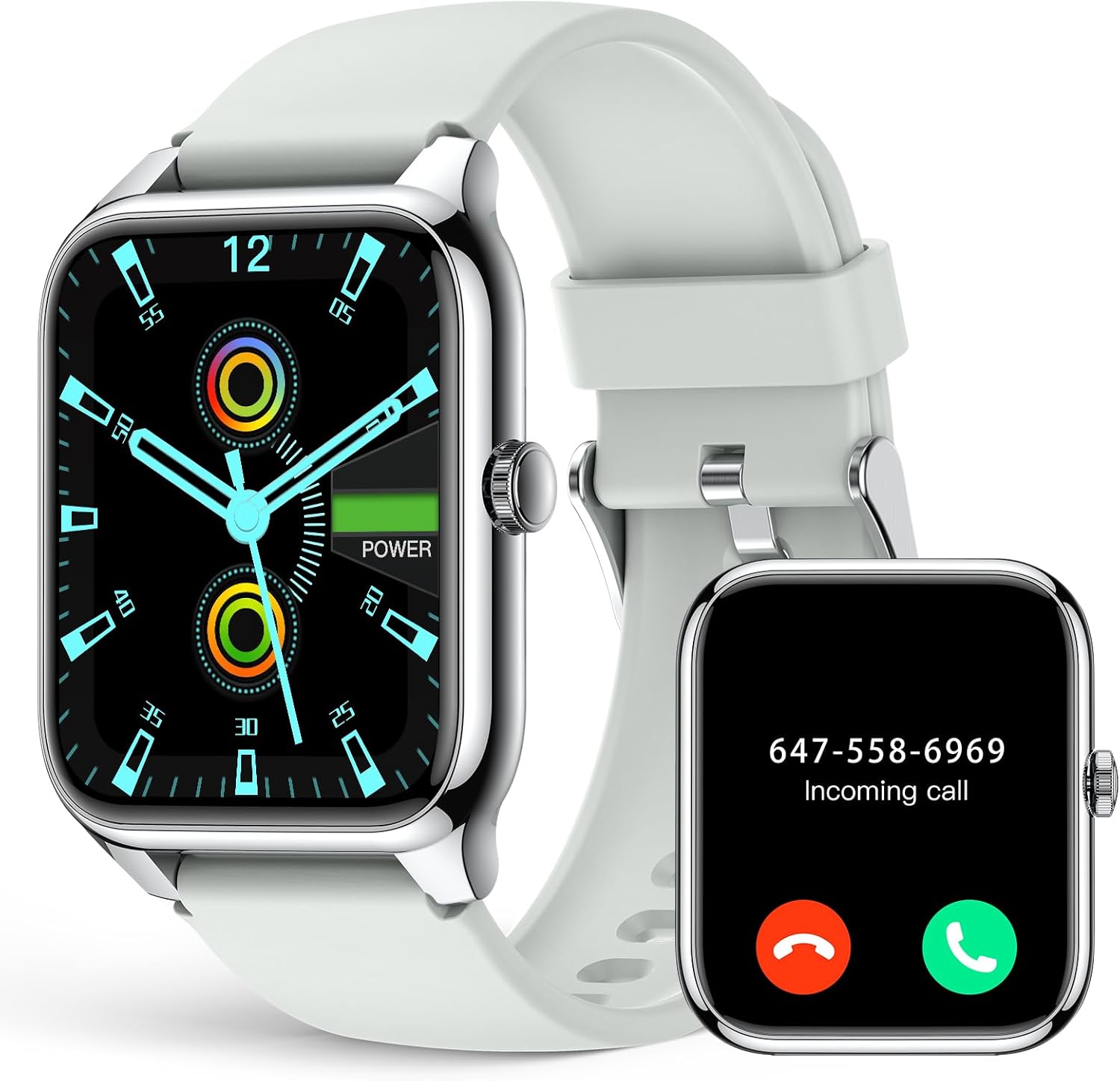
Image: The EGQINR P88 Smart Watch in Grey, alongside its charging cable.
3. Kurulum Kılavuzu
3.1 Cihazı Şarj Etme
Before initial use, fully charge your smart watch. Connect the charging cable to the charging port on the back of the watch and plug the USB end into a compatible power adapter (not included) or a computer's USB port. The watch display will indicate charging status.
A full charge typically takes approximately 2 hours. The 260mAh battery provides 3-5 days of normal use and up to 25 days of standby time.
3.2 Açma/Kapatma
- Güç Açık: Ekran ışığı yanana kadar yan düğmeyi birkaç saniye basılı tutun.
- Kapat: Yan düğmeye basılı tutun, ardından ekranda "Kapat" seçeneğini seçin.
3.3 Uygulama Kurulumu ve Eşleştirme
To unlock the full potential of your EGQINR P88 Smart Watch, you need to install the companion application on your smartphone. The watch is compatible with Android 5.0+ and iOS 9.0+ devices, and requires Bluetooth 4.0+ for connection.
- Uygulamayı indirin: Arama "Glory Fit" in your smartphone's app store (Google Play Store for Android or Apple App Store for iOS) and install it.
- Bluetooth'u etkinleştir: Akıllı telefonunuzda Bluetooth'un etkinleştirildiğinden emin olun.
- Uygulamayı açın: Glory Fit uygulamasını başlatın ve hesap oluşturmak veya giriş yapmak için ekrandaki talimatları izleyin.
- Cihaz Ekle: Within the app, navigate to the device management section and select "Add Device" or "Bind Device". The app will search for nearby smart watches.
- Saatinizi Seçin: From the list of found devices, select "P88" or a similar identifier for your EGQINR Smart Watch.
- Eşleştirmeyi Onayla: A pairing request will appear on both your phone and the watch. Confirm the pairing on both devices.
Once successfully paired, the watch will synchronize data with the app, and you can begin customizing settings and tracking your activities.

Image: A woman interacting with the smart watch, demonstrating its Bluetooth call capabilities.
4. Çalıştırma Kılavuzu
4.1 Arayüzde Gezinme
The EGQINR P88 Smart Watch features a responsive touchscreen and a side button for navigation.
- Yukarı/Aşağı Kaydırma: Menüler ve bildirimler arasında gezinin.
- Sola/Sağa Kaydır: Access different feature screens (e.g., heart rate, sports modes, weather).
- Musluk: Bir öğeyi seçin veya bir eylemi onaylayın.
- Yan Düğme: Ana ekrana dönmek veya ekranı uyandırmak için basın. Güç seçenekleri için uzun basın.

Image: The 1.78-inch AMOLED HD screen of the EGQINR P88 Smart Watch displaying the time and date, highlighting its clarity.
4.2 Temel Özellikler ve İşlevler
The EGQINR P88 Smart Watch offers a wide array of features to enhance your daily life:
- Bluetooth Call & Message Notifications: Make and receive calls directly from your watch. Get instant notifications for messages, emails, and social media apps (e.g., WhatsApp, Facebook, Instagram, Twitter).
- Sağlık Takibi:
- Kalp Atış Hızı Takibi: 7/24 kesintisiz kalp atış hızı takibi.
- Kan Oksijen (SpO2) İzlemesi: Kanınızdaki oksijen seviyesini ölçün.
- Kan Basıncı İzleme: Track your blood pressure (note: this is for reference only and not a medical device).
- Uyku Takibi: Automatically monitors your sleep patterns, including deep sleep, light sleep, and awake times.
- Kadın Sağlığı: Adet döngüsü hatırlatıcısı.
- Hareketsizliğe Dikkat: Uzun süre hareketsiz kaldıktan sonra hareket etmeniz konusunda sizi uyarır.
- Activity Fitness Trackers:
- 69 Spor Modu: Yürüyüş, koşu, tırmanma, bisiklet sürme, basketbol ve daha fazlasını içerir.
- Gerçek Zamanlı Veriler: Tracks exercise time, heart rate, calories burned, steps, distance, and speed.
- GPS Via Smartphone: Açık hava aktiviteleri sırasında doğru rota takibi için telefonunuzun GPS'ini kullanır.
- Özelleştirilebilir Saat Yüzleri: Choose from over 100 watch faces in the Glory Fit app or customize your own with personal photos.
- Additional Useful Functions:
- Sesli Asistan: Saatinizle sesli komutlar kullanarak etkileşim kurun.
- Müzik Kontrolü: Akıllı telefonunuzda müzik çalmayı kontrol edin.
- Kamera Kontrolü: Telefonunuzun kamerasını uzaktan tetikleyin.
- Hava Durumu tahmini: Gerçek zamanlı hava durumu güncellemelerini alın.
- Telefonunuzu/Saatinizi Bulun: Eşleştirilmiş cihazınızı bulun.
- Ringing Alarm: Alarmları doğrudan saatte ayarlayın.
- Kronometre ve Zamanlayıcı: Zamanlama konusunda olmazsa olmaz araçlar.
- Rahatsız Etmeyin Modu: Bildirimleri sessize al.
- Ayarlanabilir Parlaklık: Optimize screen visibility.
- Her Zaman Ekranda: Keep the time visible without needing to wake the screen.
- SOS İletişim: Add emergency contacts in the app for one-click dialing from the watch.

Image: The multifunctional interface of the EGQINR P88 Smart Watch, showing icons for various features like alarm, voice assistant, music, notifications, and weather.
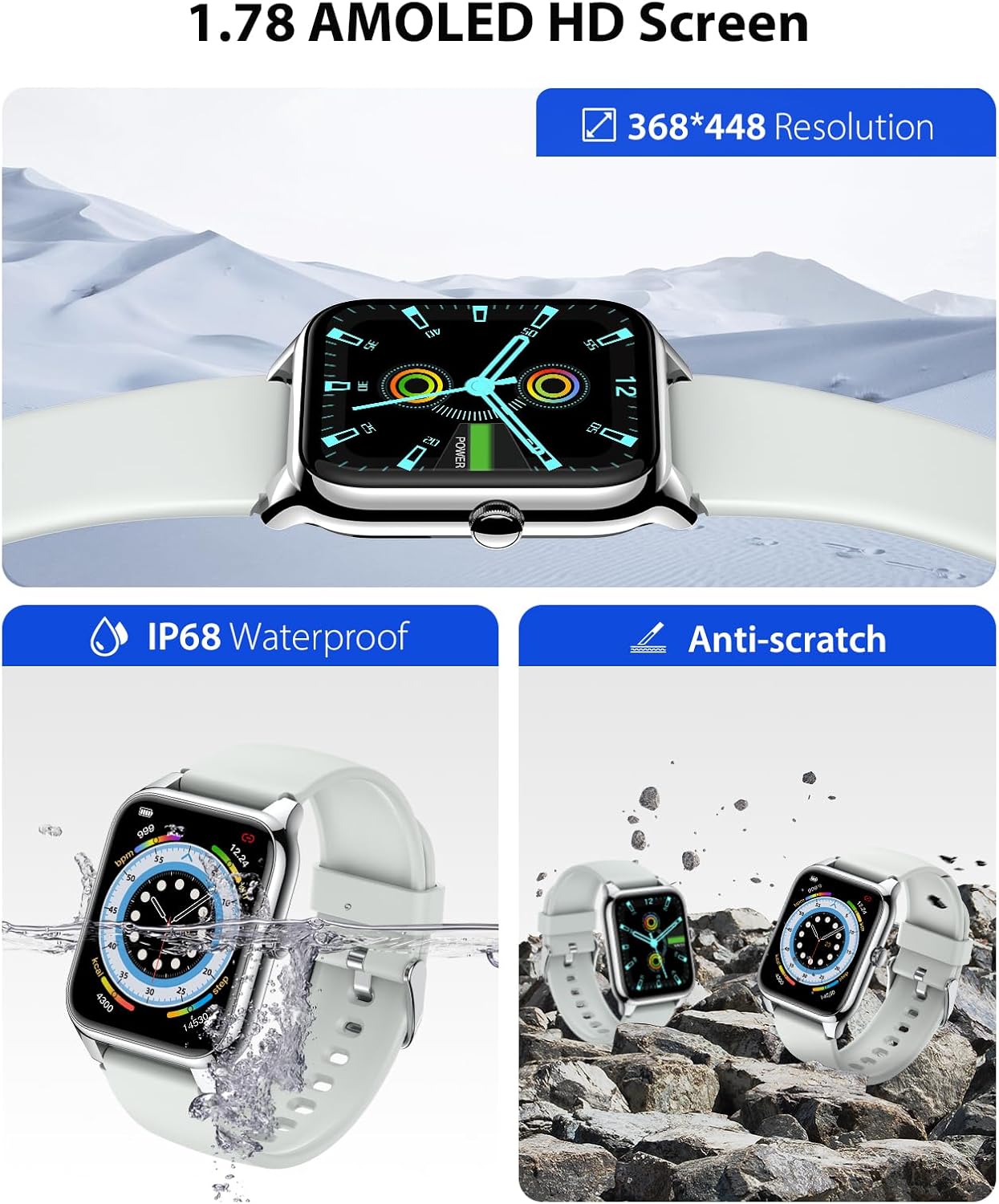
Image: The EGQINR P88 Smart Watch on a person's wrist, demonstrating its automatic sleep tracking capability with a graphical representation of sleep stagee.
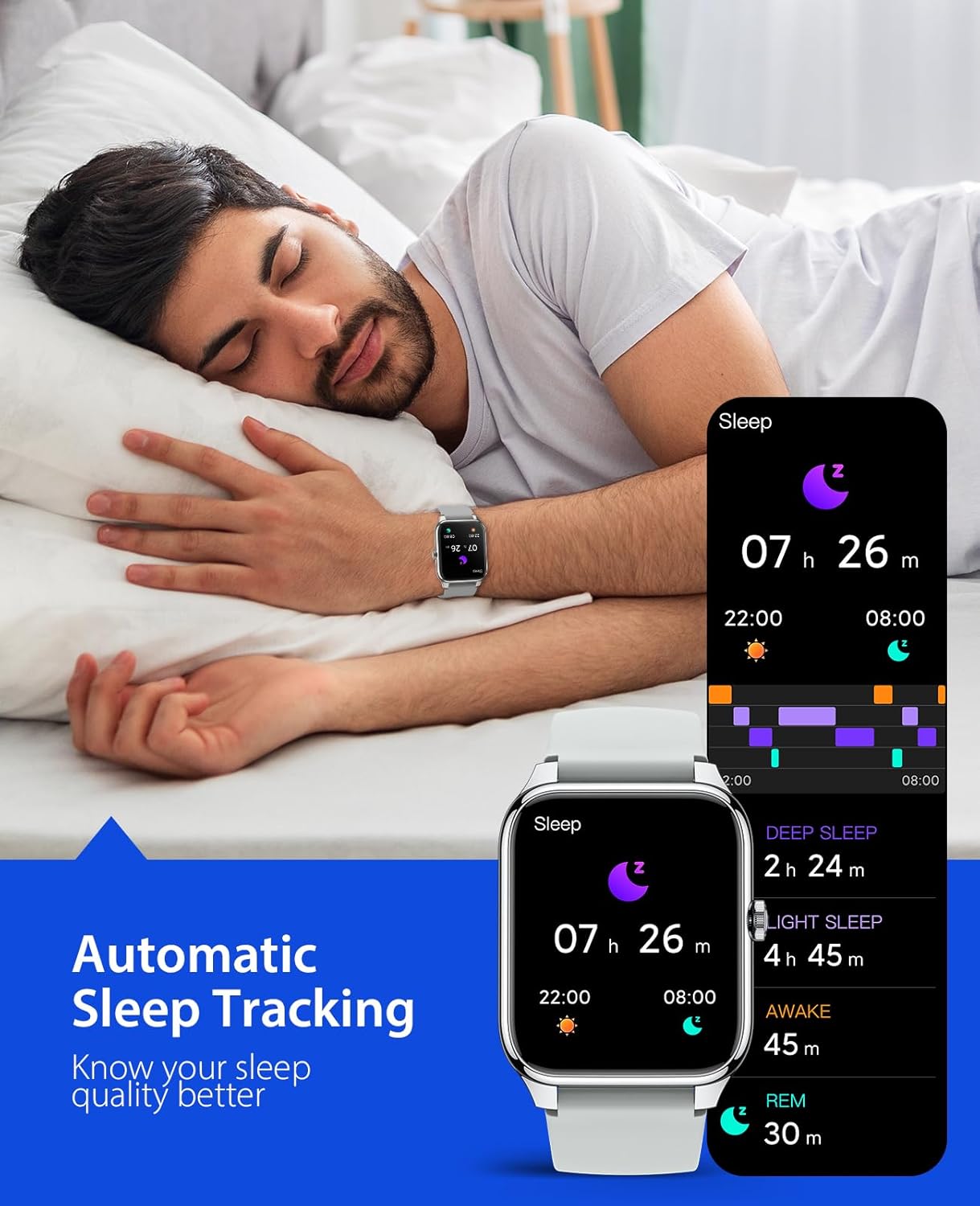
Image: Individuals participating in different sports, such as running, tennis, and cycling, highlighting the watch's 69 sports modes and activity tracking features.
5. Bakım ve Özen
Proper maintenance ensures the longevity and optimal performance of your EGQINR P88 Smart Watch.
- Temizlik: Saati ve kayışı düzenli olarak yumuşak bir bezle silin.amp bez. Sert kimyasallar veya aşındırıcı malzemeler kullanmaktan kaçının.
- Suya Dayanıklılık: The watch is IP68 waterproof, meaning it can withstand submersion up to 1.5 meters for 30 minutes. It is suitable for daily use, hand washing, and light rain. Sıcak duşlarda, saunalarda veya dalışta kullanmayın.
- Sıcaklık: Saatinizi aşırı sıcaklıklara (sıcak veya soğuk) veya ani sıcaklık değişimlerine maruz bırakmaktan kaçının.
- Darbe: Protect the watch from strong impacts or drops, which can damage the screen or internal components.
- Şarj: Yalnızca kutu içeriğinde bulunan şarj kablosunu kullanın. Şarj işlemine başlamadan önce şarj temas noktalarının temiz ve kuru olduğundan emin olun.

Image: The EGQINR P88 Smart Watch demonstrating its IP68 waterproof rating by being submerged in water, and its anti-scratch durability.
6. Sorun Giderme
If you encounter issues with your EGQINR P88 Smart Watch, refer to the following common solutions:
| Sorun | Olası Neden | Çözüm |
|---|---|---|
| Saat açılmıyor. | Pil zayıf; cihaz donmuş. | Charge the watch for at least 30 minutes. If still unresponsive, perform a forced restart by holding the side button for 10-15 seconds. |
| Akıllı telefonla eşleştirilemiyor. | Bluetooth kapalı; uygulama sorunu; saat bulunamıyor. |
|
| Bildirimler alınmadı. | App permissions; DND mode; Bluetooth disconnected. |
|
| Yanlış sağlık verileri. | Uygunsuz montaj; sensör tıkanıklığı. | Ensure the watch is worn snugly on your wrist, about one finger's width from the wrist bone. Clean the sensor on the back of the watch. Remember, health data is for reference only. |
| Ekran donmuş veya yanıt vermiyor. | Yazılım hatası. | Perform a forced restart by holding the side button until the watch reboots. |
If the issue persists after trying these solutions, please refer to the official EGQINR support channels or the full user guide PDF available online.
7. Ürün Özellikleri
| Özellik | Detay |
|---|---|
| Model Numarası | P88 |
| Görüntülemek | 1.78 inç AMOLED HD Ekran |
| Çözünürlük | 368 x 448 piksel |
| Bağlantı | Bluetooth |
| Pil Kapasitesi | 260 mAh |
| Pil Ömrü (Normal Kullanım) | 3-5 gün |
| Bekleme Süresi | 25 güne kadar |
| Suya Dayanıklılık | IP68 |
| İşletim Sistemi | Android Wear or watchOS compatible (via Glory Fit app) |
| Uyumlu işletim sistemi | Android 5.0+ / iOS 9.0+ |
| Ağırlık | 5.6 ons |
| Renk | Gri |
| Özel Özellikler | Always On Display, Phone Call, Music Player, Message Notifications, Health Monitor (HR, SpO2, BP, Sleep), 69 Sports Modes, Ringing Alarm, Voice Assistant, Camera Control, Weather Forecast, Find Phone/Watch, SOS Contact. |
8. Garanti ve Destek
For warranty information and customer support, please refer to the official EGQINR webSite üzerinden veya satın alma platformunuz aracılığıyla doğrudan satıcıyla iletişime geçin. Garanti talepleri için satın alma belgenizi saklayın.
You can also find the official User Guide (PDF) for this product at: https://manuals.plus/m/f651f3a7de6865dfc19085147105c14eb7ee26e28421698b19e5c329299e5409
For more information about EGQINR products, visit the official store: EGQINR Store