
Sony STR-AN1000
Sony STR-AN1000 7.2 Channel 8K AV Receiver User Manual
Model: STR-AN1000 | Brand: Sony
giriiş
This manual provides detailed instructions for the setup, operation, and maintenance of your Sony STR-AN1000 7.2 Channel 8K AV Receiver. Please read this manual thoroughly before using the product to ensure proper and safe operation. Keep this manual for future reference.
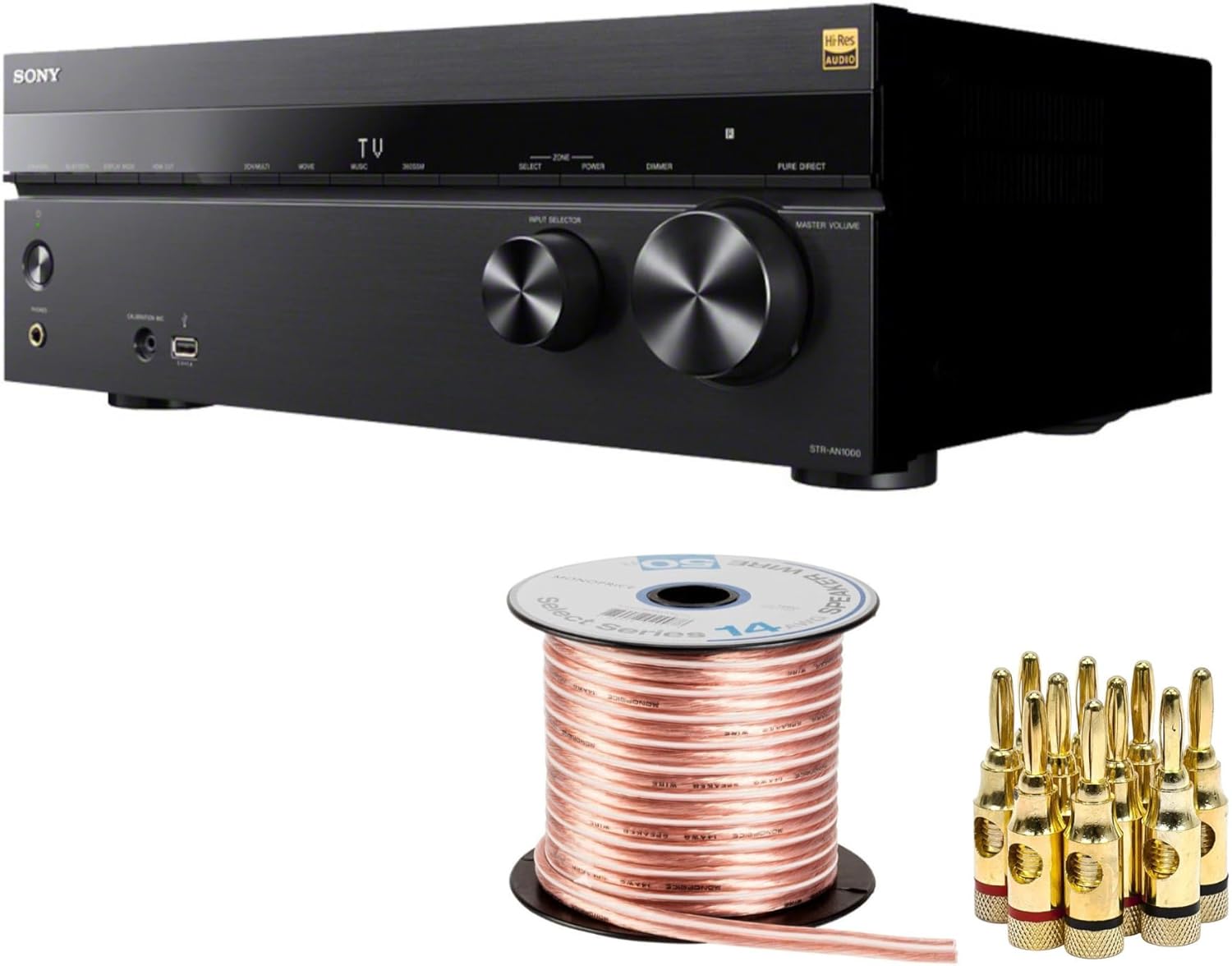
Figure 1: Sony STR-AN1000 AV Receiver, bundled with speaker wire and gold-plated banana plugs. This image displays the main components included in the product package.
Kurulum Kılavuzu
1. Paketin Açılması ve Yerleştirilmesi
Carefully remove all components from the packaging. Ensure all items listed in the bundle are present. Place the receiver on a stable, level surface with adequate ventilation. Avoid placing it near heat sources or in direct sunlight.

Figure 2: The Sony STR-AN1000 AV Receiver positioned on a media console, demonstrating a typical home theater setup. Ensure proper space for ventilation around the unit.
2. Hoparlörleri Bağlama
The STR-AN1000 supports a 7.2 channel configuration. Use the provided speaker wire and banana plugs for optimal connection. Ensure correct polarity (+ to + and - to -) for all speakers.
- Connect front left, center, and right speakers.
- Sol ve sağ surround hoparlörleri bağlayın.
- Connect surround back left and right speakers (if applicable).
- Connect up to two subwoofers.
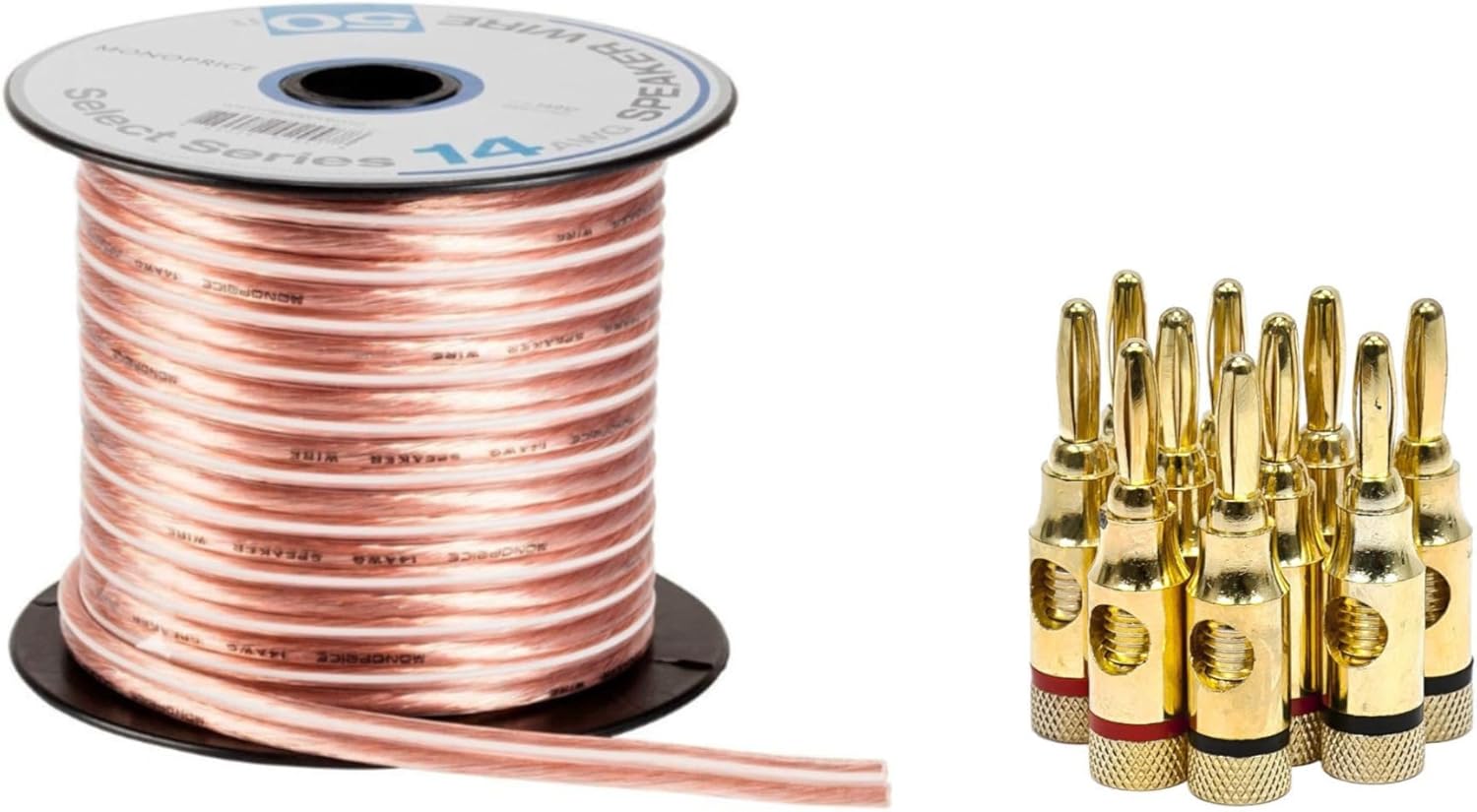
Figure 3: A spool of 14AWG speaker wire and a set of gold-plated banana plugs. These accessories are included to facilitate secure and high-quality speaker connections to the receiver.

Figure 4: The rear panel of the STR-AN1000 receiver, displaying the comprehensive array of HDMI, audio, and speaker terminals. This view Bağlantı noktalarını anlamak için çok önemlidir.
3. Connecting Video and Audio Sources
Utilize the HDMI inputs for connecting devices such as Blu-ray players, gaming consoles, and streaming devices. The receiver features six HDMI inputs, with two supporting 8K and 4K/120 video sources, and two HDMI outputs.
- Connect HDMI cables from your source devices to the HDMI IN ports on the receiver.
- Connect an HDMI cable from the receiver's HDMI OUT (TV) port to your television's HDMI ARC/eARC input.
- For other audio devices, use optical, coaxial, or analog audio inputs as needed.
4. Initial Power On and Calibration
After all connections are made, connect the power cord and turn on the receiver. The STR-AN1000 features Digital Cinema Auto Calibration IX Ve 360 Spatial Sound Mapping technology for optimized sound. Follow the on-screen prompts to perform the automatic calibration using the supplied calibration microphone. This process measures your room's acoustics and speaker placement to create an ideal sound field.
Kullanım Talimatları
1. Temel İşlem

Figure 5: The front panel of the STR-AN1000 receiver, highlighting the input selector and master volume knobs, along with various buttons for direct access to functions.
- Güç Açma/Kapatma: Basın GÜÇ ön paneldeki veya uzaktan kumandadaki düğmesine basın.
- Giriş Seçimi: Kullanın GİRİŞ SEÇİCİ knob on the front panel or the input buttons on the remote to choose your desired source (e.g., HDMI 1, TV, Blu-ray).
- Ses Kontrolü: Ayarla ANA SES ön paneldeki düğme veya HACİM +/- Uzaktan kumandadaki düğmeler.
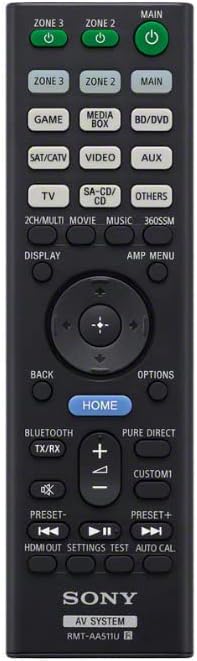
Figure 6: The remote control for the Sony STR-AN1000 AV Receiver, featuring dedicated buttons for input selection, volume, sound modes, and system settings.
2. Ses ve Görüntü Özellikleri
The STR-AN1000 supports advanced audio and video formats:
- Dolby Atmos ve DTS:X: Experience immersive, object-based surround sound.
- Dolby Speaker Virtualization & DTS Virtual:X: Create a virtual surround sound experience from fewer speakers.
- 360 Uzamsal Ses Haritalaması: Sony's exclusive technology that adapts the sound field to your environment for true immersion.
- 8K & 4K/120 Video: Supports pass-through of high-resolution video signals for stunning picture quality.

Şekil 7: Eski sevgiliample of a living room configured with a multi-channel speaker system, demonstrating the potential for immersive audio experiences with the STR-AN1000's capabilities like 360 Spatial Sound Mapping.
Bakım
Doğru bakım, alıcınızın uzun ömürlü olmasını ve performansını garanti eder.
- Temizlik: Cihazın dış yüzeyini silmek için yumuşak, kuru bir bez kullanın. Aşındırıcı temizleyiciler veya çözücüler kullanmayın.
- Havalandırma: Ensure the ventilation openings on the top and sides of the receiver are not blocked. Adequate airflow prevents overheating.
- Güç Kablosu: Güç kablosunu periyodik olarak hasar açısından kontrol edin.
Sorun giderme
If you encounter issues with your STR-AN1000, refer to the following common problems and solutions:
| Sorun | Olası Neden / Çözüm |
|---|---|
| Hoparlörlerden ses gelmiyor. |
|
| No video output to TV. |
|
| Uzaktan kumanda çalışmıyor. |
|
| Receiver overheats. |
|
If the problem persists after attempting these solutions, please contact Sony customer support.
Özellikler
| Özellik | Detay |
|---|---|
| Model Numarası | STR-AN1000 |
| Üretici | Sony |
| Ürün Boyutları | 25.6 x 19.4 x 12.3 inç |
| Ürün Ağırlığı | 30.1 pound |
| Bağlantı Teknolojisi | HDMI |
| Toplam HDMI Bağlantı Noktaları | 6 (2 x 8K/4K120 compatible inputs, 2 x 8K/4K120 compatible outputs) |
| Ses Çıkışı Modu | Çevrelemek |
| Çevresel Ses Kanalı Yapılandırması | 7.2 Kanal |
| Özel Özellikler | Auto Calibration (Digital Cinema Auto Calibration IX), 360 Spatial Sound Mapping, Dolby Atmos, DTS:X, Dolby Speaker Virtualization, DTS Virtual:X |
| Uyumlu Cihazlar | Konuşmacı |
| Renk | Siyah |
Garanti ve Destek
For warranty information and technical support, please refer to the documentation included with your purchase or visit the official Sony support webSite. Daha kapsamlı koruma sağlayan planlar mevcut olabilir.
Sony Customer Support: www.sony.com/electronics/support