
Linksys E9450-RM2
Linksys E9450 AX5400 WiFi 6 Yönlendirici Kullanım Kılavuzu
Model: E9450-RM2
giriiş
This manual provides essential information for the setup, operation, and maintenance of your Linksys E9450 AX5400 WiFi 6 Router. The Linksys E9450 is a high-performance Dual-Band router designed to provide extensive Wi-Fi coverage and handle numerous devices simultaneously, supporting speeds up to 5.4 gigabits per second. It is ideal for streaming 4K/8K video, gaming, and general internet use.
Temel özellikler şunlardır:
- Covers up to 2800 sq. ft. and supports over 30 devices.
- Utilizes WiFi 6 technology for increased capacity and efficiency.
- Dual-Band technology doubles bandwidth, reducing interference and maximizing throughput.
- Features Parental Controls and Guest Access for enhanced network security.
- Equipped with RJ-45 Ethernet ports and a USB port for versatile connectivity.
- Easy setup via browser-based installation using a smartphone, tablet, or computer.
- WPS button for simple device addition to the network.
Paket İçeriği
Kurulum işlemine başlamadan önce, pakette tüm öğelerin mevcut olduğundan emin olun:
- Linksys E9450 AX5400 WiFi 6 Router
- Güç kaynağı
- Ethernet Cable (typically included, though not explicitly listed in "whats_in_the_box", it's standard for routers)
Ürün Bittiview
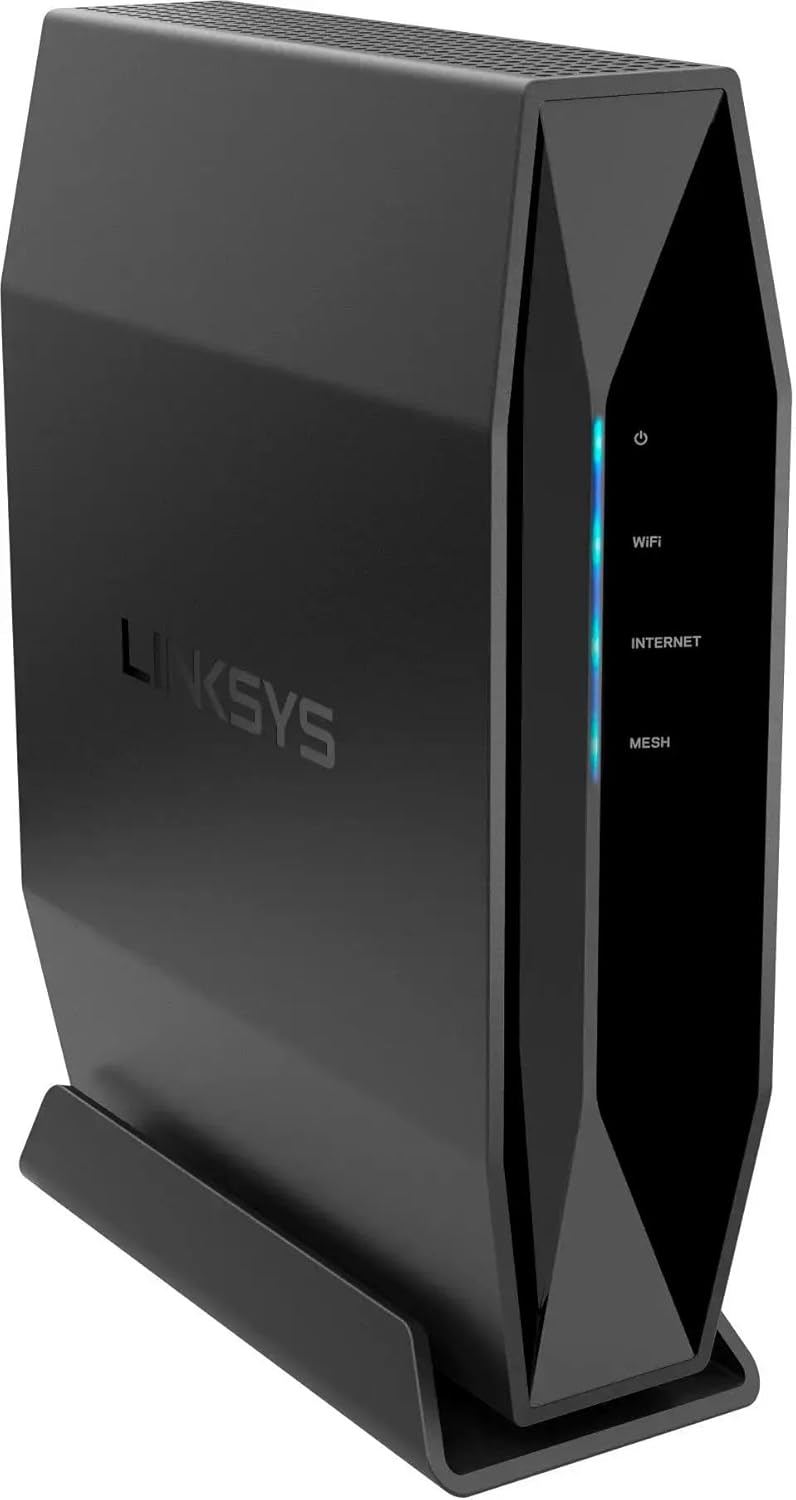


Kurulum Kılavuzu
1. Yerleşim
Place the router in a central location within your home or office, away from large metal objects, concrete walls, and devices that emit radio frequency interference (e.g., microwaves, cordless phones). Optimal placement ensures maximum Wi-Fi coverage and signal strength.
2. Donanım Bağlantısı
- Modeme Bağlan: Connect one end of the provided Ethernet cable to the yellow "Internet" (WAN) port on the back of the Linksys E9450 router. Connect the other end to your internet modem's Ethernet port.
- Güç Açık: Connect the power supply to the 12V power input port on the router and plug the other end into a power outlet. Flip the power switch to the ON position.
- Göstergeleri bekleyin: Allow a few minutes for the router to boot up. The LED indicators on the front panel should stabilize. The "Internet" LED should turn solid blue, indicating a successful connection to your modem and the internet.
3. İlk Yapılandırma
- Yönlendiriciye bağlanın:
- Kablosuz: On your computer or mobile device, connect to the default Wi-Fi network name (SSID) broadcast by the router. This information is typically found on a label on the bottom of the router (refer to Figure 4).
- Kablolu: Alternatively, connect an Ethernet cable from one of the router's numbered LAN ports (1-4) to your computer's Ethernet port.
- Kurulum Sayfasına Erişim: Bir tane aç web tarayıcı (örneğin, Chrome, Firefox, Edge) ve türü
http://linksyssmartwifi.comor192.168.1.1Adres çubuğuna girmek için Enter’a basın. - Ekrandaki Talimatları İzleyin: The Linksys setup wizard will guide you through the initial configuration process, including setting up your new Wi-Fi network name (SSID), password, and administrator password for the router.
Kullanım Talimatları
Cihazları Bağlama
- Wi-Fi Bağlantısı: On your wireless devices (smartphones, tablets, laptops), search for available Wi-Fi networks and select the network name (SSID) you configured during setup. Enter your Wi-Fi password when prompted.
- WPS (Wi-Fi Korumalı Kurulum): For WPS-compatible devices, press the WPS button on the back of the router (refer to Figure 3) and then activate WPS on your device within two minutes. This will automatically connect the device without needing to enter the password.
- Kablolu Bağlantı: For devices requiring a wired connection (e.g., desktop computers, gaming consoles), connect an Ethernet cable from the device to any of the numbered LAN ports (1-4) on the router.
Ağınızı Yönetmek
Yönlendiriciye erişin web arayüz (http://linksyssmartwifi.com or 192.168.1.1) using your administrator password to manage advanced settings:
- Ebeveyn Kontrolleri: Set internet access schedules, block specific webSiteleri kısıtlayabilir veya belirli cihazlar için internet erişimini sınırlandırabilir.
- Misafir Erişimi: Misafirleriniz için ayrı bir Wi-Fi ağı oluşturarak ana ağınızı güvenli tutun.
- Donanım Yazılımı Güncellemeleri: En iyi performansı ve güvenliği sağlamak için düzenli olarak aygıt yazılımı güncellemelerini kontrol edin ve yükleyin.
- Ağ Ayarları: Configure advanced network settings such as port forwarding, DHCP server settings, and VPN passthrough.
Bakım
- Düzenli Yeniden Başlatmalar: Bellek temizliği ve ağ bağlantılarının yenilenmesi için yönlendiricinizi periyodik olarak yeniden başlatın (10 saniye boyunca fişini prizden çekin, ardından tekrar takın). Bu, küçük performans sorunlarını çözebilir.
- Donanım Yazılımı Güncellemeleri: Keep the router's firmware updated to the latest version. Firmware updates often include performance improvements, security patches, and new features. Check the Linksys support webmodeliniz için site.
- Fiziksel Temizlik: Yönlendiriciyi temiz ve tozdan arındırılmış halde tutun. Dış yüzeyini silmek için yumuşak, kuru bir bez kullanın. Aşırı ısınmayı önlemek için havalandırma açıklıklarının tıkanmadığından emin olun.
- Güvenli Şifreler: Wi-Fi şifrenizi ve yönlendirici yönetici şifrenizi düzenli olarak güçlü ve benzersiz kombinasyonlarla değiştirin.
Sorun giderme
| Sorun | Olası Çözüm |
|---|---|
| İnternet Bağlantısı Yok |
|
| Yavaş Wi-Fi Hızı |
|
| Yönlendirici Kurulum Sayfasına Erişilemiyor |
|
| Forgot Wi-Fi Password or Router Administrator Password |
|
Özellikler
| Özellik | Detay |
|---|---|
| Marka | Bağlantılar |
| Model Adı | Dual-Band AX5400 WiFi 6 Router |
| Ürün Model Numarası | E9450-RM2 |
| Kablosuz İletişim Standardı | 802.11ax (WiFi 6) |
| Frekans Bant Sınıfı | Çift Bant (2.4 GHz ve 5 GHz) |
| Maksimum Hız | 5.4 Gbps'ye kadar |
| Kapsama Alanı | 2800 ft²'ye kadar. |
| Cihaz Kapasitesi | Supports 30+ Devices |
| Bağlantı Teknolojisi | Wi-Fi, Ethernet |
| Limanlar | RJ-45 (WAN/LAN), USB |
| Özel Özellik | WPS (Wi-Fi Korumalı Kurulum) |
| Ürün Ağırlığı | 2.97 pound |
| Paket Boyutları | 11.5 x 9.21 x 3.7 inç |
| Dahil Bileşenler | Güç kaynağı |
Garanti ve Destek
This Linksys E9450 router is a Certified Refurbished product, which typically includes a manufacturer's warranty. Please refer to the specific warranty information provided at the time of purchase or contact the seller for details regarding the 90-day warranty mentioned in the product description.
For technical support, additional resources, or the latest firmware updates, please visit the official Linksys support website. You can also find FAQs and community forums that may assist with common issues.
Linksys Desteği Webalan: www.linksys.com/support