
giriiş
This manual provides detailed instructions for the proper use and maintenance of your SYNCO Lav-S6E Omnidirectional Lavalier Microphone. Please read this manual thoroughly before operating the device to ensure optimal performance and longevity.
Ürün Bittiview ve Temel Özellikler
The SYNCO Lav-S6E is an omnidirectional lavalier microphone designed for clear audio recording across various devices. Its key features include:
- Auto-pairing Technology: Equipped with two built-in microchips for automatic recognition and flexible pairing between 3.5mm TRRS and 3.5mm TRS audio input devices. This eliminates the need for external adapters, offering plug-and-play functionality.
- Clear Working Status Indicator: An integrated indicator light allows for real-time monitoring of the microphone's operational status and connection, ensuring you are aware of its state during recording.
- Çok Yönlü Alma Modeli: Features a 360-degree sound pickup range and a high-sensitivity condenser microphone head, designed to capture sound comprehensively.
- Geniş Uyumluluk: Compatible with iOS/Android smartphones, cameras, laptops, PCs, and other devices equipped with 3.5mm jacks.
- Advanced Noise Handling: Utilizes upgraded circuitry to achieve low self-noise and actively reduce ambient noise below 70Hz, providing clear and focused audio.
Kutuda Neler Var?
Paketi açtığınızda tüm bileşenlerin mevcut olduğundan emin olun:
- SYNCO Lav-S6E Lavalier Microphone
- Lityum İyon Pil
- Note: Additional accessories such as a windscreen and lapel clip are typically included with lavalier microphones. Please check your packaging.
Kurulum Talimatları
- Pili takın: Ensure the Lithium Ion battery is correctly inserted into the microphone's power module.
- Cihaza Bağlan:
- For devices with a 3.5mm TRRS or TRS jack (smartphones, cameras, laptops, PCs), simply plug the microphone's 3.5mm connector into the audio input port. The microphone's auto-pairing technology will detect the device type.
- For iPhone 7 and later models, use the 3.5mm-to-Lightning adapter provided with your iPhone.
- Some Android smartphones may require downloading an external video recording application for the microphone to function correctly.
- Monitör Durumu: Observe the indicator light on the microphone's power module. A steady light indicates a successful connection and operational status.
- Mikrofonu takın: Securely clip the lavalier microphone to your clothing, approximately 6-8 inches (15-20 cm) from your mouth, to capture optimal sound. Ensure it is not rubbing against clothing, which can cause unwanted noise.

Image: The SYNCO Lav-S6E microphone features auto-pairing technology, allowing direct connection to both cameras and smartphones without additional adapters.
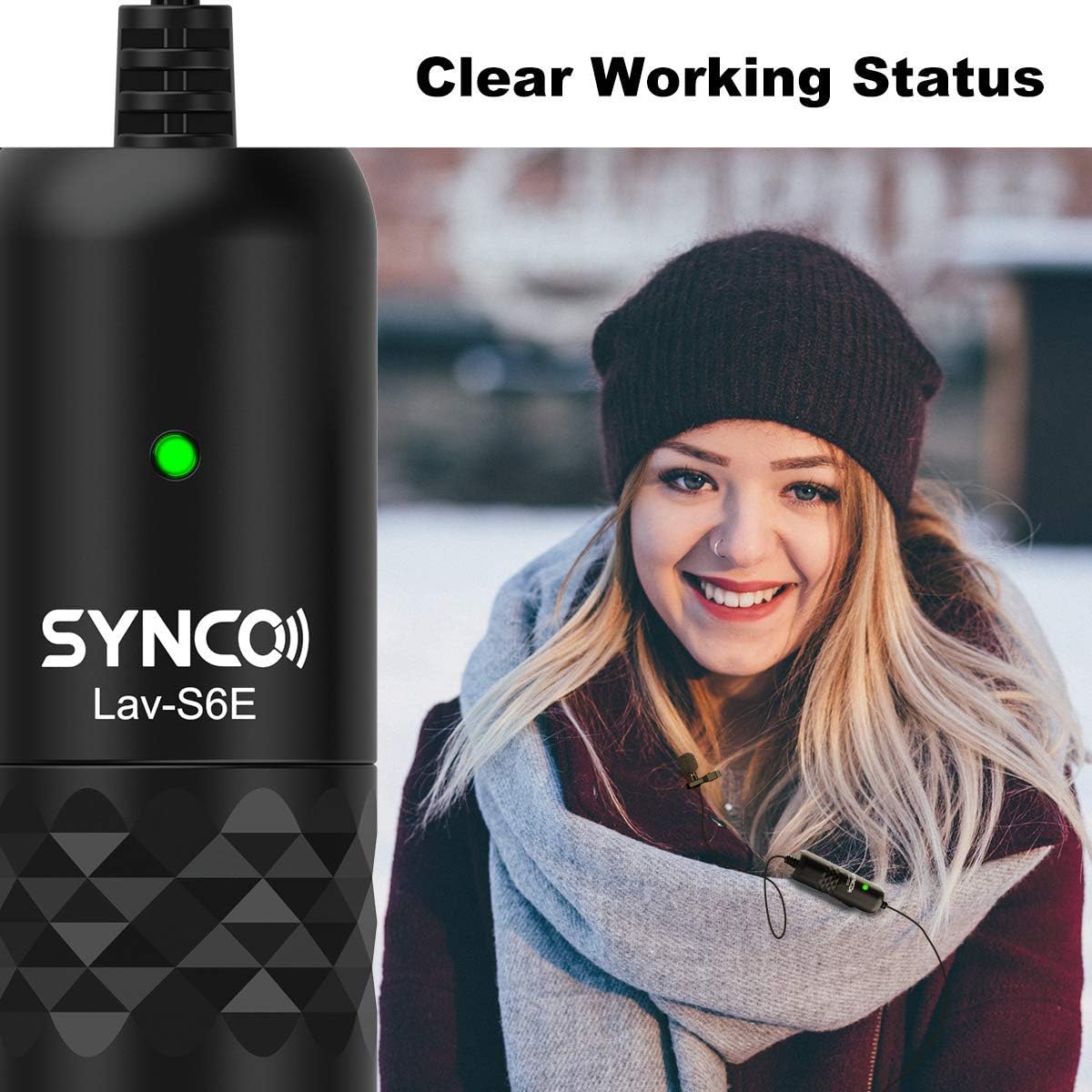
Image: The microphone's indicator light provides a clear visual cue of its working status.

Image: The SYNCO Lav-S6E offers wide compatibility with various recording devices.
Kullanım Talimatları
- Konumlandırma: For optimal sound capture, position the microphone on your lapel or collar. Ensure the omnidirectional capsule is facing outwards and is not obstructed by clothing or accessories.
- Kayıt: Once connected and the indicator light is active, begin recording on your chosen device (smartphone, camera, laptop, PC).
- Ses İzleme: If your recording device allows, use headphones to monitor the audio input during recording to ensure clear sound and proper microphone placement.
- Kablo yönetimi: The 6-meter (19.7-foot) cable provides flexibility. Manage the cable to prevent tangling or accidental disconnections during use.

Image: The omnidirectional pickup pattern captures sound from all directions, suitable for group discussions or interviews.

Image: The microphone's advanced noise processing helps to clarify audio by reducing ambient sounds.
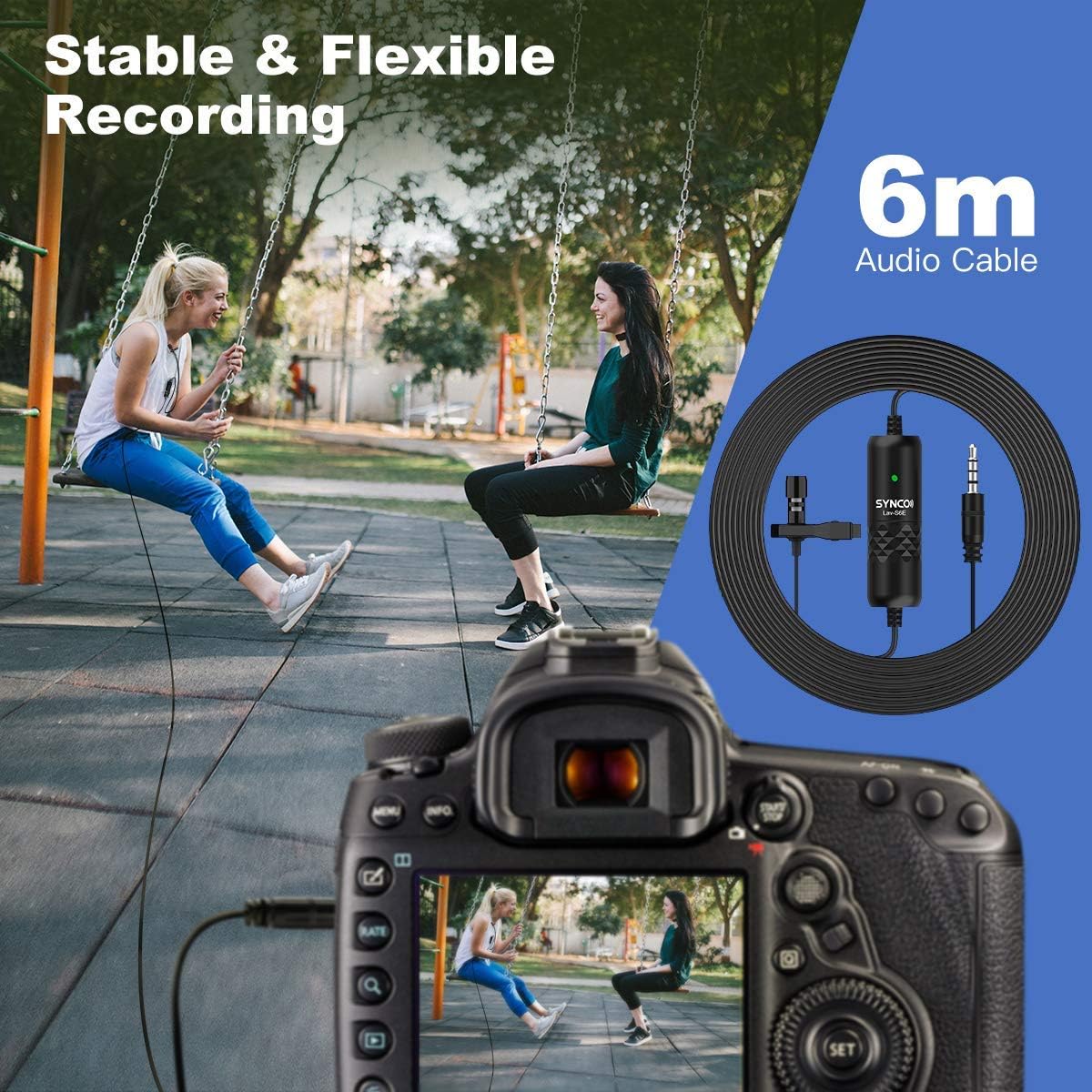
Image: The 6-meter audio cable provides ample length for flexible recording setups.
Sorun giderme
- Ses Yok veya Ses Düşük:
- Ensure the microphone is securely plugged into the device's audio input.
- Check the battery level and ensure it is correctly inserted.
- Verify the indicator light is active.
- Adjust the input volume settings on your recording device.
- For smartphones, confirm that the correct audio input source is selected in your recording app.
- Statik veya İstenmeyen Gürültü:
- Ensure the microphone is not rubbing against clothing or other objects.
- Diğer elektronik cihazlardan kaynaklanan elektromanyetik parazit olup olmadığını kontrol edin.
- The microphone has advanced noise handling; however, very loud ambient noise may still be picked up. Try to record in quieter environments.
- Inspect the cable for any damage or kinks.
- Uyumluluk Sorunları:
- For iPhone 7 and newer, confirm you are using the official 3.5mm-to-Lightning adapter.
- For some Android devices, try using a third-party recording application if the native camera app does not recognize the microphone.
Bakım
- Temizlik: Use a soft, dry cloth to clean the microphone and cable. Avoid using liquid cleaners or solvents.
- Depolamak: Mikrofonu serin, kuru ve doğrudan güneş ışığından ve aşırı sıcaklıklardan uzak bir yerde saklayın.
- Kablo Bakımı: Kabloya keskin bükülmelerden veya aşırı çekme kuvveti uygulamaktan kaçının, aksi takdirde iç hasar meydana gelebilir.
- Pil Değişimi: Replace the Lithium Ion battery as needed to ensure consistent performance.
Özellikler
| Model Numarası | S6E |
| Ürün Ağırlığı | 4.6 ons |
| Paket Boyutları | 5.24 x 5.16 x 1.73 inç |
| Kablo Uzunluğu | 6 metre / 19.7 fit |
| Bağlayıcı Türü | 3.5mm TRRS/TRS (Auto-pairing) |
| Alım Modeli | Omnidirectional (360-degree) |
| Uyumlu Cihazlar | Smartphones (iOS/Android), Cameras, Laptops, PCs |
| Güç Kaynağı | Pille Çalışan (Lityum İyon) |
| Malzeme Türü | Metal |
Garanti ve Destek
Garanti bilgileri ve teknik destek için lütfen resmi SYNCO web sitesine başvurun. website veya doğrudan müşteri hizmetleriyle iletişime geçin. Garanti talepleri için satın alma kanıtı olarak satın alma makbuzunuzu saklayın.
Üretici: SENKRONİZASYON
Webalan: Visit the SYNCO Store on Amazon