
1. บทนำ
This manual provides essential information for using your new vivo Y31 Pro 5G smartphone. Please read it carefully to ensure proper operation and to maximize the device's features. Keep this manual for future reference.

ภาพ: ด้านหน้า view of the vivo Y31 Pro 5G smartphone, showcasing การแสดงผลของมัน
2. อะไรอยู่ในกล่อง
ตรวจสอบว่ามีรายการทั้งหมดอยู่ในบรรจุภัณฑ์ผลิตภัณฑ์ของคุณ:
- สมาร์ทโฟน vivo Y31 Pro 5G
- เคสโทรศัพท์
- อะแดปเตอร์แปลงไฟ
- สาย USB
- ตัวดันถาดซิม
- ฟิล์มกันรอยหน้าจอ (ติดมาให้แล้ว)
3. การตั้งค่า
3.1. การติดตั้งซิมการ์ด
- ค้นหาถาดใส่การ์ด SIM ที่ด้านข้างอุปกรณ์ของคุณ
- ใส่เครื่องมือถอดถาดซิมเข้าไปในรูเล็ก ๆ ข้างถาดแล้วกดเบา ๆ จนกว่าถาดจะดีดออกมา
- วางการ์ด Nano-SIM และ/หรือการ์ด microSD ของคุณลงในถาดโดยให้หน้าสัมผัสสีทองคว่ำลง ตรวจสอบให้แน่ใจว่าวางแนวอย่างถูกต้อง
- ใส่ถาดกลับเข้าไปในโทรศัพท์อย่างระมัดระวังจนกระทั่งล็อคเข้าที่
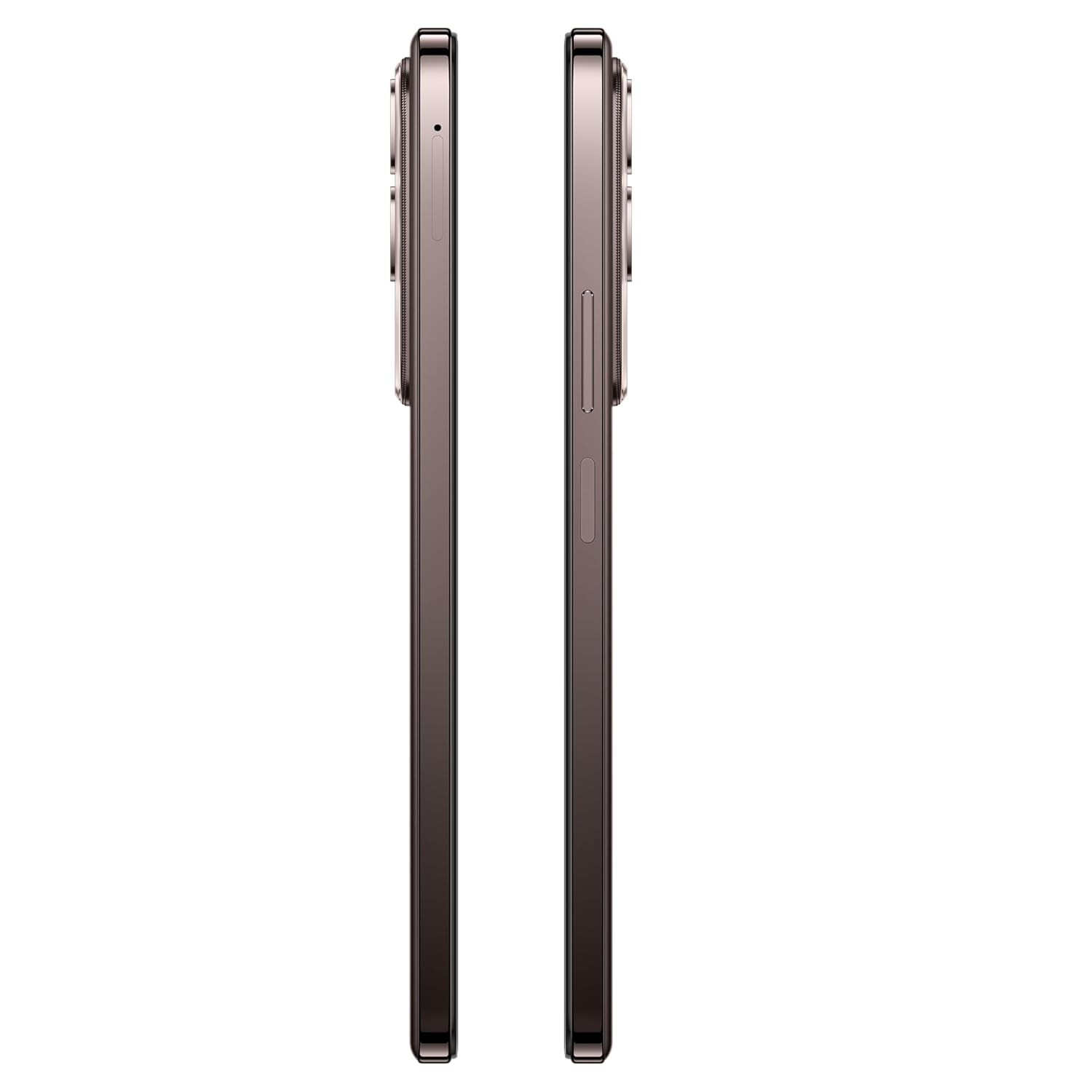
ภาพ: ด้านข้าง view of the vivo Y31 Pro 5G, showing the SIM card tray location.
3.2. การเปิดเครื่องครั้งแรกและการตั้งค่าพื้นฐาน
- กดปุ่มเปิด/ปิด (อยู่ด้านขวา) ค้างไว้จนกว่าโลโก้ vivo จะปรากฏขึ้น
- ทำตามคำแนะนำบนหน้าจอเพื่อเลือกภาษา ภูมิภาค และเชื่อมต่อกับเครือข่าย Wi-Fi
- ลงชื่อเข้าใช้ด้วยบัญชี Google ของคุณหรือสร้างบัญชีใหม่เพื่อเข้าถึงบริการของ Google และ Play Store
- ตั้งค่าวิธีล็อกหน้าจอของคุณ (PIN, รูปแบบ, รหัสผ่าน, ลายนิ้วมือ หรือปลดล็อกด้วยใบหน้า)
4. การใช้งานอุปกรณ์ของคุณ
4.1. คุณสมบัติการแสดงผล
The vivo Y31 Pro 5G features a 17.06 cm (6.72 inch) High Brightness FHD+ display with a 120 Hz refresh rate and up to 1050 Nits brightness for clear visuals and smooth scrolling.

Image: Illustration highlighting the phone's high brightness FHD display with 1050 Nits and 120 Hz refresh rate.
4.2. การใช้กล้อง
Your device is equipped with a 50 MP + 2 MP rear camera system and an 8 MP selfie camera. It supports 4K video recording.
- ถ่ายรูป: เปิดแอปกล้อง เลือกโหมด 'ภาพถ่าย' แล้วแตะปุ่มชัตเตอร์
- การบันทึกวิดีโอ: Switch to 'Video' mode and tap the record button to start/stop.
- คุณสมบัติ AI: Utilize AI Erase and AI Photo Enhance for improved image quality and editing.
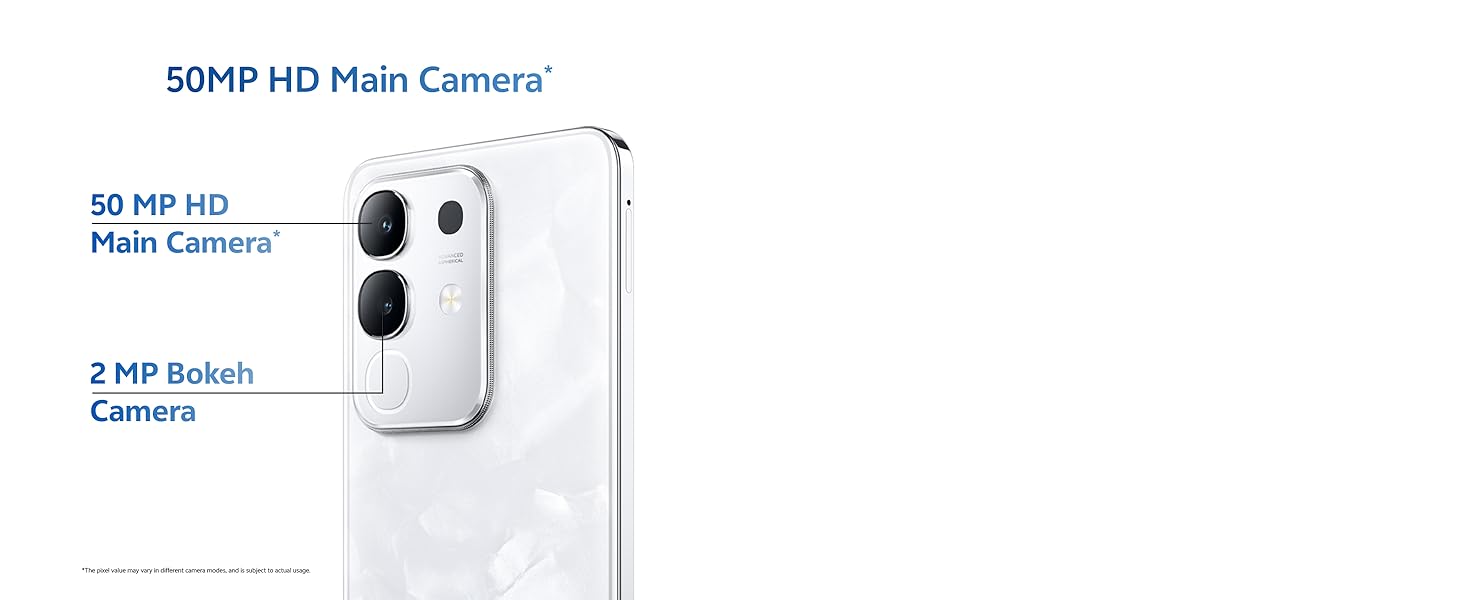
Image: Close-up of the vivo Y31 Pro 5G's rear camera module, showing the 50 MP main camera and 2 MP bokeh camera.

Image: Comparison showing video quality with and without 4K recording on the vivo Y31 Pro 5G.
4.3. การจัดการแบตเตอรี่
The device is powered by a 6500 mAh battery and supports 44W FlashCharge. For optimal battery life:
- ใช้อะแดปเตอร์ไฟและสาย USB ที่ให้มาเพื่อชาร์จ
- หลีกเลี่ยงอุณหภูมิที่สูงหรือต่ำเกินไป
- จัดการการใช้งานแอปพื้นหลังและความสว่างหน้าจอ
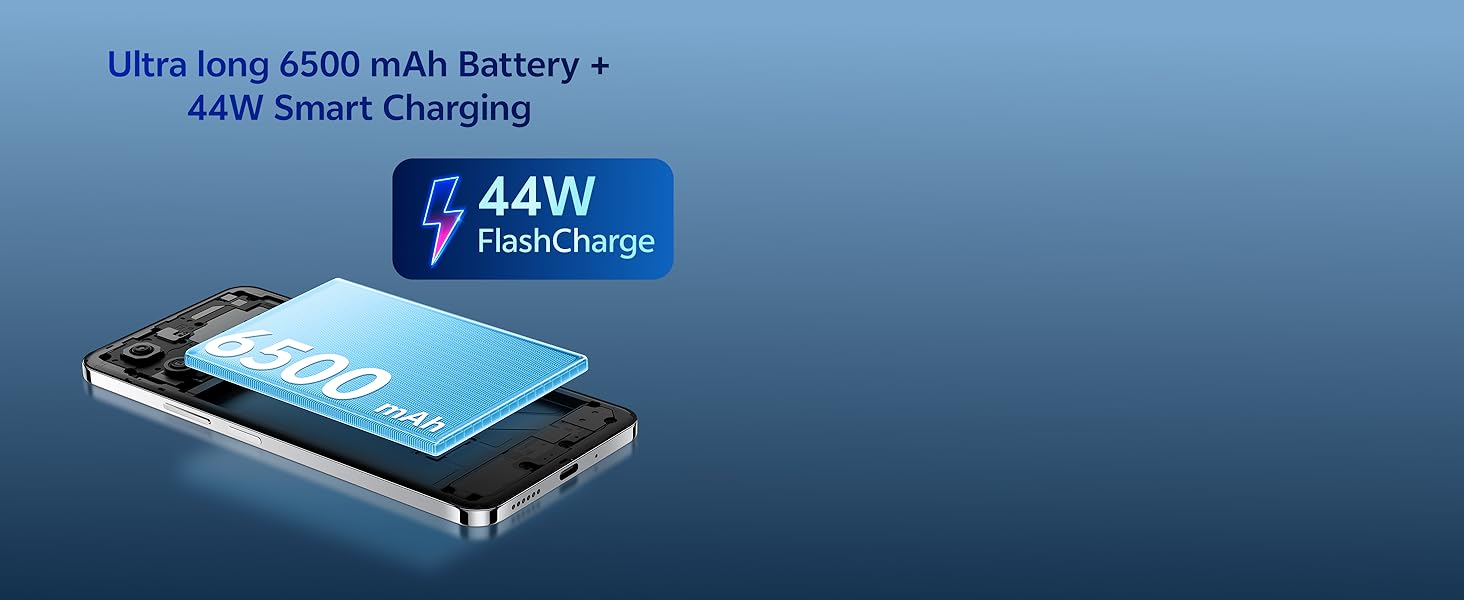
Image: Illustration of the vivo Y31 Pro 5G's 6500 mAh battery and 44W FlashCharge technology.
4.4. การเชื่อมต่อ
The vivo Y31 Pro 5G supports 5G network connectivity, Bluetooth, and built-in GPS.
- ไวไฟ : ไปที่การตั้งค่า > เครือข่ายและอินเทอร์เน็ต > Wi-Fi เพื่อเชื่อมต่อกับเครือข่ายที่มีอยู่
- บลูทูธ: ไปที่การตั้งค่า > อุปกรณ์ที่เชื่อมต่อ > บลูทูธ เพื่อจับคู่กับอุปกรณ์อื่น
- 5จี: Ensure your SIM card and plan support 5G for high-speed mobile data.
4.5. เสียง
The device features dual stereo speakers for enhanced audio output.
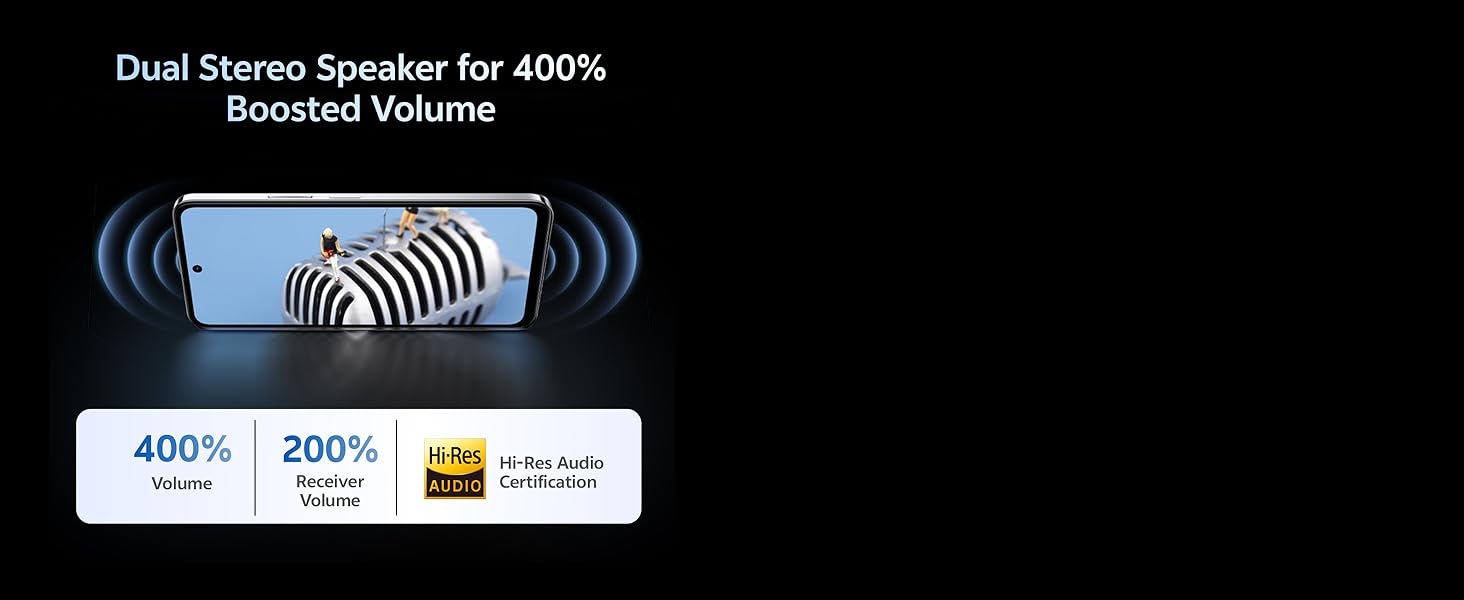
Image: Illustration depicting the dual stereo speaker system of the vivo Y31 Pro 5G.
5. การบำรุงรักษา
5.1. การทำความสะอาดอุปกรณ์ของคุณ
- ใช้ผ้านุ่มไม่เป็นขุยทำความสะอาดหน้าจอและตัวเครื่อง
- หลีกเลี่ยงการใช้สารเคมีรุนแรงหรือวัสดุที่มีฤทธิ์กัดกร่อน
- The device has an IP64 rating for dust and splash resistance. Avoid submerging it in water.
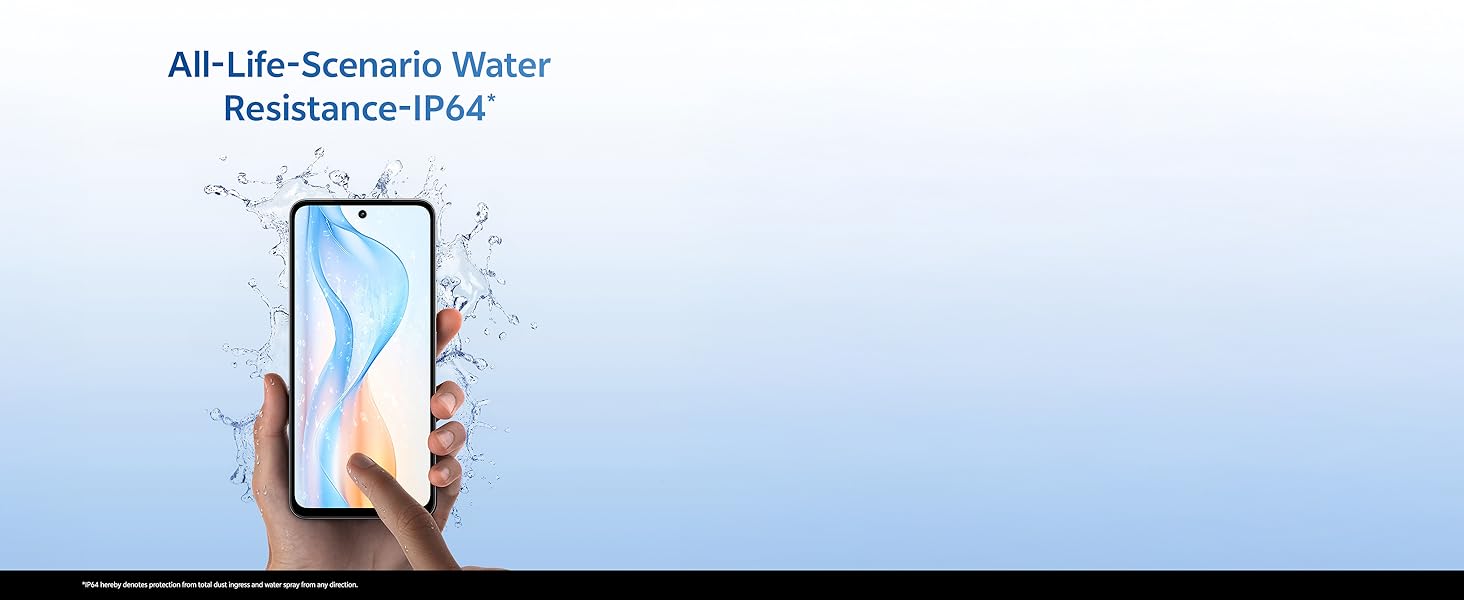
Image: Illustration demonstrating the IP64 water resistance of the vivo Y31 Pro 5G against splashes.
5.2. การอัปเดตซอฟต์แวร์
ตรวจสอบการอัปเดตซอฟต์แวร์เป็นประจำเพื่อให้แน่ใจว่าอุปกรณ์ของคุณมีคุณสมบัติล่าสุดและแพทช์ความปลอดภัย ไปที่ การตั้งค่า > ระบบ > การอัปเดตระบบ
6 การแก้ไขปัญหา
6.1. ปัญหาทั่วไป
- อุปกรณ์ไม่เปิด: Ensure the battery is charged. Connect to the power adapter for at least 10 minutes before attempting to power on.
- แอปขัดข้อง: Clear the cache of the problematic app (Settings > Apps > [App Name] > Storage & cache > Clear cache). If the issue persists, reinstall the app.
- สัญญาณเครือข่ายไม่ดี: ตรวจสอบการติดตั้งซิมการ์ดของคุณ ย้ายไปยังพื้นที่ที่มีสัญญาณเครือข่ายครอบคลุมดีกว่า
- แบตเตอรี่หมดเร็ว: ลดความสว่างหน้าจอ ปิดใช้งานแอปพื้นหลังที่ไม่จำเป็น และปิด Wi-Fi/Bluetooth เมื่อไม่ได้ใช้งาน
6.2. รีเซ็ตเป็นค่าโรงงาน
หากอุปกรณ์ของคุณประสบปัญหาต่อเนื่อง การรีเซ็ตเป็นค่าโรงงานอาจแก้ไขปัญหาเหล่านั้นได้ คำเตือน: การดำเนินการนี้จะลบข้อมูลทั้งหมดในโทรศัพท์ของคุณ โปรดสำรองข้อมูลสำคัญก่อนดำเนินการต่อ ไปที่ การตั้งค่า > ระบบ > ตัวเลือกการรีเซ็ต > ลบข้อมูลทั้งหมด (รีเซ็ตเป็นค่าจากโรงงาน)
7. ข้อมูลจำเพาะ
| คุณสมบัติ | ข้อมูลจำเพาะ |
|---|---|
| แบบอย่าง | vivo Y31 Pro 5G |
| ระบบปฏิบัติการ | Funtouch OS 15 |
| โปรเซสเซอร์ | มีเดียเทค ไดเมนซิตี้ 7300 |
| แรม | 8GB |
| การจัดเก็บข้อมูลภายใน | 128GB |
| แสดง | 17.06 cm (6.72 inch) FHD+, 1050 Nits, 120 Hz Refresh Rate |
| กล้องหลัง | 50 ล้านพิกเซล + 2 ล้านพิกเซล |
| กล้องเซลฟี่ | 8 MP |
| ความจุของแบตเตอรี่ | 6500 มิลลิแอมป์ |
| การชาร์จไฟ | ระบบชาร์จเร็ว 44 วัตต์ |
| การเชื่อมต่อ | 5G, Bluetooth, GPS |
| ขนาด | 16.6 x 7.6 x 0.8 ซม. |
| น้ำหนัก | 204 กรัม |
| ความทนทาน | Military Grade (MIL-STD-810H tested), IP64 Dust and Splash Resistance |
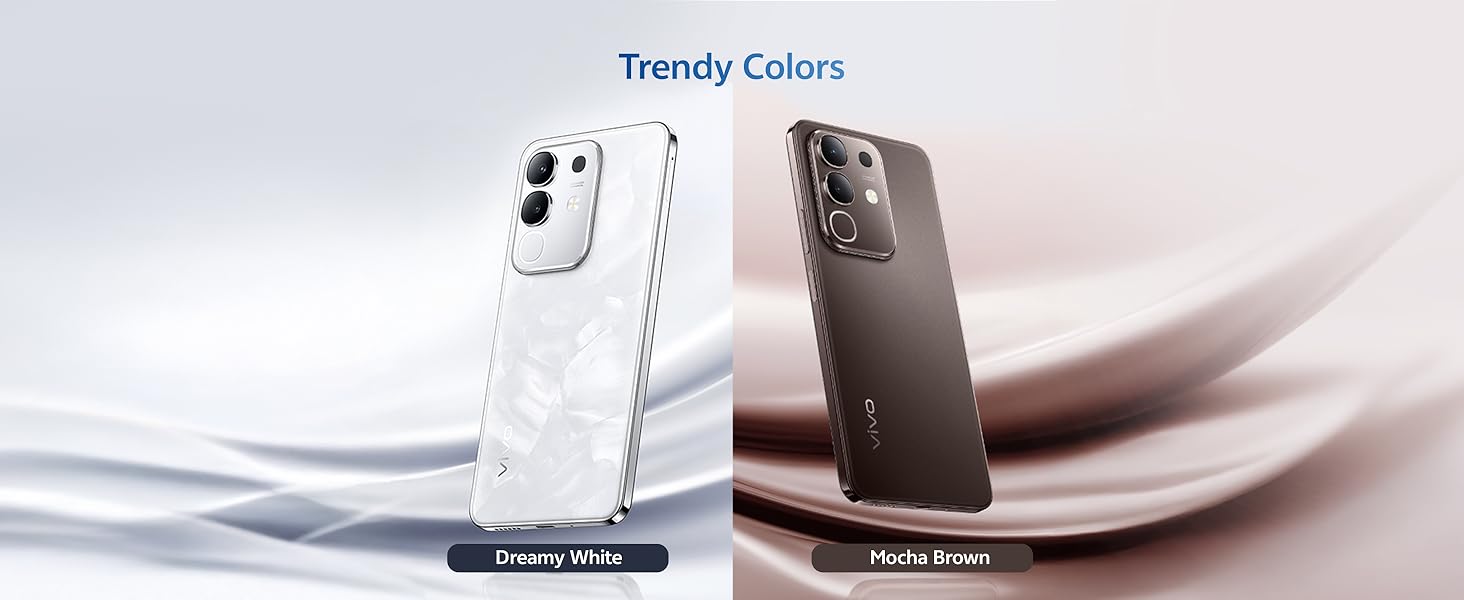
ภาพ: เหนือview of the vivo Y31 Pro 5G's powerful Dimensity 7300 processor and ultra-long 6500 mAh battery with 44W FlashCharge.
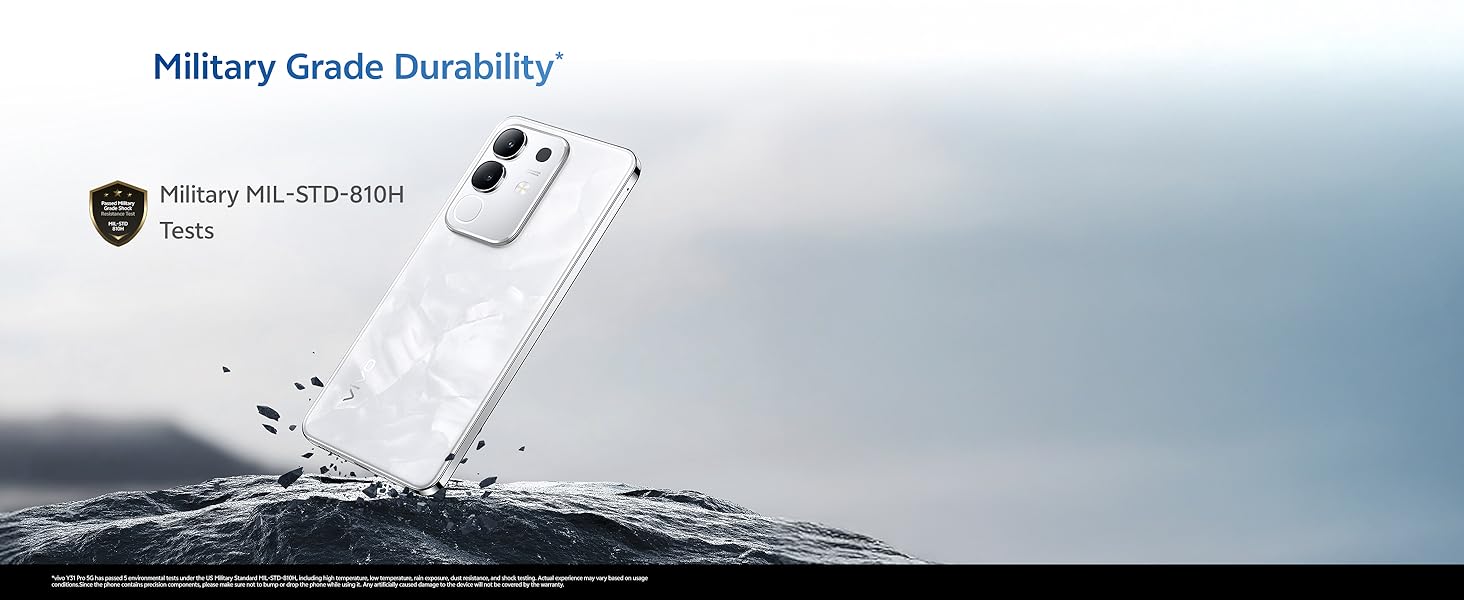
Image: The vivo Y31 Pro 5G demonstrating military-grade durability (MIL-STD-810H tested).
8. การรับประกันและการสนับสนุน
Your vivo Y31 Pro 5G smartphone comes with a standard manufacturer's warranty. For detailed warranty terms and conditions, please refer to the warranty card included in your product packaging or visit the official vivo support webเว็บไซต์.
For technical support, service, or further assistance, please contact vivo customer service through their official channels. You can find contact information on the vivo website or in your device's 'Settings' under 'About phone' or 'Support'.
ผู้ผลิต: บริษัท วีโว โมบายล์ อินเดีย จำกัด
ประเทศต้นกำเนิด: อินเดีย