

1. บทนำ
This manual provides essential information for the safe and efficient use of your URAO 14-inch Android 15 Tablet, model G140L. Please read this manual thoroughly before operating the device to ensure proper setup and functionality. Keep this manual for future reference.
2. เนื้อหาบรรจุภัณฑ์
ตรวจสอบว่ามีรายการทั้งหมดอยู่ในแพ็คเกจ:
- URAO 14-inch Android 15 Tablet (G140L)
- แป้นพิมพ์บลูทูธ
- Bluetooth Mouse (Note: Batteries not included)
- ปากกาสไตลัส
- เคสป้องกัน
- หูฟัง
- สายชาร์จแบบ USB Type-C
- อะแดปเตอร์ไฟฟ้า (เครื่องชาร์จ)

Image: A visual representation of the URAO G140L tablet, highlighting its ports and buttons, alongside all standard accessories provided in the retail package.
3. การตั้งค่า
3.1 การเปิดเครื่องครั้งแรก
- Press and hold the Power ON/OFF button located on the side of the tablet until the screen illuminates.
- ทำตามคำแนะนำบนหน้าจอเพื่อเลือกภาษา เชื่อมต่อกับเครือข่าย Wi-Fi และตั้งค่าบัญชี Google ของคุณ
3.2 การชาร์จแท็บเล็ต
Before first use, fully charge the tablet. Use the provided USB Type-C charging cable and power adapter.
- เสียบสาย USB Type-C เข้ากับพอร์ตชาร์จของแท็บเล็ต
- เสียบอะแดปเตอร์ไฟฟ้าเข้ากับเต้ารับไฟฟ้าที่ผนัง
- The battery indicator on the screen will show charging status. A full charge typically takes approximately 2.5 hours with the 30W fast charging capability.
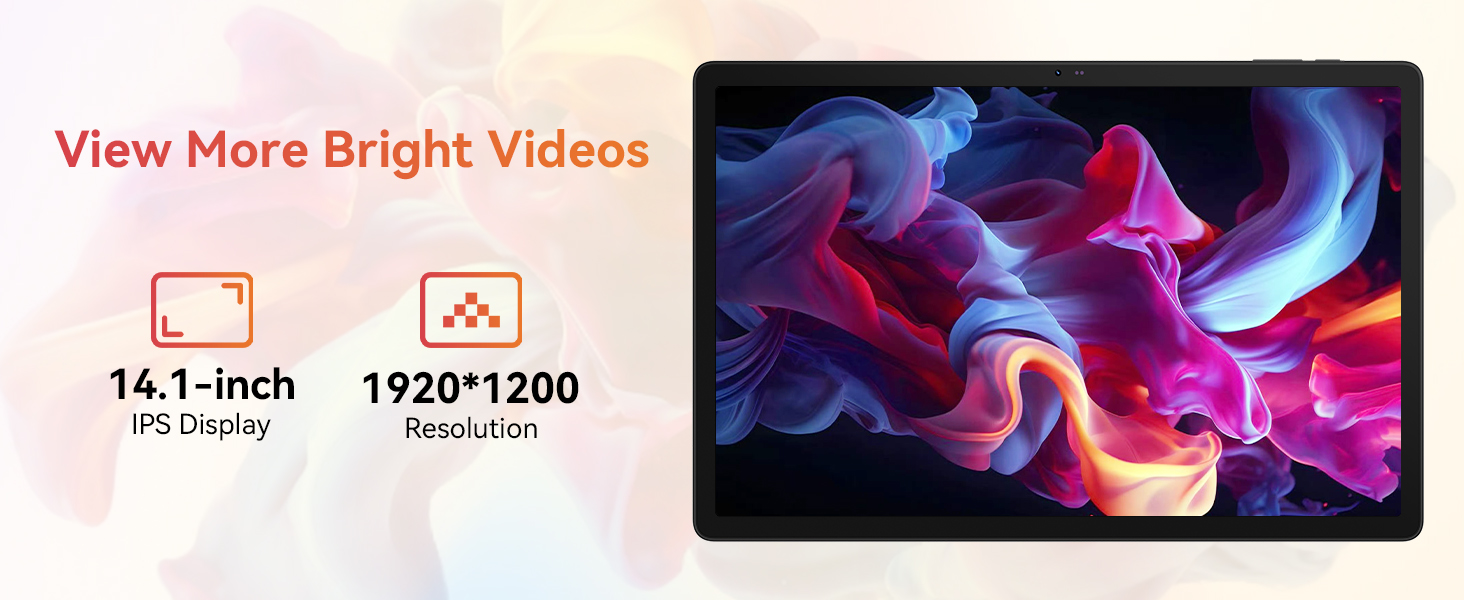
Image: The URAO tablet connected to a charger via its Type-C port, illustrating the 10000mAh battery and 30W fast charging feature.
3.3 การเชื่อมต่ออุปกรณ์ต่อพ่วง (คีย์บอร์ด เมาส์ ปากกาสไตลัส)
The included keyboard, mouse, and stylus connect via Bluetooth.
- ไปที่ การตั้งค่า > อุปกรณ์ที่เชื่อมต่อ > บลูทูธ บนแท็บเล็ตของคุณ
- ตรวจสอบให้แน่ใจว่าบลูทูธเปิดอยู่ On.
- Put the keyboard, mouse, or stylus into pairing mode (refer to each accessory's individual instructions for specific pairing steps).
- เลือกอุปกรณ์เสริมจากรายการอุปกรณ์ที่มีอยู่บนแท็บเล็ตของคุณเพื่อทำการจับคู่
3.4 การเชื่อมต่อเครือข่าย (Wi-Fi)
เชื่อมต่อกับเครือข่าย Wi-Fi สำหรับการเข้าถึงอินเทอร์เน็ต
- ไปที่ การตั้งค่า > เครือข่ายและอินเตอร์เน็ต > อินเทอร์เน็ต.
- เปลี่ยน ไวไฟ บน.
- Select your desired Wi-Fi network from the list and enter the password if required. The tablet supports Wi-Fi 6 (802.11ax) for faster and more stable connections.
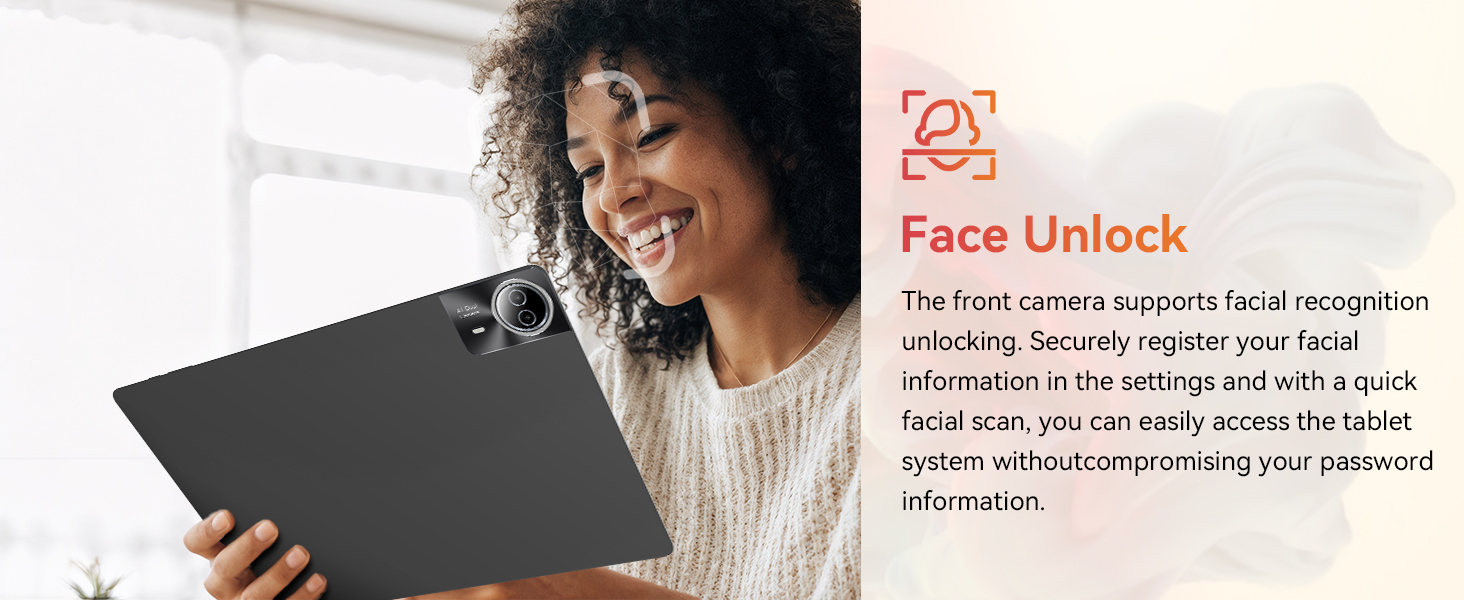
Image: The URAO tablet screen showing icons for dual-band Wi-Fi (2.4G+5G) and Bluetooth 5.4, indicating its connectivity features.
4. คู่มือการใช้งาน
4.1 การนำทางพื้นฐาน (Android 15)
Your tablet runs on Android 15, offering an intuitive user interface. Use touch gestures for navigation:
- แตะ: เลือกสินค้า.
- ปัด: เลื่อนดูหน้าหรือรายการ
- หยิก: ซูมเข้าหรือออกจากรูปภาพและ web หน้า
- กดแบบยาว: เข้าถึงเมนูบริบทหรือย้ายไอคอน
4.2 การตั้งค่าการแสดงผล
The 14.1-inch IPS FHD display offers a resolution of 1920x1200 pixels for clear visuals. Adjust display settings via การตั้งค่า > แสดง.
- ระดับความสว่าง: ปรับความสว่างหน้าจอ
- ธีมสีเข้ม: Enable for reduced eye strain in low light.
- โหมดป้องกันดวงตา: ลดการปล่อยแสงสีฟ้า
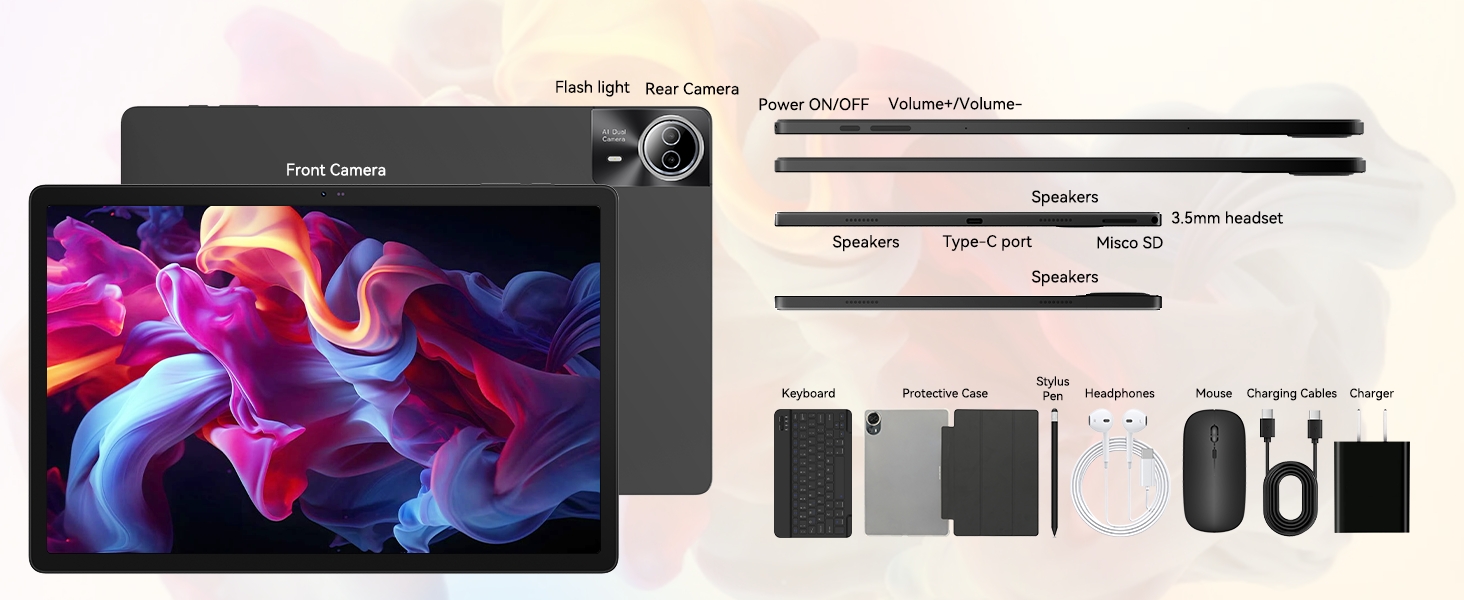
Image: The URAO tablet displaying a high-resolution image, emphasizing its 14.1-inch IPS display and 1920x1200 pixel resolution for bright and clear visuals.
4.3 การใช้งานกล้อง
แท็บเล็ตนี้มีกล้องหน้า 5 ล้านพิกเซลและกล้องหลัง 8 ล้านพิกเซล
- เปิด กล้อง เรียกใช้แอปพลิเคชันจากหน้าจอหลักหรือลิ้นชักแอป
- แตะไอคอนกล้องเพื่อสลับระหว่างกล้องหน้าและกล้องหลัง
- แตะปุ่มชัตเตอร์เพื่อถ่ายภาพหรือเริ่ม/หยุดบันทึกวิดีโอ
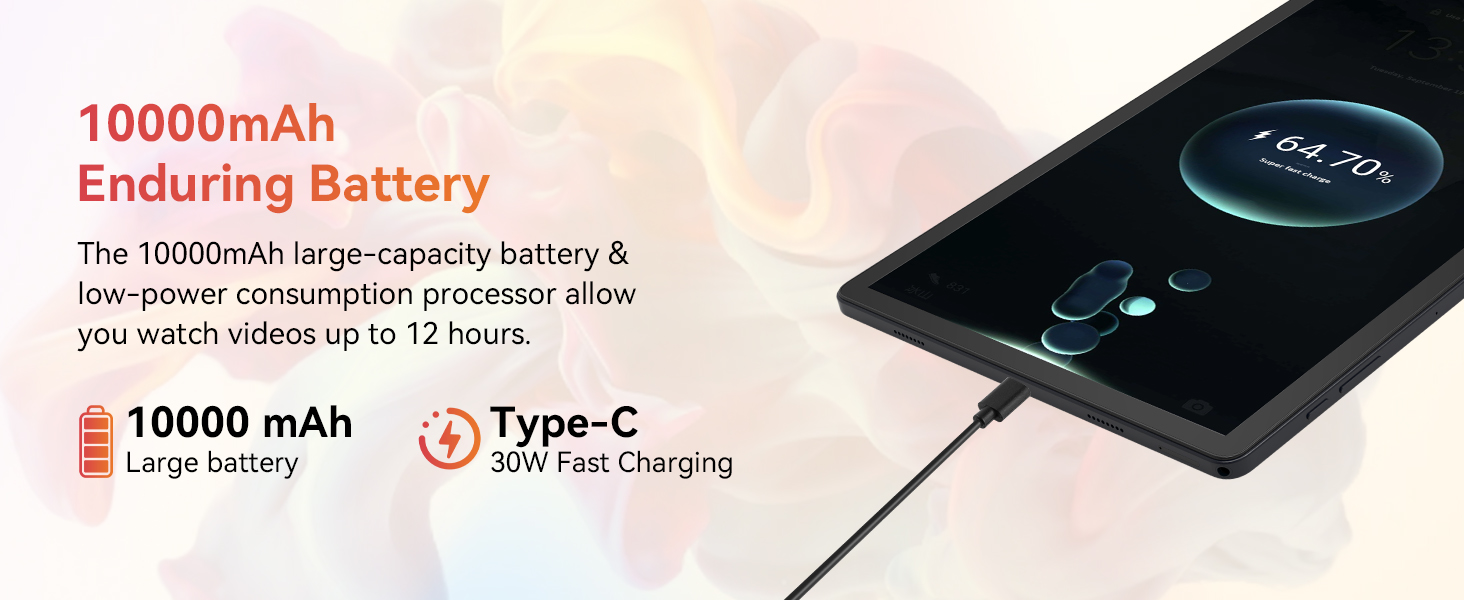
Image: A collage demonstrating the photo capabilities of the URAO tablet, featuring images taken with its 8MP rear camera and 5MP front camera, suitable for video calls and capturing moments.
4.4 เสียง
The tablet is equipped with Stereo 4 Speakers for an immersive audio experience. Volume can be adjusted using the Volume +/- buttons on the side of the tablet or through the on-screen controls.
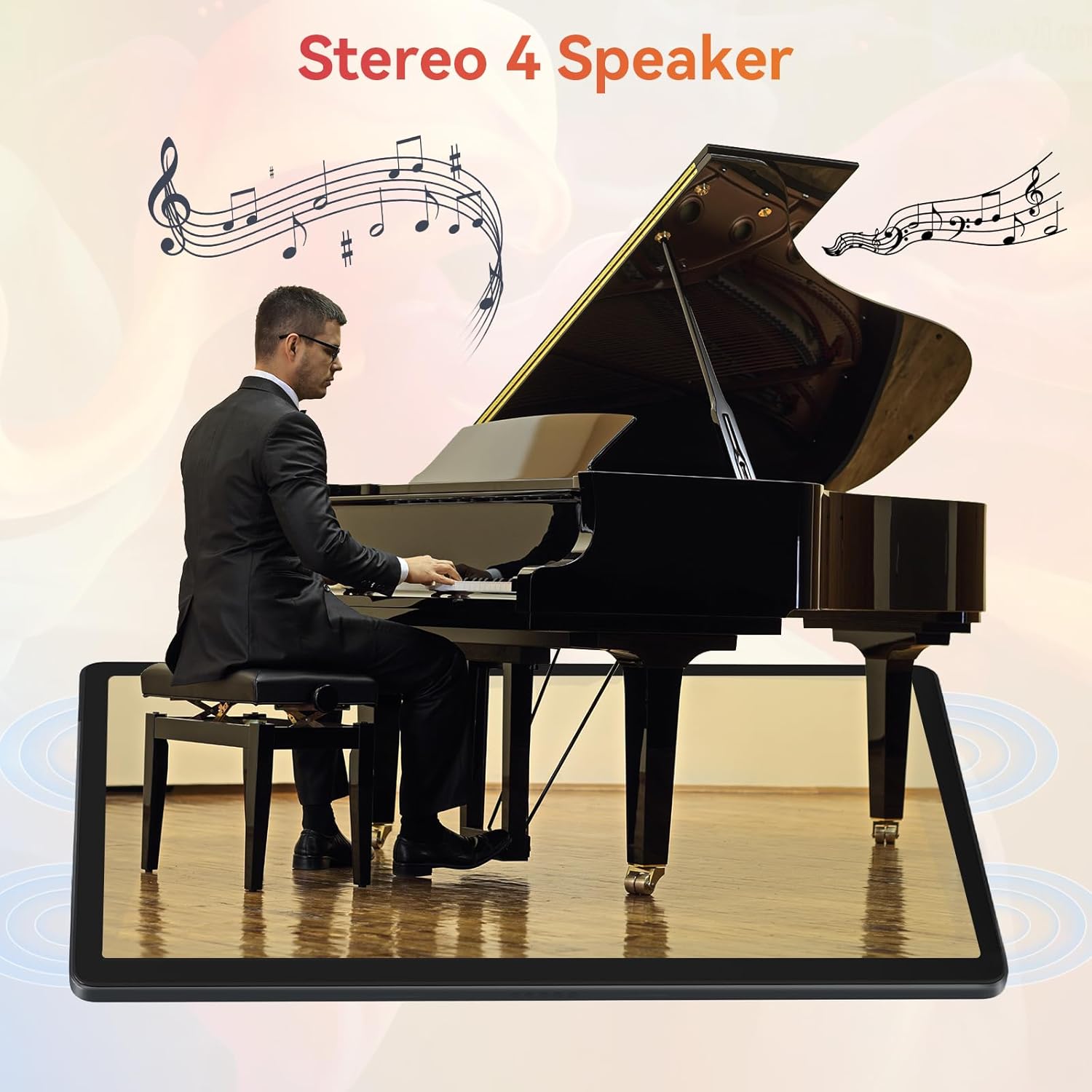
Image: The URAO tablet positioned in front of a piano player, with a graphic overlay indicating the presence of Stereo 4 Speakers for enhanced sound.
4.5 การจัดการการจัดเก็บข้อมูล
Your tablet comes with 256GB of internal storage and 30GB of RAM (6GB physical + 24GB virtual expansion). Storage can be expanded up to 1TB using a TF (Micro SD) card (not included).
- To insert a TF card, locate the card slot on the side of the tablet and gently push the card in until it clicks.
- Manage storage via การตั้งค่า > พื้นที่จัดเก็บ.
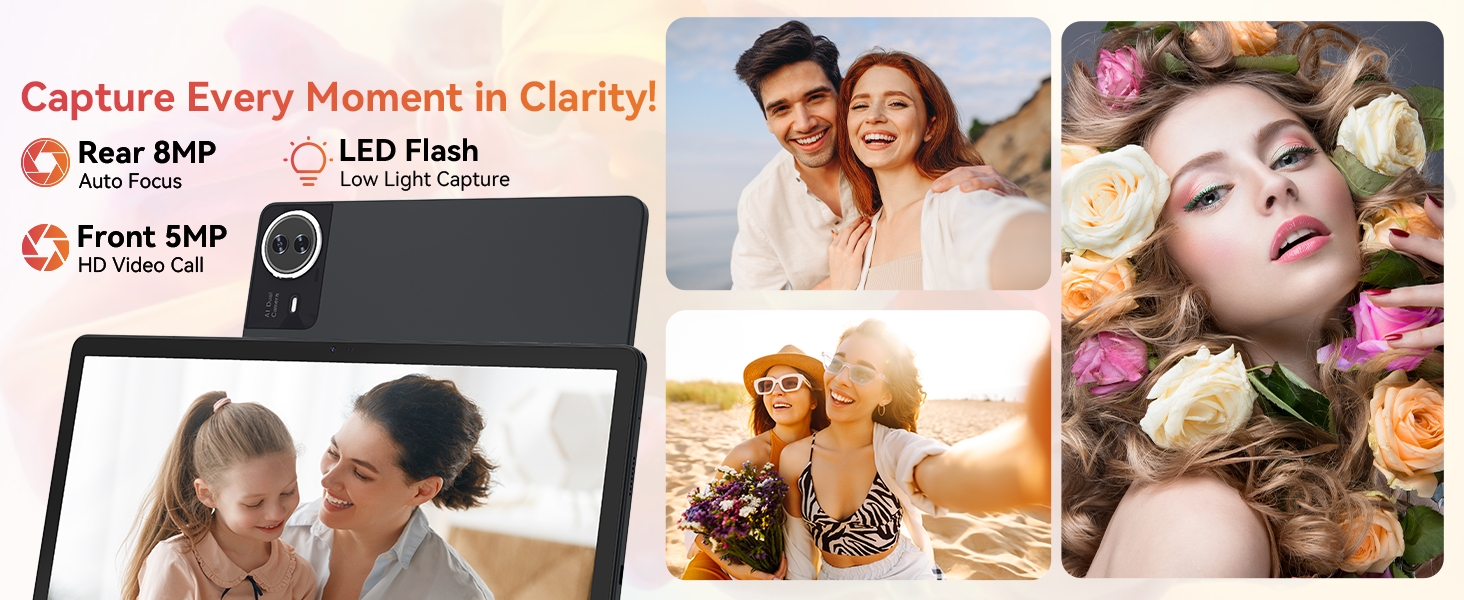
Image: The URAO tablet displaying multiple application icons, with graphics indicating its 30GB RAM (6+24GB), 256GB ROM, and support for up to 1TB external storage.
4.6 โหมด 2-in-1
Transform your tablet into a laptop-like experience by connecting the Bluetooth keyboard and mouse. The protective case can also function as a stand.

Image: A multi-panel image showing the URAO tablet in different usage scenarios, including note-taking with a stylus, typing with the keyboard and mouse, and watching videos, demonstrating its versatility.
4.7 การจดจำใบหน้า
The front camera supports facial recognition for convenient unlocking.
- ไปที่ การตั้งค่า > ความปลอดภัยและความเป็นส่วนตัว > ปลดล็อคด้วยใบหน้า.
- Follow the on-screen instructions to register your facial data.
- Once set up, you can unlock your tablet by simply looking at the front camera.
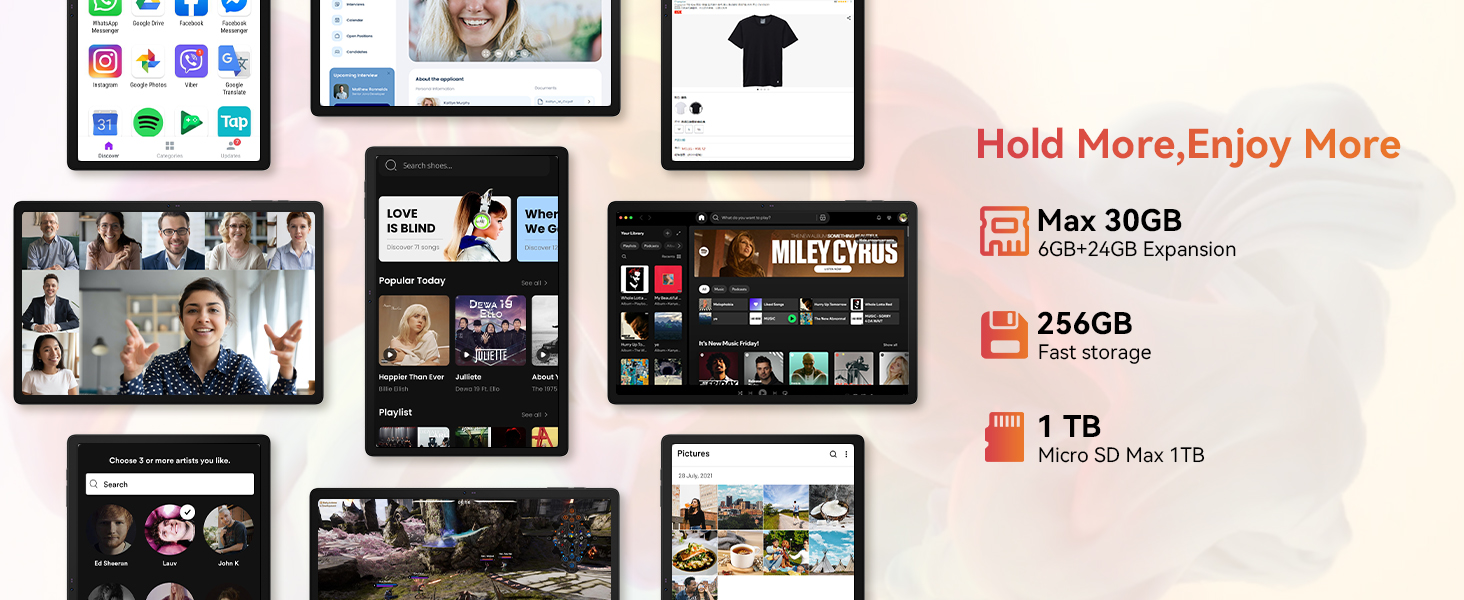
Image: A woman demonstrating the face unlock feature of the URAO tablet, with an icon indicating facial recognition technology.
5. การบำรุงรักษา
5.1 การทำความสะอาดเครื่อง
- ใช้ผ้านุ่มที่ไม่เป็นขุยในการทำความสะอาดหน้าจอและตัวเครื่องแท็บเล็ต
- หลีกเลี่ยงการใช้สารเคมีรุนแรงหรือวัสดุที่มีฤทธิ์กัดกร่อน
- ห้ามฉีดน้ำยาทำความสะอาดลงบนหน้าจอโดยตรง
5.2 การอัปเดตซอฟต์แวร์
ตรวจสอบการอัปเดตระบบเป็นระยะเพื่อให้มั่นใจได้ถึงประสิทธิภาพและความปลอดภัยสูงสุด
- ไปที่ การตั้งค่า > ระบบ > การอัพเดทระบบ.
- ปฏิบัติตามคำแนะนำบนหน้าจอเพื่อดาวน์โหลดและติดตั้งการอัพเดตที่มีอยู่
5.3 การดูแลแบตเตอรี่
เพื่อยืดอายุแบตเตอรี่:
- หลีกเลี่ยงการให้แท็บเล็ตสัมผัสกับอุณหภูมิที่สูงหรือต่ำเกินไป
- อย่าปล่อยให้แบตเตอรี่หมดจนหมดบ่อยๆ
- ใช้เฉพาะเครื่องชาร์จและสายเคเบิลที่ให้มาเท่านั้น
6 การแก้ไขปัญหา
6.1 อุปกรณ์ไม่เปิดเครื่อง
- ตรวจสอบให้แน่ใจว่าแท็บเล็ตมีแบตเตอรี่เพียงพอ เสียบแท็บเล็ตเข้ากับที่ชาร์จอย่างน้อย 30 นาที
- Press and hold the Power ON/OFF button for 10-15 seconds to perform a forced restart.
6.2 ปัญหาการเชื่อมต่อ Wi-Fi
- รีสตาร์ทเราเตอร์ Wi-Fi และแท็บเล็ตของคุณ
- ตรวจสอบให้แน่ใจว่าคุณอยู่ในระยะสัญญาณ Wi-Fi
- ตรวจสอบว่ารหัสผ่าน Wi-Fi ถูกป้อนถูกต้อง
6.3 Peripherals Not Connecting (Keyboard/Mouse/Stylus)
- Ensure Bluetooth is enabled on the tablet and the accessory is in pairing mode.
- Check if the accessory has sufficient battery (e.g., replace mouse batteries).
- Unpair and re-pair the accessory from the tablet's Bluetooth settings.
6.4 หน้าจอสัมผัสไม่ตอบสนอง
- รีสตาร์ทแท็บเล็ต
- Ensure the screen is clean and free of debris or liquids.
- If the issue persists, a factory reset may be necessary (back up your data first).
7. ข้อมูลจำเพาะ
Technical Specifications for URAO G140L Tablet:
| แบบอย่าง | G140L |
| ระบบปฏิบัติการ | แอนดรอยด์ 15 |
| ขนาดหน้าจอ | 14.1 นิ้ว |
| ความละเอียดหน้าจอ | 1920 x 1200 พิกเซล (FHD IPS) |
| โปรเซสเซอร์ | Octa-core 2.0 กิกะเฮิรตซ์ |
| แรม | 30GB (6GB หน่วยความจำจริง + 24GB หน่วยความจำเสมือน) |
| หน่วยความจำภายใน (ROM) | 256GB |
| พื้นที่เก็บข้อมูลแบบขยายได้ | ความจุสูงสุด 1TB (การ์ด TF ไม่รวมอยู่ในชุด) |
| ความจุของแบตเตอรี่ | 10000mAh |
| การชาร์จไฟ | 30W Fast Charging, USB Type-C |
| อายุการใช้งานแบตเตอรี่โดยเฉลี่ย | ใช้งานได้นานสูงสุด 12 ชั่วโมง (ใช้งานหลากหลายประเภท) |
| การเชื่อมต่อแบบไร้สาย | Wi-Fi 6 (802.11ax), บลูทูธ 5.4 |
| กล้องหน้า | 5MP |
| กล้องหลัง | 8MP |
| เสียง | Stereo 4 Speakers |
| เซ็นเซอร์ | เซ็นเซอร์การเร่งแรงโน้มถ่วง |
| ขนาด (กxยxส) | 12.8 x 8.39 x 0.39 นิ้ว |
| น้ำหนักสินค้า | 4.29 ปอนด์ |
8. การรับประกันและการสนับสนุน
8.1 ข้อมูลการรับประกัน
Your URAO G140L Tablet is covered by a manufacturer's warranty. Please refer to the warranty card included in your package for specific terms and conditions. Keep your proof of purchase for warranty claims.
8.2 การสนับสนุนลูกค้า
For technical assistance, troubleshooting, or warranty inquiries, please contact URAO customer support through the retailer where the product was purchased or visit the official URAO webเว็บไซต์สำหรับข้อมูลการติดต่อ