
1. สินค้าหมดview
The aMagisn Bluetooth Wireless Remote Control is designed for seamless control of various action cameras and smartphones. It offers extended range, long battery life, and a durable, splash-resistant design, making it suitable for diverse shooting environments.
เนื้อหาแพ็คเกจ
- รีโมทคอนโทรล x 1
- สายชาร์จ x 1
- Short Wrist Strap x 1
- Long Wrist Strap x 1
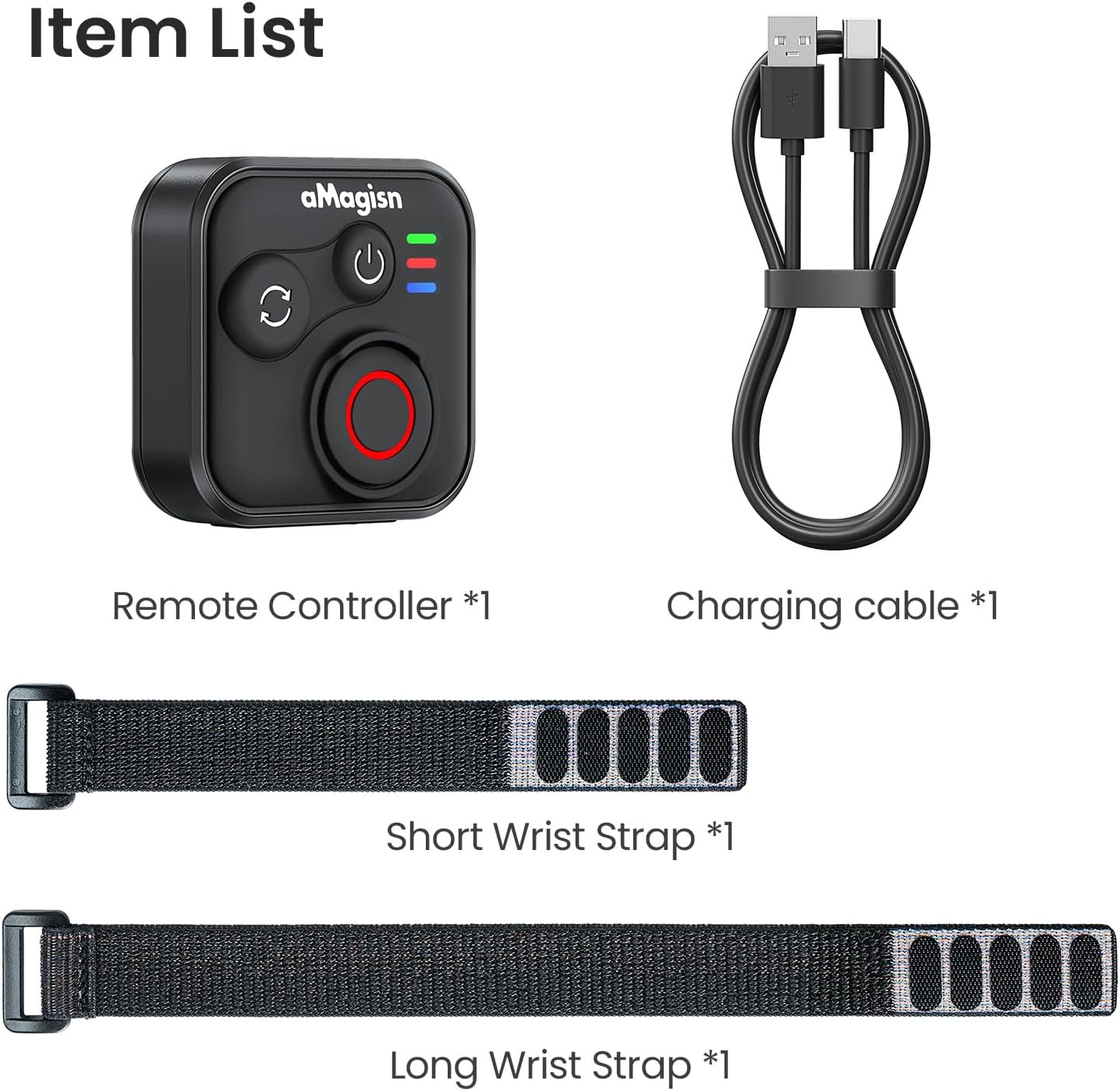
Image: Package contents including the remote, charging cable, and two wrist straps.
2. ข้อมูลจำเพาะ
| ยี่ห้อ | อะมาจิสน์ |
| ชื่อสินค้า | Sports Camera Bluetooth Remote Control |
| อุปกรณ์ที่รองรับ | Insta360 series cameras, GoPro Hero series cameras, Android smartphones, iOS smartphones |
| วัสดุ | ซิลิโคน ABS |
| ขนาด | 37.0 x 37.0 x 18.9 มม. |
| น้ำหนัก | 23กรัม |
| ความจุของแบตเตอรี่ | 3.7V / 120mAh ลิเธียมไอออน |
| ระยะเวลาในการชาร์จ | ประมาณ 3 ชั่วโมง |
| อินพุตการชาร์จ | 5โวลต์/100มิลลิแอมป์ |
| ระยะสูงสุด | ระยะสูงสุด 76 เมตร (ขึ้นอยู่กับอุปกรณ์) |

Image: Visual representation of the remote control's dimensions and key specifications.
3. การตั้งค่า
การชาร์จรีโมตคอนโทรล
Before first use, fully charge the remote control. Connect the provided charging cable to the USB-C port on the remote and to a standard USB power source. The charging indicator light will show the charging status.
จับคู่กับอุปกรณ์
The remote control supports pairing with Insta360 cameras, GoPro cameras, and iOS/Android smartphones.
- เปิดเครื่อง: Briefly press the Power Button to turn on the remote.
- เข้าสู่โหมดจับคู่: If pairing with a new device, perform an Ultra-long press on the Mode Switch Button to force the remote to re-pair. The light indicator will show alternating blue, red, and green flashes.
- เปิดใช้งานบลูทูธบนอุปกรณ์: On your camera or smartphone, enable Bluetooth and search for available devices.
- Select Remote: Select the aMagisn remote from the list of found devices to complete the pairing process.
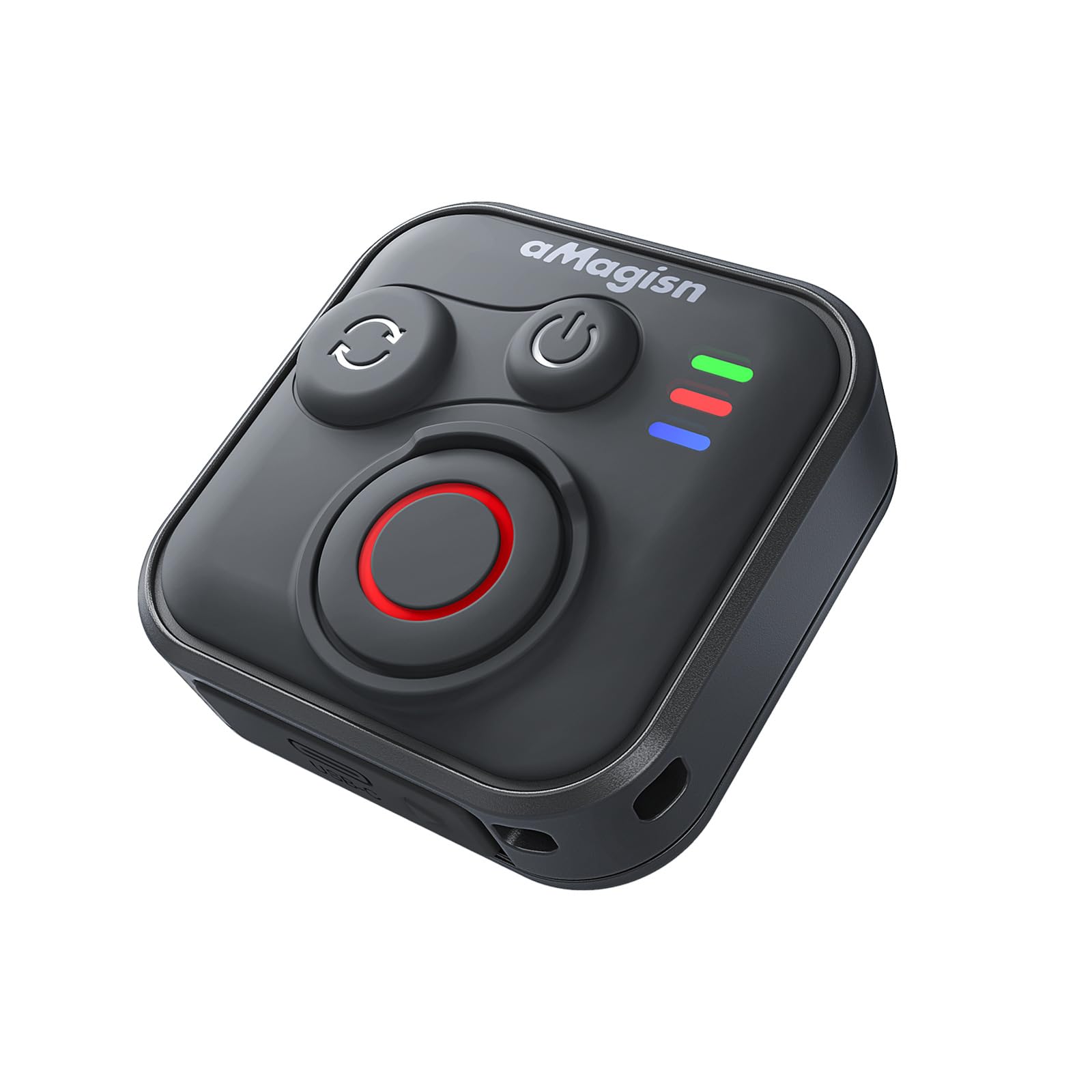
Image: The remote control demonstrating its Bluetooth 5.1 range, compatible with various devices.
4. คู่มือการใช้งาน
ปุ่มฟังก์ชั่น
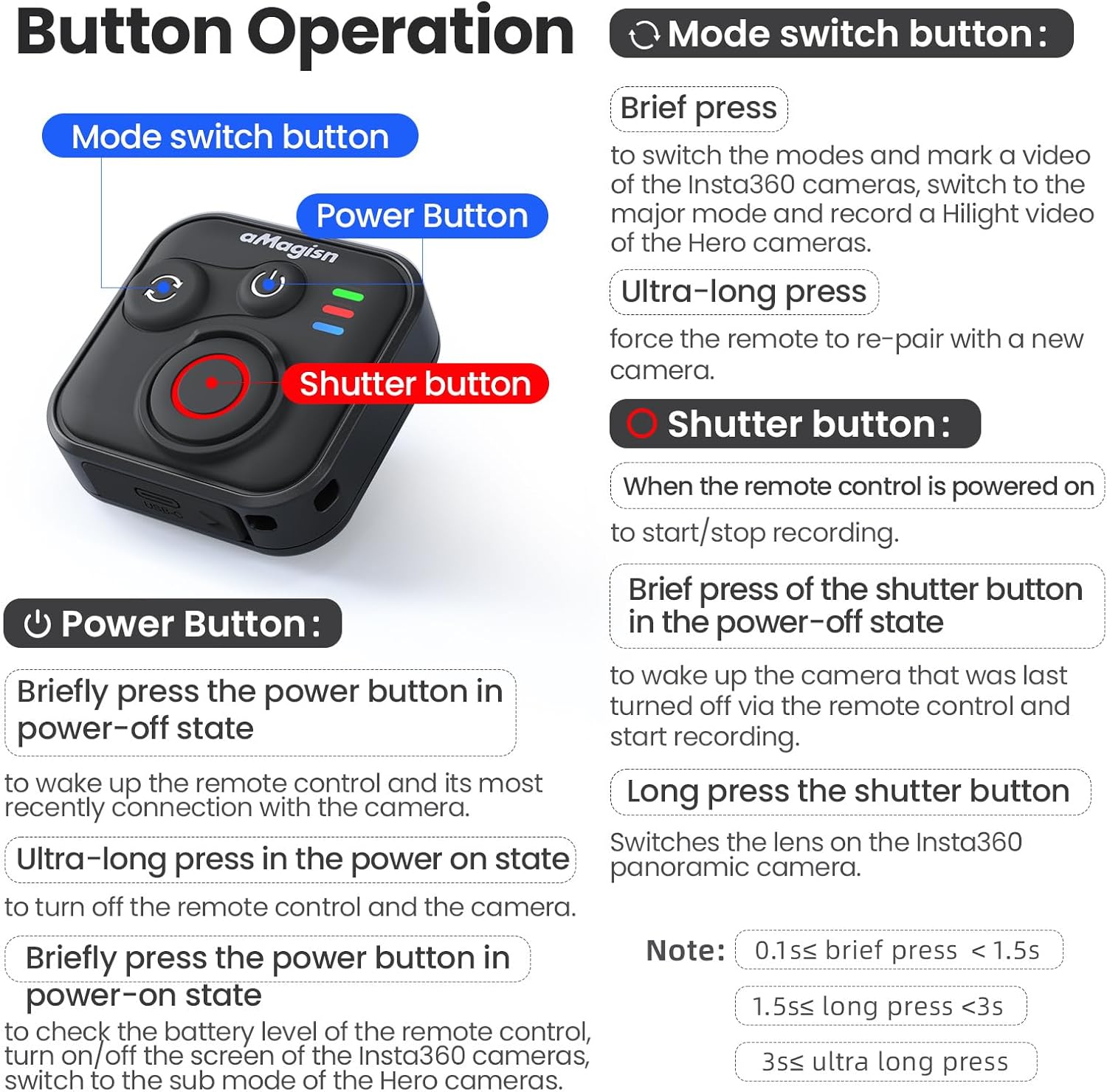
ภาพ: รายละเอียดเพิ่มเติมview of the remote control's buttons and their respective operations.
ปุ่มเปิดปิด
- Brief press (Power-off state): Wakes up the remote control and connects to the most recently paired device.
- Ultra-long press (Power-on state): Turns off the remote control and the connected camera.
- Brief press (Power-on state): Checks battery level, turns on/off the screen of Insta360 cameras, or switches to the sub-mode of Hero cameras.
ปุ่มสลับโหมด
- กดสั้นๆ: Switches between modes (e.g., Photo/Video) and marks a video highlight (for GoPro HiLight).
- Ultra-long press: Forces the remote to re-pair with a new camera.
ปุ่มชัตเตอร์
- Press (Remote powered on): Starts or stops recording/capturing.
- Brief press (Power-off state): Wakes up the camera that was last turned off via the remote control and starts recording.
- กดยาว: Switches the lens on Insta360 panoramic cameras.
Light Indicator Status

Image: Explanation of the remote control's LED light indicators for battery, connection, and pairing status.
Red and Green Light (Battery Status - Press Power Button)
- ไฟเขียวทึบ: ระดับแบตเตอรี่อยู่ระหว่าง 10% ถึง 100%
- ไฟเขียวกระพริบ: ระดับแบตเตอรี่อยู่ระหว่าง 0% ถึง 10%
- ไฟสีแดงกะพริบ: Battery level is at 0%.
Blue Light (Bluetooth Status)
- แสงสีน้ำเงินทึบ: เชื่อมต่อบลูทูธแล้ว
- Blinking Blue Light (Power light off): Waiting to connect to the last connected device.
สถานะการชาร์จ
- แสงสีแดงทึบ: Charging in progress, battery not yet full.
- ไฟเขียวทึบ: Charging in progress, battery is full.
New Device Pairing
- Alternating Blue, Red, and Green Light Flashes: Camera is waiting to pair with a new device.
5. Installation and Usage Scenarios
The remote control features a versatile design with four pass-through holes, allowing for both horizontal and vertical wrist strap attachment. This ensures secure mounting on wrists, handlebars, selfie sticks, or other accessories.

ภาพ: อดีตamples of how the remote control can be mounted horizontally or vertically using wrist straps, and various use cases like cycling, selfie sticks, and backpack clips.
การออกแบบกันน้ำ
The remote control features a waterproof build and a sealed USB port, making it resistant to splashes, rain, and suitable for use in wet conditions like surfing.
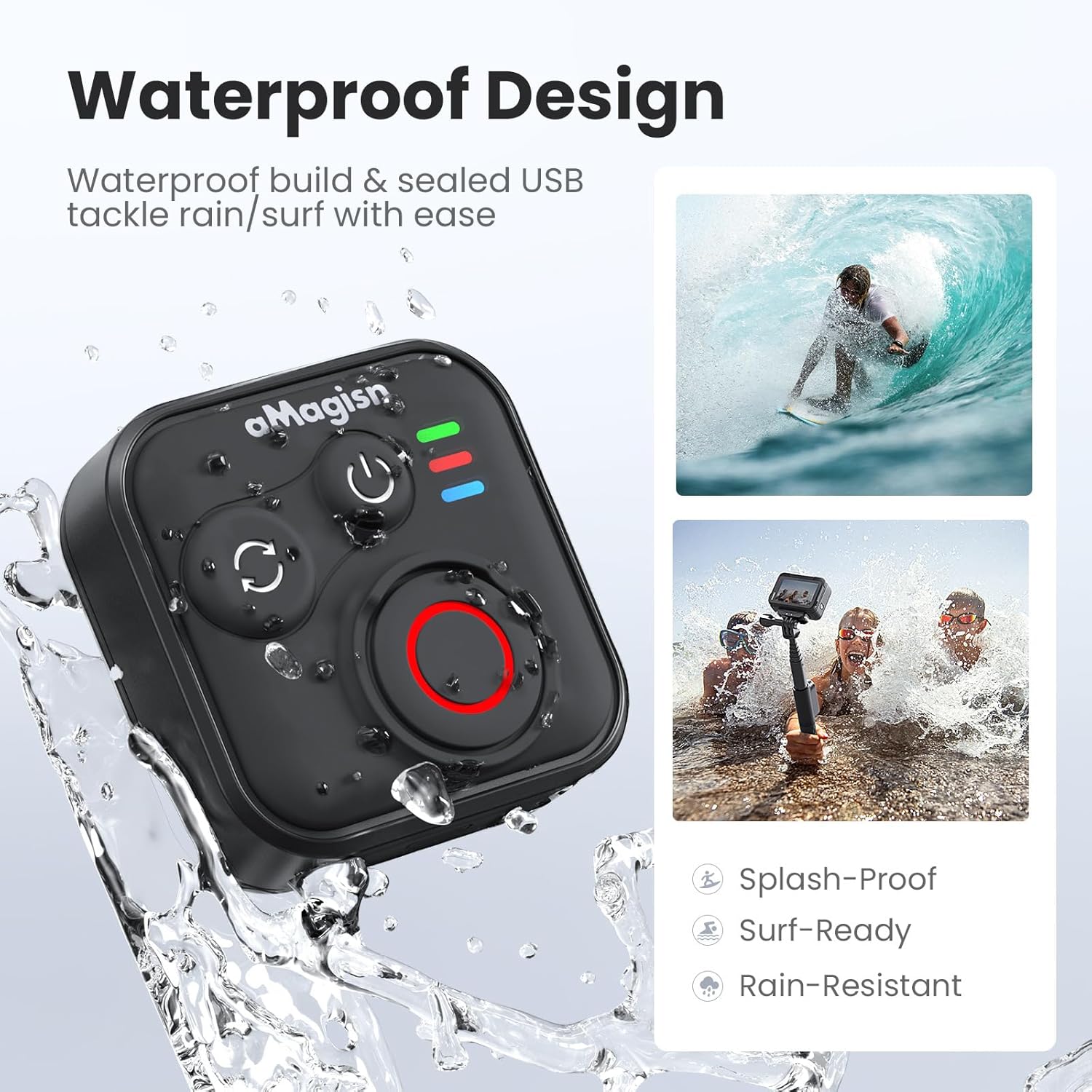
Image: The remote control demonstrating its waterproof capabilities, suitable for use in rain or near water.
6. การบำรุงรักษา
การทำความสะอาด
เช็ดรีโมทคอนโทรลด้วยผ้านุ่มและแห้ง สำหรับคราบสกปรกฝังแน่น ให้เช็ดเบาๆamp สามารถใช้ผ้าได้ ห้ามใช้สารเคมีรุนแรงหรือน้ำยาทำความสะอาดที่มีฤทธิ์กัดกร่อน
พื้นที่จัดเก็บ
Store the remote control in a cool, dry place away from direct sunlight and extreme temperatures. If storing for an extended period, ensure the battery is partially charged (around 50%) to prolong its lifespan.
อายุการใช้งานแบตเตอรี่
The remote control offers up to 96 hours of continuous operation on a single charge, with a charging duration of approximately 3 hours.

Image: Visual representation of the remote control's impressive 96-hour battery life and 3-hour charging time.
7 การแก้ไขปัญหา
- รีโมทไม่เปิดใช้งาน: Ensure the battery is charged. Connect to the charging cable and check the charging indicator light.
- ไม่สามารถเชื่อมต่อกับอุปกรณ์ได้:
- โปรดตรวจสอบให้แน่ใจว่าได้เปิดใช้งานบลูทูธบนกล้อง/สมาร์ทโฟนของคุณแล้ว
- Perform an Ultra-long press on the Mode Switch Button on the remote to force re-pairing.
- Ensure the remote is within the effective Bluetooth range of your device.
- Restart both the remote and your device.
- Remote not controlling camera:
- Verify that the remote is successfully paired (solid blue light).
- Check camera settings to ensure it supports external Bluetooth remote control.
- ตรวจสอบให้แน่ใจว่าเฟิร์มแวร์ของกล้องเป็นเวอร์ชันล่าสุด
- ช่วงการทำงานสั้น: Environmental factors (e.g., obstacles, interference) can affect Bluetooth range. Try operating in an open area.
8. การรับประกันและการสนับสนุน
For warranty information or technical support, please refer to the contact details provided with your purchase or visit the official aMagisn webไซต์นี้ โปรดเก็บหลักฐานการซื้อไว้เพื่อใช้ยืนยันการรับประกัน