
การแนะนำ
The xdobo X8 III is a versatile portable Bluetooth speaker designed to deliver high-quality audio with enhanced durability and dynamic lighting. Featuring dual drivers for powerful sound, IPX7 waterproofing for outdoor use, and Bluetooth 5.3 for stable connectivity, this speaker is suitable for various environments. It also includes a built-in microphone for hands-free calls and an AUX port for wired connections.

Image: The xdobo X8 III speaker positioned by a swimming pool, demonstrating its waterproof capability during a social gathering.
เนื้อหาแพ็คเกจ
- 1 x xdobo X8 III Portable Bluetooth Speaker
- สายชาร์จ Type-C 1 เส้น
- คู่มือเริ่มต้นอย่างรวดเร็ว 1 ชุด
การตั้งค่า
1. ชาร์จลำโพง
Before first use, fully charge the speaker. Connect the provided Type-C charging cable to the speaker's charging port and a compatible USB power adapter (not included). The battery provides up to 12 hours of playback, depending on volume level and audio content.
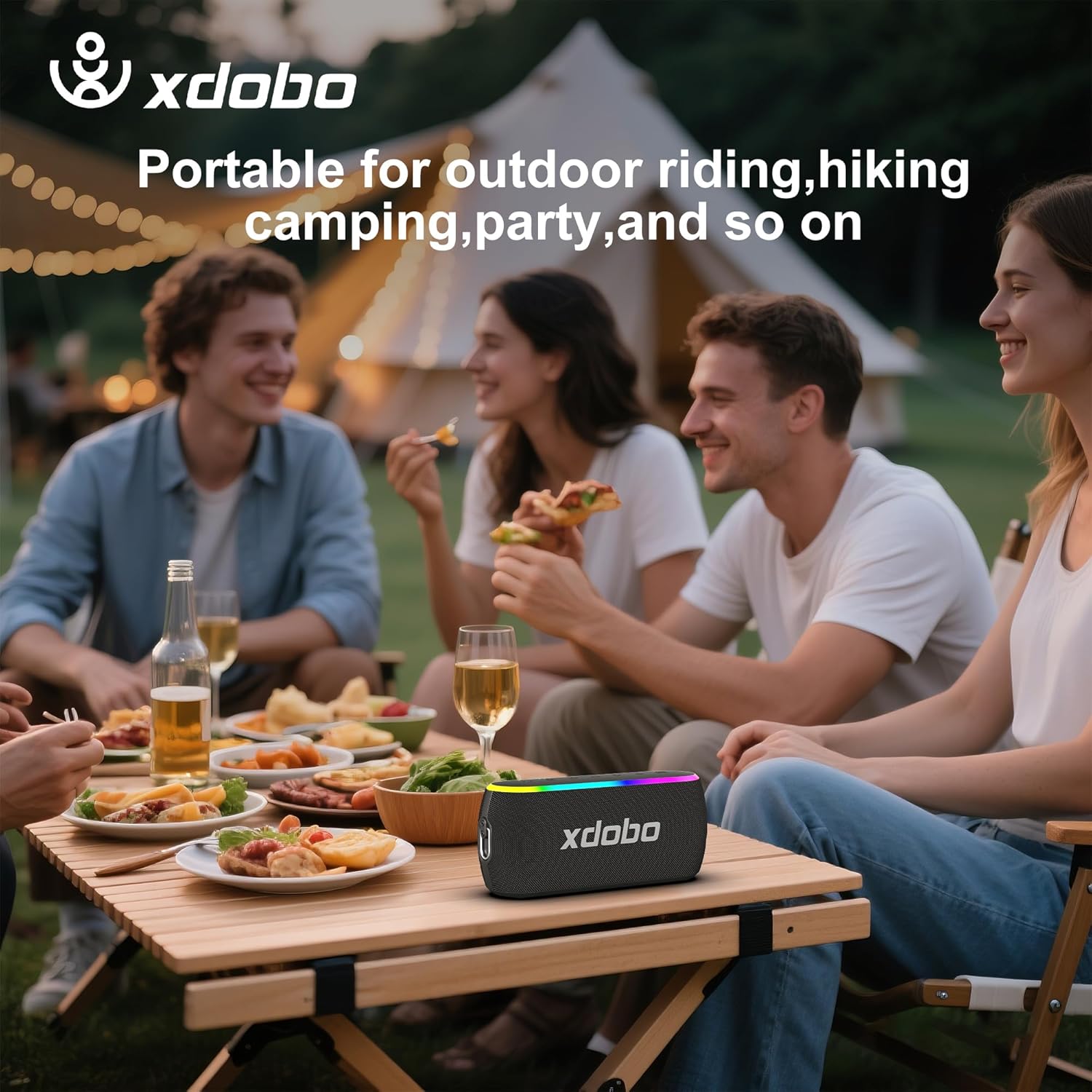
Image: The rear panel of the xdobo X8 III speaker, revealing the Type-C, TF card, AUX, and USB-A ports, protected by a rubber flap.
2. การจับคู่บลูทู ธ
- Press and hold the power button on the speaker to turn it on. The Bluetooth indicator light will flash, indicating it is in pairing mode.
- On your device (smartphone, tablet, computer), enable Bluetooth and search for 'XDOBO X8 III' in the list of available devices.
- Select 'XDOBO X8 III' to connect. Once connected, the Bluetooth indicator light will become solid.
3. การจับคู่ True Wireless Stereo (TWS)
To achieve an immersive stereo experience, you can pair two xdobo X8 III speakers together:
- ตรวจสอบให้แน่ใจว่าลำโพงทั้งสองเปิดอยู่และไม่ได้เชื่อมต่อกับอุปกรณ์ Bluetooth อื่นใด
- On one of the speakers, short press the TWS pairing button (often indicated by a chain-link icon). A prompt tone will sound, and the yellow light of the main speaker will be steady, while the auxiliary speaker's yellow light will flash.
- Once TWS pairing is successful, both speakers will be connected and paired automatically when turned on subsequently.
- To disconnect TWS, short press the TWS button again.
การใช้งานลำโพง
1. การควบคุมมากกว่าview
The top panel of the speaker features intuitive buttons for easy control:
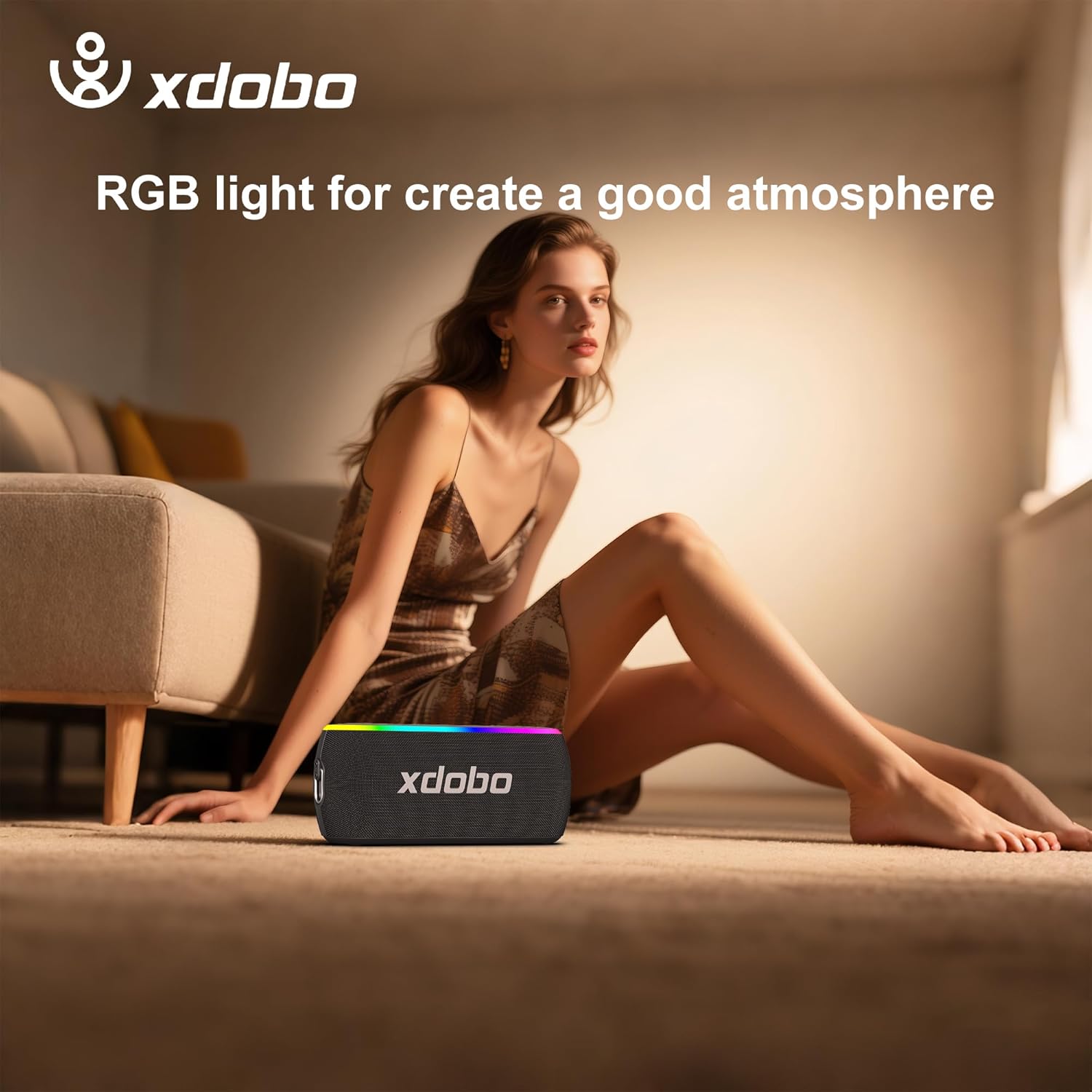
Image: A close-up of the speaker's top panel, detailing the power, EQ, light mode, volume, play/pause, and TWS buttons.
- ปุ่มเปิด/ปิด: Long press to turn on/off. Short press to check battery status.
- ปุ่ม EQ: Short press to cycle through sound modes (e.g., Bass, Vocal, Full).
- ปุ่มไฟ: Short press to change RGB light modes. Long press to turn off RGB lights.
- ลดเสียงลง (-): กดสั้น ๆ เพื่อลดระดับเสียง
- ปุ่มเล่น/หยุดชั่วคราว: Short press to play or pause music. Long press to answer/end calls.
- เพิ่มระดับเสียง (+): กดสั้นเพื่อเพิ่มระดับเสียง
- ปุ่ม TWS: Short press to enter/exit TWS pairing mode. Long press to restore factory settings.
2. เอฟเฟกต์แสง RGB
The speaker features dynamic RGB lights that can pulse to the beat of your music, enhancing the atmosphere. You can customize the lighting effects by short pressing the Light Button. To conserve battery or if lights are not desired, long press the Light Button to turn them off.

Image: The xdobo X8 III speaker displaying its colorful RGB lighting, suitable for enhancing party or home environments.
3. การโทรแบบแฮนด์ฟรี
With its built-in microphone, the speaker allows for hands-free calls when connected to your smartphone. Use the Play/Pause button to answer or end calls.
4. อินพุต AUX
For devices without Bluetooth, connect an audio cable (not included) to the AUX port on the speaker to play music.
5. ฟังก์ชั่นพาวเวอร์แบงค์
The speaker can double as a portable power bank. Use the USB-A port on the rear panel to charge other devices like your smartphone.
การซ่อมบำรุง
1. การออกแบบกันน้ำ (IPX7)
The xdobo X8 III is IPX7 waterproof, meaning it can be submerged in up to 1 meter of water for 30 minutes. This makes it ideal for use near pools, at the beach, or in rainy conditions. Ensure the rubber flap covering the ports is securely closed before exposing the speaker to water.

Image: The xdobo X8 III speaker with water splashing on it, illustrating its IPX7 waterproof feature.
2. การทำความสะอาดและการเก็บรักษา
เช็ดลำโพงด้วย d . นุ่มๆamp cloth. Avoid using harsh chemicals or abrasive materials. Store the speaker in a cool, dry place away from direct sunlight and extreme temperatures.
การแก้ไขปัญหา
- ไม่มีไฟฟ้า: ตรวจสอบให้แน่ใจว่าลำโพงชาร์จไฟเต็มแล้ว เชื่อมต่อกับแหล่งจ่ายไฟโดยใช้สาย Type-C
- ไม่มีเสียง: Check the volume levels on both the speaker and your connected device. Ensure the device is properly paired via Bluetooth or connected via AUX.
- ปัญหาการจับคู่บลูทูธ: Make sure the speaker is in pairing mode (flashing Bluetooth indicator). Turn off and on your device's Bluetooth, or restart both the speaker and your device.
- ความล้มเหลวในการจับคู่ TWS: Ensure both speakers are xdobo X8 III models and are not connected to any other device before attempting TWS pairing.
- เสียงผิดเพี้ยน: Reduce the volume on both the speaker and your device. Ensure there are no obstructions between the speaker and the connected device.
ข้อมูลจำเพาะ
| คุณสมบัติ | ข้อมูลจำเพาะ |
|---|---|
| ชื่อรุ่น | XD-WOW |
| หมายเลขรุ่นสินค้า | XDOBO X8 III |
| ยี่ห้อ | เอ็กซ์โดโบ |
| เทคโนโลยีการเชื่อมต่อ | บลูทูธ 5.3 |
| กำลังขับสูงสุดของลำโพง | 60 วัตต์ |
| ระดับความต้านทานต่อน้ำ | กันน้ำระดับ IPX7 |
| อายุการใช้งานแบตเตอรี่ | ใช้งานได้นานสูงสุด 12 ชั่วโมง (ขึ้นอยู่กับปริมาณ) |
| ขนาดสินค้า | ลึก 3.7 นิ้ว x กว้าง 8.87 นิ้ว x สูง 3 นิ้ว |
| น้ำหนักสินค้า | 2.2 ปอนด์ (1 กิโลกรัม) |
| โหมดเอาต์พุตเสียง | สเตอริโอ |
| คุณสมบัติพิเศษ | RGB Lights, Power Bank Function, Hands-Free Calls |
| อุปกรณ์ที่รองรับ | สมาร์ทโฟน |
| วิธีการควบคุม | สัมผัส |
การรับประกันและการสนับสนุน
The xdobo X8 III Portable Bluetooth Speaker comes with a limited warranty. For detailed warranty information, please refer to the documentation included with your product or visit the official xdobo website. For technical support, troubleshooting assistance, or any product-related inquiries, please contact xdobo customer service through their official channels.