คำแนะนำด้านความปลอดภัยที่สำคัญ
โปรดอ่านและทำความเข้าใจคำแนะนำด้านความปลอดภัยทั้งหมดก่อนใช้งานเครื่องเพิ่มความชื้นนี้ การไม่ปฏิบัติตามคำแนะนำเหล่านี้อาจส่งผลให้เกิดไฟฟ้าช็อต ไฟไหม้ หรือการบาดเจ็บร้ายแรงได้
- ควรวางเครื่องเพิ่มความชื้นบนพื้นผิวที่แข็ง เรียบ และกันน้ำได้ โดยให้ห่างจากผนังและเครื่องใช้ไฟฟ้าอย่างน้อย 12 นิ้ว (30 ซม.) เสมอ
- ห้ามวางเครื่องเพิ่มความชื้นลงบนพรม ผ้าขนหนู หรือพื้นผิวที่ดูดซับน้ำได้โดยตรง
- ห้ามจุ่มฐานเครื่องเพิ่มความชื้นลงในน้ำหรือของเหลวอื่นๆ
- ถอดปลั๊กเครื่องเพิ่มความชื้นก่อนเติมน้ำ ทำความสะอาด หรือเคลื่อนย้ายเครื่อง
- ห้ามใช้งานเครื่องทำความชื้นกับสายไฟหรือปลั๊กที่ชำรุด
- เก็บเครื่องเพิ่มความชื้นให้พ้นมือเด็กและสัตว์เลี้ยง
- Use only clean, cool tap water. Do not add essential oils directly into the water tank as this may damage the unit.
- อย่าปิดกั้นช่องจ่ายหมอก
- เทน้ำทิ้งและทำความสะอาดแท้งค์น้ำเป็นประจำเพื่อป้องกันเชื้อราและแบคทีเรียเจริญเติบโต
สินค้าเกินview
The Dreamzy 3L Humidifier is designed to provide comfortable humidity levels in your bedroom or large room. It features a 3-liter water tank, quiet operation, automatic humidity sensing, and an ambient night light.
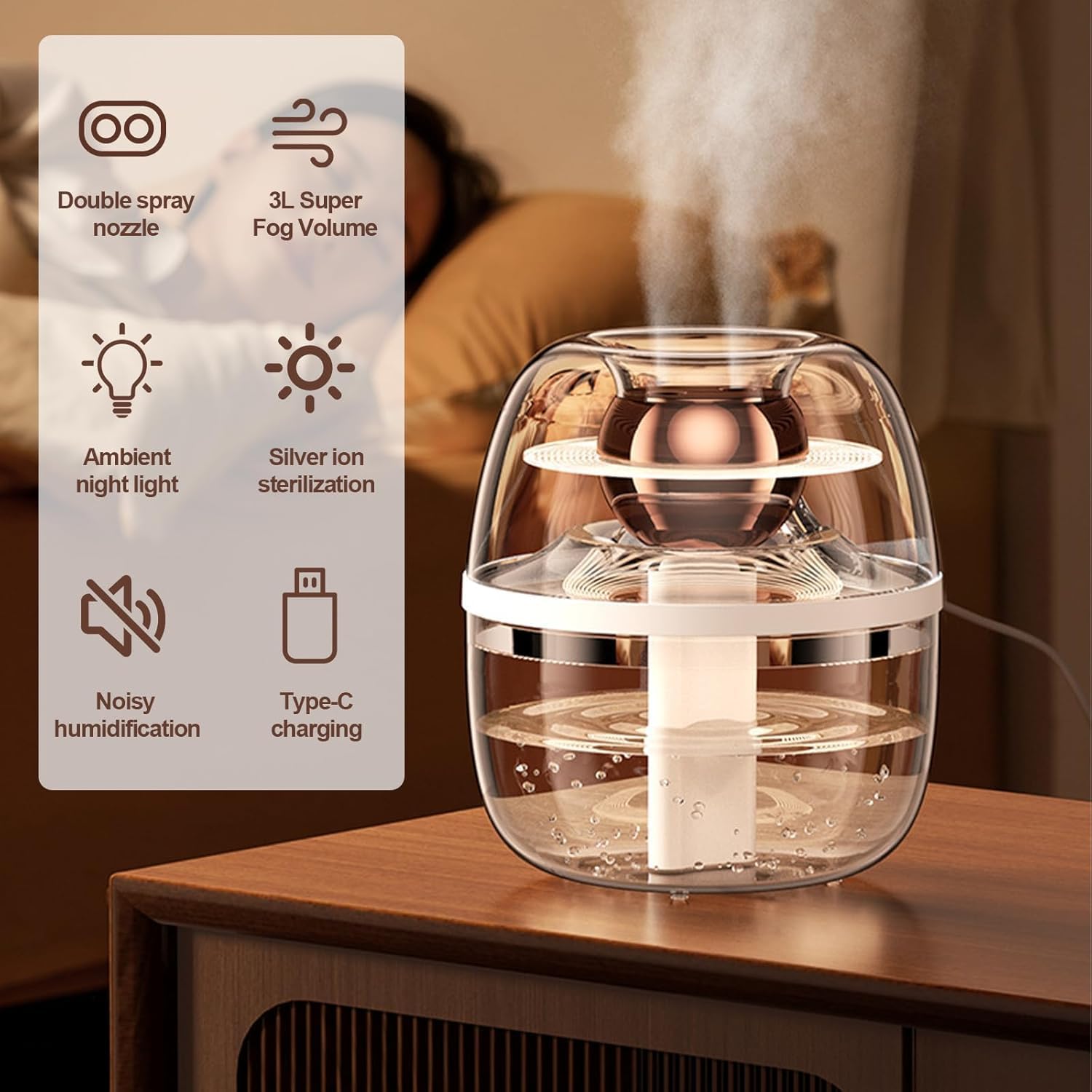
รูปที่ 1: Key features of the Dreamzy 3L Humidifier. This image highlights the double spray nozzle, 3L super fog volume, ambient night light, silver ion sterilization, quiet humidification, and Type-C charging capabilities.
ส่วนประกอบ:
- ถังน้ำ (ความจุ 3 ลิตร)
- ตัวเครื่องหลักพร้อมแผงควบคุม
- Mist Outlet/Nozzle
- อะแดปเตอร์แปลงไฟ
- คู่มือการใช้งาน (เอกสารนี้)
- Filters (2 included)
การตั้งค่า
- แกะกล่องเครื่องเพิ่มความชื้น: ถอดวัสดุบรรจุภัณฑ์ออกอย่างระมัดระวังและตรวจสอบให้แน่ใจว่ามีส่วนประกอบครบถ้วน
- วางบนพื้นผิวที่มั่นคง: Position the humidifier on a flat, stable, and waterproof surface away from direct sunlight, heat sources, and electronic devices. Ensure there is adequate space around the unit for proper mist dispersion.
- เติมถังเก็บน้ำ:
- ถอดถังเก็บน้ำออกจากฐาน
- คลายเกลียวฝาถังน้ำ
- Fill the tank with clean, cool tap water. Do not exceed the maximum fill line.
- Securely screw the cap back onto the water tank.
- วางถังน้ำที่เติมแล้วกลับเข้าที่ฐาน โดยตรวจสอบให้แน่ใจว่าติดตั้งไว้ถูกต้อง
- เชื่อมต่อพลังงาน: Plug the power adapter into the humidifier's power port, then plug the adapter into a standard electrical outlet.
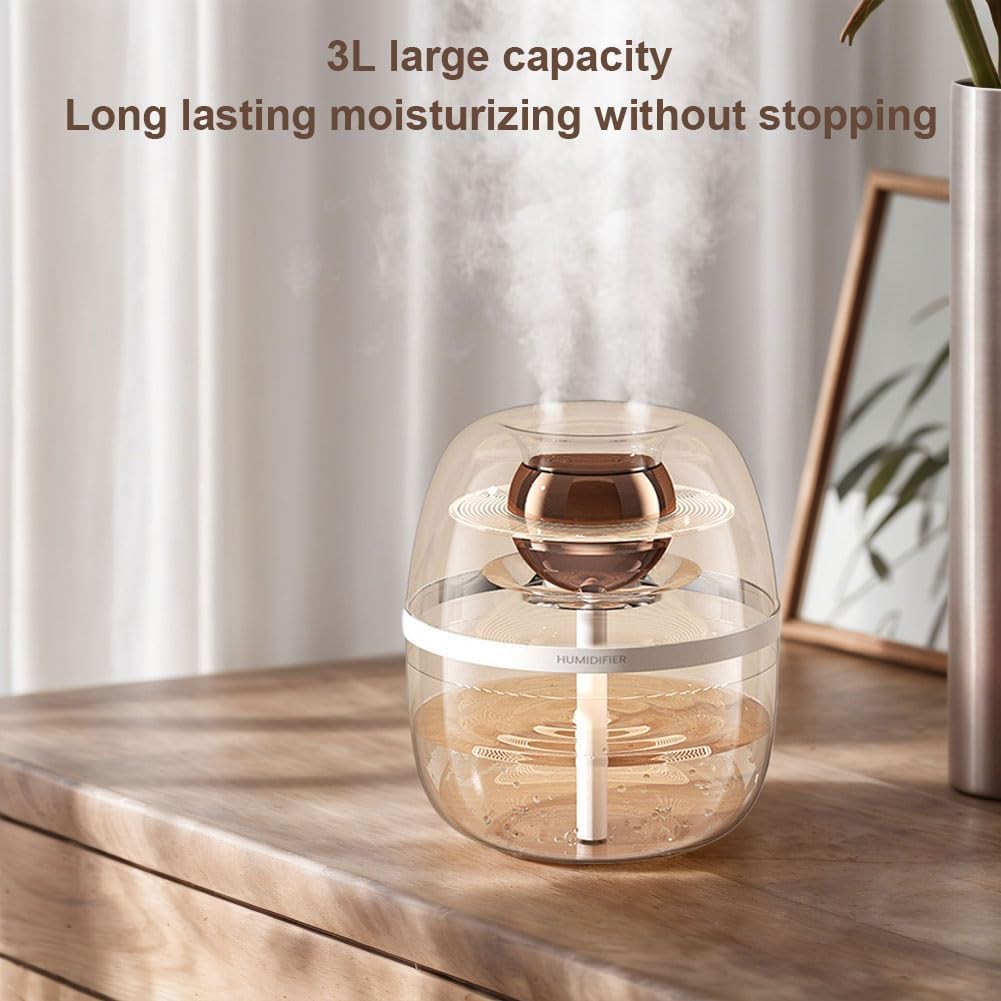
รูปที่ 2: The 3L large capacity water tank ensures extended operation. This image illustrates the humidifier's substantial water capacity, allowing for prolonged humidification without frequent refills.
คำแนะนำการใช้งาน
เปิด/ปิดเครื่อง:
- Press the Power button once to turn the humidifier on.
- Press the Power button again to turn the humidifier off.
การปรับระดับการพ่นหมอก:
The humidifier features multiple mist output levels. Press the Mist button repeatedly to cycle through low, medium, and high mist settings.
โหมดอัตโนมัติ:
Engage the Automatic Mode by pressing the Auto button. In this mode, the built-in humidity sensor will detect the room's current humidity level and automatically adjust the mist output to maintain a comfortable and healthy humidity range.
แสงไฟกลางคืนแบบนุ่มนวล:
To activate the ambient night light, press the Light button. The light will turn on after approximately 1.5 seconds. Press again to turn it off.
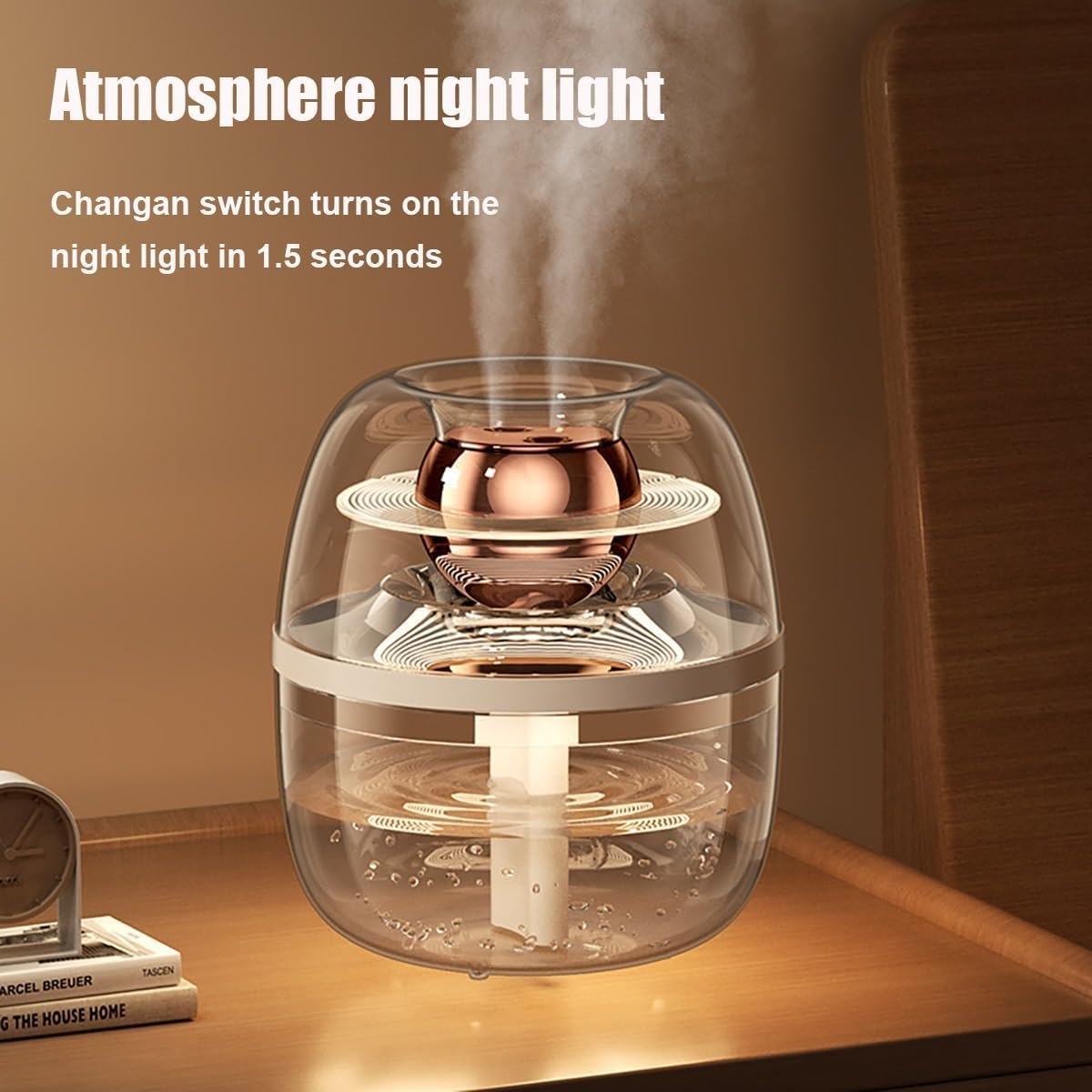
รูปที่ 3: The ambient night light feature provides a soft glow. This image demonstrates the humidifier's night light, which can be activated for a gentle illumination in a dark room.
การทำงานที่เงียบ:
The humidifier is designed with advanced noise reduction technology to ensure whisper-quiet operation, making it suitable for use in bedrooms and offices without disturbance.

รูปที่ 4: The humidifier operates with minimal sound, promoting peaceful sleep. This image illustrates the humidifier's quiet performance, ideal for maintaining a serene environment.
การซ่อมบำรุง
Regular cleaning and maintenance are crucial for optimal performance and to prevent the growth of mold and bacteria.
การบำรุงรักษาประจำวัน:
- เทน้ำที่เหลือออกจากถังและฐาน
- ล้างถังเก็บน้ำด้วยน้ำสะอาด
- Wipe the base and mist outlet with a clean, damp ผ้า.
การทำความสะอาดรายสัปดาห์:
- ตัดการเชื่อมต่อไฟฟ้า: ควรถอดปลั๊กเครื่องเพิ่มความชื้นทุกครั้งก่อนทำความสะอาด
- ทำความสะอาดถังเก็บน้ำ:
- ถอดถังน้ำออก
- Fill the tank with a mixture of 1 teaspoon of white vinegar and 1 gallon of water.
- Let it stand for 30 minutes, then rinse thoroughly with clean water.
- ทำความสะอาดตัวเครื่องหลัก:
- Pour the vinegar solution into the base reservoir and let it soak for 30 minutes.
- Use a soft brush or cloth to clean any mineral deposits.
- Rinse the base thoroughly with clean water, ensuring no vinegar residue remains.
- ทำความสะอาดช่องพ่นละอองน้ำ: Gently wipe the mist outlet with a damp ผ้า.
การเปลี่ยนตัวกรอง:
The humidifier includes 2 filters. Replace filters regularly to maintain optimal performance and air quality. Refer to the filter packaging for specific replacement intervals. To replace, simply remove the old filter and insert a new one into the designated slot.
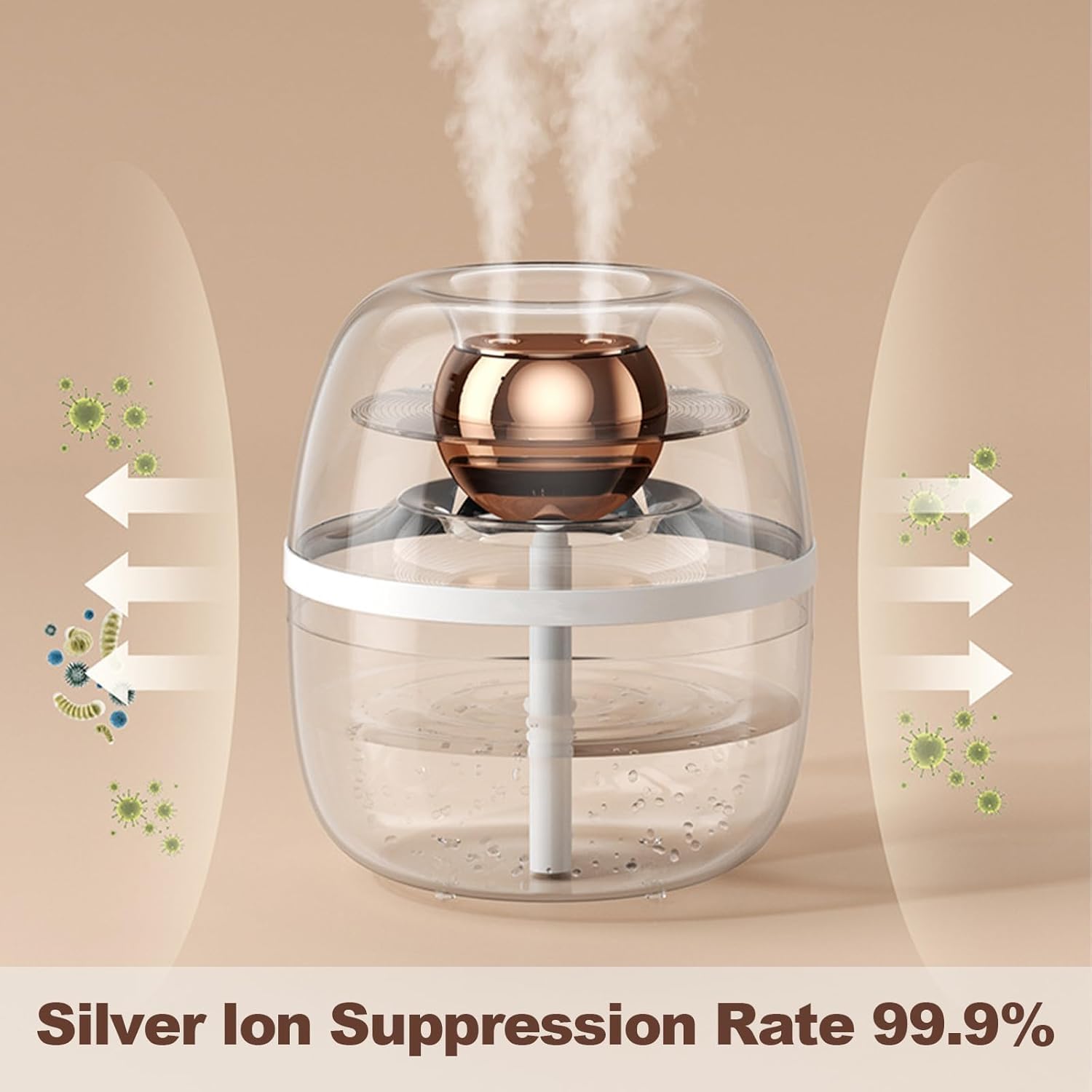
รูปที่ 5: Silver ion suppression technology helps maintain clean mist. This image illustrates the humidifier's ability to suppress bacteria and viruses, contributing to healthier air quality.
การแก้ไขปัญหา
| ปัญหา | สาเหตุที่เป็นไปได้ | สารละลาย |
|---|---|---|
| ไม่มีหมอกหรือมีหมอกปริมาณน้อย |
|
|
| กลิ่นผิดปกติ |
|
|
| การรั่วซึมของน้ำ |
|
|
| เครื่องทำความชื้นไม่เปิด |
|
|
ข้อมูลจำเพาะ
| คุณสมบัติ | รายละเอียด |
|---|---|
| ชื่อรุ่น | YX003-K30 |
| ยี่ห้อ | ทั่วไป |
| ความจุ | 3 Liters (Note: Product description states 3L, specifications list 2 Liters. Using 3L as per product title and feature bullets for consistency.) |
| สี | สีขาว |
| คุณสมบัติพิเศษ | 3L Water Tank, Automatic Humidity Sensor, Cool Mist, Desktop Design, Large Room Coverage |
| การครอบคลุมพื้นที่ | 400 ตารางฟุต |
| โหมดการทำงาน | อัตโนมัติ |
| ขนาดสินค้า | ลึก 8 นิ้ว x กว้าง 8 นิ้ว x สูง 12 นิ้ว (ลึก 20.32 ซม. x กว้าง 20.32 ซม. x สูง 30.48 ซม.) |
| น้ำหนักสินค้า | 2.5 ปอนด์ (1.13 กก.) |
| ประเภทห้อง | ห้องนอน, ห้องนั่งเล่น |
| เล่มที่tage | 120 โวลต์ |
| วัดtage | 25 วัตต์ |
| ส่วนประกอบที่รวมอยู่ | Humidifier, Power Adapter, User Manual |
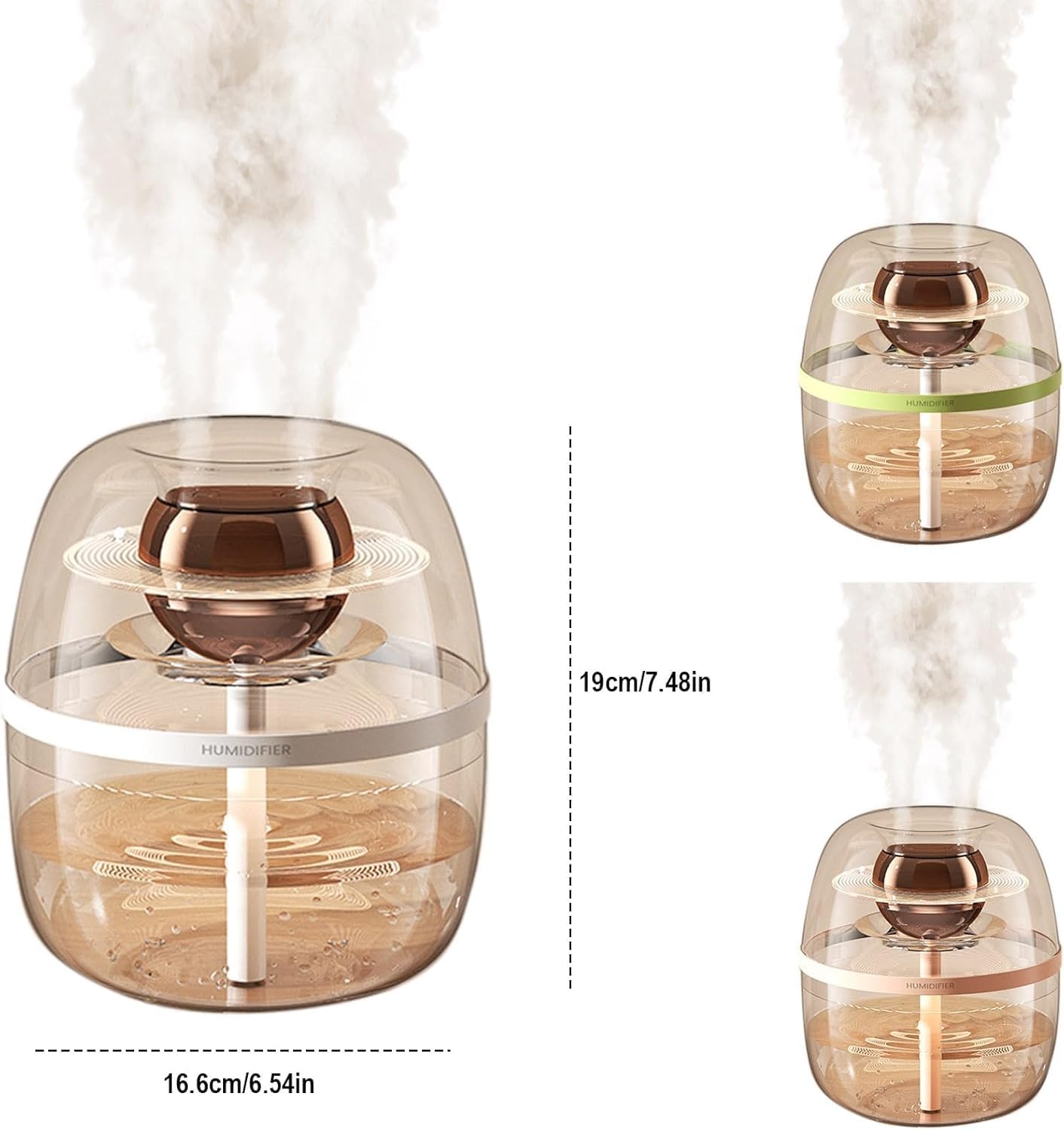
รูปที่ 6: Dimensions of the Dreamzy 3L Humidifier. This image provides a visual representation of the humidifier's size, with measurements for width and height, and also displays other available color options.
การรับประกันและการสนับสนุน
This product is covered by a standard manufacturer's warranty. Please refer to the warranty card included in your packaging for specific terms and conditions, including warranty duration and coverage details.
For technical support, troubleshooting assistance beyond this manual, or warranty claims, please contact the retailer or manufacturer directly. Contact information can typically be found on the product packaging or the retailer's webเว็บไซต์.
Please have your model number (YX003-K30) and purchase date available when contacting support.


