
Roinvou B0F543XZVB
Roinvou 4+64G Android Autoradio Instruction Manual
Model: B0F543XZVB for Peugeot 208/2008 (2012-2018)
1. บทนำ
This manual provides comprehensive instructions for the installation, operation, and maintenance of your Roinvou 4+64G Android Autoradio. Please read this manual thoroughly before using the product to ensure proper function and safety. This unit is specifically designed for Peugeot 208 and 2008 models manufactured between 2012 and 2018.
2. ข้อมูลด้านความปลอดภัย
- หากไม่แน่ใจเกี่ยวกับขั้นตอนใด ๆ ควรปรึกษาผู้เชี่ยวชาญด้านการติดตั้งเสมอ
- อย่าใช้งานอุปกรณ์ในลักษณะที่ทำให้คุณเสียสมาธิในการขับขี่
- Ensure all cables are securely connected to prevent short circuits or damage.
- ควรหลีกเลี่ยงการวางเครื่องไว้ในที่ที่มีอุณหภูมิสูงหรือต่ำเกินไป แสงแดดส่องโดยตรงเป็นเวลานาน หรือความชื้น
- อย่าพยายามถอดประกอบหรือดัดแปลงตัวเครื่อง การทำเช่นนี้จะทำให้การรับประกันเป็นโมฆะ
3. เนื้อหาบรรจุภัณฑ์
ตรวจสอบว่ารายการทั้งหมดที่ระบุไว้ด้านล่างนี้รวมอยู่ในแพ็คเกจของคุณ:
- Roinvou Android Autoradio Unit
- สายไฟคู่
- ตัวถอดรหัส CANBUS
- เสาอากาศวิทยุ
- สาย USB ของแท้
- อาร์ซีเอเคเบิ้ล
- สายเคเบิลอินพุตกล้องด้านหลัง
- เสาอากาศ GPS
- สาย USB คู่
- กล้องหลัง
- ไมโครโฟนภายนอก
- Installation Accessories and Tool Kit
- คู่มือการใช้งาน (เอกสารนี้)
4. การตั้งค่าและการติดตั้ง
Proper installation is crucial for the optimal performance of your autoradio. It is recommended to have this unit installed by a qualified technician.
4.1 การตรวจสอบก่อนการติดตั้ง
- ตรวจสอบให้แน่ใจว่ากุญแจรถปิดอยู่และถอดแบตเตอรี่ออกก่อนเริ่มการติดตั้ง
- Confirm compatibility with your Peugeot 208/2008 (2012-2018) model.
- ทำความคุ้นเคยกับแผงหน้าปัดและระบบสายไฟที่มีอยู่ของรถยนต์ของคุณ
4.2 ขั้นตอนการติดตั้ง
- ถอดวิทยุเดิมออก: Carefully remove the existing car radio and trim panels using the provided installation tools. Refer to your vehicle's specific service manual for detailed instructions on panel removal.
- เชื่อมต่อสายรัดสายไฟ: Connect the double power cable, CANBUS decoder, radio antenna, original USB cable, RCA cable, and rear camera input cable to the corresponding ports on the new autoradio and your vehicle's wiring harness. The CANBUS decoder ensures proper communication with your vehicle's systems, including steering wheel controls.
- ติดตั้งเสาอากาศ GPS: ติดตั้งเสาอากาศ GPS ในตำแหน่งที่มีสัญญาณชัดเจน view of the sky, typically on the dashboard or under the windshield, ensuring it is not obstructed by metal.
- เชื่อมต่อกล้องมองหลัง: Route the rear camera cable from the back of the vehicle to the autoradio. Connect the camera's power to the reverse light circuit and the video signal to the rear camera input cable on the autoradio.
- เชื่อมต่อไมโครโฟนภายนอก: Plug in the external microphone and position it in a suitable location for clear voice pickup, such as near the rearview mirror or on the steering column.
- ทดสอบการเชื่อมต่อ: Before fully reassembling the dashboard, reconnect the car battery and turn on the ignition to test all functions: power, audio, radio, GPS, Bluetooth, CarPlay/Android Auto, and the rear camera.
- การรักษาความปลอดภัยหน่วย: Once all functions are verified, carefully secure the Roinvou autoradio into the dashboard opening and reattach all trim panels.
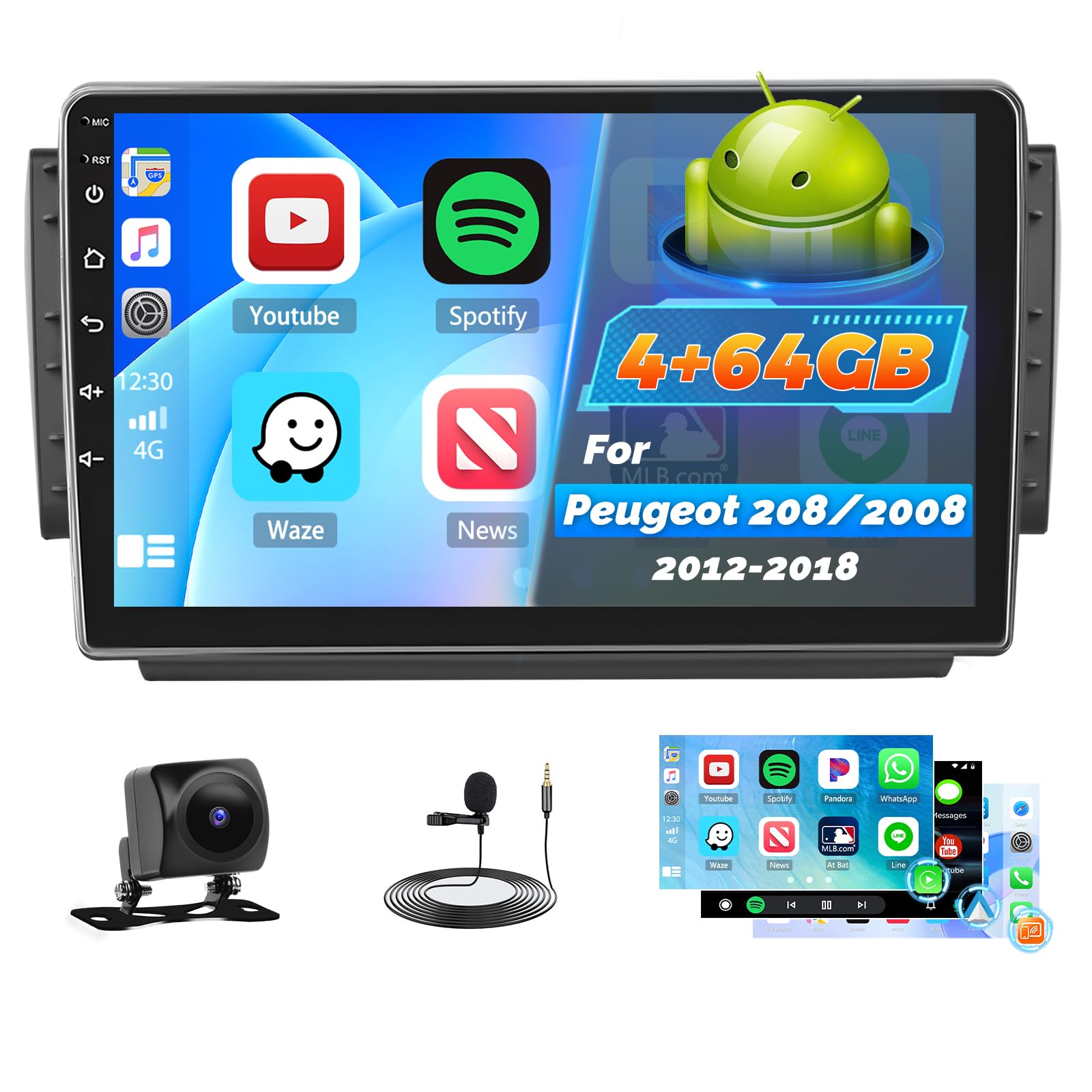
Image: Comparison of the car dashboard before and after installing the Roinvou Android Autoradio. The top image shows the new 10-inch touchscreen unit installed, displaying various app icons. The bottom image shows the original car radio slot.
5. คู่มือการใช้งาน
5.1 ระบบสิ้นสุดview (Android 4GB+64GB)
Your autoradio runs on the latest Android system with 4GB RAM and 64GB internal storage, ensuring stable and fluid operation. It supports split-screen mode, allowing you to use two applications simultaneously.

ภาพ: ระยะใกล้ views of the touchscreen car multimedia system displaying various interface screens and mounting options.

Image: The 10-inch QLED touchscreen of the Roinvou Autoradio, highlighting its 1280x720 HD resolution.
5.2 Wireless CarPlay, Android Auto, and MirrorLink
คุณสมบัติเหล่านี้ช่วยให้สามารถใช้งานร่วมกับสมาร์ทโฟนของคุณได้อย่างราบรื่น
- CarPlay แบบไร้สายและ Android Auto: Connect your smartphone wirelessly to access navigation, communication, music, and other functions directly on the autoradio screen.
- MirrorLink: Project your smartphone's screen onto the autoradio display via Wi-Fi (for iOS) or USB/Wi-Fi (for Android) to enjoy content on a larger screen.

Image: The autoradio display showing the Wireless CarPlay and Android Auto interface, with a smartphone connected wirelessly. Icons for voice control, hands-free calling, online music, and online maps are visible.
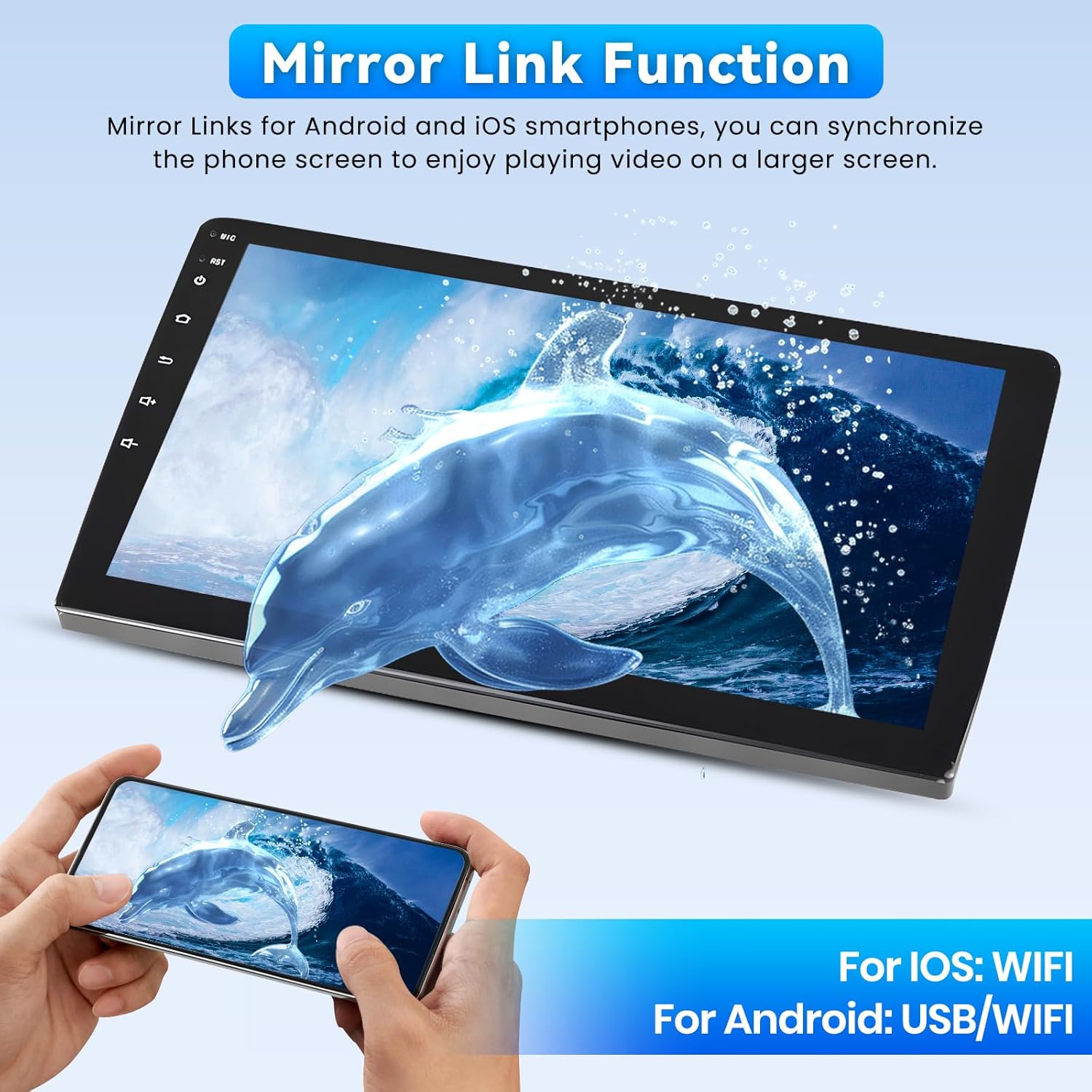
Image: The MirrorLink function in action, showing a smartphone screen mirrored onto the larger autoradio display, featuring a dolphin image.
5.3 Wi-Fi, GPS, and Bluetooth
- ไวไฟ : Connect to a Wi-Fi hotspot to access online maps, stream videos (e.g., YouTube), download apps, and browse the internet.
- การนำทาง GPS: The unit supports both online and offline navigation. Download offline maps from the Play Store for use without an internet connection.
- บลูทูธ: Enjoy hands-free calls and seamless music streaming from your Bluetooth-enabled devices.

Image: The autoradio screen displaying GPS navigation with a map of London, alongside various social media and streaming app icons, illustrating Wi-Fi connectivity.
5.4 FM/RDS Radio and 32-Band Equalizer
- เอฟเอ็ม/อาร์ดีเอส: The radio provides clear signal reception and displays station information, song titles, and traffic updates directly on the screen.
- อีควอไลเซอร์ 32 แบนด์: Customize your audio experience with precise adjustments to audio frequencies, enhancing bass, mids, and treble to your preference. Multiple user interfaces are available for personalization.
5.5 Steering Wheel Control (SWC) and Backup Camera
- ระบบควบคุมพวงมาลัย: Manage audio functions, calls, and navigation directly from your steering wheel for safe and convenient operation.
- กล้องมองหลัง AHD: The included AHD backup camera offers a 170° ultra-wide viewing angle, IP68 waterproof rating, and HD night vision for clear images in various conditions, assisting with safe parking.

Image: The top section shows the steering wheel controls and their corresponding functions on the autoradio. The bottom section displays the wide-angle view from the AHD backup camera, assisting with parking.
6. การบำรุงรักษา
- การทำความสะอาด: ใช้ผ้าแห้งนุ่มเช็ดทำความสะอาดหน้าจอและตัวเครื่อง สำหรับคราบสกปรกที่ขจัดยาก ให้ใช้ผ้าชุบน้ำหมาดๆ เช็ดเบาๆampชุบผ้าด้วยน้ำหรือน้ำยาทำความสะอาดที่ปลอดภัยต่อหน้าจอ หลีกเลี่ยงวัสดุที่มีฤทธิ์กัดกร่อนหรือสารเคมีรุนแรง
- การอัปเดตซอฟต์แวร์: Periodically check for system software updates to ensure optimal performance and access to new features. Updates can usually be found in the system settings menu.
- สภาพแวดล้อม : Protect the unit from extreme heat or cold, which can affect its lifespan and performance.
7 การแก้ไขปัญหา
| ปัญหา | สาเหตุที่เป็นไปได้ | สารละลาย |
|---|---|---|
| เครื่องไม่เปิด | การเชื่อมต่อไฟฟ้าหลวม ฟิวส์ขาด แบตเตอรี่รถยนต์มีปัญหา | ตรวจสอบสายไฟและจุดเชื่อมต่อ ตรวจสอบฟิวส์รถยนต์ และตรวจสอบให้แน่ใจว่าแบตเตอรี่รถยนต์ชาร์จเต็มแล้ว |
| ไม่มีเสียง. | ระดับเสียงต่ำเกินไป ปิดเสียง เปิดใช้งาน แหล่งเสียงไม่ถูกต้อง มีปัญหากับสายลำโพง | เพิ่มระดับเสียง ตรวจสอบว่าเปิดใช้งานโหมดปิดเสียงอยู่หรือไม่ เลือกแหล่งสัญญาณเสียงที่ถูกต้อง ตรวจสอบการเชื่อมต่อลำโพง |
| สัญญาณ GPS สูญหายหรือไม่แม่นยำ | GPS antenna obstructed, poor satellite reception, software issue. | ตรวจสอบให้แน่ใจว่าเสาอากาศ GPS มีสัญญาณที่ชัดเจน view of the sky. Move to an open area. Restart the unit. Update GPS software. |
| CarPlay/Android Auto ไม่สามารถเชื่อมต่อได้ | Bluetooth/Wi-Fi off on phone, incorrect settings, phone software issue. | Ensure Bluetooth and Wi-Fi are enabled on your phone. Check connection settings on the autoradio. Restart phone and autoradio. |
| กล้องหลังไม่แสดงผล | การเชื่อมต่อกล้องหลวม การเดินสายไฟไปยังไฟถอยหลังไม่ถูกต้อง กล้องทำงานผิดปกติ | Check camera cable connections. Verify power supply to the camera when in reverse. Test camera functionality. |
If you encounter issues not listed here or if the suggested solutions do not resolve the problem, please contact Roinvou customer support.
8. ข้อมูลจำเพาะ
| คุณสมบัติ | รายละเอียด |
|---|---|
| ยี่ห้อ | รินวู |
| หมายเลขรุ่น | B0F543XZVB |
| ระบบปฏิบัติการ | แอนดรอยด์ |
| แรม + พื้นที่เก็บข้อมูล | แรม 4GB + หน่วยความจำภายใน 64GB |
| ขนาดหน้าจอ | 10 นิ้ว |
| ประเภทหน้าจอ | 2.5D Touch Screen, QLED, HD Resolution (1280x720) |
| เทคโนโลยีการเชื่อมต่อ | Bluetooth, USB, Wi-Fi, FM/RDS |
| คุณสมบัติพิเศษ | Wireless CarPlay, Android Auto, Mirror Link, 32-Band EQ, GPS, Steering Wheel Control (SWC), Backup Camera Support |
| อุปกรณ์ที่รองรับ | สมาร์ทโฟน |
| โหมดเอาต์พุตเสียง | APE/FLAC/WAV/MP3/WMA |
| การเข้ารหัสวิดีโอ | MKV/RMVB/AVI/MP4/MDV |
| กำลังขับ | 45 วัตต์ x 4 แชนเนล |
| Internet Applications | Netflix, YouTube, iTunes (via Wi-Fi) |
| วิธีการควบคุม | Application, Touch Screen, Steering Wheel Control |
| ต้นทาง | จีน |
9. การรับประกันและการสนับสนุน
Your Roinvou Autoradio comes with a รับประกัน 24 เดือน. For any inquiries or technical assistance, Roinvou provides lifetime online support, with responses typically within 24 hours.
For support, please refer to the contact information provided with your purchase or visit the official Roinvou webเว็บไซต์.
Ask a question about this manual
Ask about setup, troubleshooting, compatibility, parts, safety, or missing instructions. Manuals+ will review the question and use this page’s manual context to help answer it.